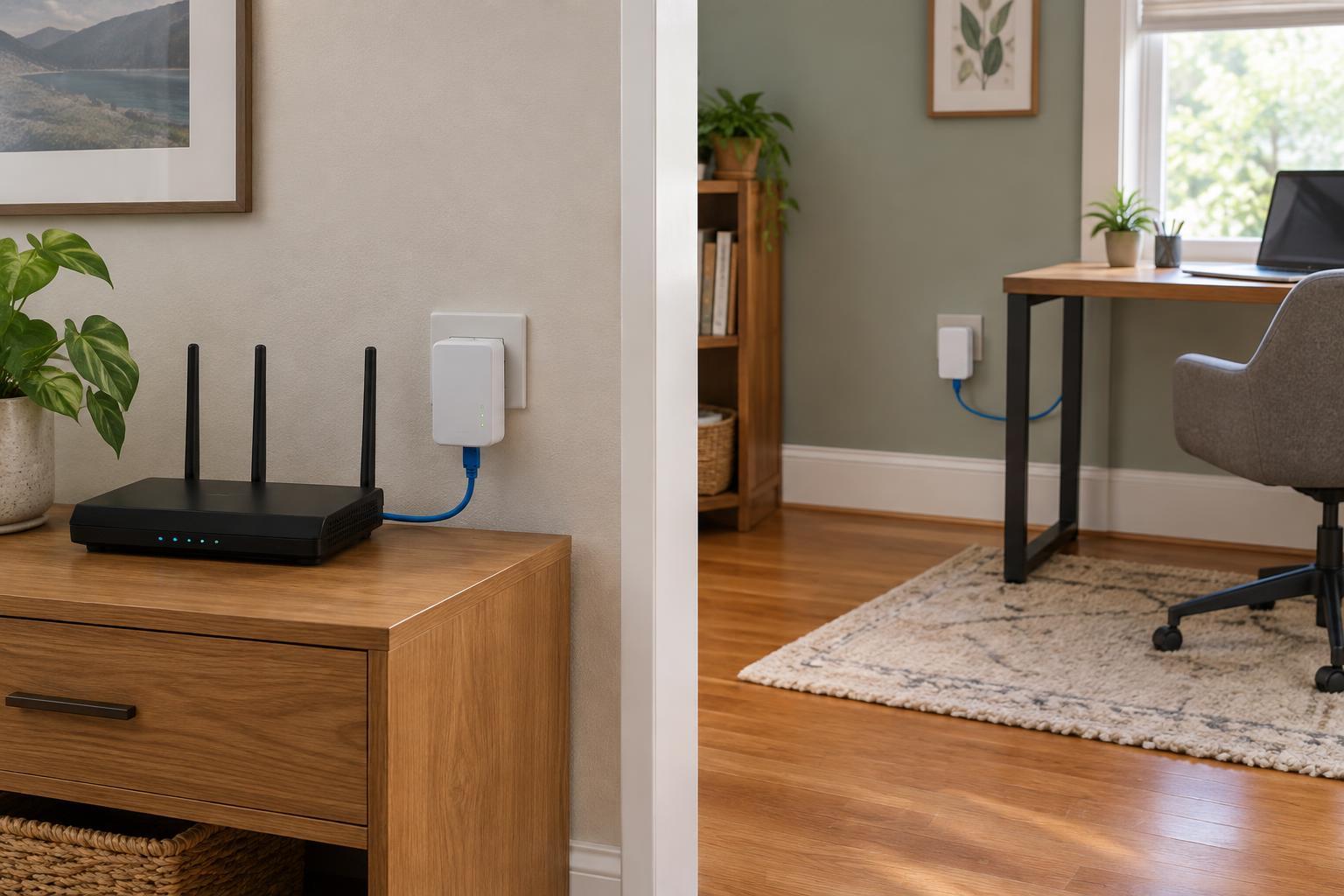
Home NetworksPowerline adapters carry network traffic over a home’s electrical wiring. Learn when they are worth trying, how to install and secure a pair, and what to check if the connection is unreliable.
Read article · 4 min↗
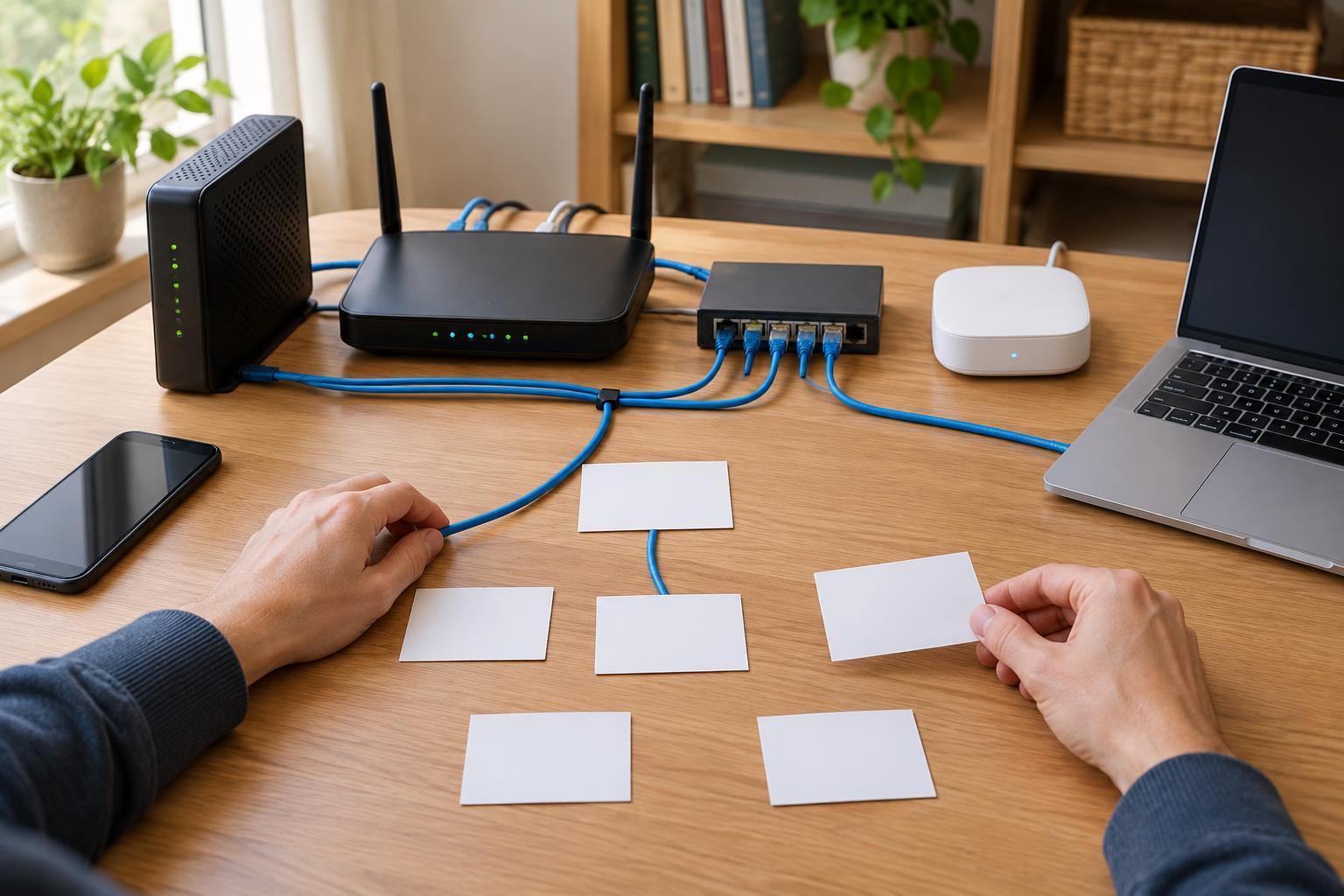
Home NetworksA simple home network map can make connection problems easier to isolate and equipment changes easier to plan. Learn how to record the devices, connections and settings that matter without turning the project into a technical inventory.
Read article · 4 min↗
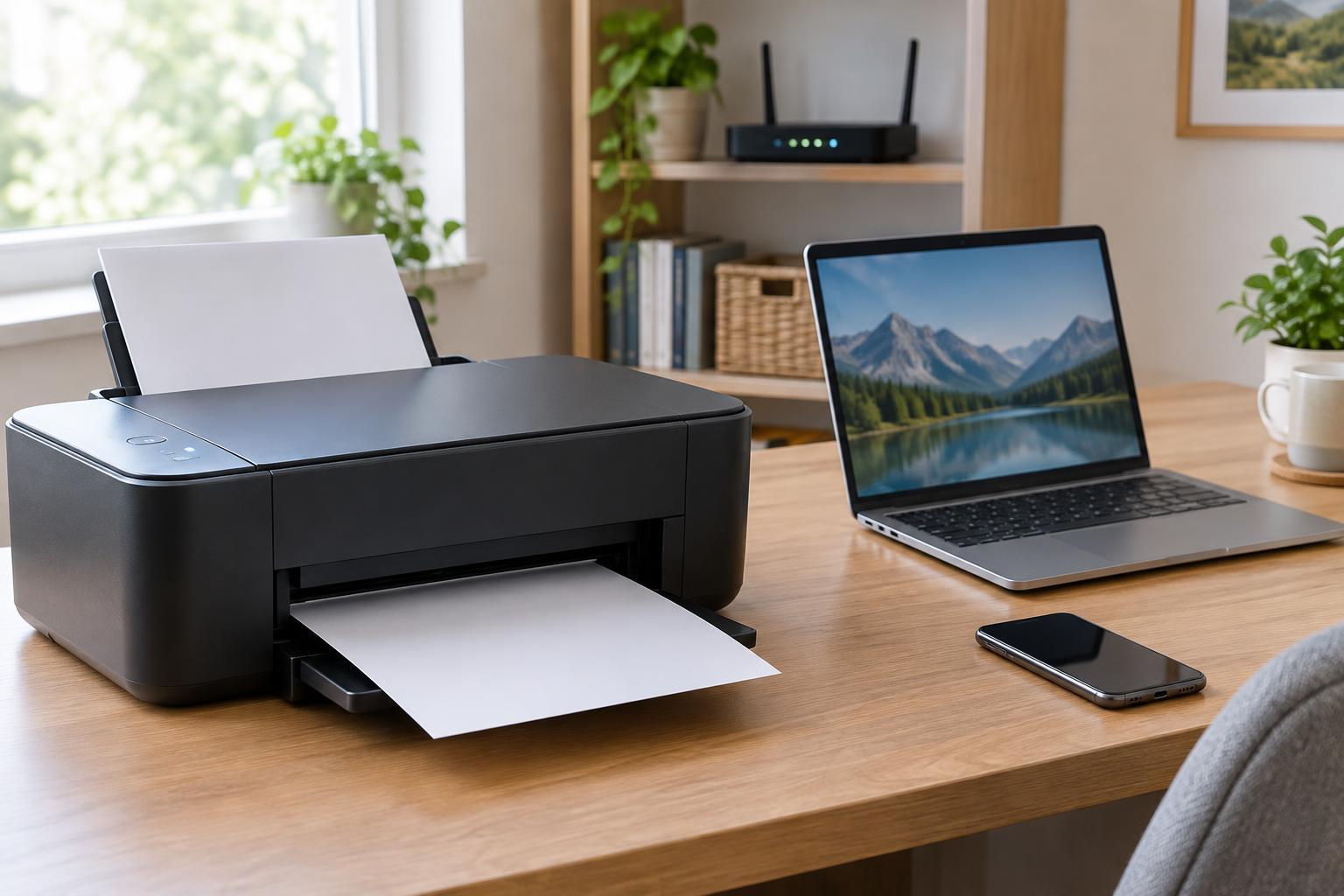
Home NetworksA shared printer lets several computers and phones print without moving cables. Learn the difference between a network printer and a USB printer shared through a computer, how to set each one up, and what to check when printing stops working.
Read article · 4 min↗

Home NetworksSlow Wi-Fi can come from the internet connection, wireless interference, weak coverage, a busy device or the service you are using. A few controlled tests can help you identify which part of the connection needs attention.
Read article · 4 min↗
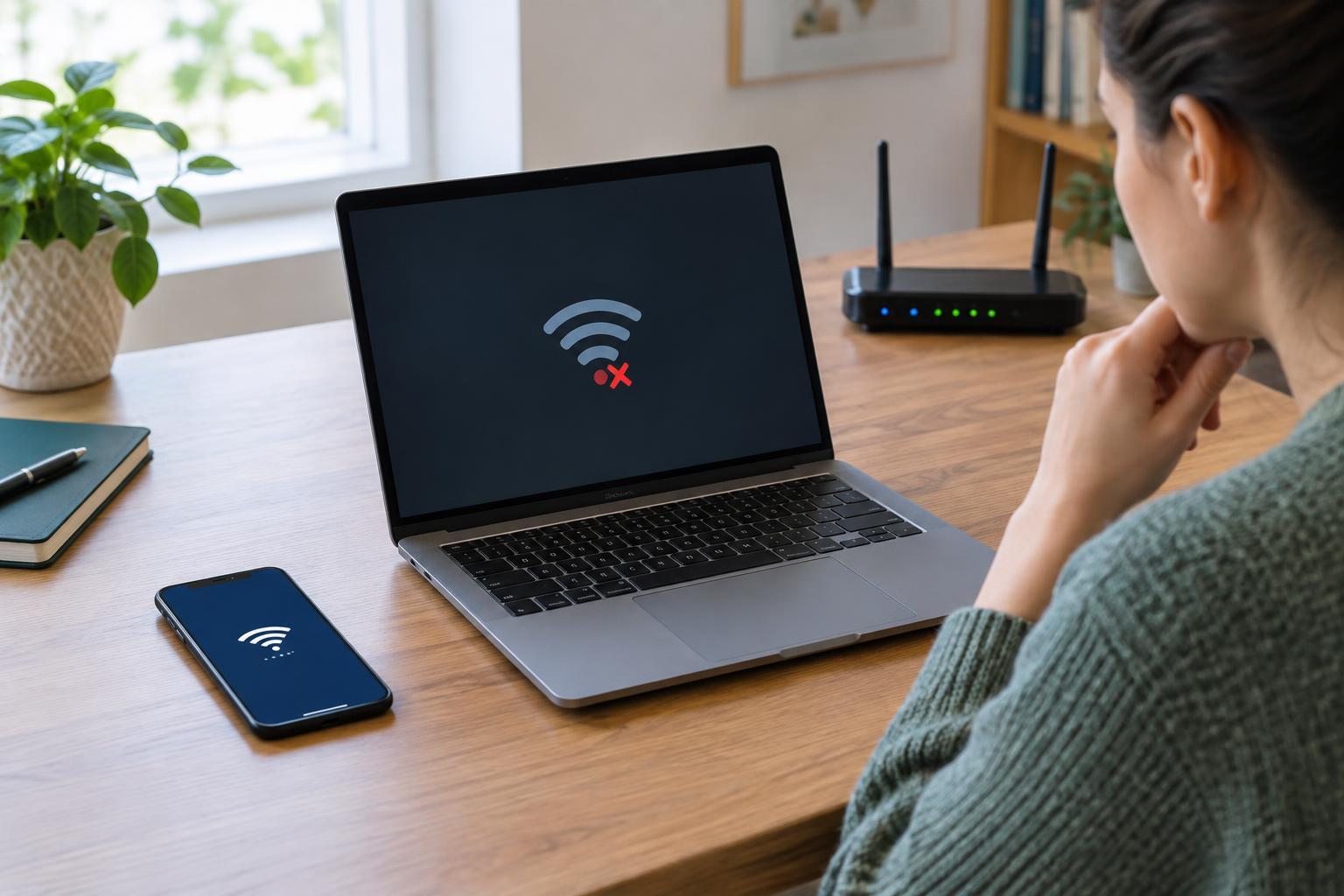
Home NetworksWhen one phone, laptop, or other device loses internet access while everything else works, start by identifying where the connection fails. These checks help you narrow the problem to Wi-Fi, device settings, or a particular app before changing your home network.
Read article · 4 min↗
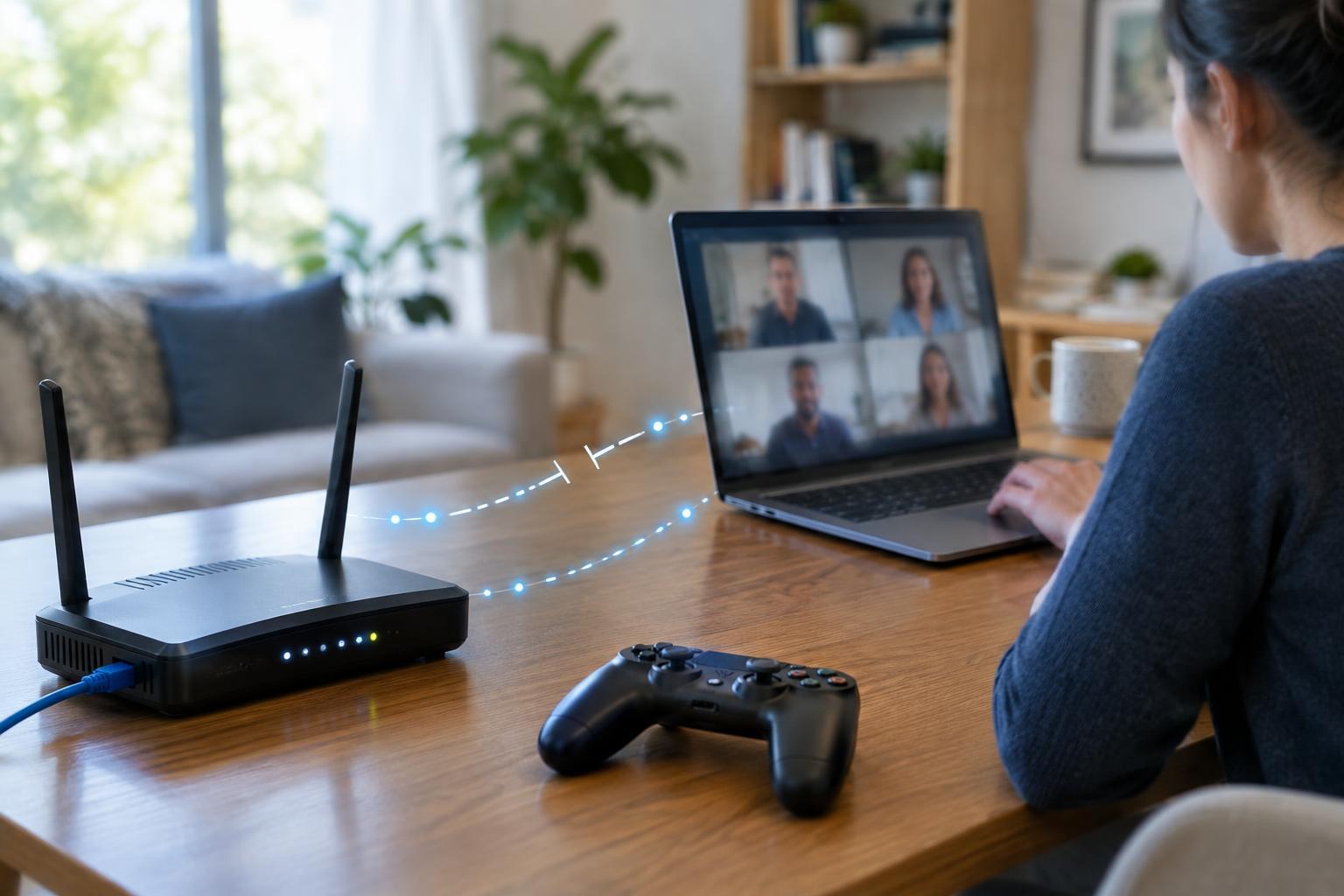
Home NetworksA fast internet plan does not guarantee smooth calls or responsive games. Learn what ping, jitter, and packet loss measure, how to check them, and how to narrow down the source of a problem.
Read article · 4 min↗
Home NetworksA faster download number is not always the answer. Learn what download and upload speeds do, how shared use affects your household, and which other plan details matter before you switch.
Read article · 4 min↗
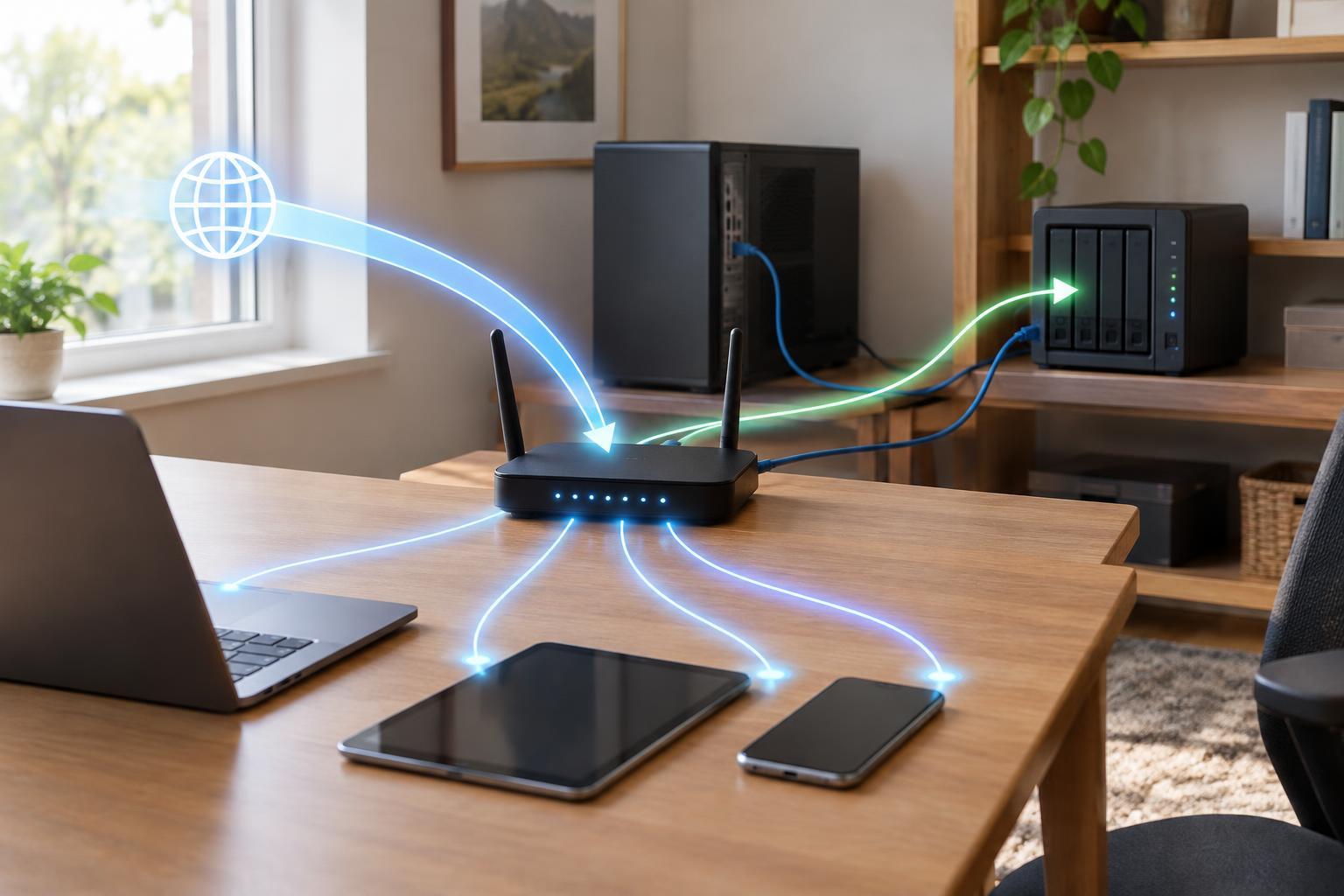
Home NetworksNAT lets devices on a home network share an internet connection, while port forwarding directs selected incoming connections to a device inside that network. Learn how they work together, when a forwarding rule is useful, and what to check before opening a port.
Read article · 4 min↗
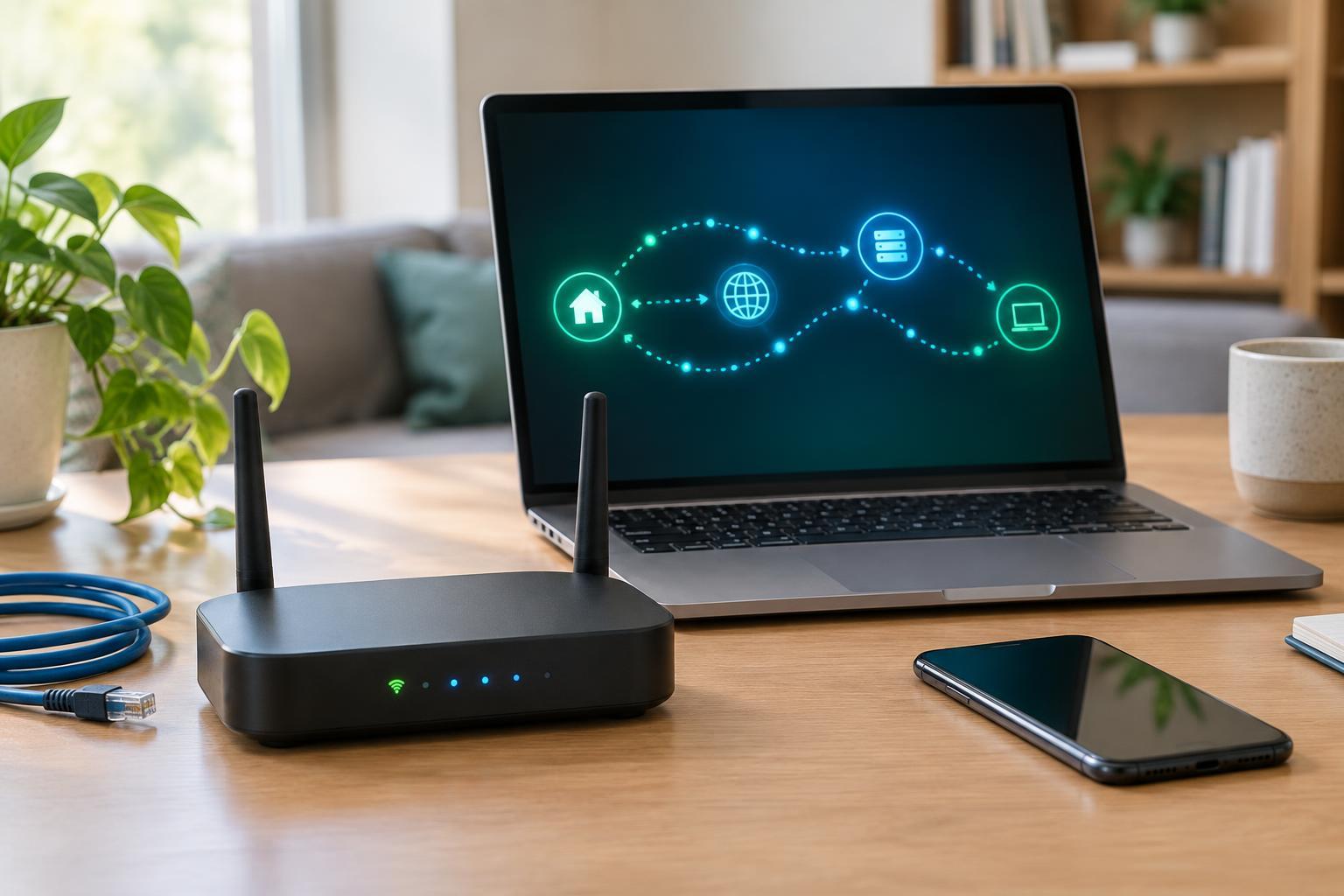
Home NetworksDNS turns names such as example.com into addresses devices can use. Learn how a home network handles DNS requests, when a different resolver may help, and what to check before changing your settings.
Read article · 4 min↗
Home NetworksWhen a device joins a home network, it usually receives its local IPv4 address automatically. Learn how DHCP makes that happen, what information it supplies, why addresses can change, and how to troubleshoot common assignment problems.
Read article · 4 min↗
Home NetworksA guest Wi-Fi network can give visitors internet access without sharing your main network password or exposing household devices. Learn how to set one up, choose sensible access rules, and check that the separation works.
Read article · 4 min↗
Home NetworksWPA3 is a good choice when your router and devices support it, but WPA2 can still be a practical option for older equipment. Learn what the common Wi-Fi security modes mean, when mixed mode helps, and how to check that your network is configured sensibly.
Read article · 4 min↗
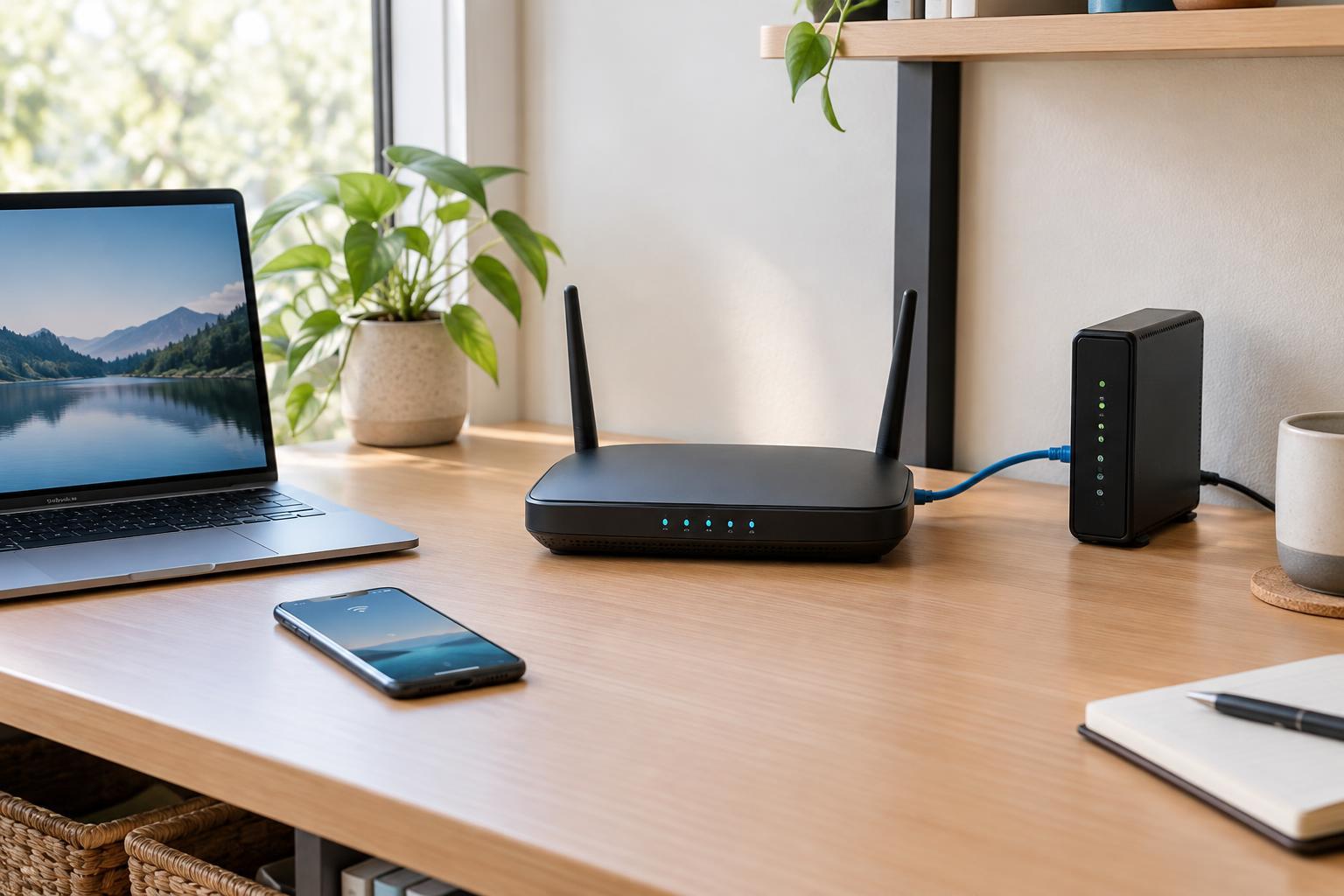
Home NetworksSetting up a home router involves more than plugging it in. Learn how to connect it to your internet equipment, secure the Wi-Fi network, choose a good location and check that your devices work as expected.
Read article · 5 min↗
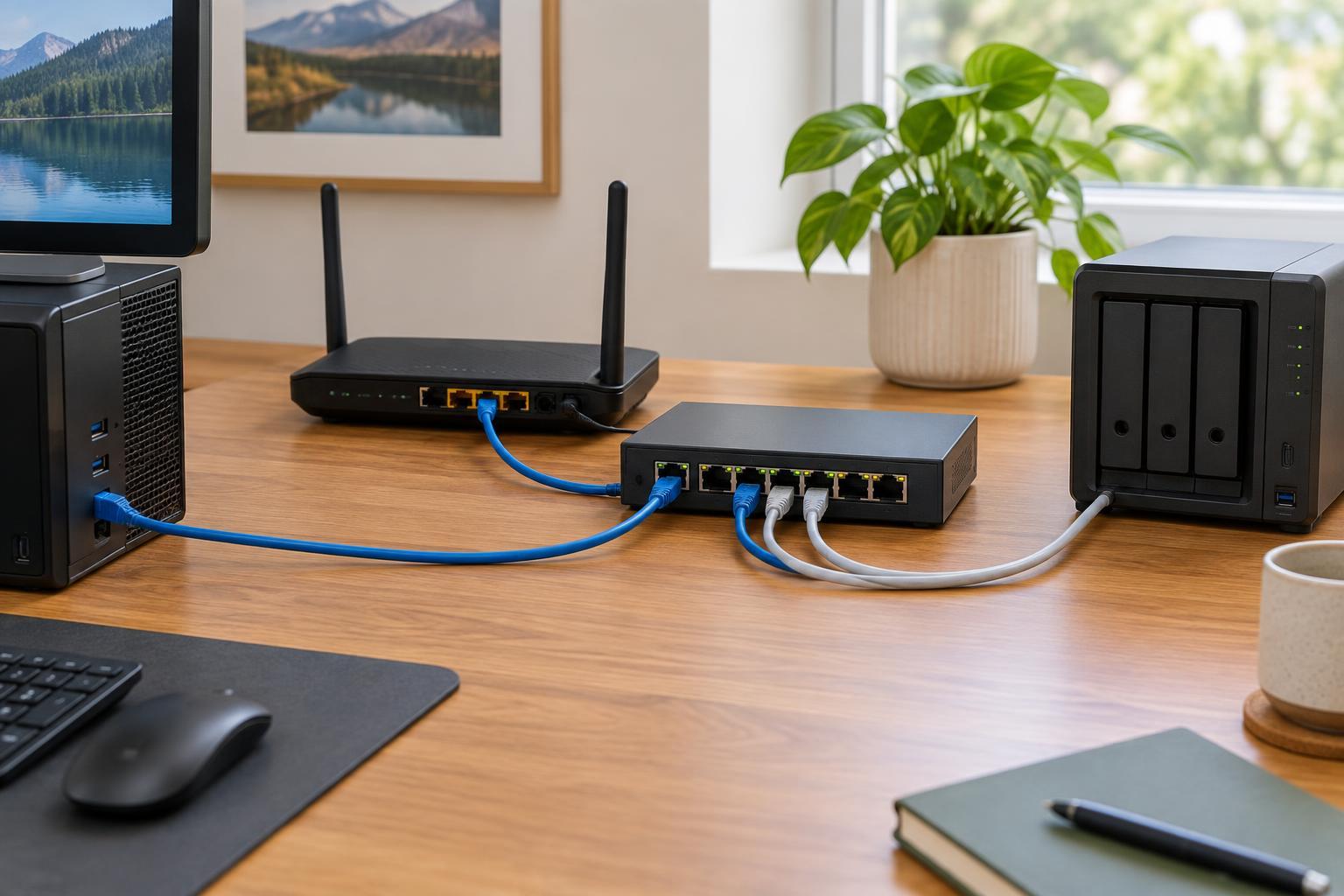
Home NetworksAn Ethernet switch gives you more wired connections without replacing your router. Learn when one is useful, where to connect it, and which features matter for a typical home network.
Read article · 4 min↗
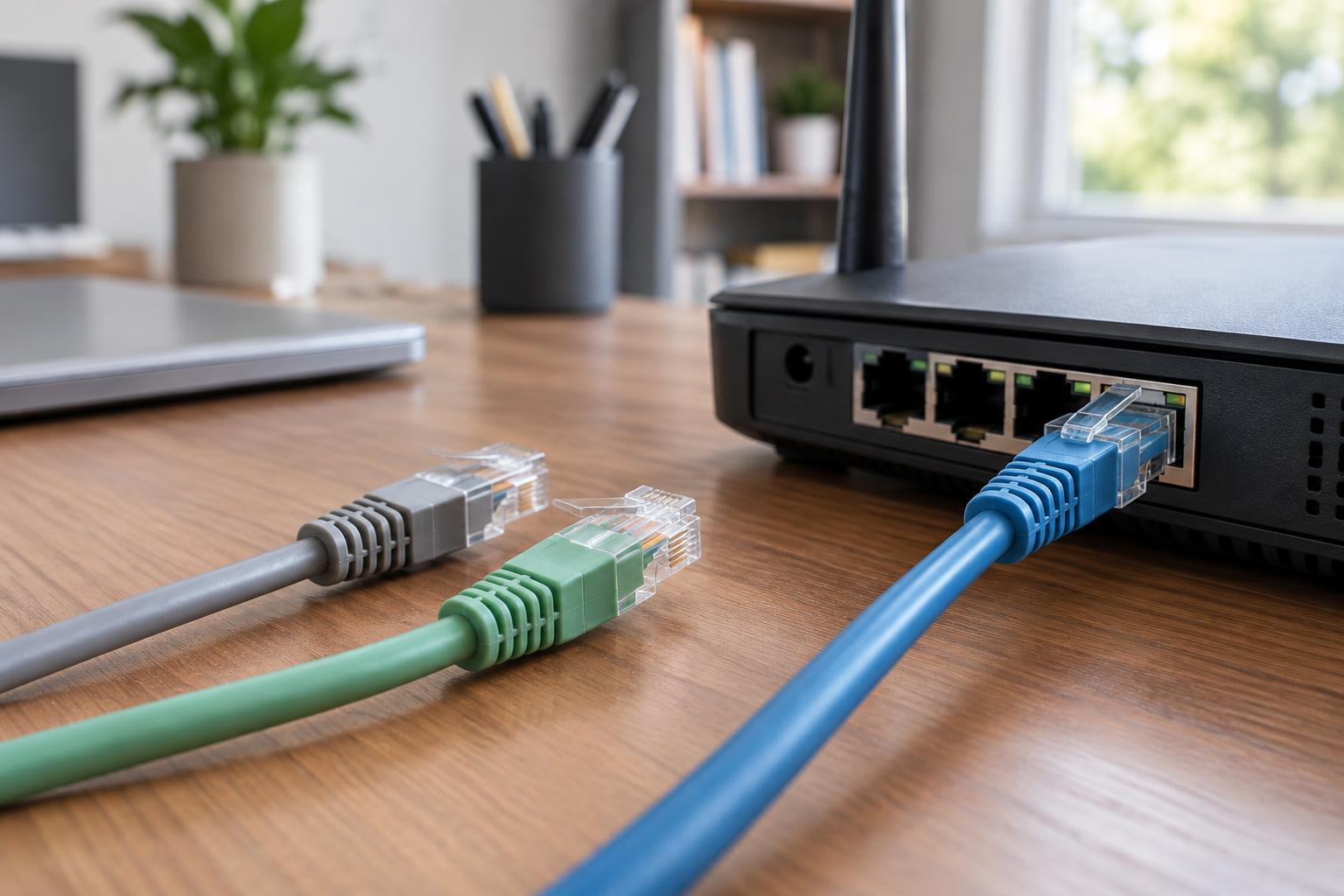
Home NetworksCat5e, Cat6 and Cat6a can all serve a home network, but the best choice depends on the speed you need, the length of the run and how the cable will be installed. Learn what the category labels mean and which details matter when shopping.
Read article · 4 min↗
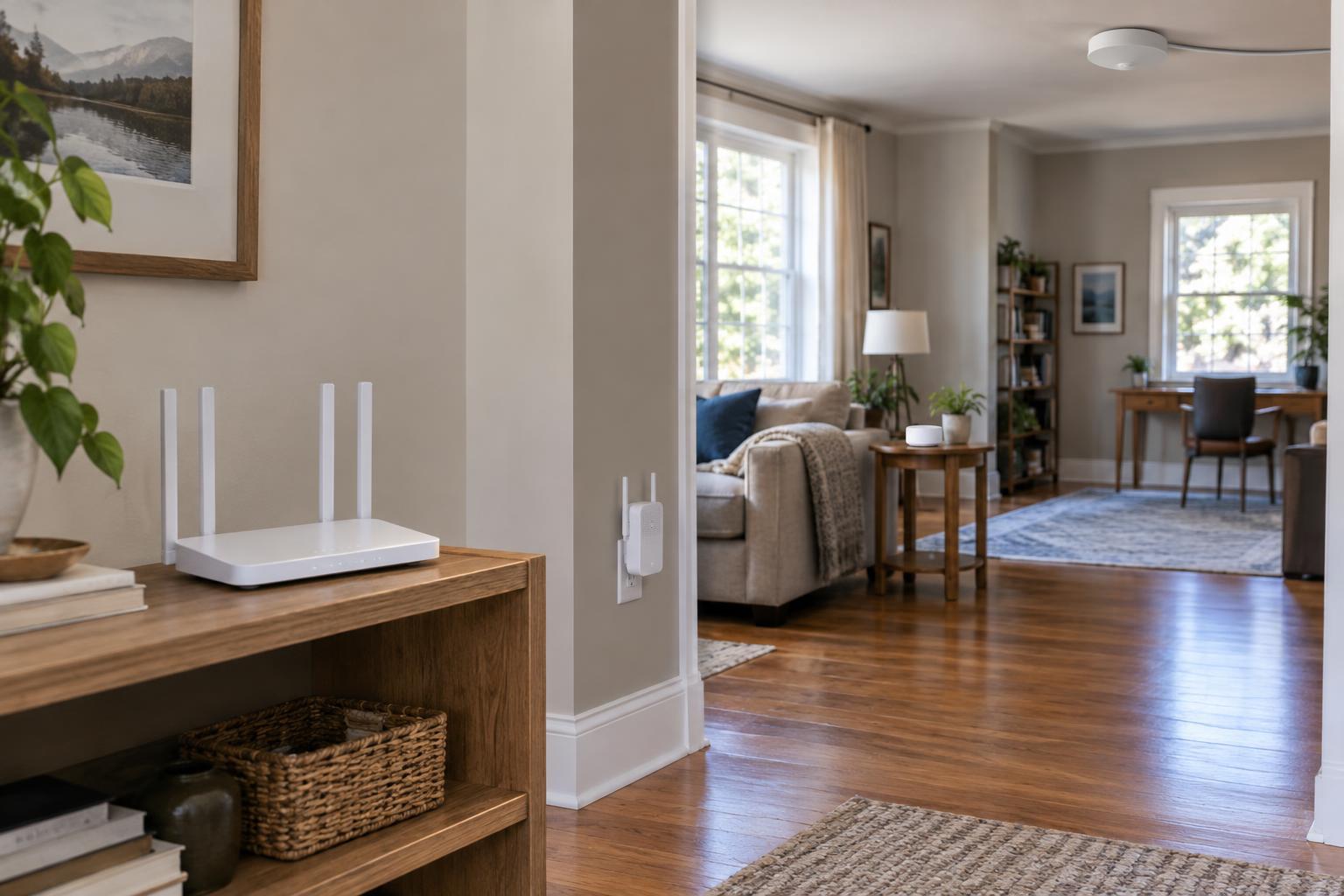
Home NetworksWeak Wi-Fi in one room does not always call for a new router. Learn how mesh systems, range extenders, and wired access points differ, and how to choose based on your home’s layout, cabling, and connection needs.
Read article · 4 min↗

Home NetworksRouter placement can make a noticeable difference to Wi-Fi coverage without changing your internet plan. Learn how to choose a central, open location, avoid common obstacles, and test whether a new position actually helps.
Read article · 4 min↗
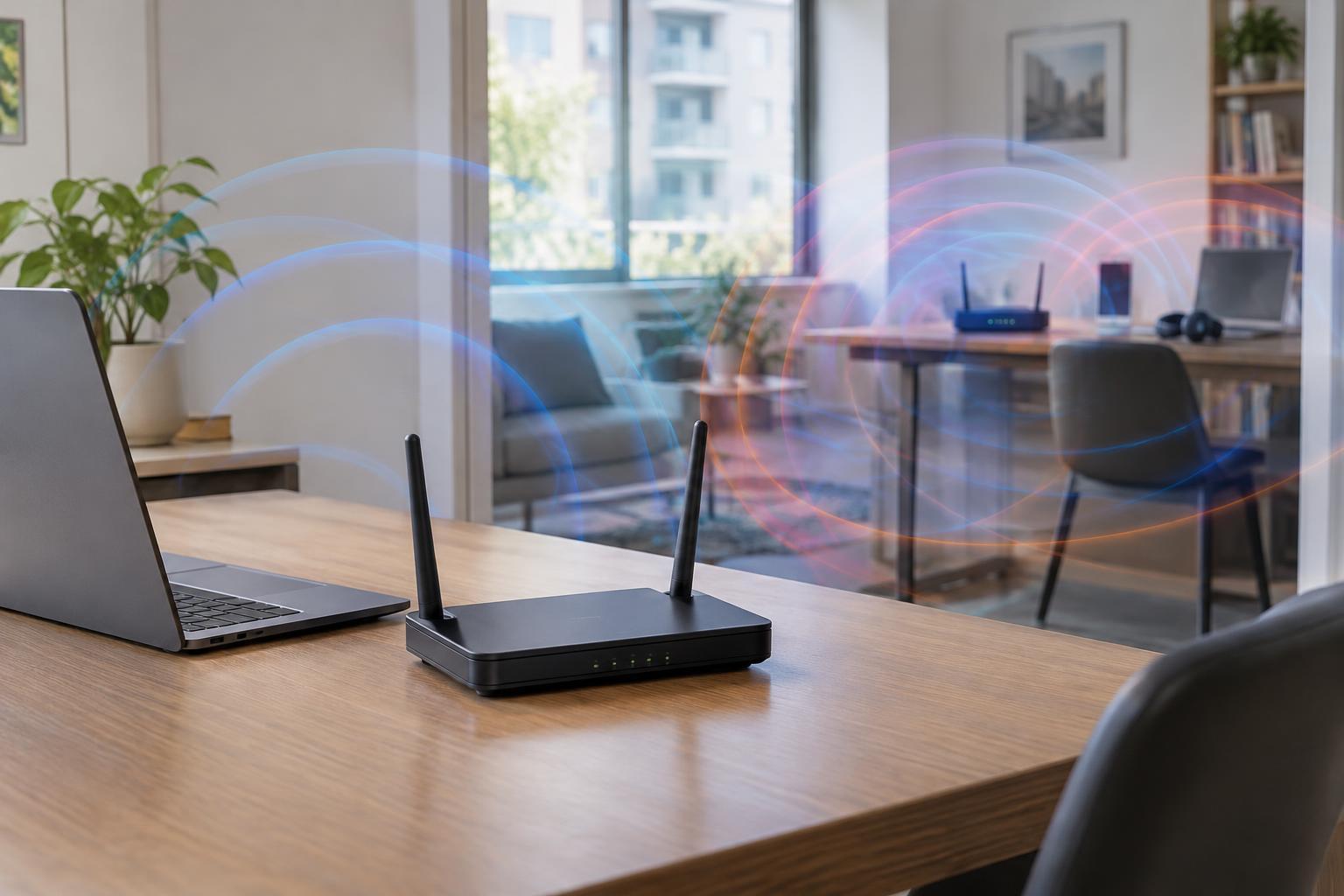
Home NetworksA strong Wi-Fi signal does not always mean a fast, reliable connection. Learn how channels, channel width and nearby devices affect performance—and how to make sensible changes at home or in a small office.
Read article · 4 min↗
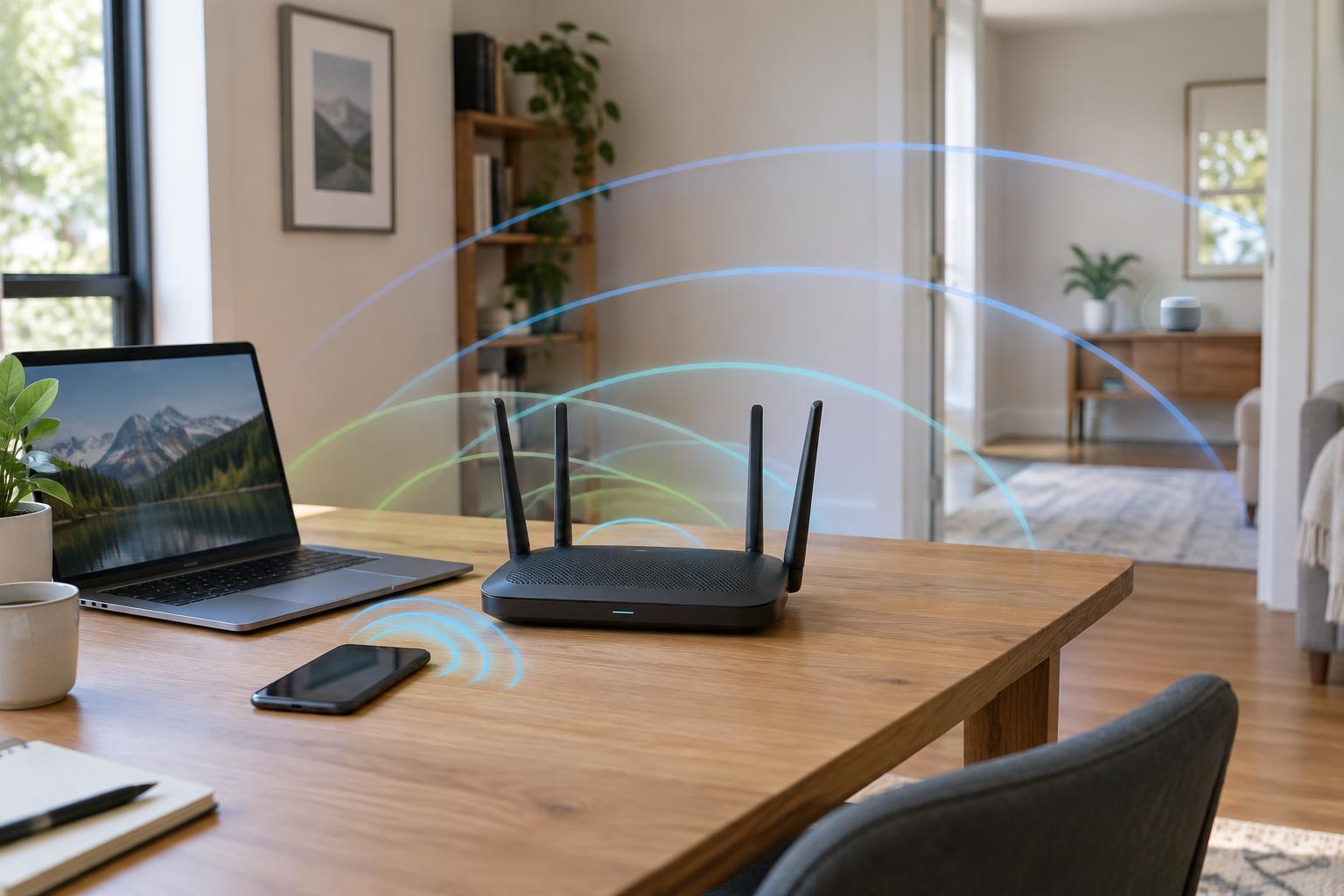
Home NetworksThe three Wi-Fi bands serve different needs. Learn how range, interference, channel width and device support affect everyday performance, and when to use each band at home or in a small office.
Read article · 4 min↗
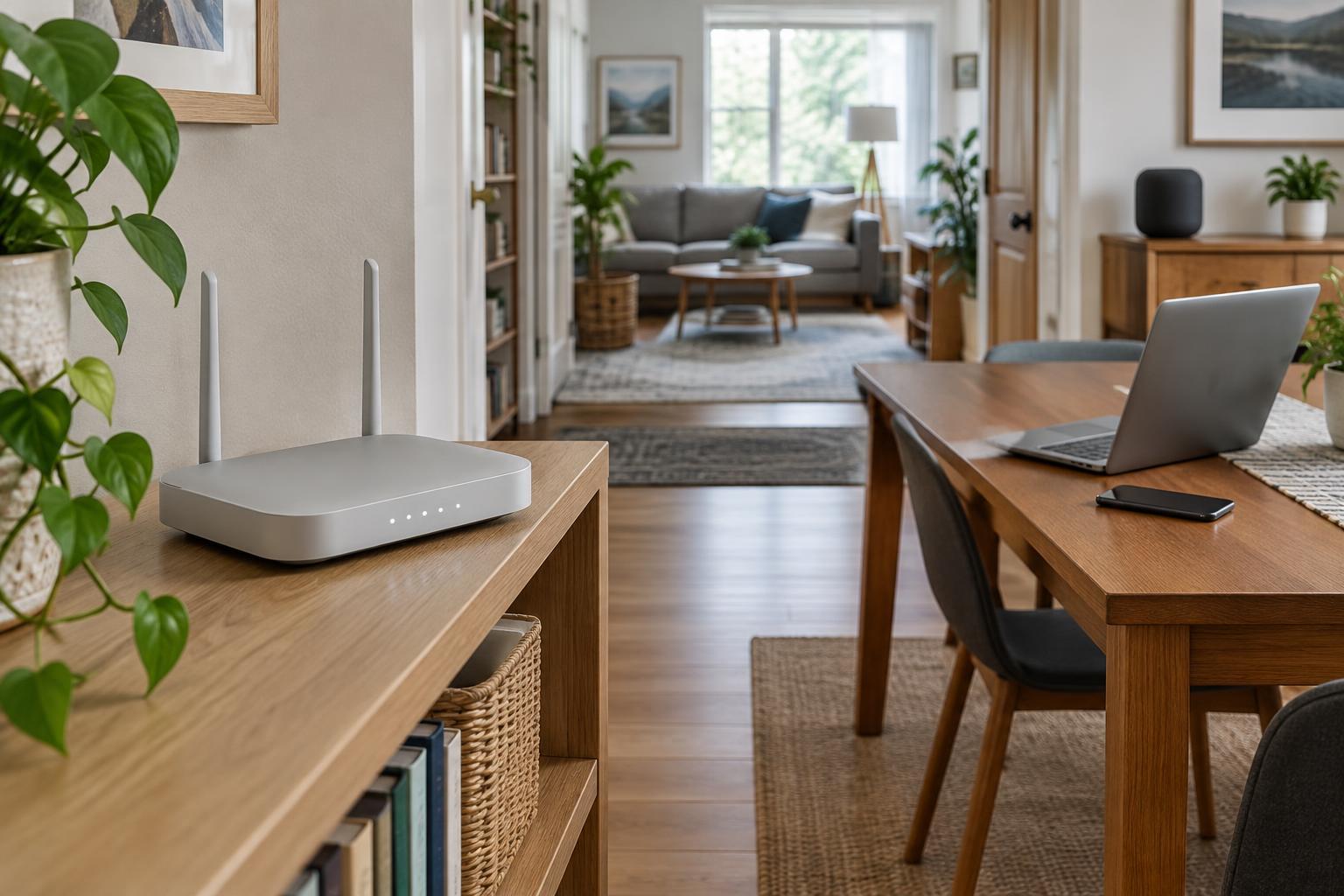
Home NetworksNewer Wi-Fi standards can improve a home network, but the best upgrade depends on your devices, layout, and connection problems. Learn what Wi-Fi 5, 6, 6E, and 7 change—and when a new router is worth buying.
Read article · 4 min↗
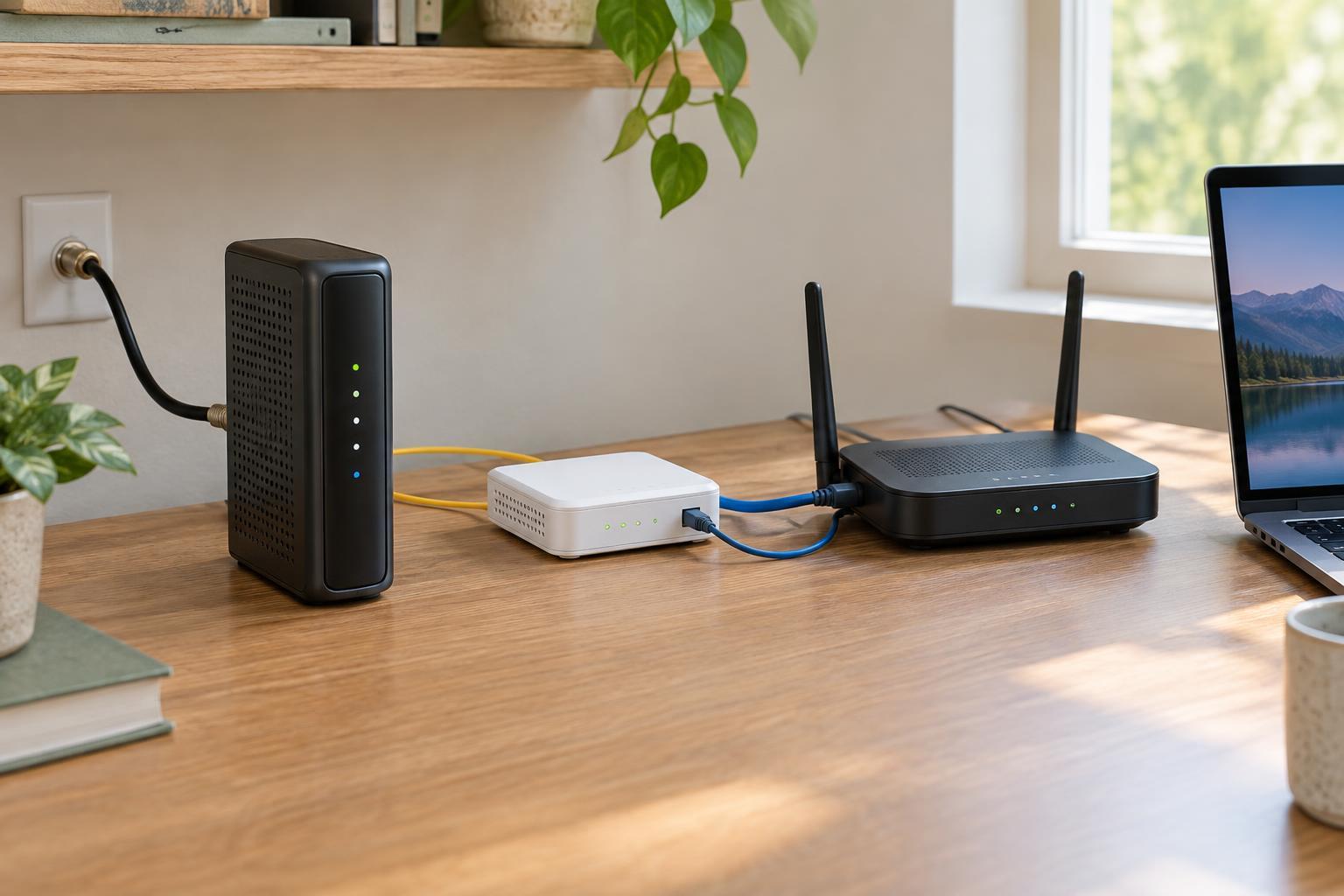
Home NetworksA modem, router and fiber ONT can all sit between your devices and the internet, but they do different jobs. Learn how to identify each one, understand common all-in-one gateways and troubleshoot the right part of your connection.
Read article · 4 min↗
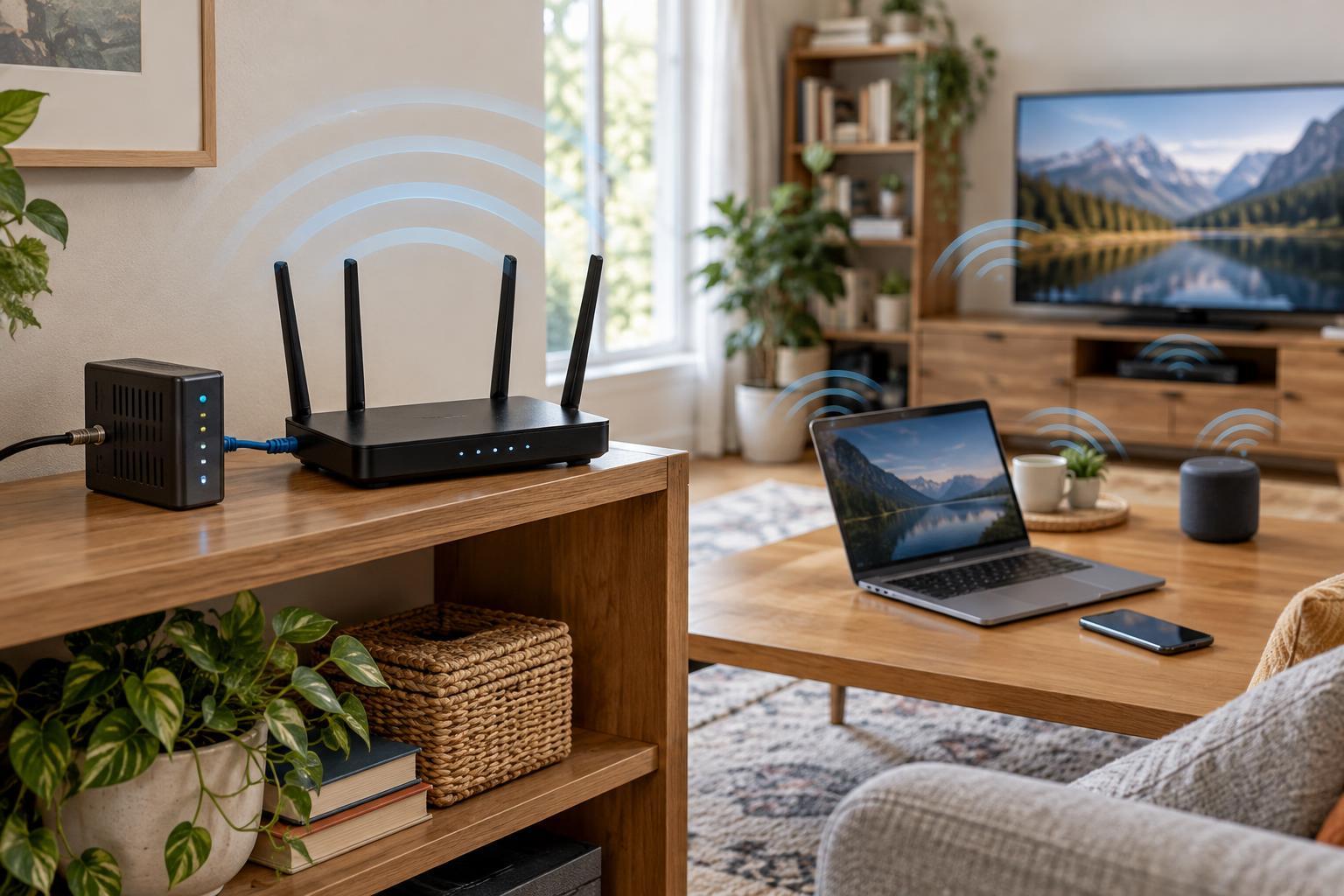
Home NetworksYour home network links phones, computers, TVs and smart devices to one another and to the internet. Learn what the main network equipment does, how a connection reaches a website, and how to make your setup easier to manage.
Read article · 4 min↗