Start with the rooms that need Wi-Fi
A router sends Wi-Fi signals through your home, but those signals weaken as they travel and pass through obstacles. Before moving anything, identify where a reliable connection matters most: perhaps a home office, living room, bedroom, or video-call space. A central location relative to those rooms is usually a better starting point than a corner of the house.
The ideal spot is not always the geographic center. If most devices are on one floor, placing the router near that floor may be more useful than centering it between an occupied floor and an unused basement. Likewise, a router positioned near the middle of a long home may serve its far ends more evenly than one placed beside an exterior wall.
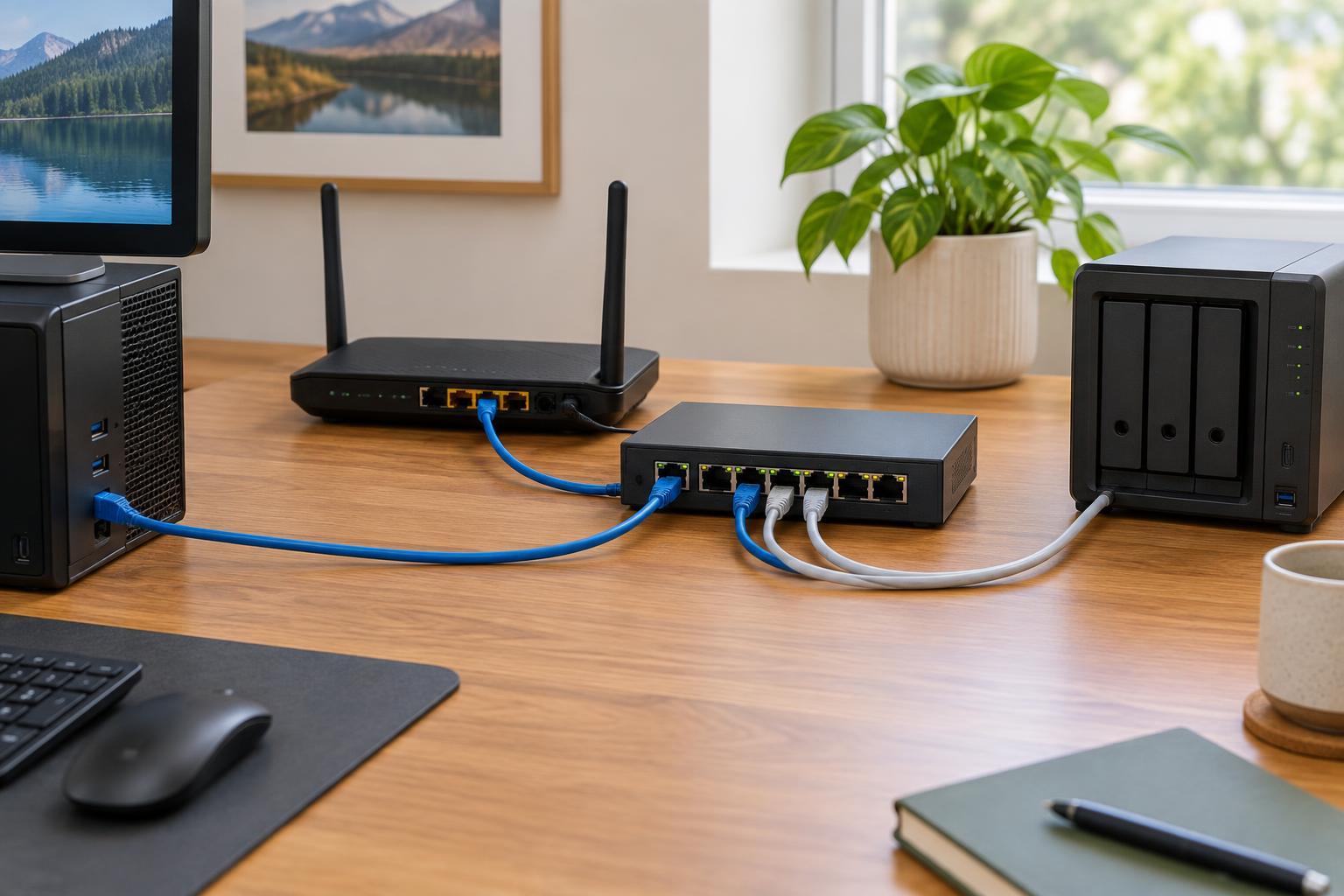
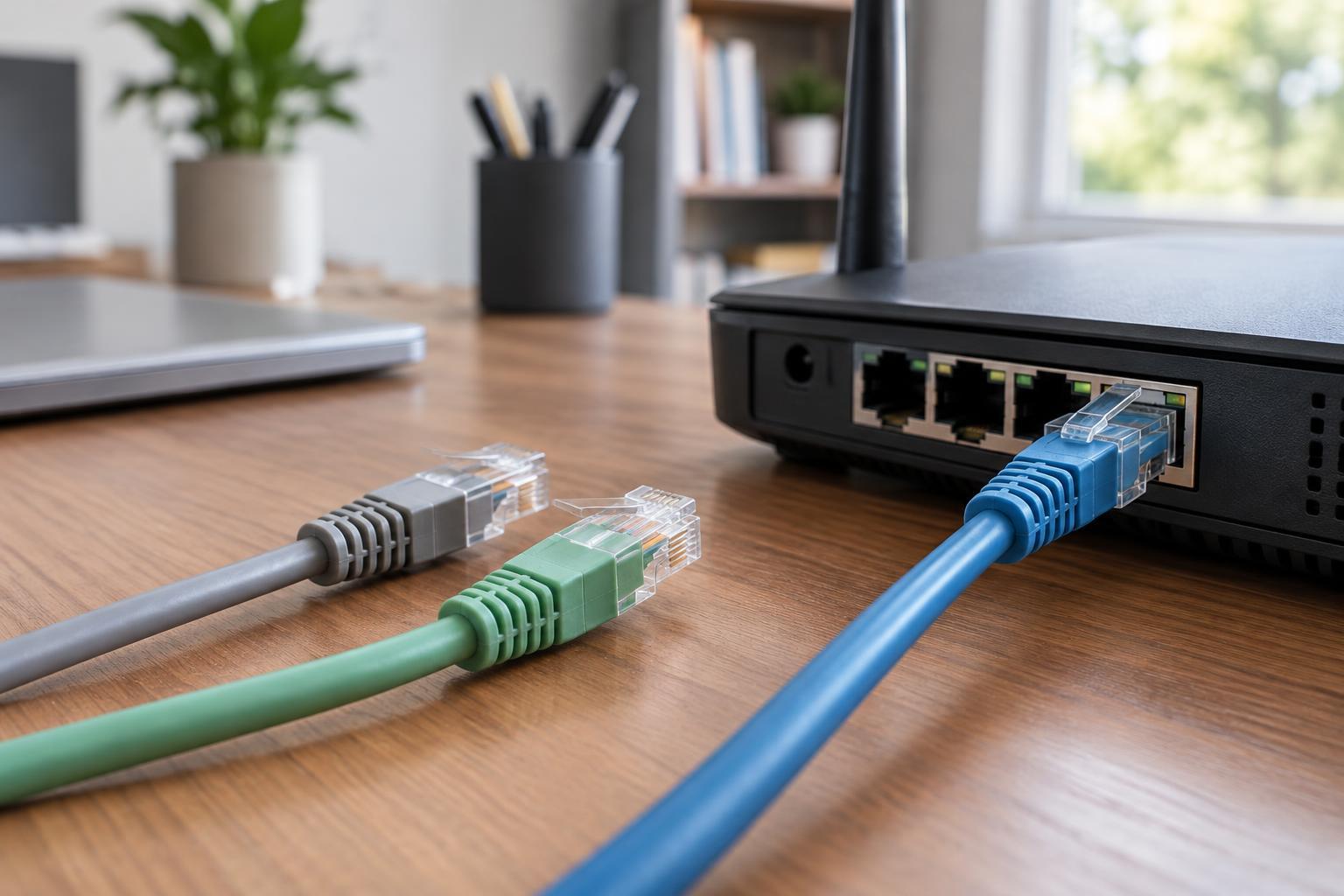
Your router may need to connect by cable to a modem or fiber terminal, which can limit your choices. If the cable reaches only one inconvenient spot, check whether a longer suitable Ethernet cable would let you move the router. Avoid stretching cables across walkways or placing equipment where it can be knocked over.
Give the signal an open path
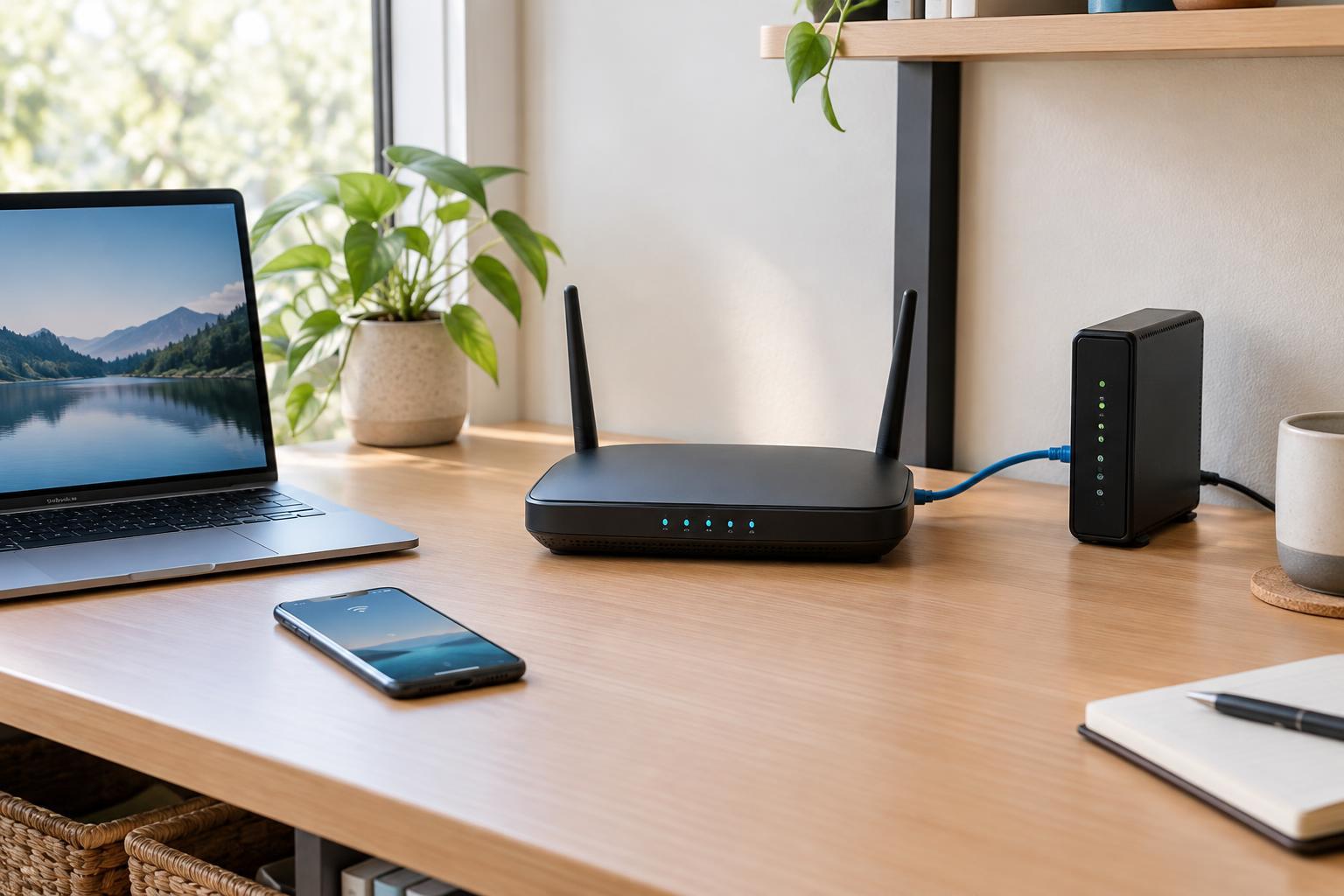
Place the router out in the open rather than inside a cabinet, behind a television, or under a desk. Walls, floors, metal objects, and dense furnishings can all reduce signal strength. Materials vary, so a single wall may have little effect in one home while a reinforced wall or large metal appliance creates a noticeable weak spot in another.
A shelf or tabletop can be a practical choice, provided the router is stable and has room for airflow. Keeping it off the floor may help it avoid nearby furniture and clutter, but height alone will not fix a difficult layout. Follow the manufacturer’s guidance on orientation, especially if the router has adjustable external antennas. Do not cover vents or stack other equipment on top of it.
Try to keep the router away from large appliances and other electronics when possible. Some devices can cause radio interference, while metal surfaces may obstruct or reflect the signal. You do not need to clear an entire room: moving the router a short distance away from a crowded entertainment unit may be enough to make a useful difference.
Account for floors, walls, and outdoor areas
In a multi-story home, consider where people use Wi-Fi across floors. A router at one far end of the lowest floor has a harder job than one nearer the center of the occupied space. If possible, try a position with fewer heavy walls and floors between the router and the rooms you care about. Stairwells or more open areas may provide a better path, though the results depend on the building.
An exterior wall is often a poor default location because some of the router’s coverage extends outside rather than toward the rest of the home. That may be acceptable if you specifically want coverage on a patio or in a nearby workspace. The aim is to put the router where its coverage overlaps your actual needs, not to follow a rigid rule about the center of the house.
No single router position can overcome every obstacle. A large home, thick walls, or separated rooms may need another access point or a well-placed mesh node. Place added equipment where it can still receive a good connection, rather than in the dead zone itself. If you can run Ethernet to a second access point, that can provide a dependable connection between locations.
Test changes instead of guessing
Make one placement change at a time, then check the rooms that matter. Use the same phone or laptop in the same locations and compare everyday tasks such as loading pages or joining a video call. Your device’s Wi-Fi signal indicator can help reveal a weak area, but it is only a rough guide. A speed test can also be useful when repeated under similar conditions, though results may vary for reasons unrelated to router placement.
Remember that Wi-Fi coverage and internet speed are not the same thing. If a device has a strong Wi-Fi connection but every device experiences slow internet, moving the router may not address the cause. If only one room struggles, placement, obstacles, or interference are more plausible places to investigate. Also compare the available Wi-Fi bands if your router offers them: a 2.4 GHz connection may reach farther through some obstacles, while a 5 GHz connection may work better at shorter range.
Once you find a good spot, keep the router ventilated and its cables secure. Record the placement that worked so you can restore it after cleaning or rearranging furniture. The best location is the one that delivers usable connections in the rooms you rely on, not necessarily the one that looks best on a floor plan.