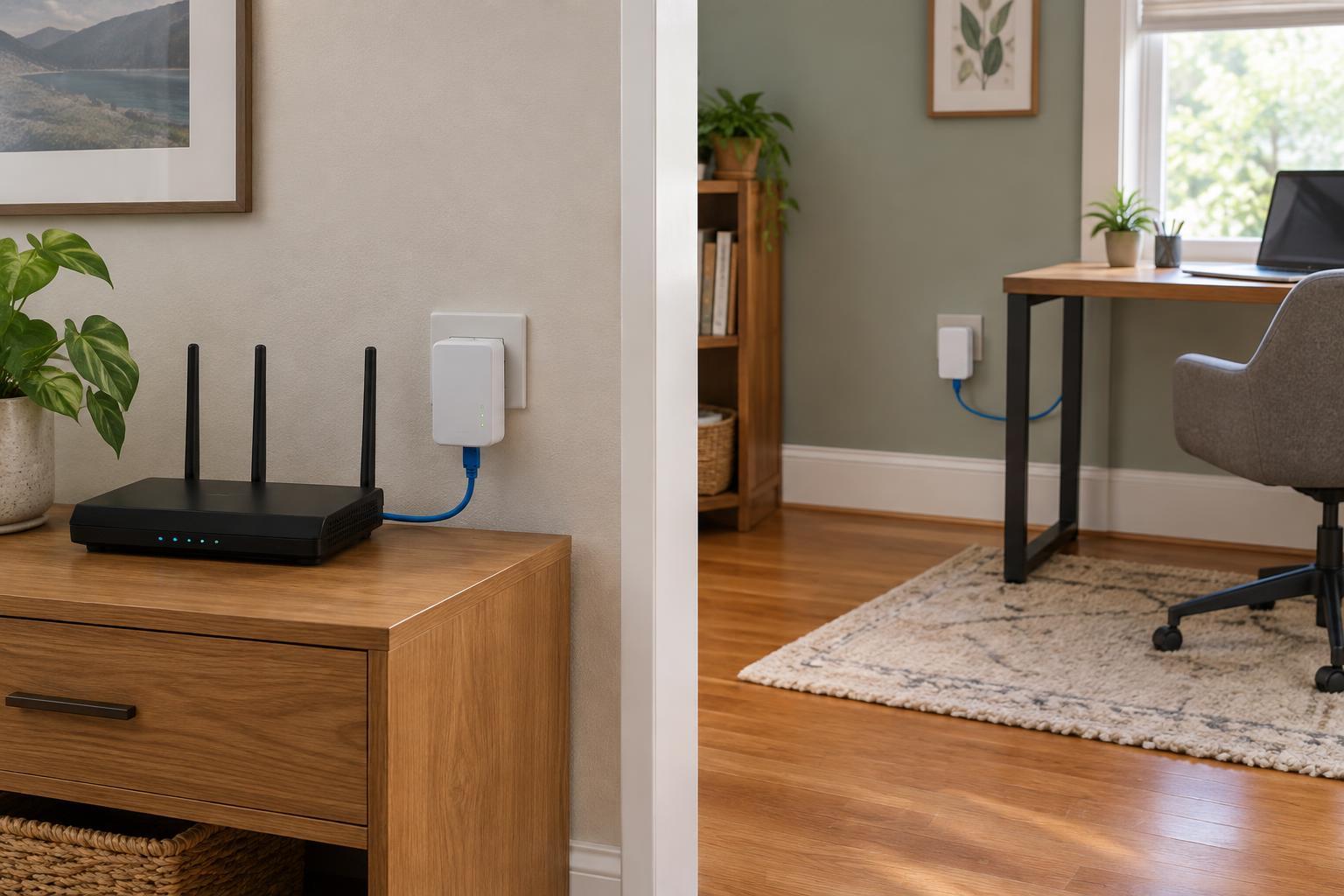
What a powerline adapter does
A powerline networking kit usually contains at least two adapters. One connects by Ethernet cable to your router and plugs into a wall outlet. The other plugs into an outlet near the device you want to connect, providing an Ethernet port there. The adapters exchange data over the electrical wiring between those outlets. They do not replace your router or your internet service.
Powerline can be useful when Wi-Fi is weak in a particular room and running an Ethernet cable is impractical. It may suit a stationary device such as a desktop computer, television, or game console. Some adapters also provide a Wi-Fi access point, but that feature is separate from the powerline connection: the electrical wiring carries traffic between rooms, while the access point connects nearby wireless devices.
Decide whether it fits your home
Treat powerline as an option to test, not a guaranteed substitute for Ethernet. Its performance depends on the wiring and electrical conditions between outlets. Two outlets in the same home can produce very different results, and appliances or chargers may introduce interference. A speed figure printed on the box describes the adapter’s technology under favorable conditions; it is not a promise of the download speed a device will receive.
Before buying, identify the room where the connection is needed and check that it has a suitable wall outlet near the device. If the device only has Wi-Fi, you will need an adapter model with Wi-Fi or another way to connect it. Check that the kit includes the Ethernet cables you need and that any additional adapters you plan to add are compatible with the kit. A return option can be valuable because the wiring in your home is the deciding factor.
If you can install a dedicated Ethernet cable, that is generally the more predictable wired choice. If you primarily need broader wireless coverage for phones and laptops, a well-placed access point or mesh system may be a better fit. Powerline is most compelling when there is a specific location to reach and the simpler alternatives are unsuitable.
Set up a pair and test the result
Start with the adapters close together so you can confirm they work. Plug each one directly into a wall outlet, connect one to a LAN port on your router, and connect the other to a computer or other Ethernet device. Follow the kit’s pairing instructions, then check its indicator lights and confirm that the connected device can reach your local network and the internet. Pairing procedures vary, so use the instructions supplied with your model.
Next, move the second adapter to its intended room. Plug it directly into a wall outlet rather than a surge protector, extension lead, or power strip, which can interfere with the signal. Test a few available outlets if the connection is slow or drops out. Run ordinary tasks that matter to you, such as a video call or file transfer, and compare the experience with Wi-Fi in the same spot. A single speed test may miss intermittent problems, so try the connection at different times during normal household use.
Many kits offer an option to pair adapters into a private powerline network. Use that feature as directed by the manufacturer, particularly in buildings where electrical wiring may be shared or its layout is unclear. If the adapters have management software or a configuration page, change any default administrative password and check the available security settings. Keep the kit’s instructions or model details so you can add or reset an adapter later.
Troubleshoot without assuming the wiring is at fault
If there is no connection, first confirm that both adapters have power and show a paired link. Check the Ethernet cables and make sure the router-side cable is in a LAN port rather than a WAN port. Re-pair the adapters if necessary, then try them together in nearby outlets. If they work there but not in the intended room, test other outlets before concluding that the room cannot support a useful link.
If the connection works but is inconsistent, see whether the trouble coincides with a particular appliance being used. Moving an adapter to another outlet may help. Also test the device and router with a direct Ethernet cable, if possible, to rule out a faulty cable, device port, or wider internet problem. When several outlet choices remain unreliable, another network approach may be less frustrating than repeatedly adjusting the powerline setup.
Keep expectations practical: a powerline link is valuable if it makes the connection stable enough for its intended task, even when its measured speed is below the kit’s advertised figure. If it does not improve on the Wi-Fi you already have, it may not be the right tool for that part of the house.