First, identify the coverage problem
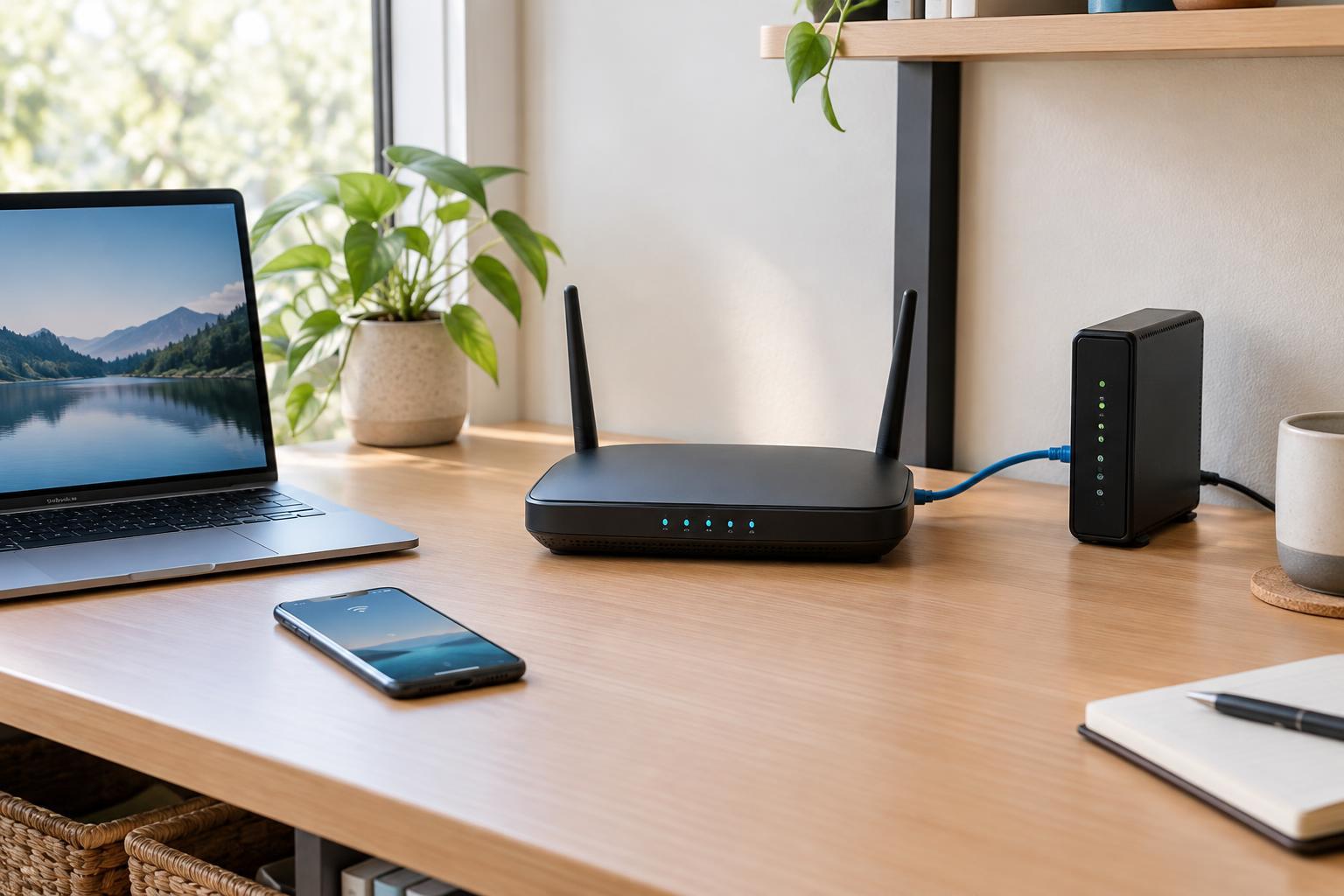
Before adding equipment, find out whether the problem is Wi-Fi coverage or the internet connection itself. Test a device close to the router, then in the troublesome room. If connections are poor even beside the router, an extender or mesh node is unlikely to fix the underlying issue. If service is reliable nearby but drops off through walls or across floors, improving local coverage is a more promising approach.
Placement matters too. A router tucked behind a television, inside a cabinet, or at one end of a long home may leave avoidable weak spots. Try moving it into a more open, central position if the connection to your internet service allows it. Then consider where you need coverage: one nearby room, several distant areas, or a separate workspace. The answer helps narrow the choice.
Range extenders: a simple fix for a limited area
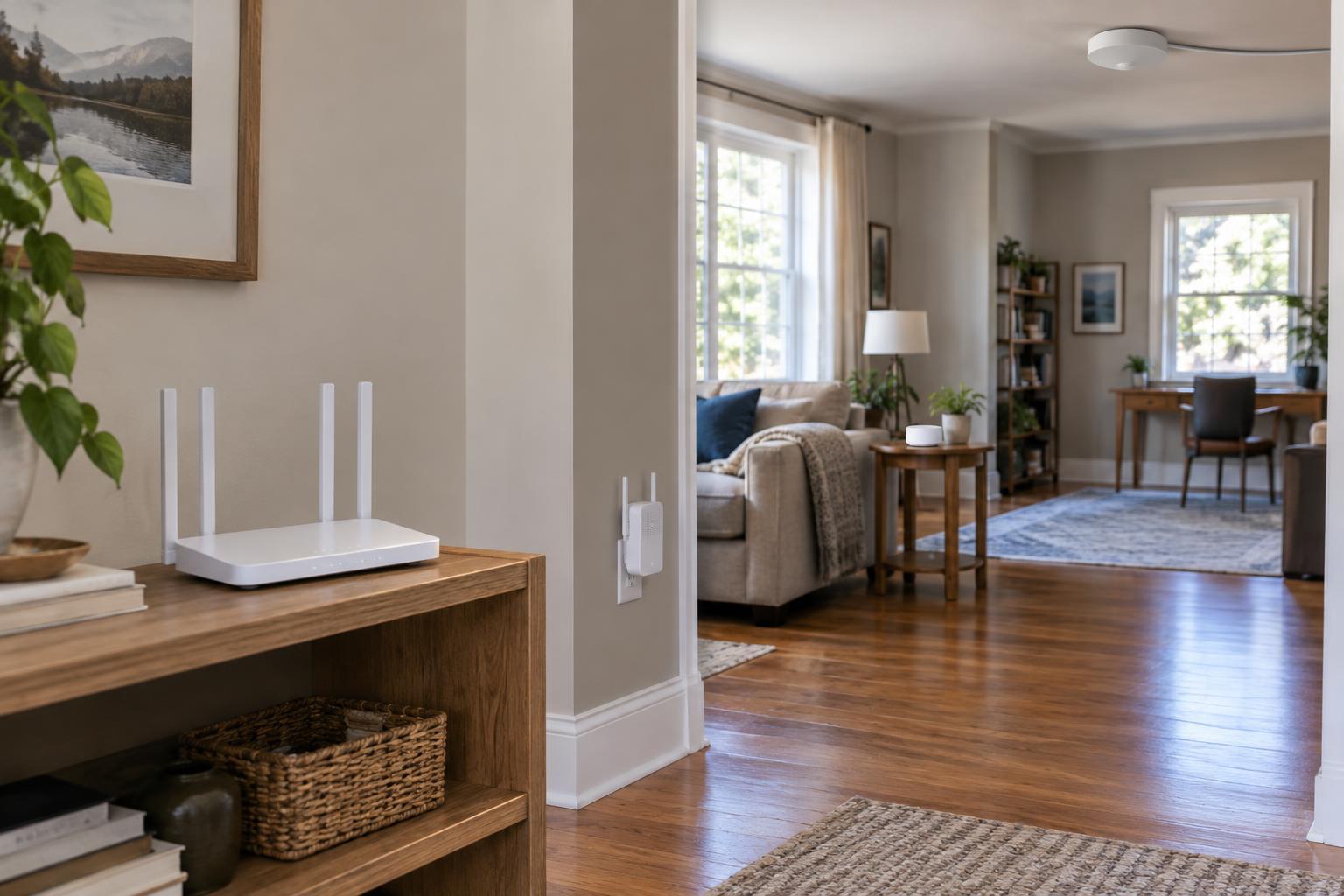
A range extender connects to your existing Wi-Fi and rebroadcasts it farther away. It can be a practical choice when one room needs a modest improvement and running a cable is not convenient. Setup is usually straightforward, and you can generally keep your current router.
An extender needs a dependable signal to repeat. Put it between the router and the weak area, not in the dead zone itself. If its connection back to the router is poor, the extended network will be poor too. Extenders that use Wi-Fi both to receive and retransmit traffic may also have less capacity available for devices, especially when the same radio handles both jobs.
Some extenders create a separate network name, while others can use the router’s name. Either way, devices may not switch between coverage areas as smoothly as you expect. An extender is best viewed as a targeted, low-disruption option rather than the default answer for a large or complicated layout.
Mesh Wi-Fi: coordinated coverage across multiple rooms
A mesh system typically consists of a main unit and one or more additional nodes. The units are designed to operate as one network, making mesh appealing when several parts of a home need better coverage. Many systems provide a shared network name and tools that help manage how devices connect, although each device still has a say in when it switches nodes.
Mesh nodes communicate through a backhaul connection, which may be wireless or wired. Wireless backhaul is convenient, but the nodes must still be close enough to communicate reliably. Thick walls, long distances, and crowded radio conditions can limit performance. Ethernet backhaul, when supported, gives nodes a more dependable path and can free Wi-Fi capacity for your devices.
Mesh often makes sense when you want a coordinated setup without installing cables to every location. Check how a prospective system works with your existing router: some installations replace it, while others use an access-point or bridge mode. Running two devices as routers without intending to can introduce double NAT, which may complicate some network services.
Wired access points: strong coverage where cable is available
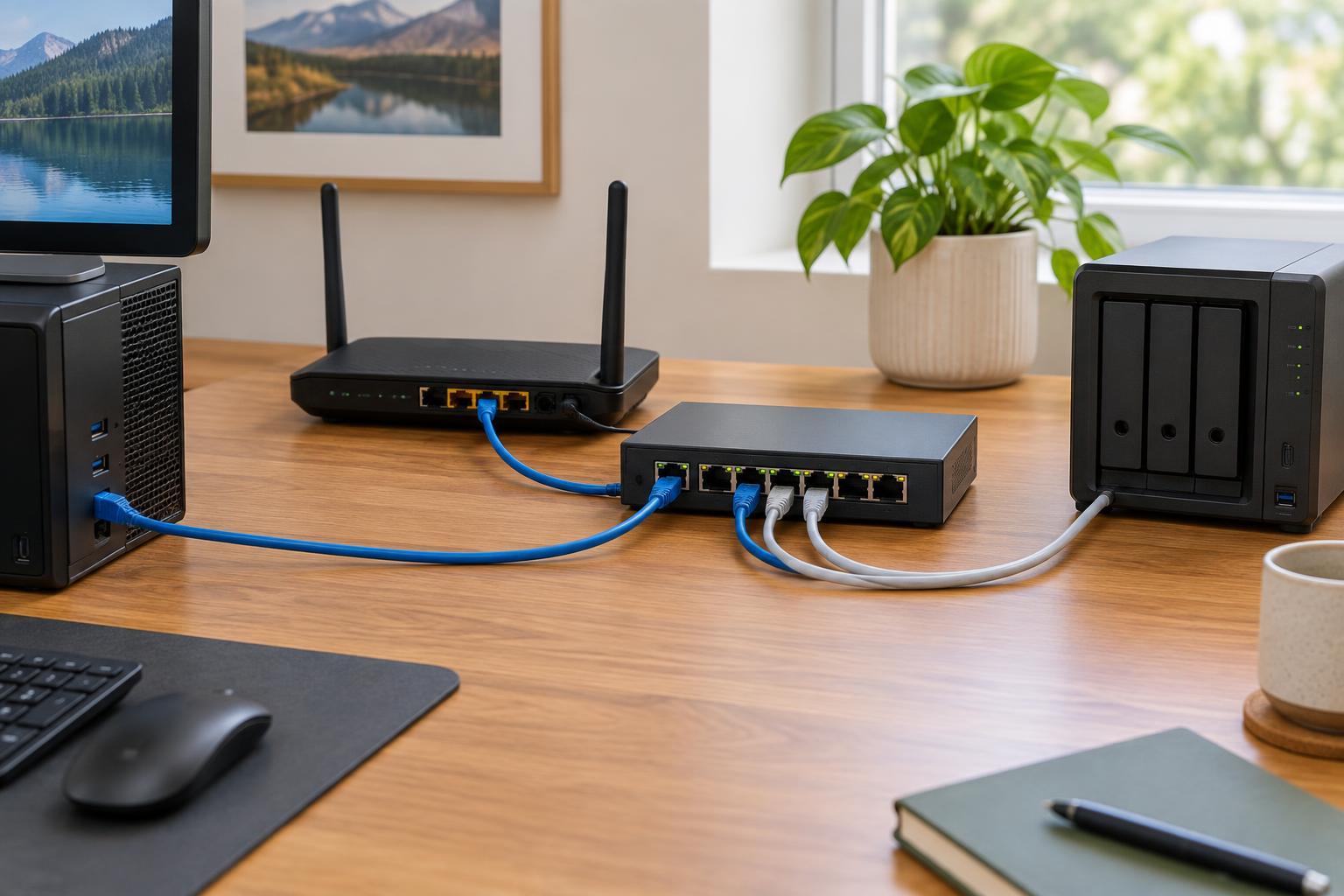
An access point connects to your network by Ethernet and provides Wi-Fi in its location. Because it does not need to relay traffic over a wireless link to the main router, it is often a strong option for a distant room, another floor, or a workspace with several active devices. You can keep your existing router and add coverage where it is needed.
The trade-off is getting Ethernet to a suitable spot. That may be easy if a cable is already present, or inconvenient if walls and floors stand in the way. An access point also needs power, either from its own adapter or, for compatible equipment, through Power over Ethernet. Setting the same network name and security settings across access points can make moving around more convenient, but seamless switching is not guaranteed solely by matching those settings.
Make the choice based on your layout and connections
Choose a range extender for one modest weak spot when its placement can still receive a good router signal. Choose mesh when coverage problems span multiple areas and you want the units managed together, particularly if cabling is impractical. Choose a wired access point when Ethernet reaches the area you need to cover, especially if stable capacity matters there. A mesh system with Ethernet backhaul can combine coordinated management with the benefits of wired connections.
Whichever route you take, avoid treating more devices as an automatic improvement. Place each unit where it has a useful connection back to the network, update its firmware, and use current Wi-Fi security settings supported by your equipment. After installation, test in the rooms where you actually work or stream. A well-placed, modest setup is usually more useful than extra hardware installed in the wrong spots.