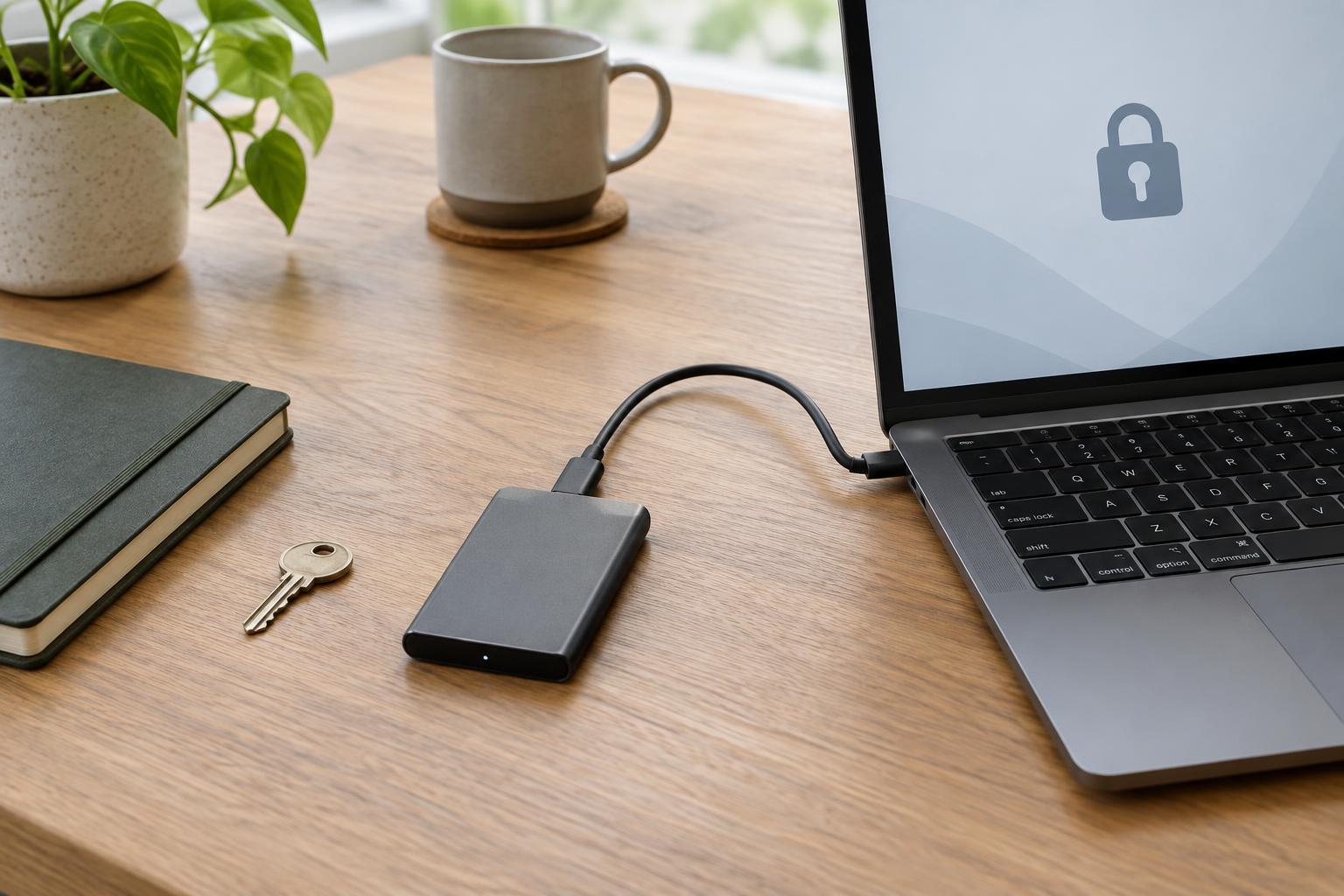
Data and StorageAn external drive is easy to carry—and easy to misplace. Learn what drive encryption protects, how to choose a compatible method, and how to avoid locking yourself out of your own files.
Read article · 4 min↗

Data and StorageA file can carry more than its visible contents. Learn what metadata is, where it comes from, and how to check photos and documents before sharing them.
Read article · 4 min↗
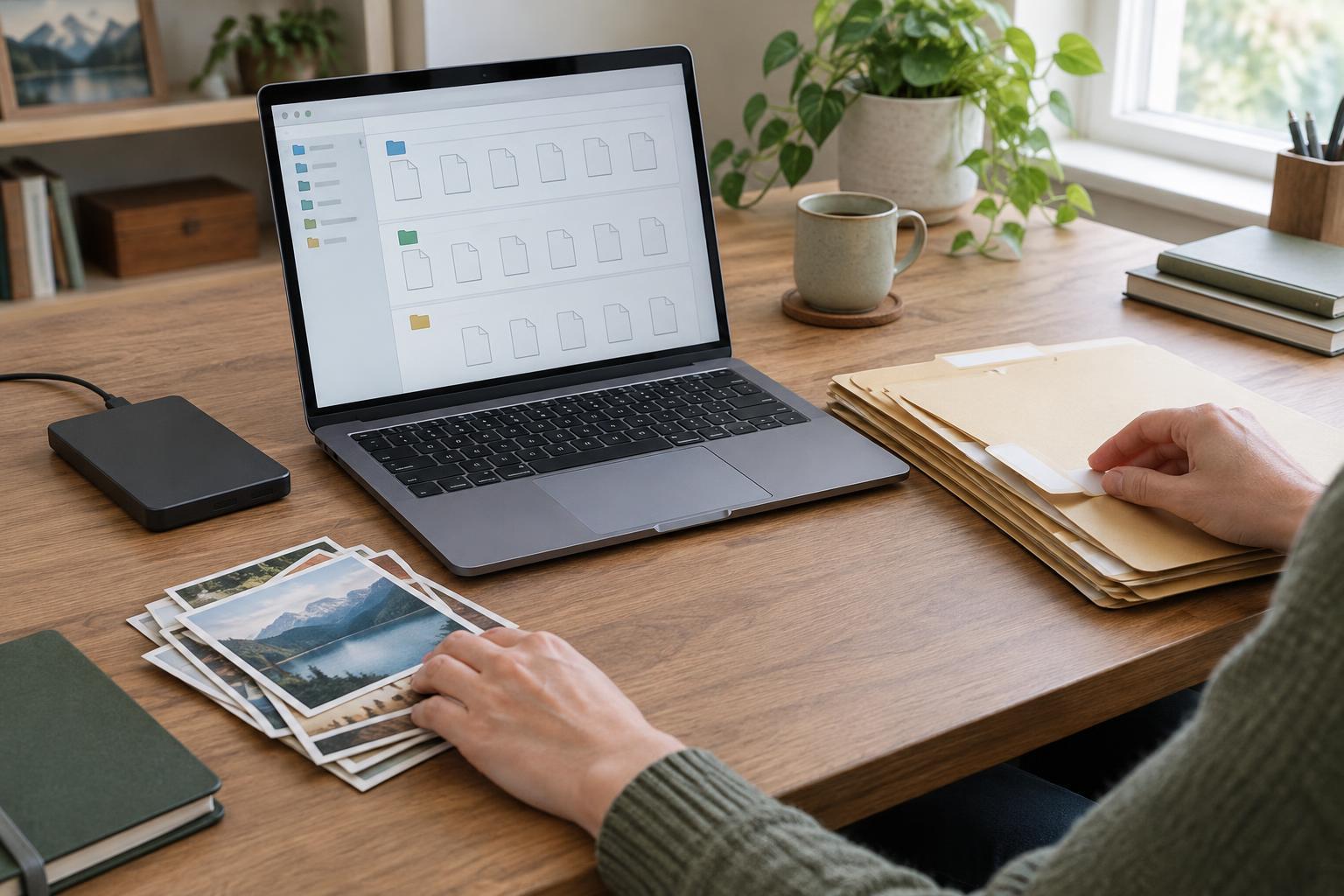
Data and StorageA useful file archive is more than a folder named “Old.” Learn how to decide what to retain, label files consistently, choose readable formats, and check that archived copies still work.
Read article · 4 min↗
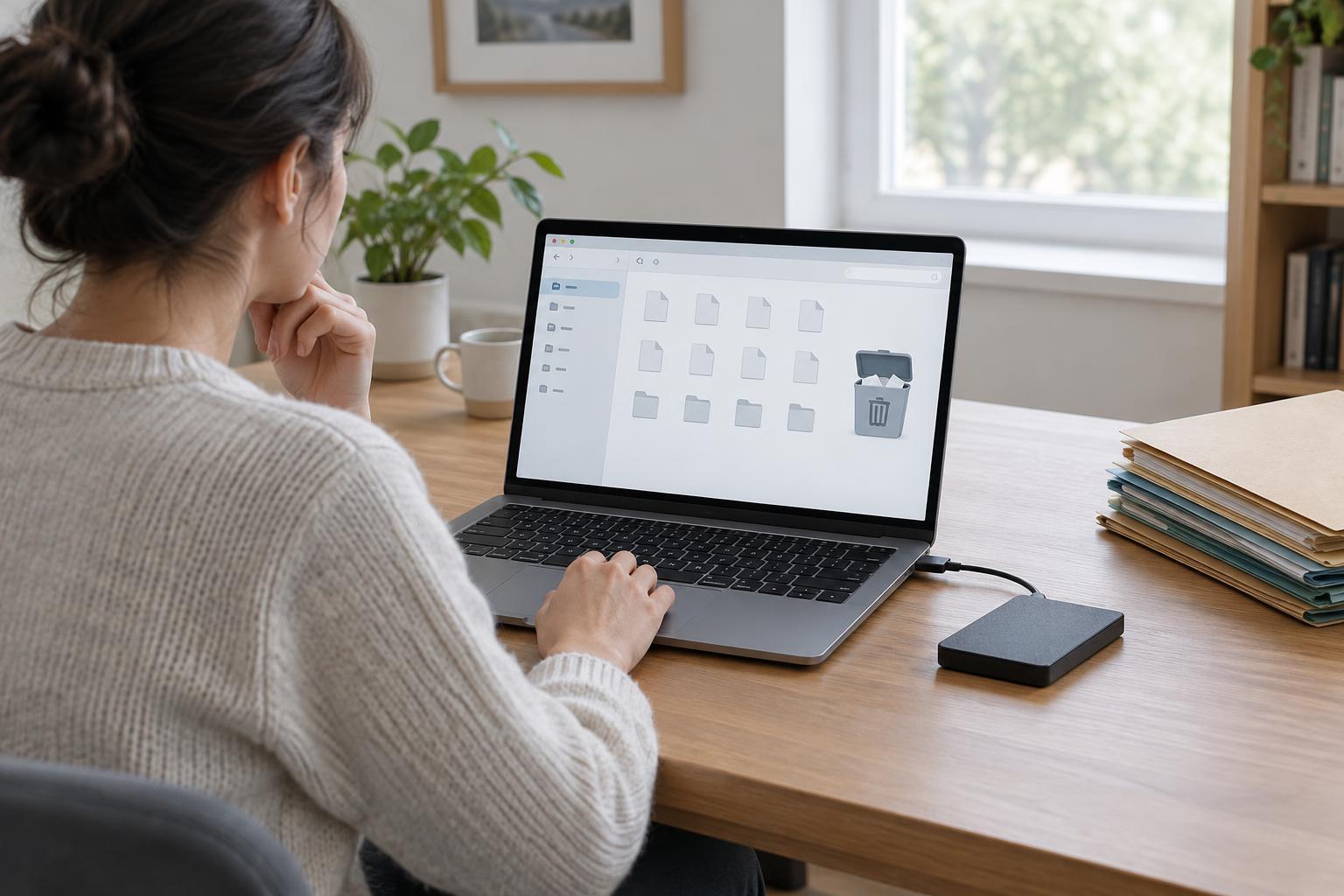
Data and StorageA deleted file may still be in a trash folder, a backup, or a version history. Learn where to look first, why continued use of a drive can reduce recovery chances, and when recovery software is worth trying.
Read article · 4 min↗
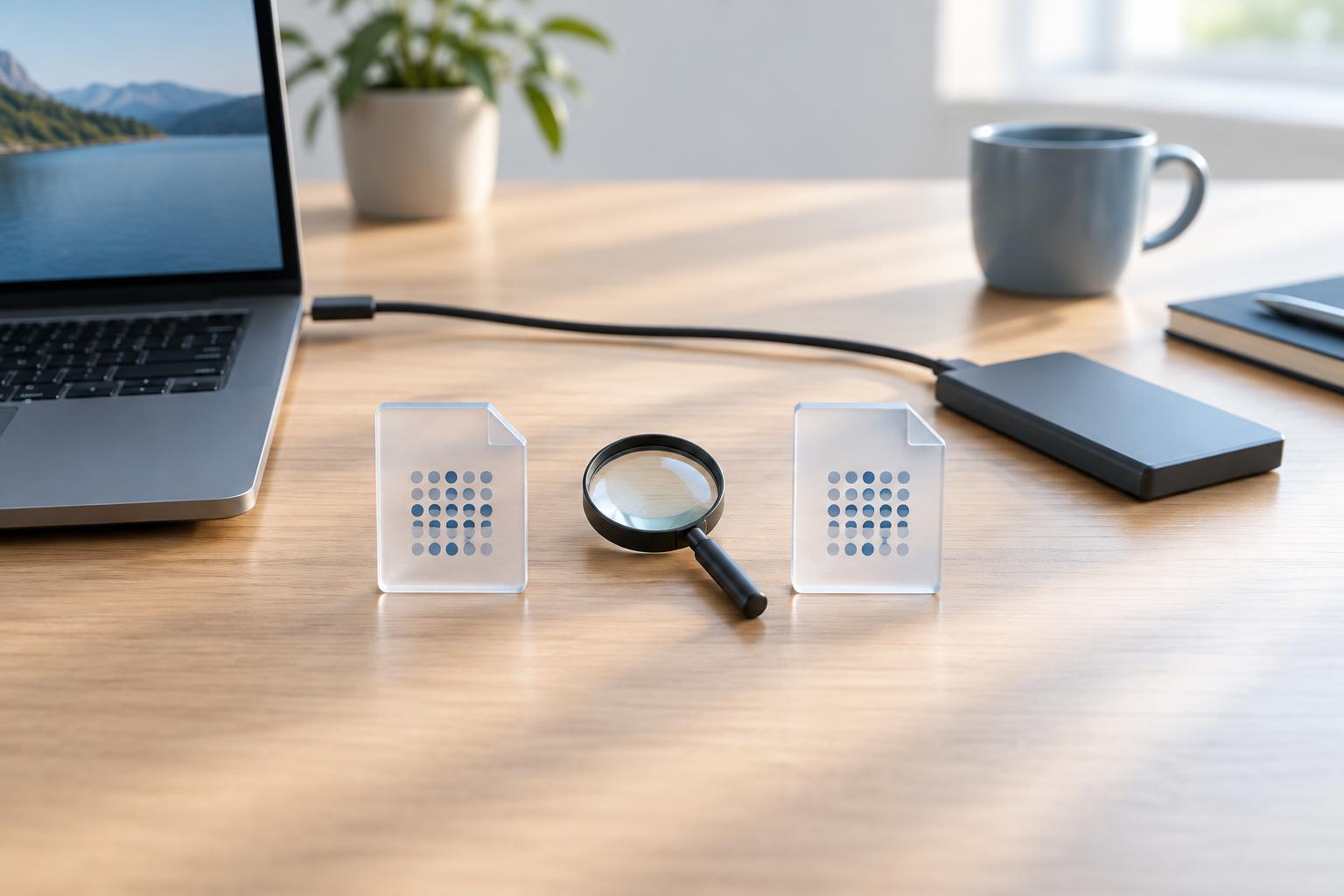
Data and StorageA checksum gives you a compact way to check whether two files have the same contents. Learn how to calculate and compare SHA-256 hashes after a download or copy, and what a matching result does—and does not—prove.
Read article · 3 min↗
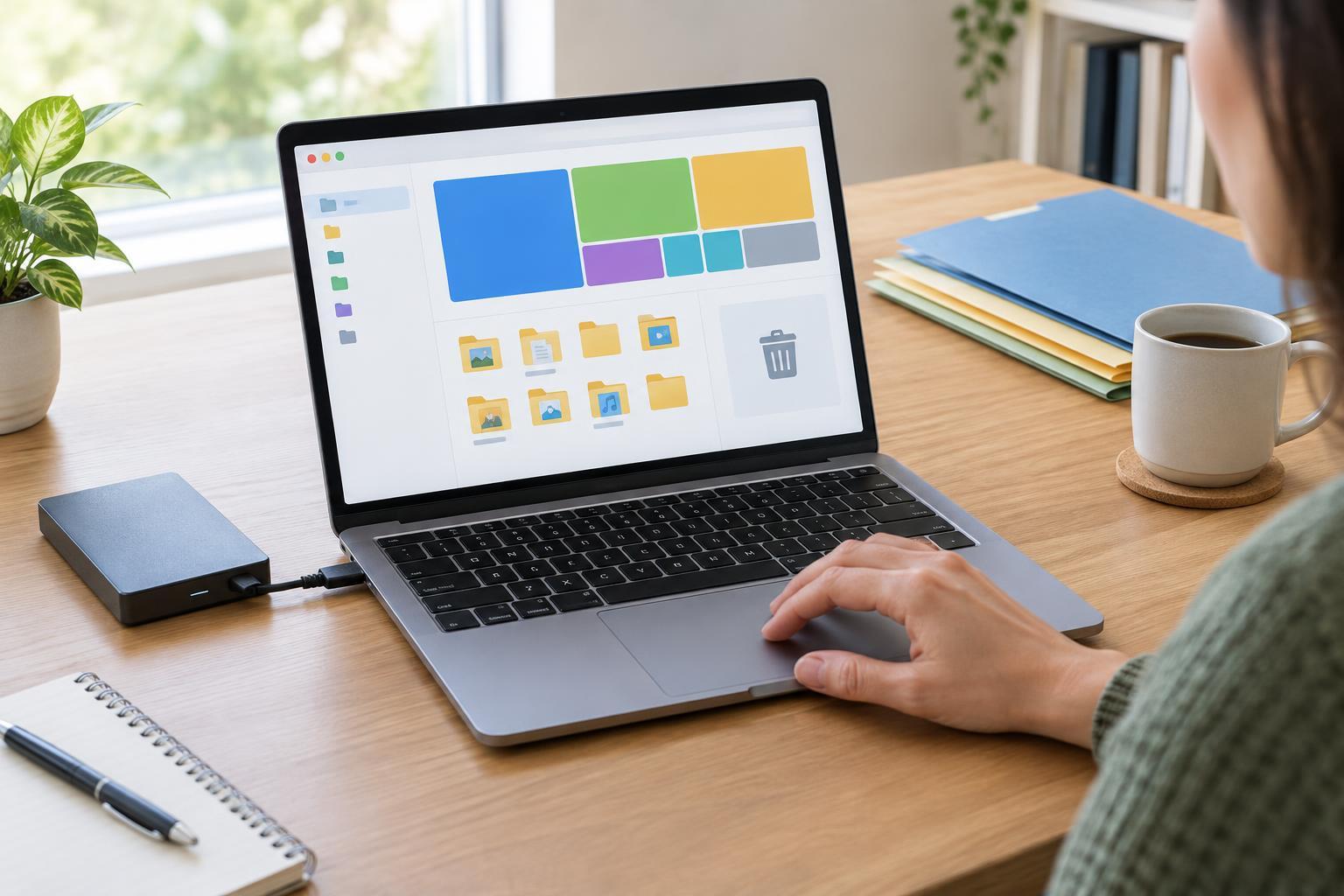
Data and StorageA nearly full drive can be hard to understand: the biggest files may be hidden in downloads, app data, backups or the recycle bin. Learn how to inspect storage, decide what is safe to remove and avoid deleting files your system still needs.
Read article · 5 min↗
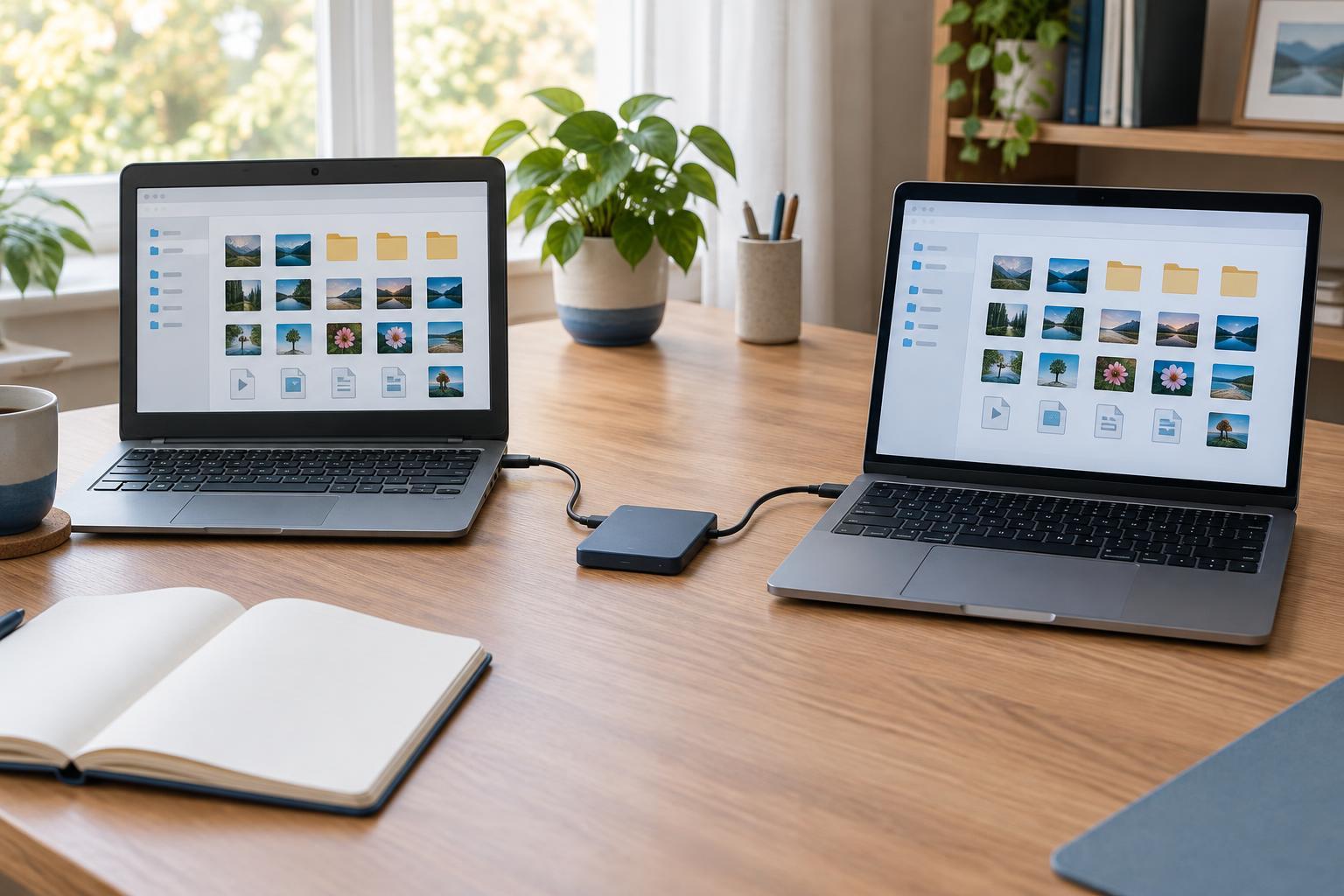
Data and StorageA reliable computer move starts with finding your files, not just copying the Documents folder. Use this checklist to choose a transfer method, account for cloud and application data, verify the result, and keep the old computer intact until you are sure.
Read article · 4 min↗

Data and StorageAn external drive is a straightforward way to add space or keep a backup. A NAS makes files available to multiple devices across a network. Compare access, cost, maintenance and backup needs before choosing one—or using both.
Read article · 4 min↗
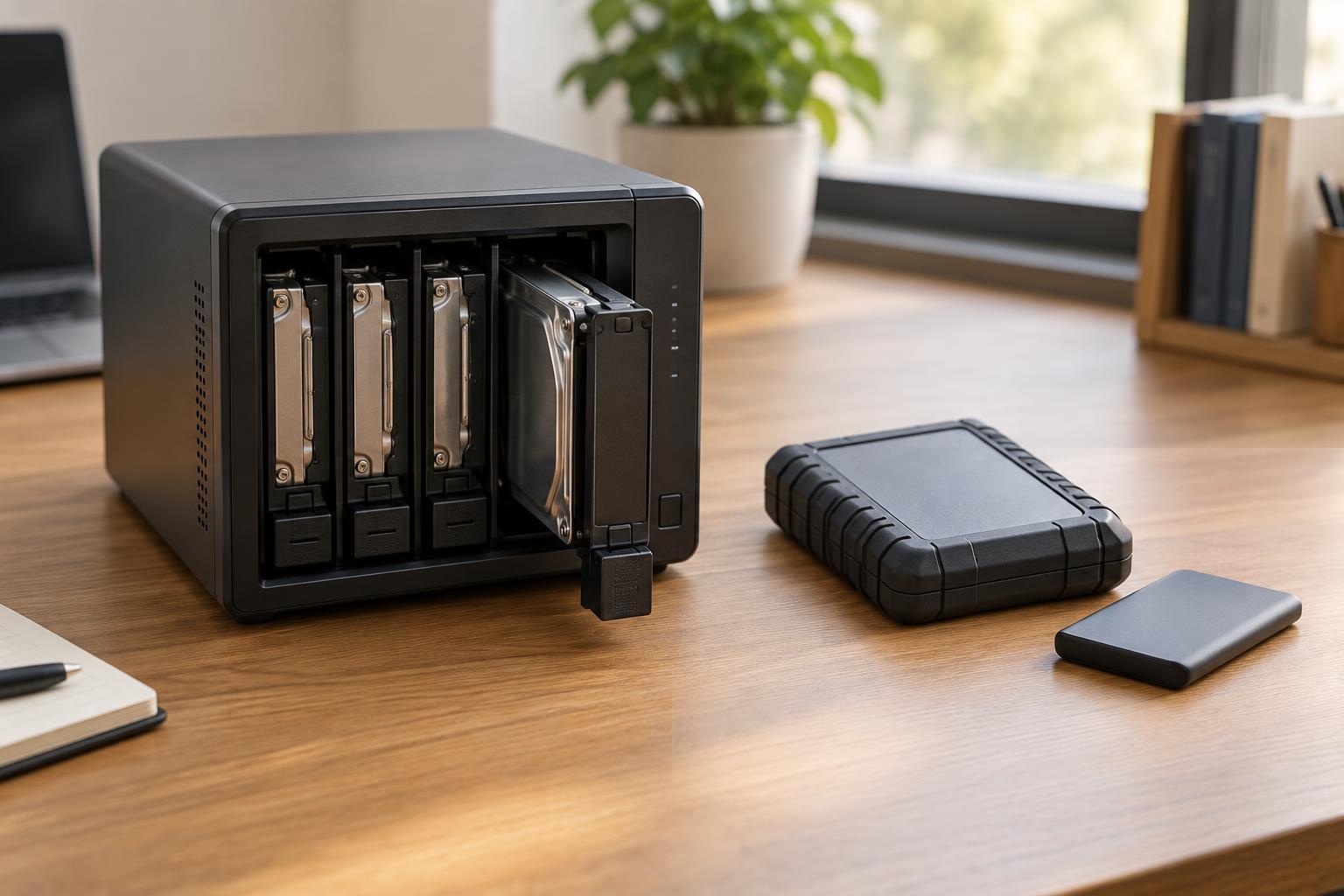
Data and StorageRAID can keep a storage system running when a drive fails, but it cannot undo a deleted file or guarantee recovery from a damaged device. Learn what redundancy protects, what backup protects, and how to use both.
Read article · 4 min↗

Data and StorageA drive can hold one large space or several smaller ones, but splitting it is not automatically an upgrade. Learn what partitions and volumes do, when separate spaces are useful, and what to check before changing a disk layout.
Read article · 4 min↗
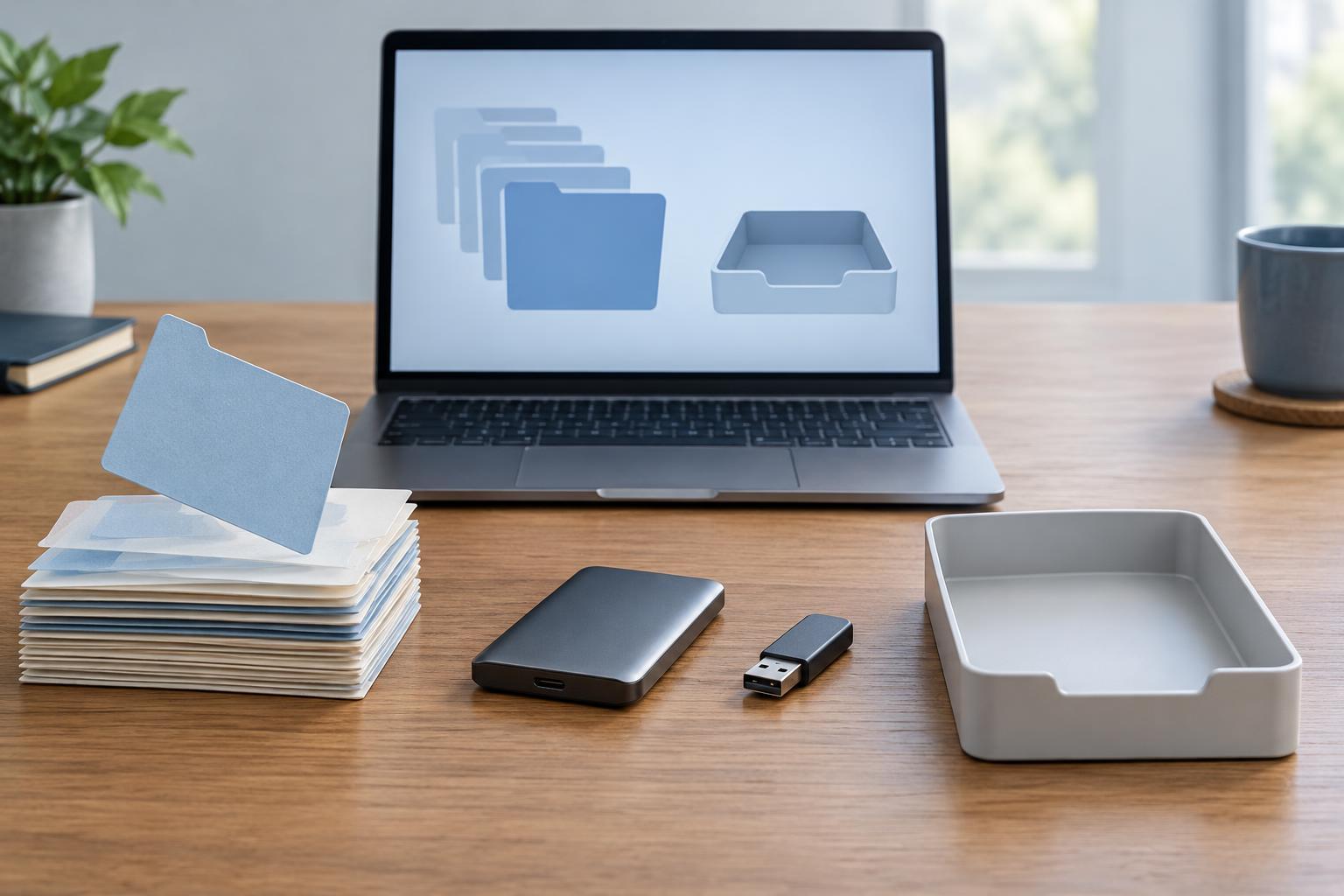
Data and StorageDeleting a file, emptying the trash and formatting a drive change different parts of a storage system. Learn what each action usually does, why recovery is sometimes possible and which approach fits common cleanup tasks.
Read article · 4 min↗

Data and StorageA file system determines how a drive stores files and which devices can use it. Compare NTFS, exFAT, APFS, and ext4 by compatibility, features, and everyday use, then check a few practical details before formatting.
Read article · 4 min↗
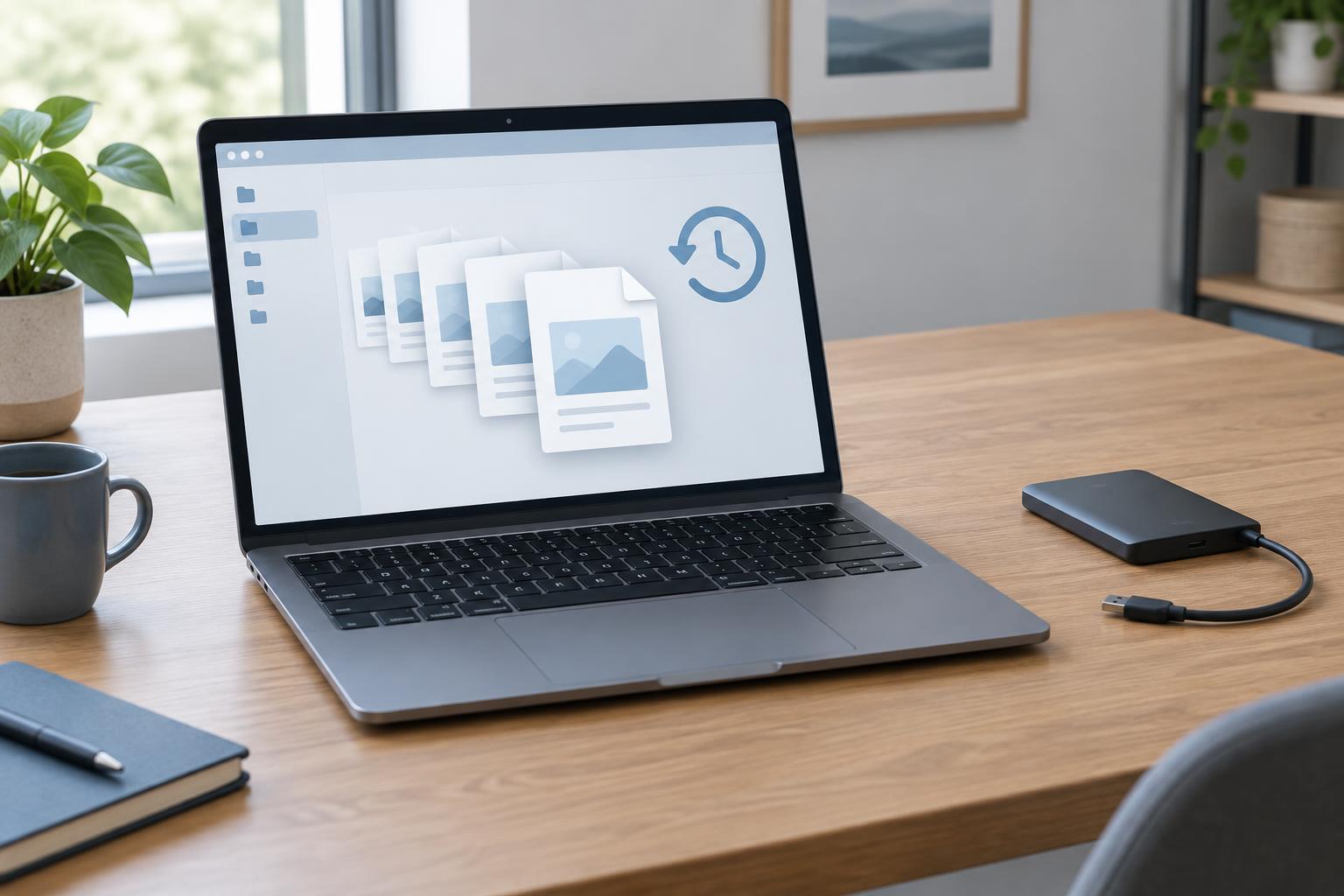
Data and StorageVersion history and snapshots can help you undo unwanted edits or recover deleted files, but their protection depends on where they are stored, how long they are retained, and what each restore point captures. Learn how to use them alongside an independent backup.
Read article · 4 min↗
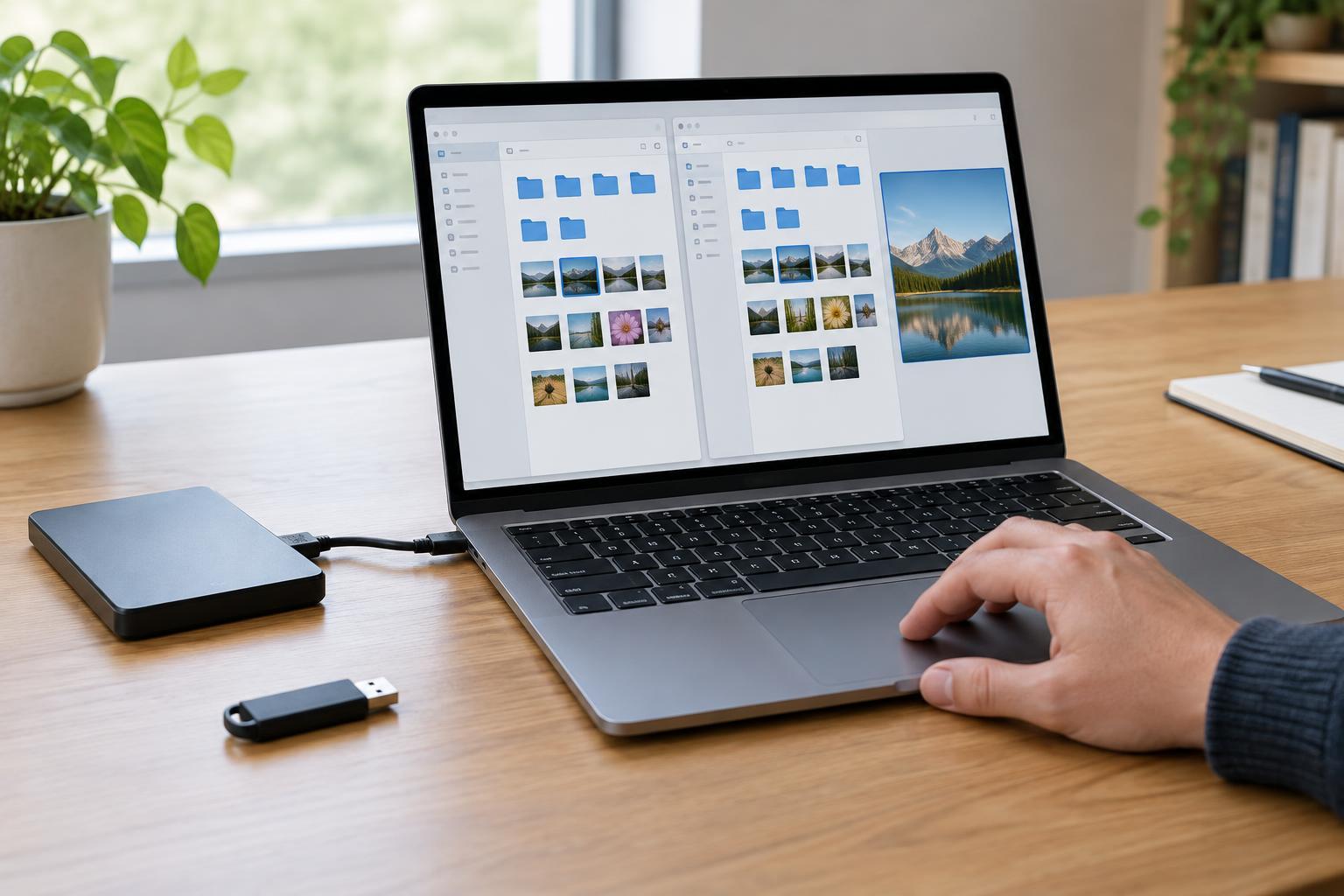
Data and StorageA backup is most useful when you know you can restore from it. Learn how to run a small, safe restore test, check that the files actually work, and record what you would need in a real recovery.
Read article · 4 min↗

Data and StorageA backup plan is useful only if it keeps working after you stop thinking about it. Learn how to choose a schedule, automate copies, watch for failures, and test that your files can be restored.
Read article · 4 min↗
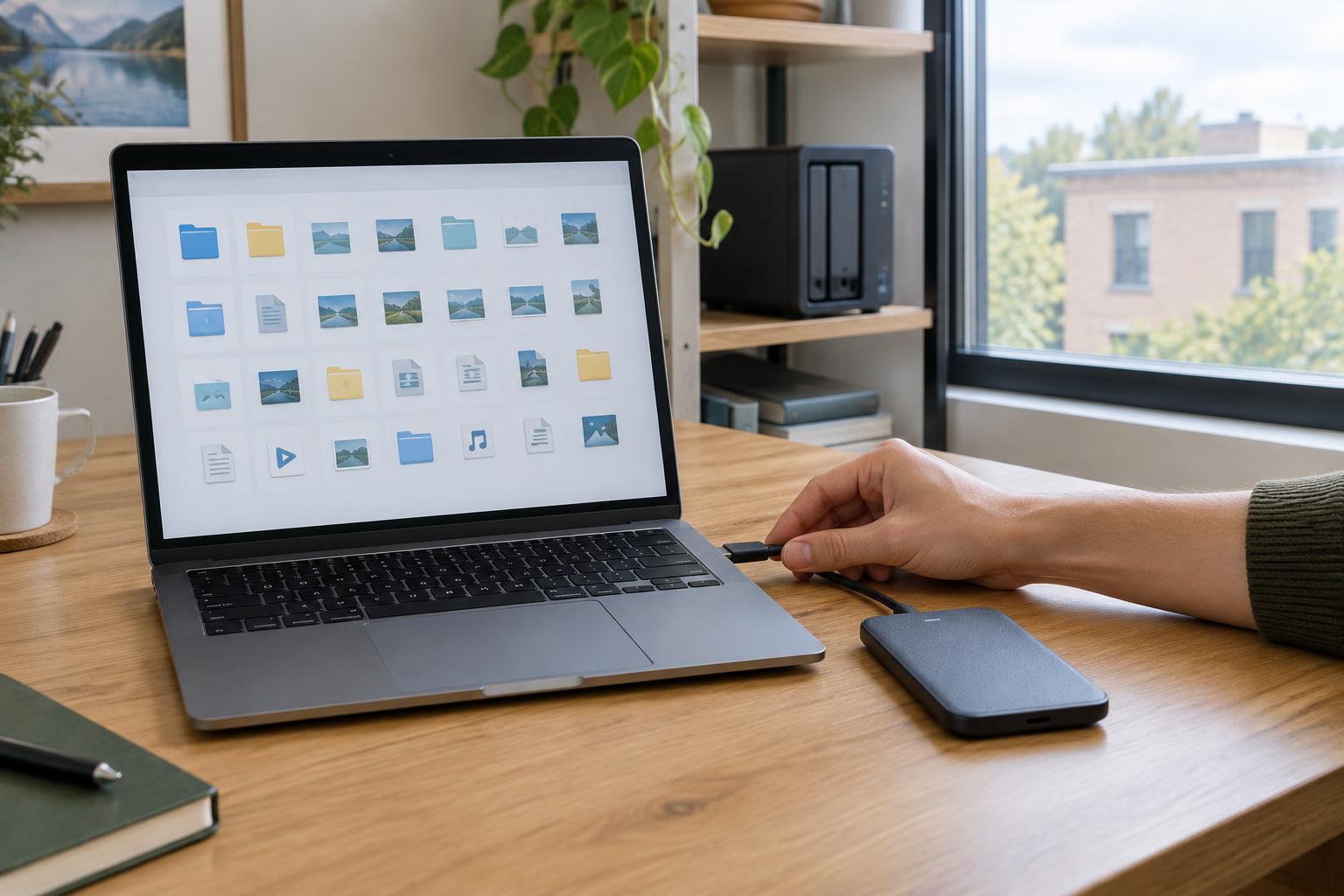
Data and StorageThe 3-2-1 backup rule gives you a simple target: three copies of important data, on two kinds of storage, with one copy kept offsite. Learn how to put it into practice, avoid common gaps and check that you can actually restore your files.
Read article · 4 min↗

Data and StorageA synced folder makes files available across devices, but it can also spread mistakes. Learn how sync differs from backup, what version history can and cannot do, and how to build a recovery plan you can test.
Read article · 4 min↗

Data and StorageAn external drive is a practical place to keep a copy of important files, but the best choice depends on what you need to protect and how you will use it. Learn how to size a drive, check its connection, and decide whether portability matters more than capacity.
Read article · 4 min↗
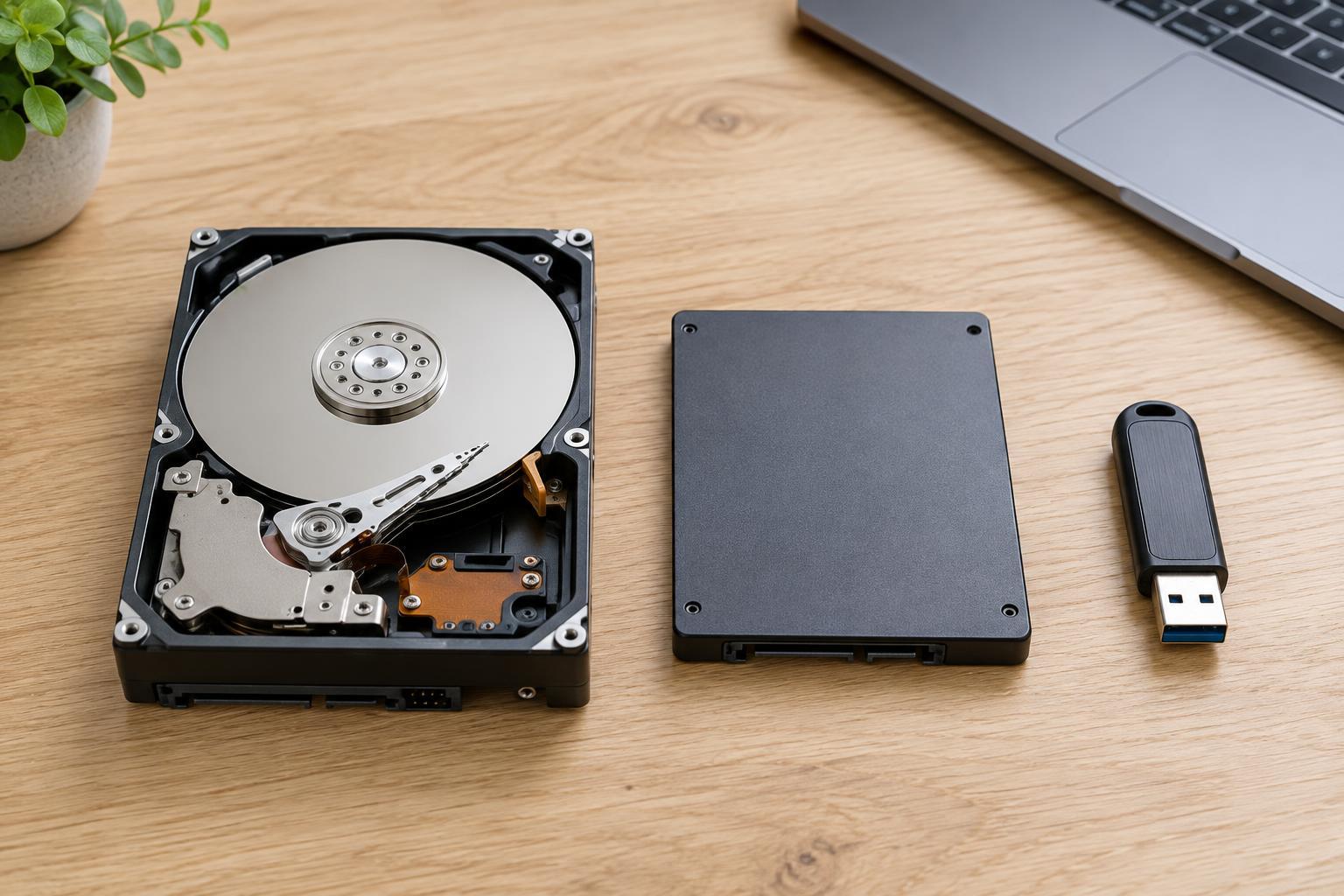
Data and StorageHard drives, solid-state drives, and USB flash drives all store files, but they suit different tasks. Learn how to choose among them for everyday computing, large file collections, portable transfers, and backups.
Read article · 4 min↗
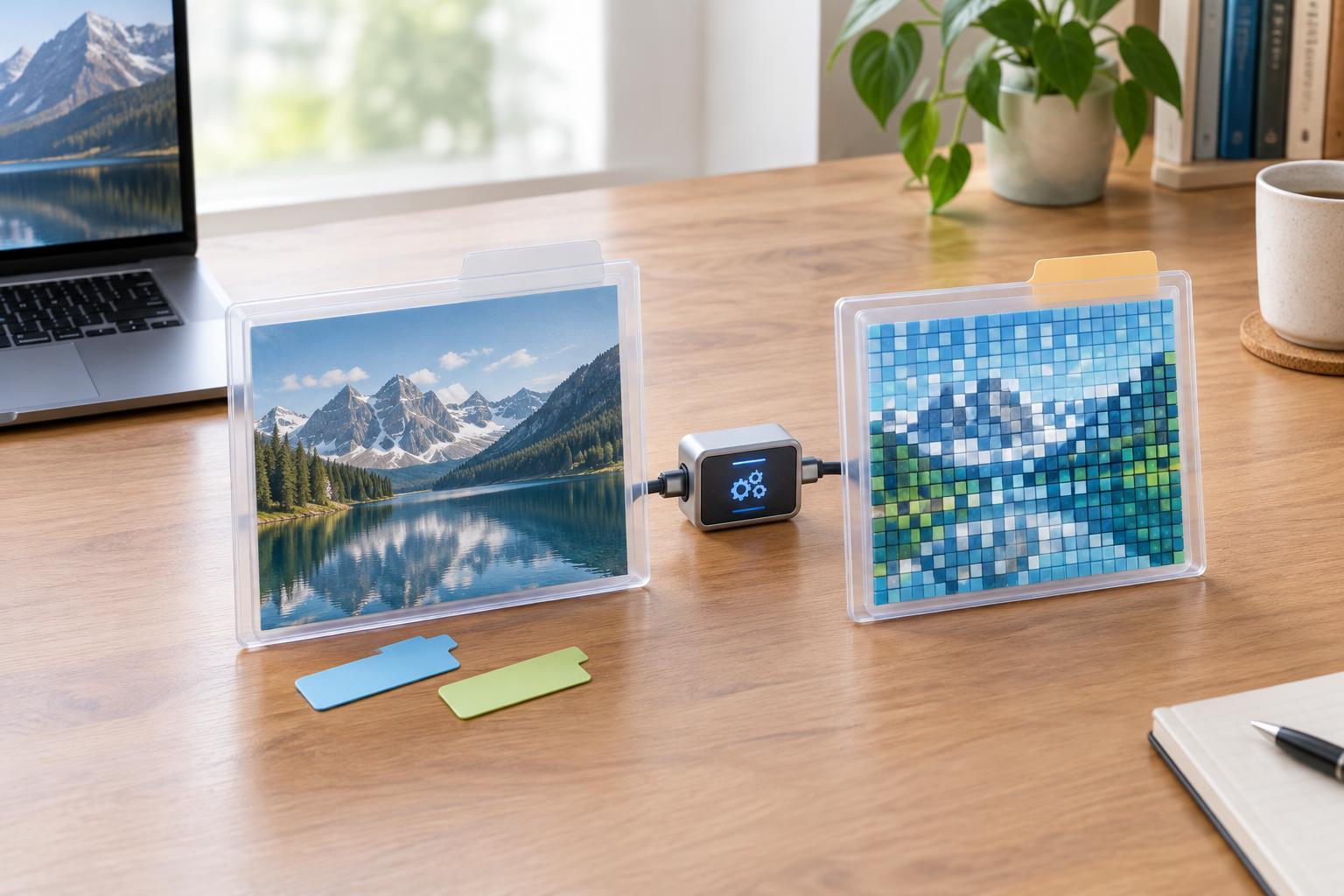
Data and StorageA file extension helps your computer choose an app, but it does not determine how the file’s contents are stored. Learn what changes when you rename an extension, why the result may fail to open, and how to convert files safely.
Read article · 3 min↗
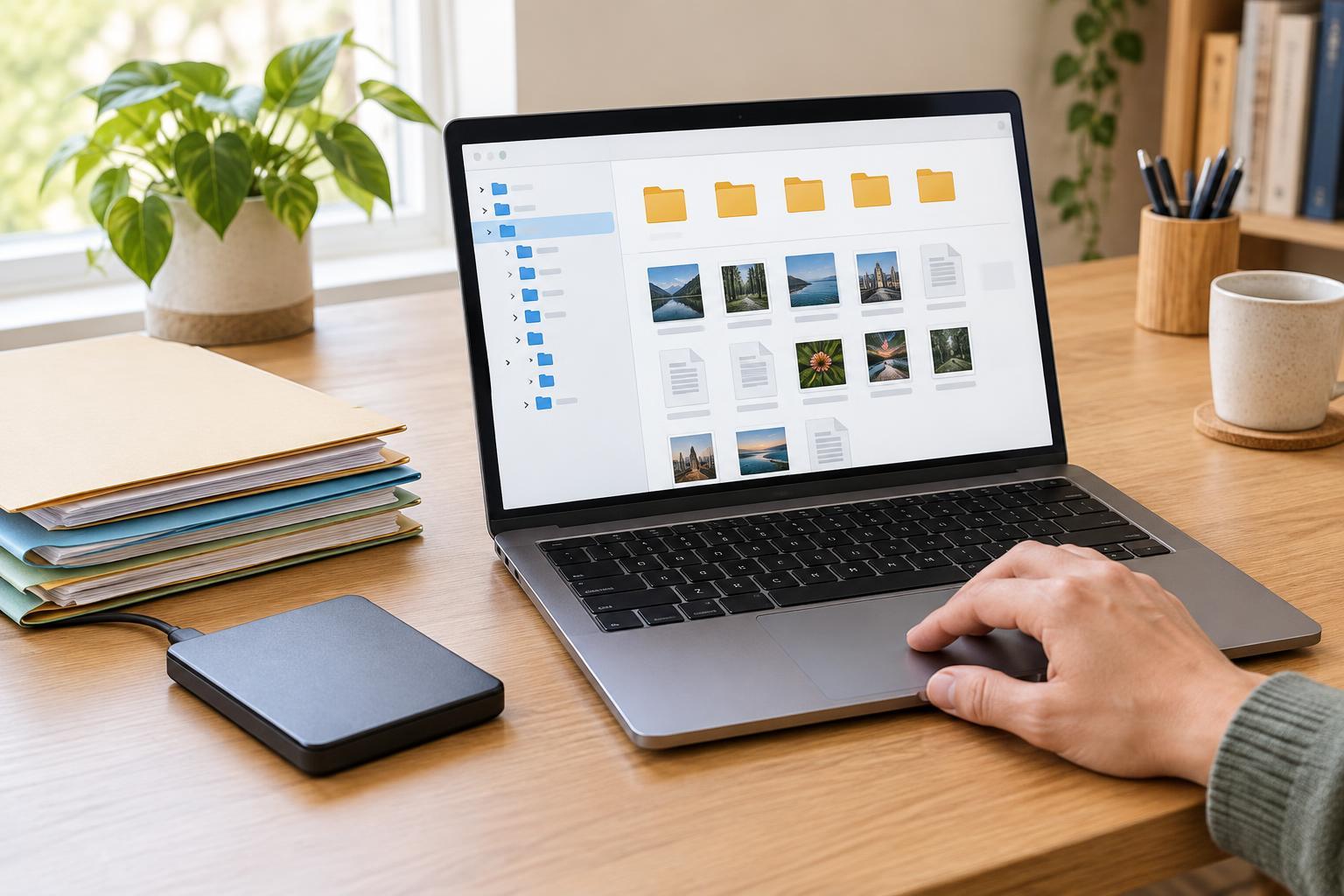
Data and StorageA useful file system does not have to be elaborate. Learn how to choose a folder structure, name files consistently, handle downloads and duplicates, and keep important documents easy to find.
Read article · 5 min↗
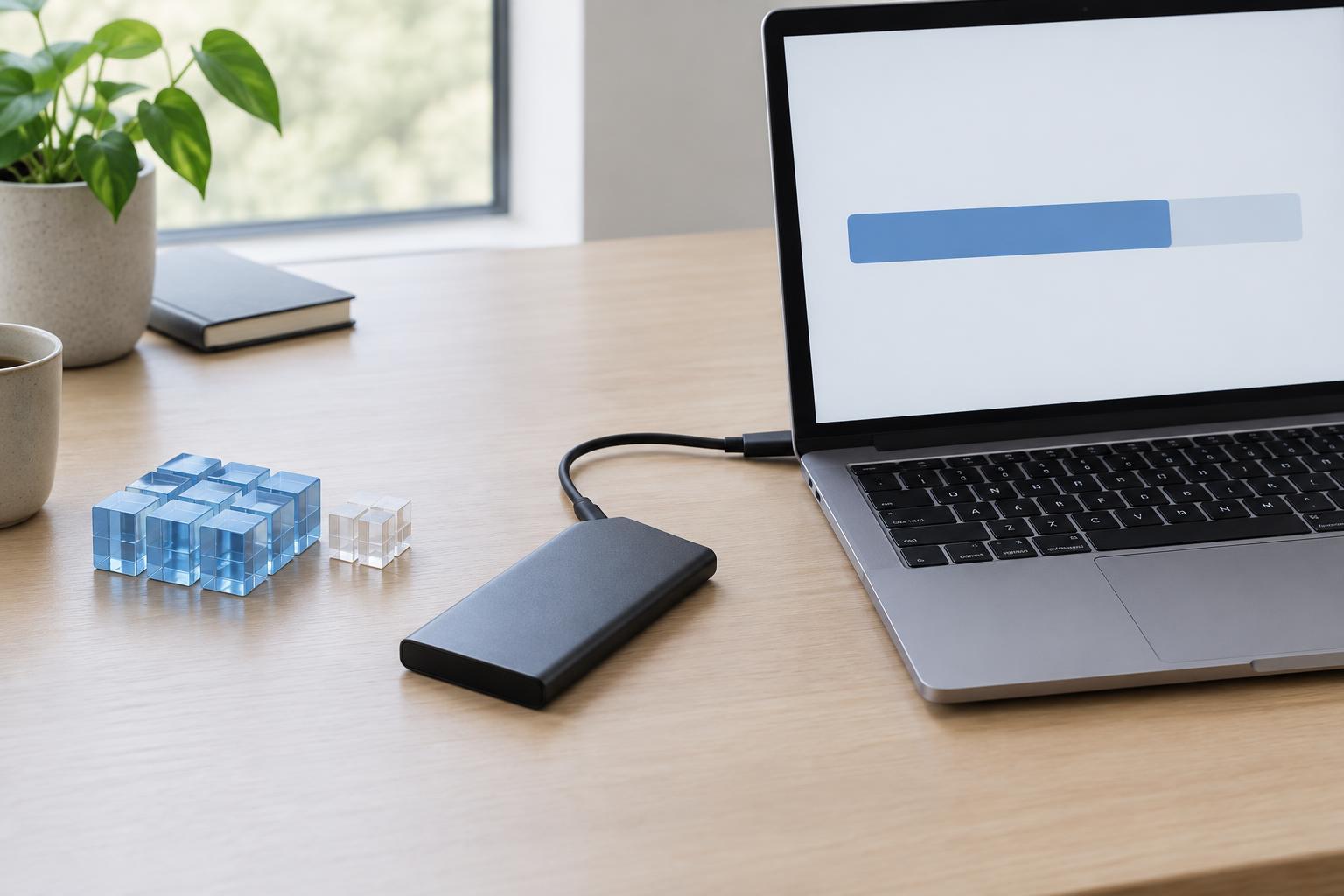
Data and StorageA drive labeled 1 TB may appear to hold less than 1 TB when you connect it to a computer. Learn how storage units, operating-system labels, formatting, and reserved space account for the difference.
Read article · 4 min↗