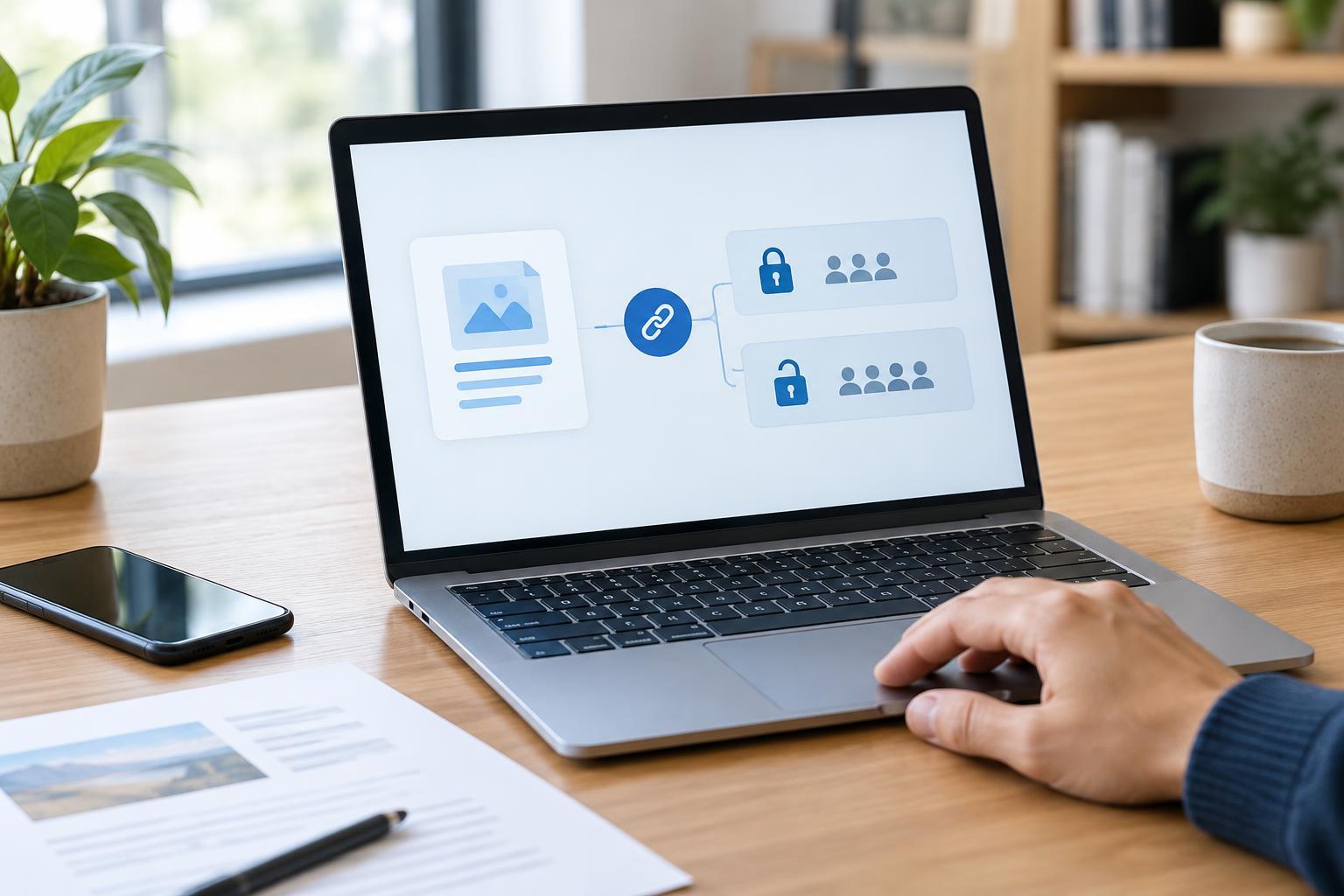
Cybersecurity BasicsA cloud link can make sharing a document easy, but its settings determine who can open it and what they can do. Learn how to choose access permissions, check links before sending, and remove access when sharing is finished.
Read article · 4 min↗
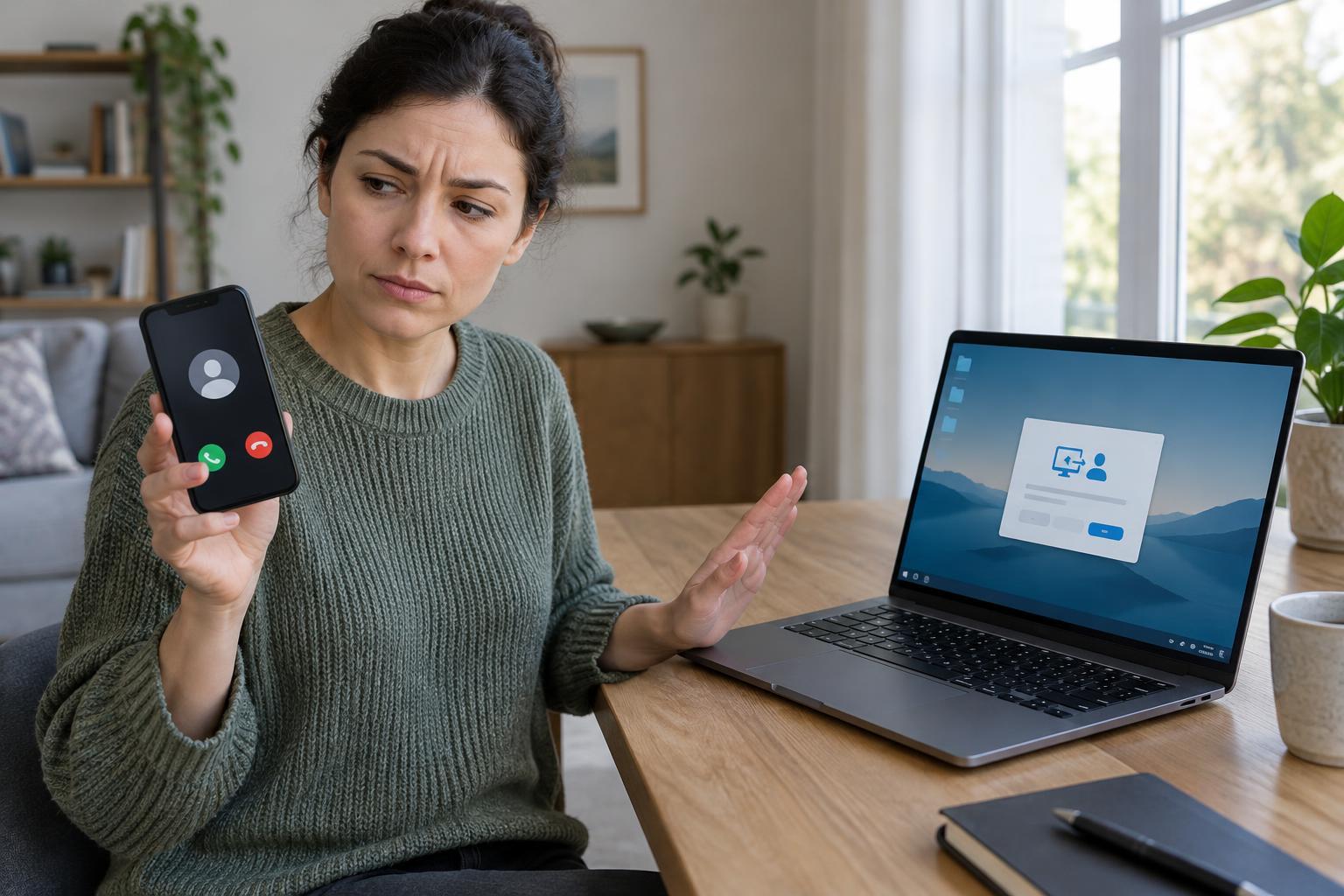
Cybersecurity BasicsFake tech-support callers may claim your device is infected, point to ordinary system messages as proof, or ask you to install remote-access software. Learn the warning signs, how to verify a support request, and what to do if you have already shared access.
Read article · 4 min↗
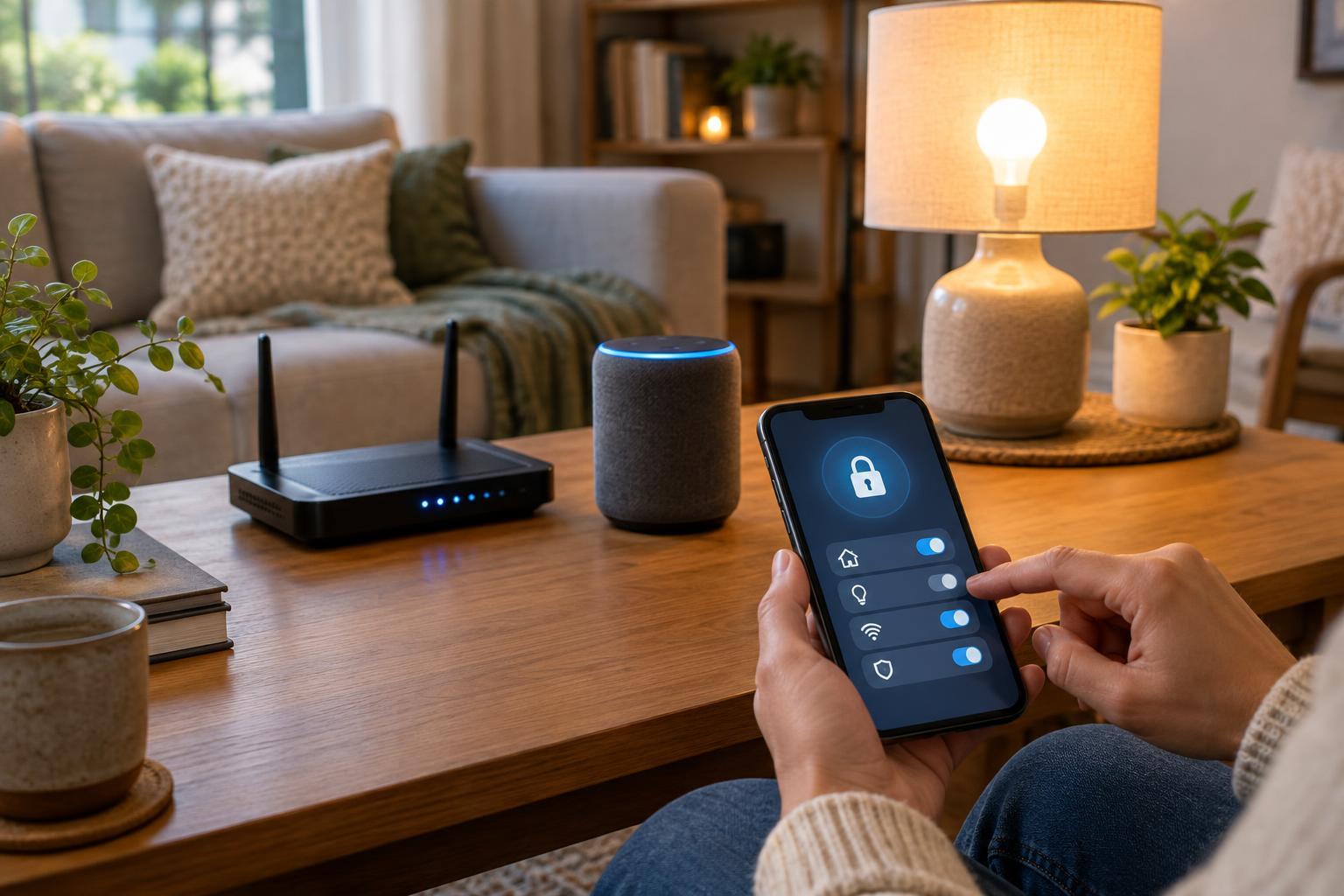
Cybersecurity BasicsSmart home security starts with a few habits: use unique passwords, keep devices and apps updated, and limit who and what can control them. This guide offers a practical way to check those settings across your home.
Read article · 4 min↗
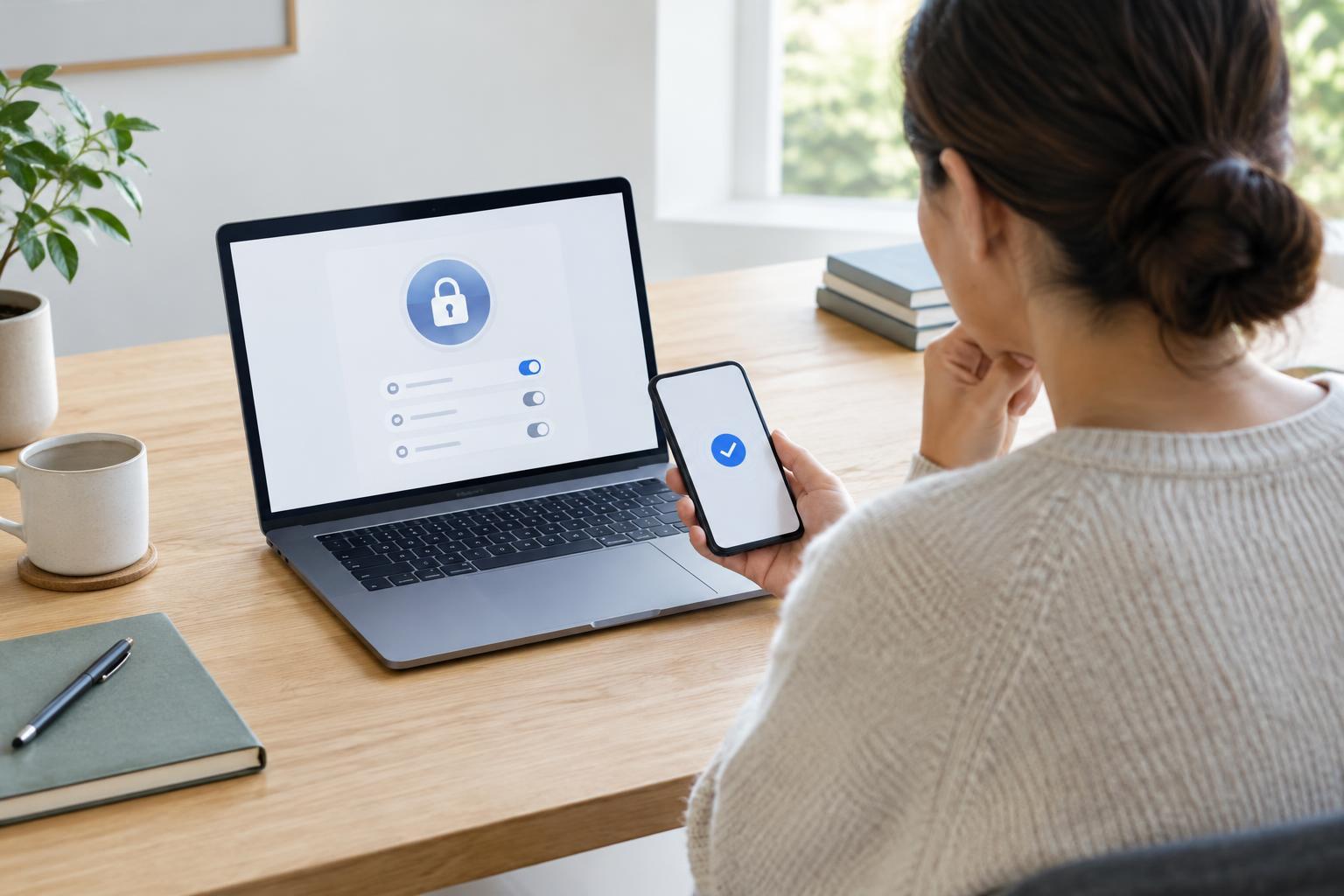
Cybersecurity BasicsIf someone else may have accessed your account, start by protecting the email address and devices tied to it. Then secure the affected account, check what changed, limit the damage and make recovery harder to undo.
Read article · 4 min↗
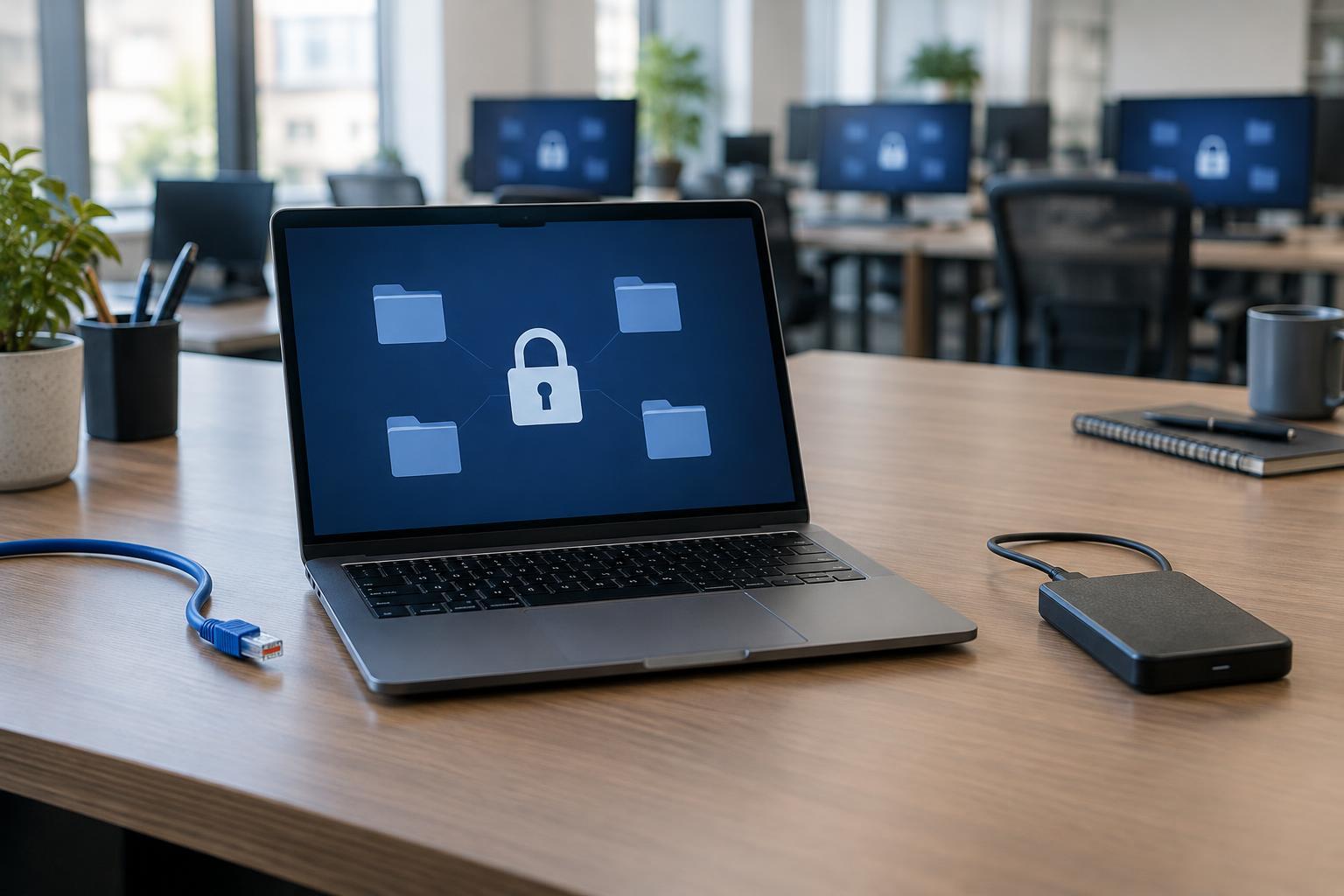
Cybersecurity BasicsRansomware can lock access to files, disrupt devices, and sometimes involve stolen data. Learn how an infection starts, why it can spread across a network, and which everyday habits make recovery easier.
Read article · 4 min↗
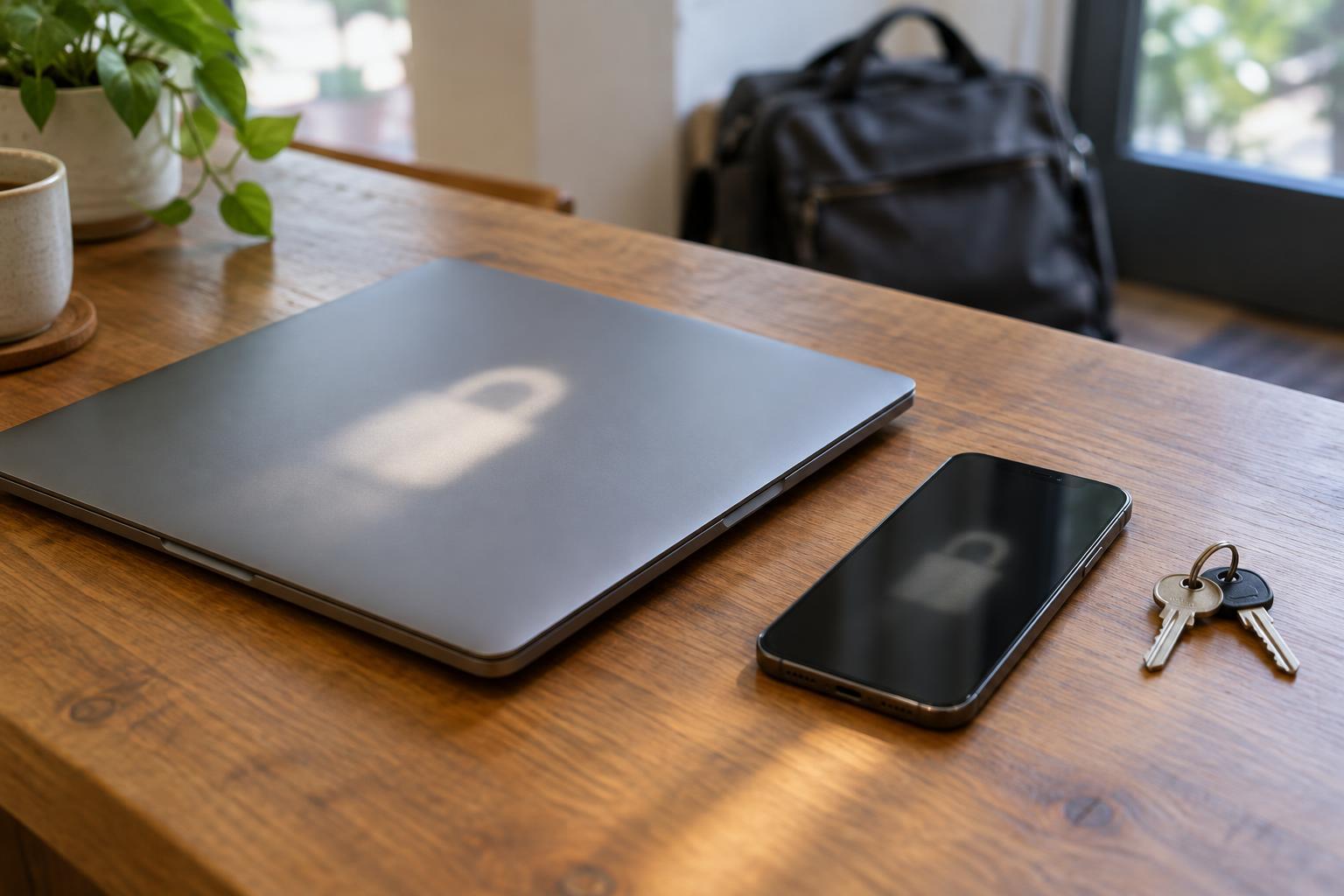
Cybersecurity BasicsA lost device can expose more than the hardware itself. Learn how device encryption protects stored data, when that protection is strongest, and which steps to take before and after a laptop or phone goes missing.
Read article · 4 min↗

Cybersecurity BasicsA VPN can reduce what a public Wi-Fi network sees, but it cannot make every connection or website trustworthy. Learn what it protects, where its limits lie, and which habits matter most when you connect away from home.
Read article · 4 min↗
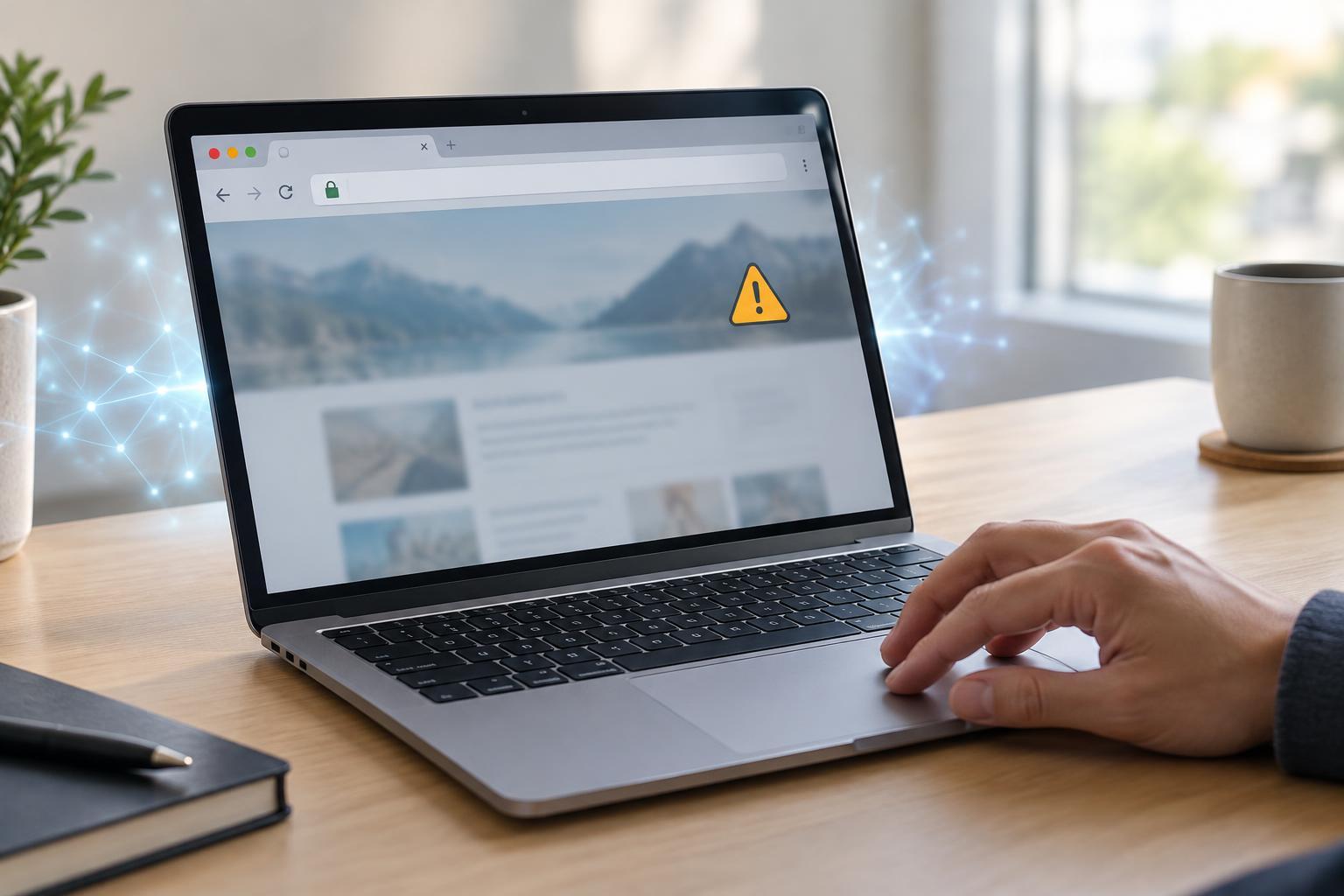
Cybersecurity BasicsThe padlock and HTTPS address tell you something important about a connection, but not everything about the site behind it. Learn what certificates verify, why browsers show warnings, and how to respond without mistaking an encrypted connection for a trustworthy website.
Read article · 4 min↗
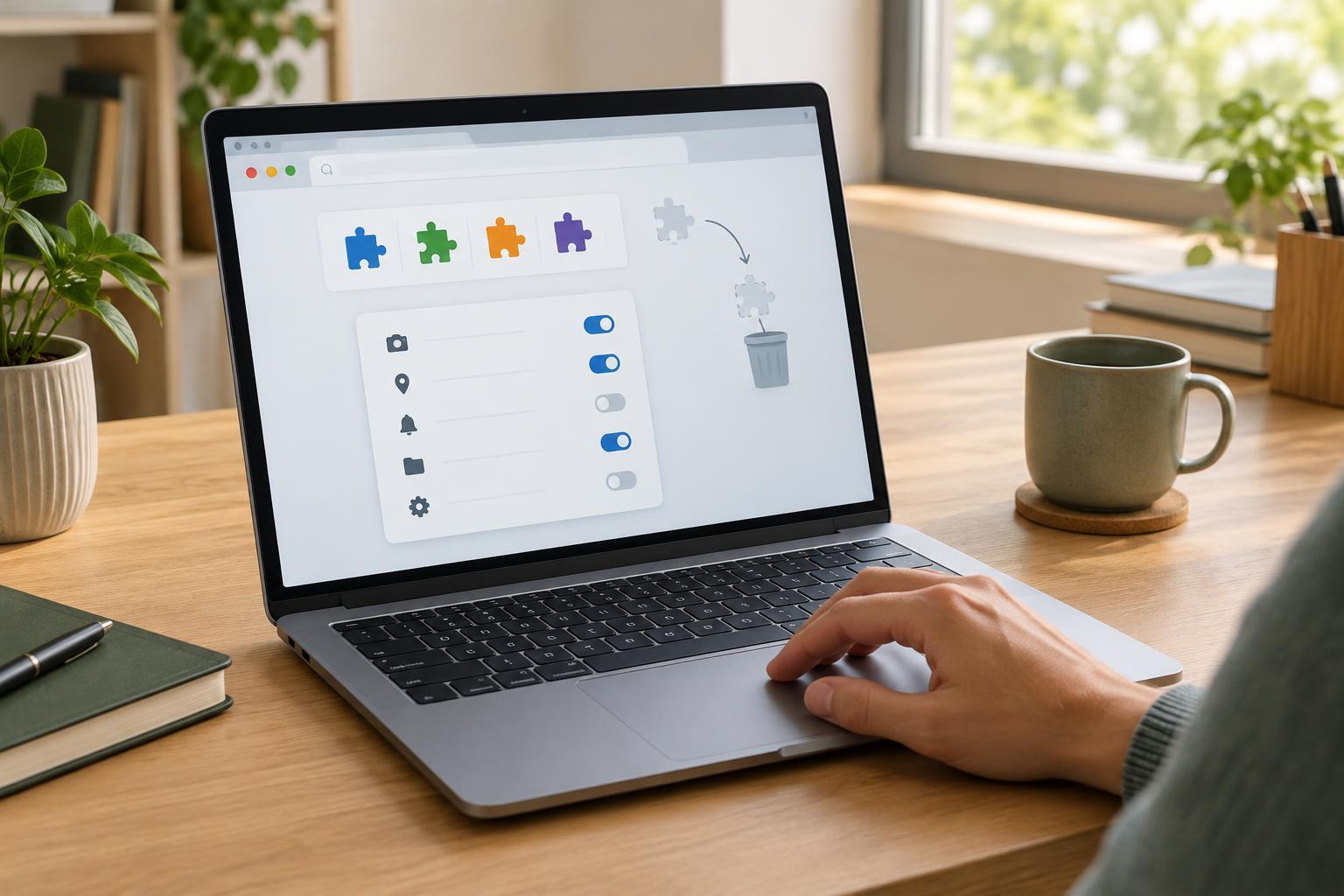
Cybersecurity BasicsBrowser extensions can add useful features, but they may also gain access to websites and browsing data. Learn how to assess an extension before installing it, review its permissions, and clean up extensions you no longer need.
Read article · 4 min↗
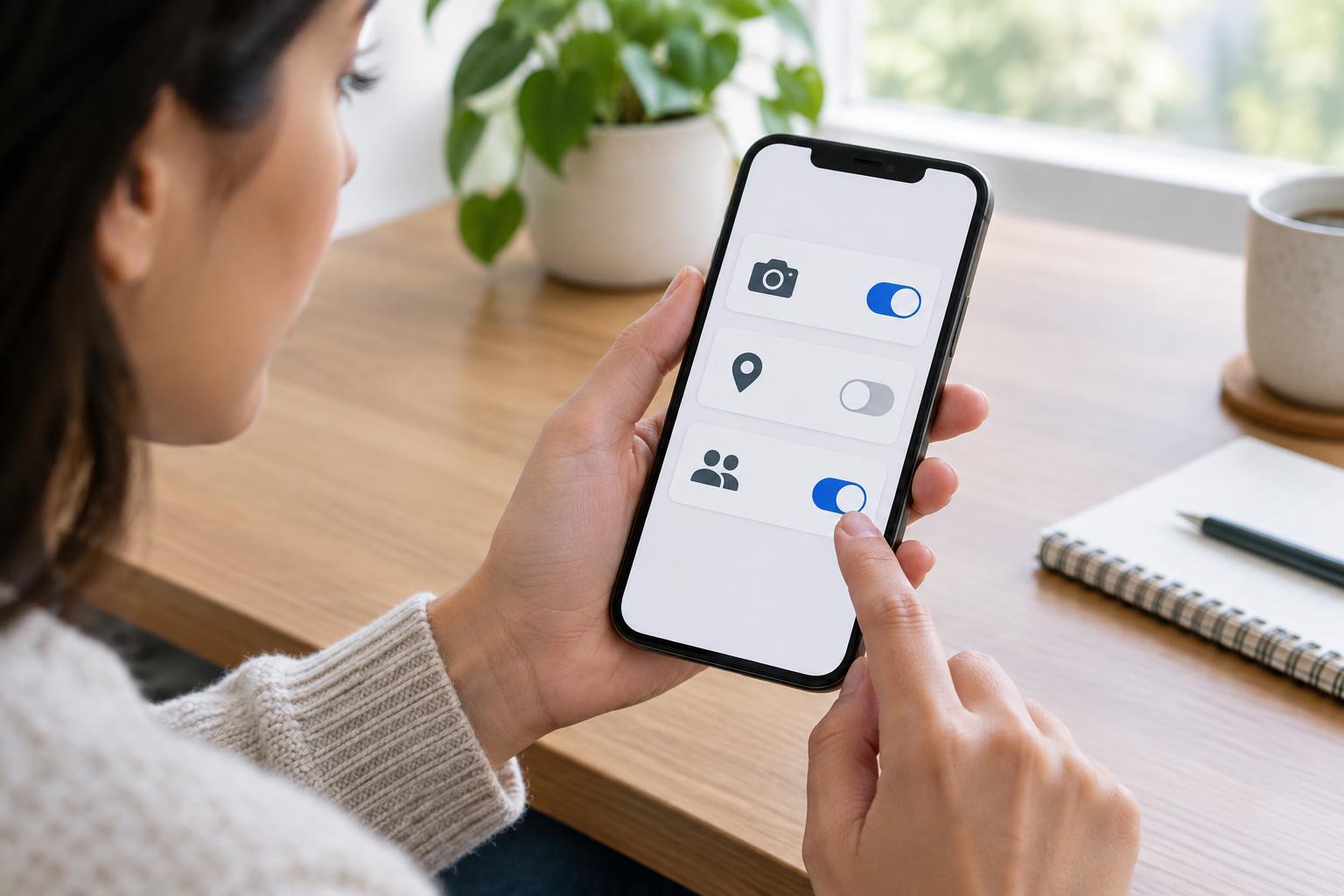
Cybersecurity BasicsApp permissions control which parts of your device an app can use. Learn how to assess requests for camera, location, and contacts access, choose narrower settings, and review permissions without losing useful features.
Read article · 4 min↗
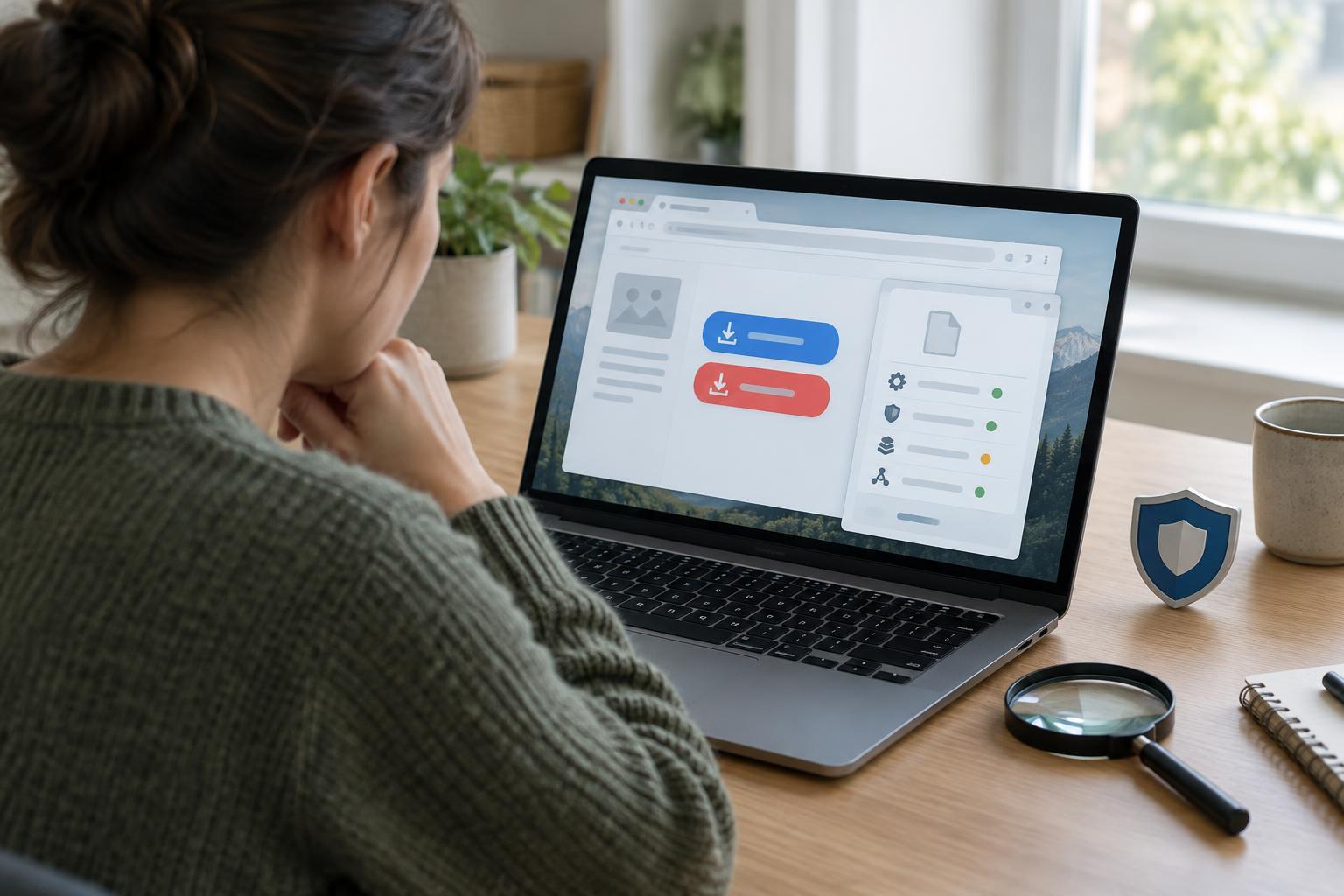
Cybersecurity BasicsA familiar app name does not guarantee a safe download. Learn how to find a trustworthy source, recognize misleading download pages, inspect an installer, and respond if you opened something suspicious.
Read article · 4 min↗
Cybersecurity BasicsYour computer may already have useful malware protection. Learn what built-in tools cover, when a third-party security suite might help, and which everyday habits matter more than adding another app.
Read article · 4 min↗
Cybersecurity BasicsSoftware updates do more than add features. They can fix security weaknesses, correct bugs and improve compatibility. Learn how to turn on automatic updates for your devices and what still needs a manual check.
Read article · 4 min↗
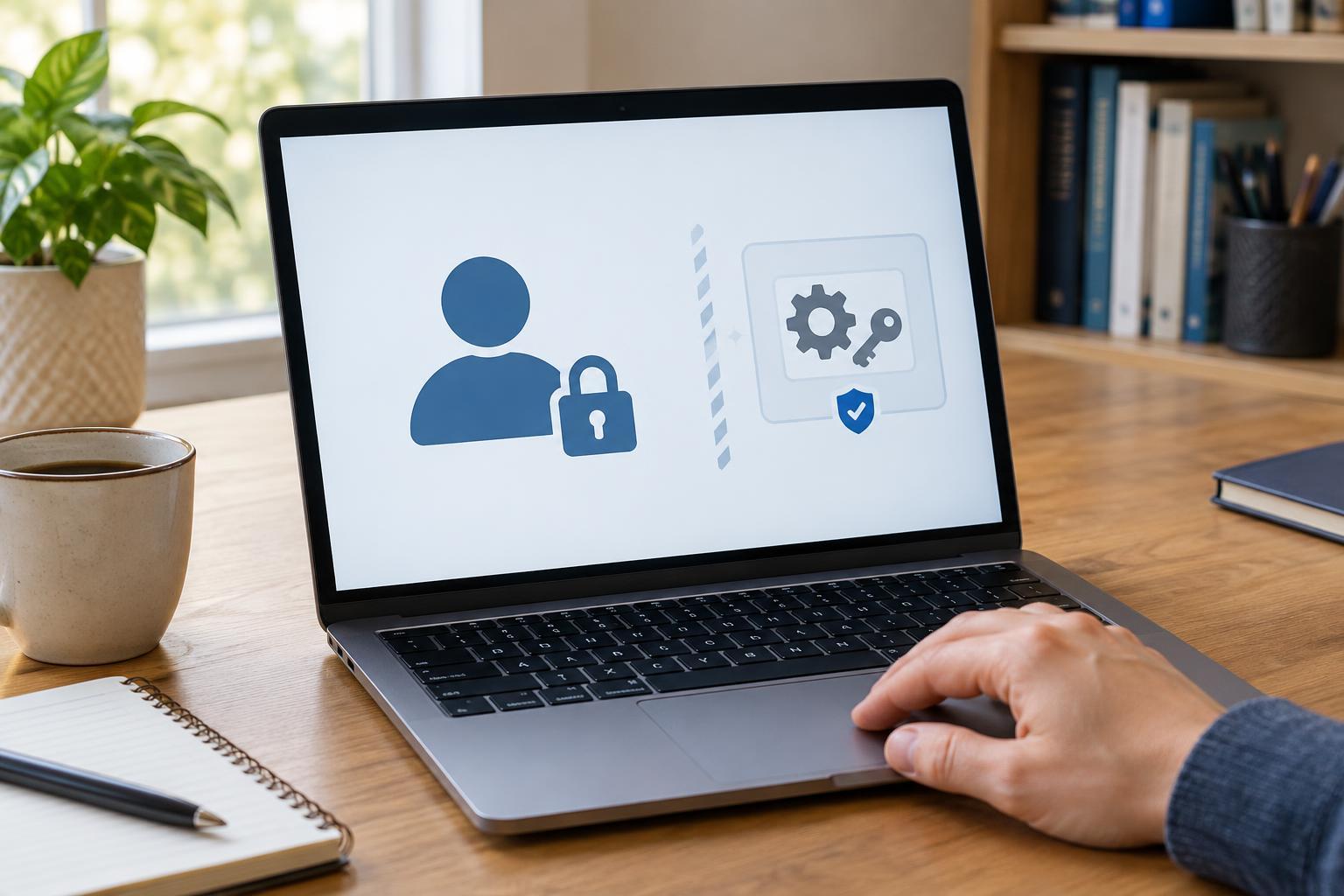
Cybersecurity BasicsAn administrator account can change how a computer works; a standard account is better suited to most daily tasks. Learn what each can do, why the distinction matters, and how to set up a practical routine without losing access to important settings.
Read article · 4 min↗

Cybersecurity BasicsPhishing messages try to turn a moment of concern or curiosity into a click, a reply, or a shared password. Learn how to inspect an unexpected email or text, verify its claims independently, and respond if you have already interacted with it.
Read article · 4 min↗
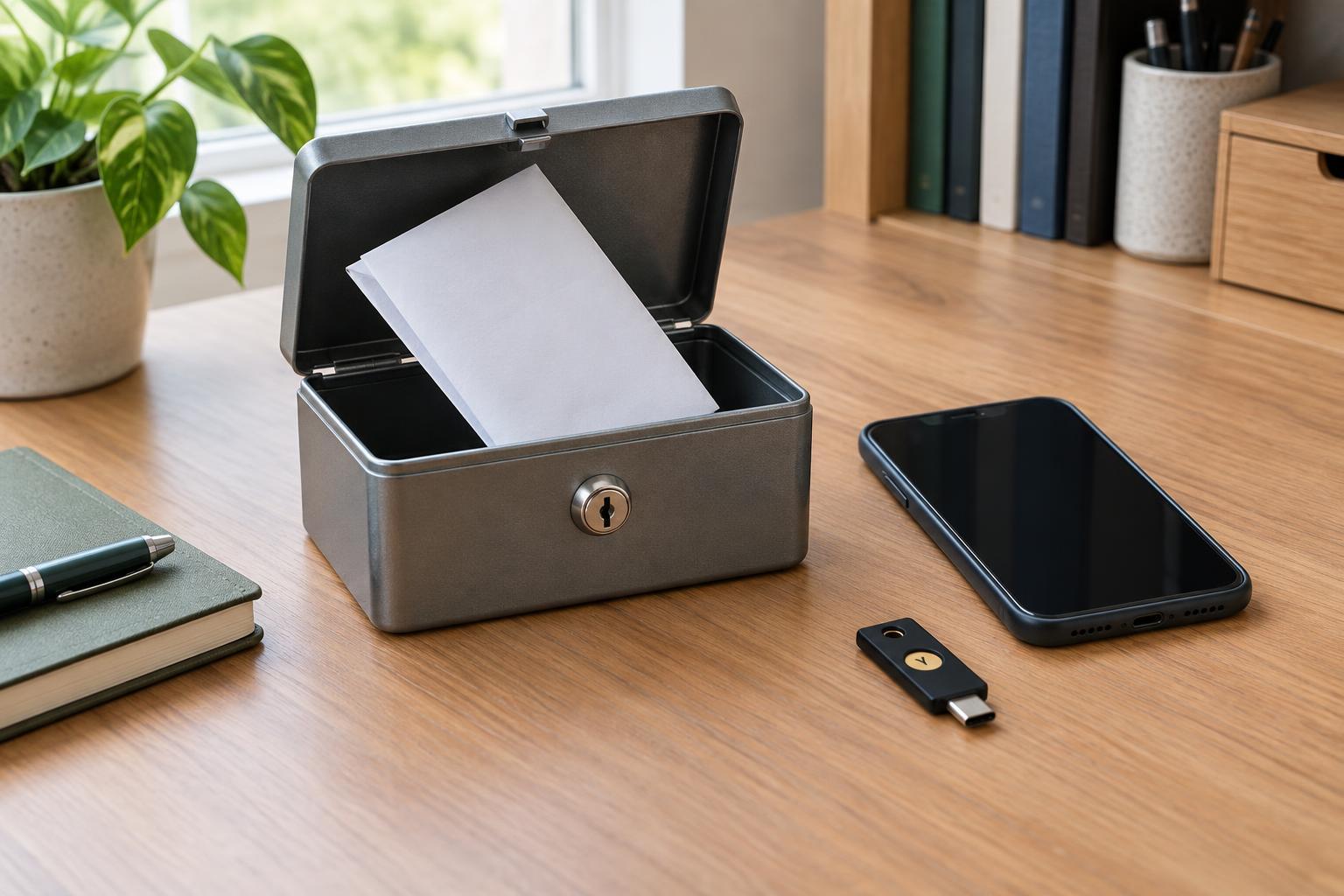
Cybersecurity BasicsRecovery codes can help you regain access when a phone, security key, or authenticator app is unavailable. Learn how to store them safely, keep backup sign-in methods current, and make a simple plan for getting back into important accounts.
Read article · 4 min↗
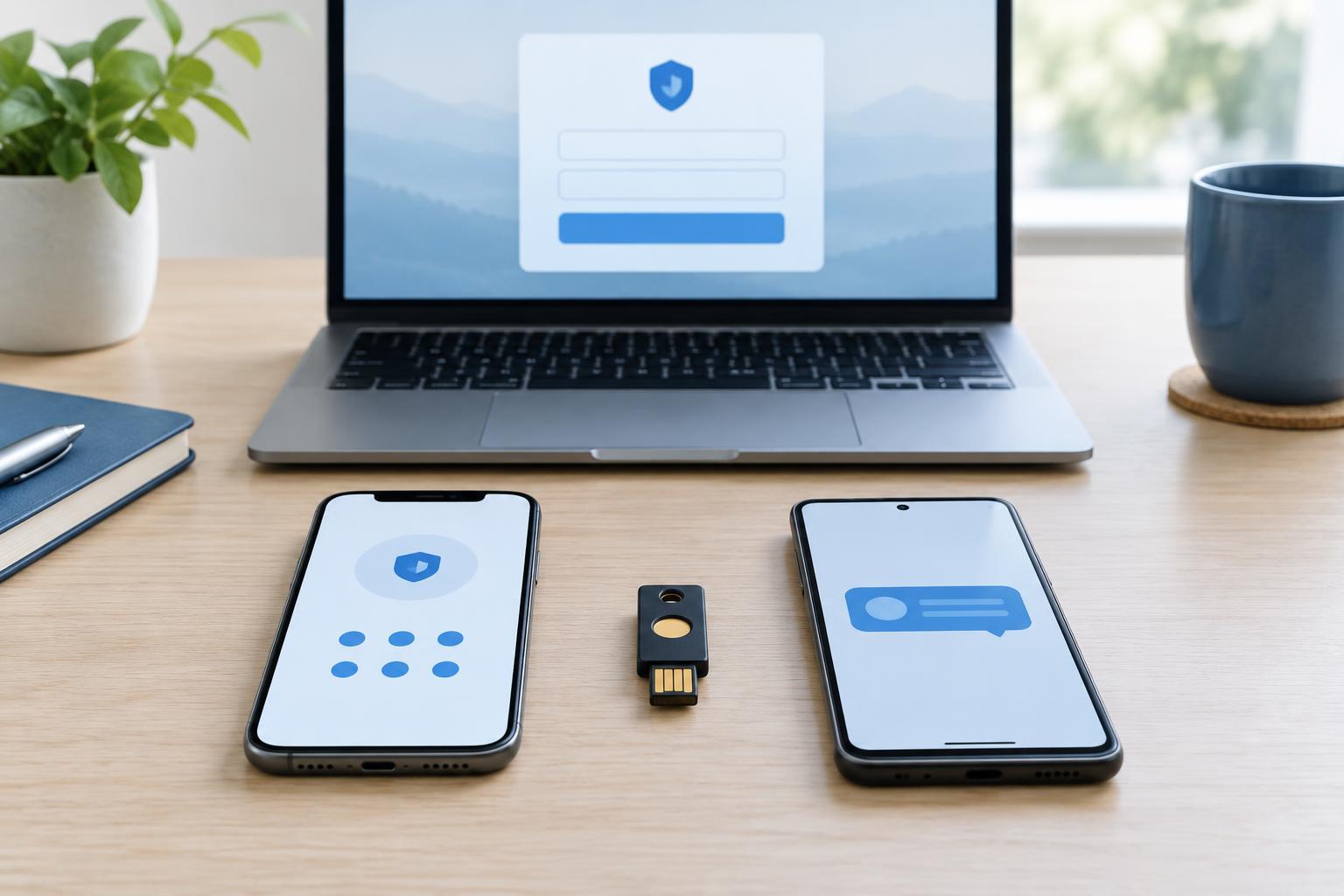
Cybersecurity BasicsMultifactor authentication adds a second check when you sign in, but not every method offers the same protection or convenience. Learn how authenticator apps, security keys, and SMS codes work, where each can fall short, and how to set up reliable account recovery.
Read article · 4 min↗
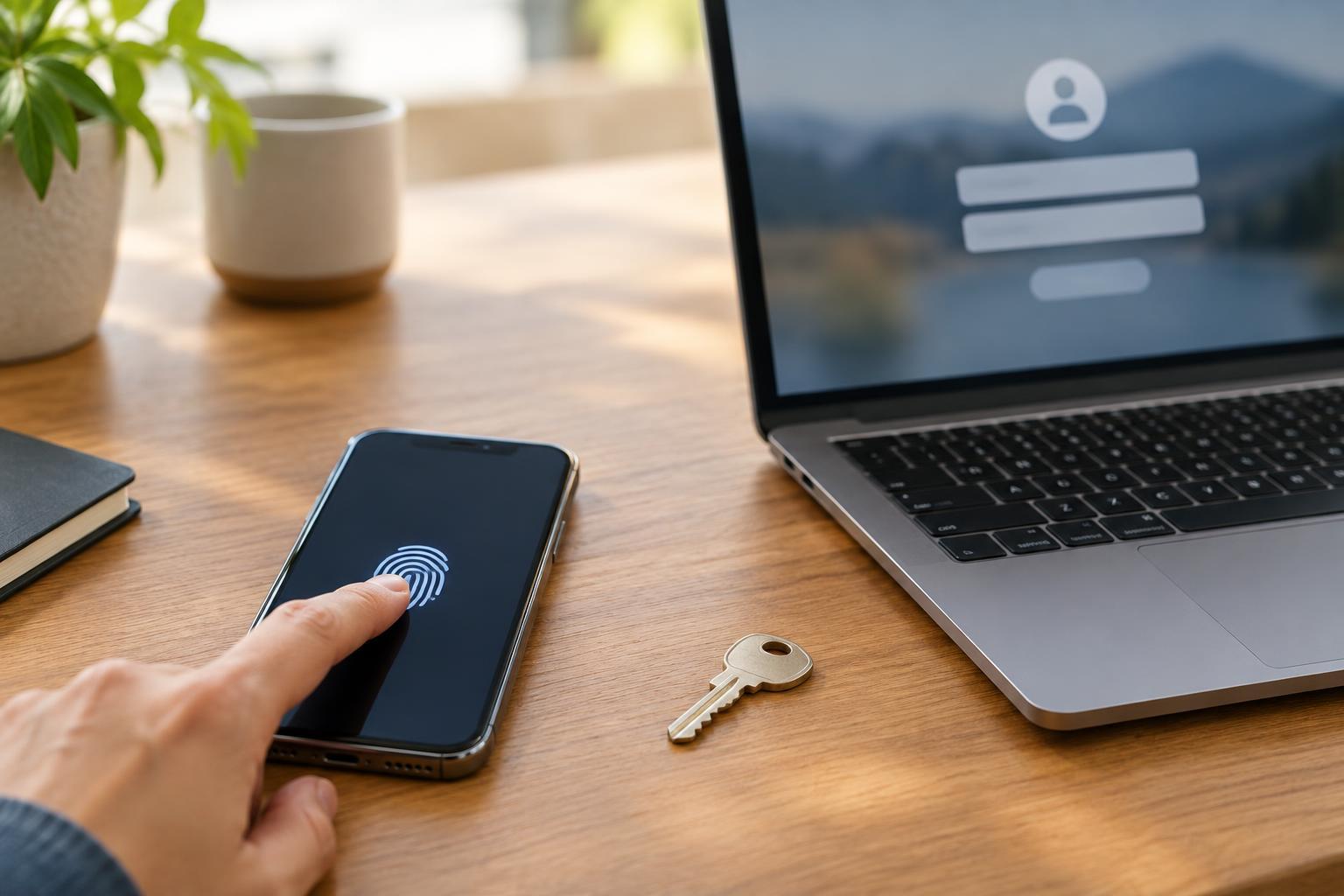
Cybersecurity BasicsPasskeys can make sign-ins easier and harder to phish, but passwords are still necessary for many accounts. Learn how each method works, where its risks lie, and how to choose a practical setup.
Read article · 4 min↗
Cybersecurity BasicsA password manager can help you use a different password for every account without memorizing them all. Learn how to choose and set one up, create a strong master password, use autofill carefully, and move existing accounts into your vault.
Read article · 4 min↗
Cybersecurity BasicsReusing a password lets a breach of one account put other accounts at risk. Learn how to make every password unique, use a password manager, and replace reused passwords without trying to change everything at once.
Read article · 4 min↗
Cybersecurity BasicsCybersecurity is not just about stopping hackers. It helps keep accounts under your control, devices working as intended, and private data from reaching the wrong people. Learn what is at risk, how common threats work, and which everyday habits offer a useful starting point.
Read article · 4 min↗