Why a home router uses NAT
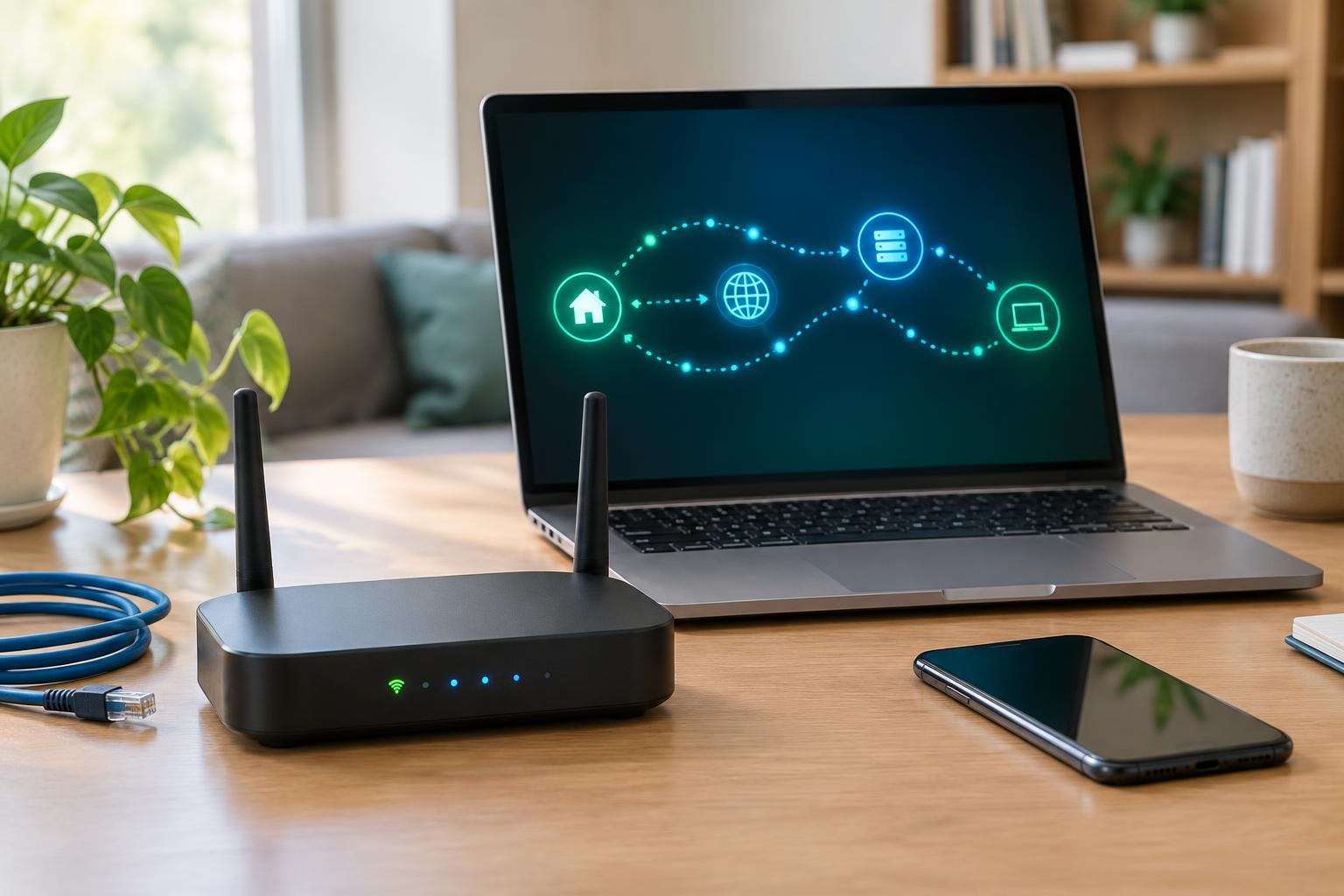
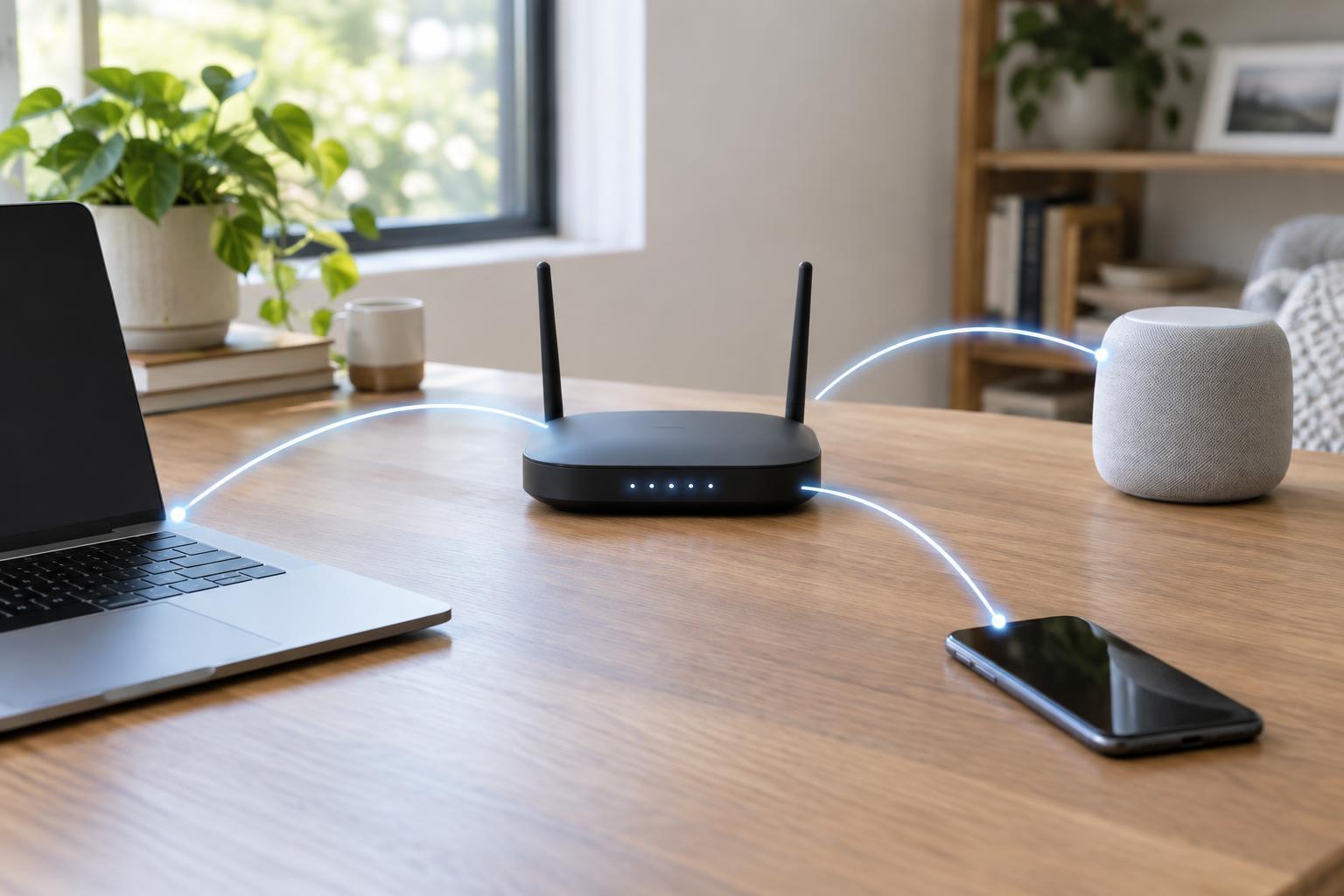
Phones, laptops, printers and other devices on a home network usually have private IP addresses. Those addresses identify devices within the network but are not normally used to reach them directly from the public internet. Network address translation, or NAT, allows multiple devices to share the internet-facing connection of a router. For common outbound traffic, the router changes addressing information as packets pass through it and keeps track of which internal device should receive each reply.
Imagine two laptops opening websites at the same time. Each sends a request through the router. NAT helps the router associate returning traffic with the correct laptop, even though both requests used the same internet connection. This tracking is one reason ordinary browsing works without a separate public IPv4 address for every device. NAT is an addressing mechanism, however, not a complete security policy. A router’s firewall rules also affect which traffic may enter or leave the network.
What changes when a connection starts outside
An unsolicited incoming connection poses a different problem. If someone on the internet contacts your router’s public address, the router needs to know which device, if any, should receive that traffic. An outbound connection gives NAT information it can use to handle replies; a new incoming connection has no such context. Home routers commonly block it unless a rule or another mechanism permits it.
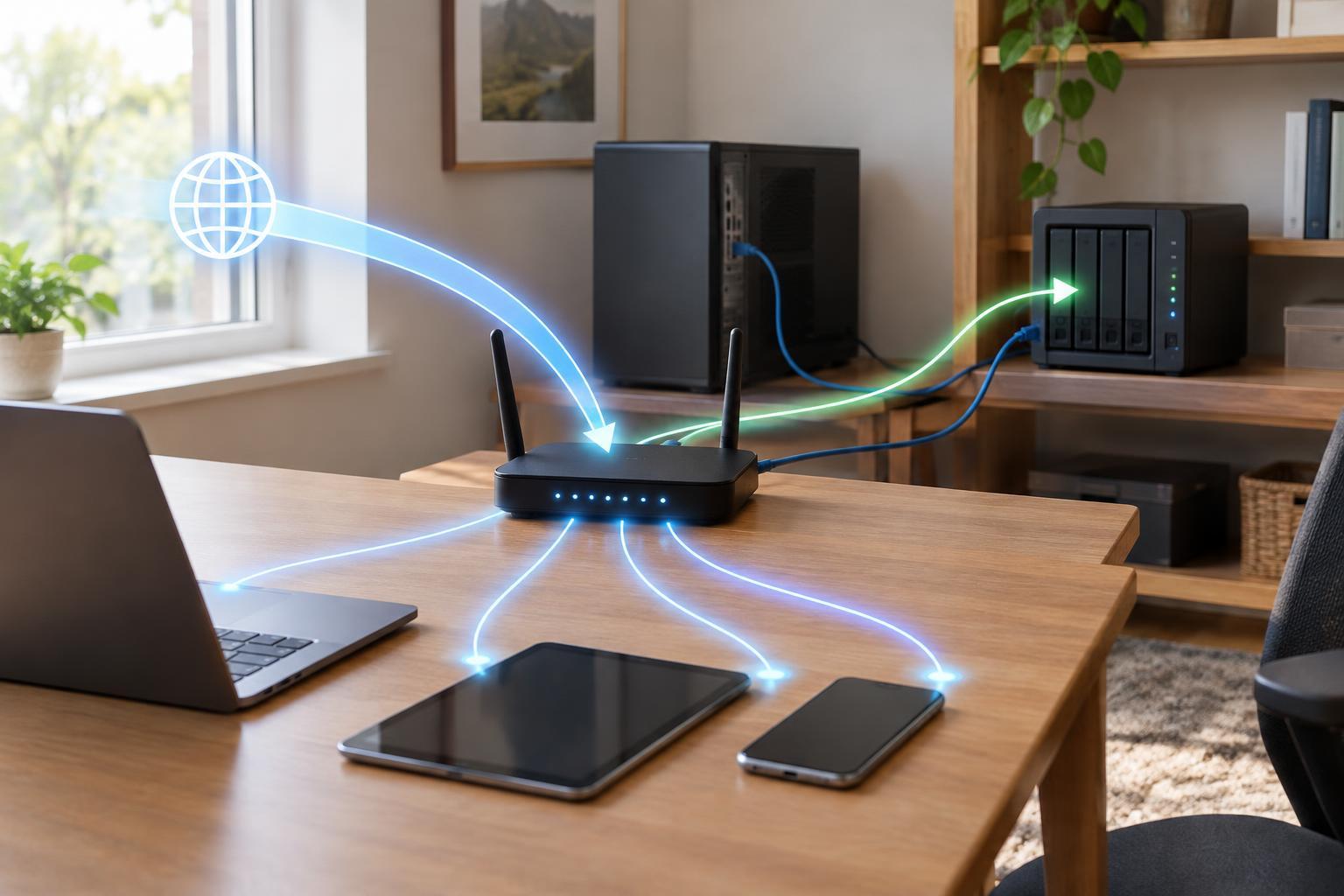
Port forwarding provides an explicit destination for selected traffic. A rule generally says that incoming connections using a particular protocol and external port should go to a specified device and port on the home network. For example, a service running on a computer might listen on one TCP port, and the router can direct connections arriving on a chosen external TCP port to it. The rule does not make every service on that computer reachable; it applies to the traffic the rule matches.
When port forwarding helps—and when it does not
Port forwarding can be useful when you intentionally host a service at home that people or devices outside your network need to contact. Examples might include a self-hosted game server or a remote-access service. Many everyday activities, including web browsing and video calls, do not require you to create a forwarding rule. Before adding one, check what the application actually needs: some services establish their own outbound connections, while others offer a relay or another way to connect.
A forwarding rule also requires a path from the internet to your router. If your internet provider places your connection behind carrier-grade NAT, your router may not have its own reachable public IPv4 address, so a rule on that router alone may not work. A second router in the home can create a similar obstacle: traffic may have to pass through both devices. IPv6 works differently from the usual shared-public-IPv4 NAT arrangement; access to an IPv6 device may depend on firewall settings rather than an IPv4-style forwarding rule.
How to set up a rule thoughtfully
Start by identifying the device hosting the service, the port on which the service listens, and whether it uses TCP, UDP or both. In the router’s settings, create a rule that maps the required external port and protocol to that device’s local IP address and listening port. Routers label these fields differently, so read the field descriptions rather than assuming every port number must match. Give the device a stable local address, often through a DHCP reservation, so the rule does not later point to another device.
Keep the rule as narrow as the service allows, and confirm that the service itself is configured to accept only the access you intend. Use available authentication and keep the router and hosted device updated. Some routers and applications can create mappings automatically through features such as UPnP; that can be convenient, but it may also make it less obvious which ports are open. Review automatically created mappings if your router displays them, and remove manual rules you no longer need.
How to check whether it works
Test from a connection outside your home network, such as a mobile device using cellular data, rather than relying only on a device connected to your Wi-Fi. Some routers do not support reaching a forwarded service through their public address from inside the same network. Make sure the hosted application is running during the test: a correct forwarding rule cannot connect to a service that is stopped or listening on a different port.
If the connection fails, check the rule’s protocol, port numbers and destination IP address first. Then check the device’s own firewall and application settings. If those look right, inspect whether your router has a reachable public address or sits behind another router or provider-managed NAT. Port forwarding solves one specific routing problem; it cannot, by itself, bypass every firewall or network layer between an outside visitor and your device.