Start with the problem you want to solve
A Wi-Fi number describes the capabilities of a wireless standard, not the speed you will get in every room. Your results also depend on the router, the device connecting to it, distance, walls, interference, and your internet plan. A new router cannot make an older phone support features it does not have.
Before shopping, identify the weak point. If video calls fail only in a distant bedroom, coverage may matter more than the Wi-Fi generation. If many devices compete near one router, a newer standard may help manage that traffic. If local file transfers are slow, check both the Wi-Fi link and the storage or wired connections at either end.
What each generation changes
Wi-Fi 5, also called 802.11ac, operates on the 5 GHz band. It remains adequate for many homes, especially when devices are close to the router and the network is not crowded. Its age alone is not a reason to replace a reliable setup.
Wi-Fi 6, or 802.11ax, works on 2.4 and 5 GHz. It is designed to use airtime more efficiently when multiple compatible devices are active. That can make it a sensible general-purpose upgrade, though the benefit varies with the equipment and traffic on your network.
Wi-Fi 6E extends Wi-Fi 6 into the 6 GHz band where that band is available. This gives compatible devices access to additional wireless capacity, which can be useful where 5 GHz channels are busy. The trade-off is that 6 GHz signals often struggle more with distance and walls than lower-frequency signals. A Wi-Fi 6E router still serves older devices on its other supported bands.
Wi-Fi 7, or 802.11be, adds capabilities such as multi-link operation, which can let compatible equipment use more than one band or channel as part of a connection. It can also support wider channels under suitable conditions. Those features require support at both ends, and their practical value depends on channel availability, interference, and the router's implementation.
Match the router to the devices you own
Check the specifications of the phones, laptops, and other devices you use most. A Wi-Fi 7 router can connect many older Wi-Fi devices, but an older client will not gain Wi-Fi 7 features simply by joining it. Similarly, a Wi-Fi 6E device needs a router that supports 6 GHz to use that band.
Pay particular attention to where devices will connect. A desktop near a router may be able to take advantage of 6 GHz, while a laptop several rooms away may perform better on 5 or 2.4 GHz. Availability and permitted use of 6 GHz also vary by location. Check local support and the specifications of both the router and client rather than assuming every model offers the same bands or features.
Choose an upgrade that addresses the bottleneck
Keep Wi-Fi 5 if your connection is stable and fast enough for what you do. Consider Wi-Fi 6 when replacing an aging router or serving a busy household with several compatible devices. Choose Wi-Fi 6E if you have compatible devices near access points and want access to 6 GHz. Wi-Fi 7 is most compelling when you are buying for compatible high-performance devices or planning a network that will make use of its added features; it is not necessary for ordinary browsing and streaming.
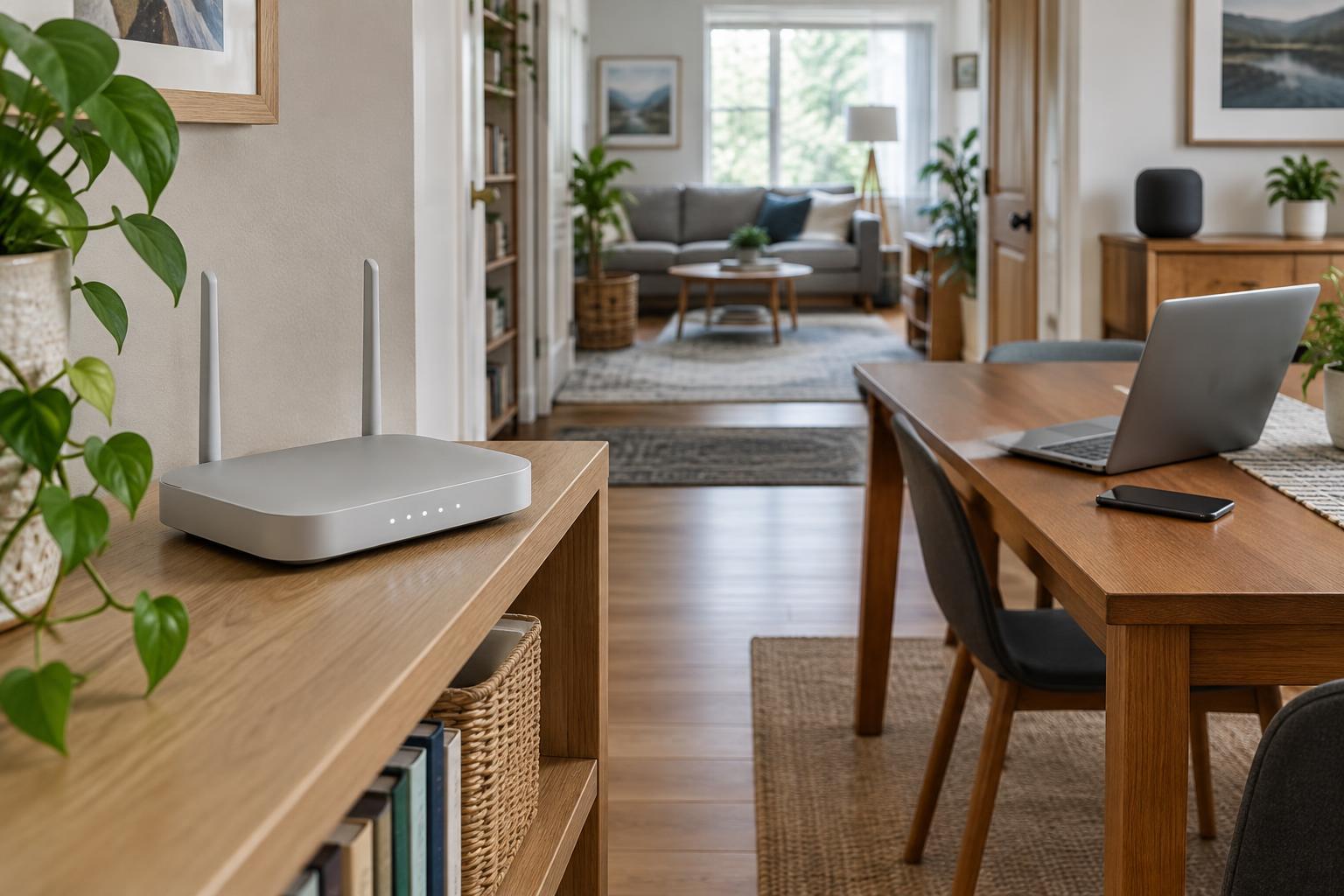
Router placement may deliver a bigger improvement than a standards upgrade. Put an access point in an open, reasonably central location rather than inside a cabinet. For a larger home, consider additional access points with wired connections between them when practical. Also inspect the router's Ethernet ports if you expect fast internet service or frequent transfers to wired storage: a fast wireless link cannot overcome a slower connection beyond it.
Set up the network well, whichever standard you choose
Use a strong, unique Wi-Fi password, install router updates, and select a supported modern security mode. If you plan to use 6 GHz, confirm that your devices support the security settings required for it. Keep a guest network for visitors when you want to limit access to your main network.
Finally, test from the places where you actually use Wi-Fi. Compare performance near the router with performance in problem rooms, and test at different times if congestion seems likely. Those observations will tell you more than a standard number on the box—and help you decide whether you need a new router, another access point, or simply better placement.