What an Ethernet switch does
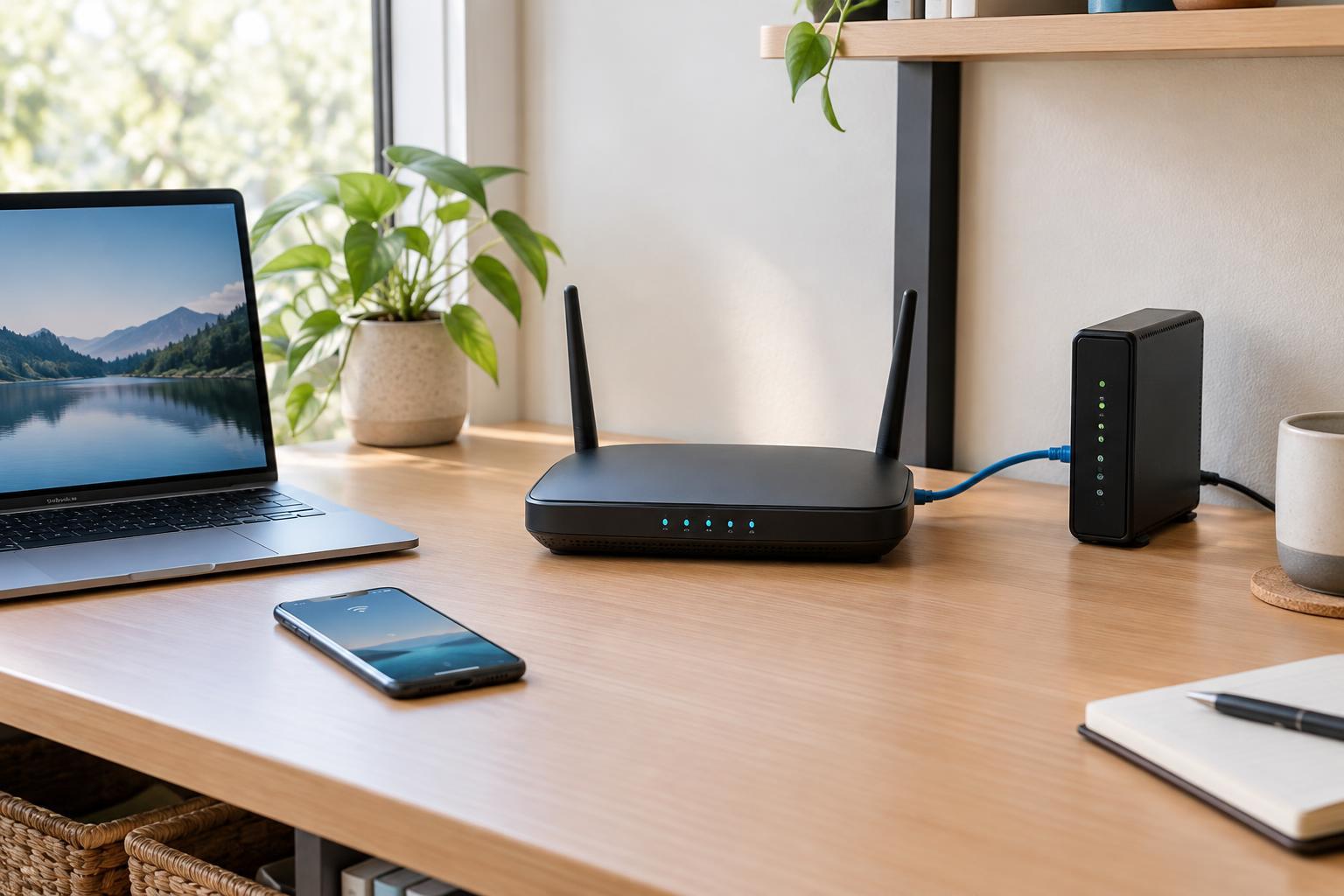
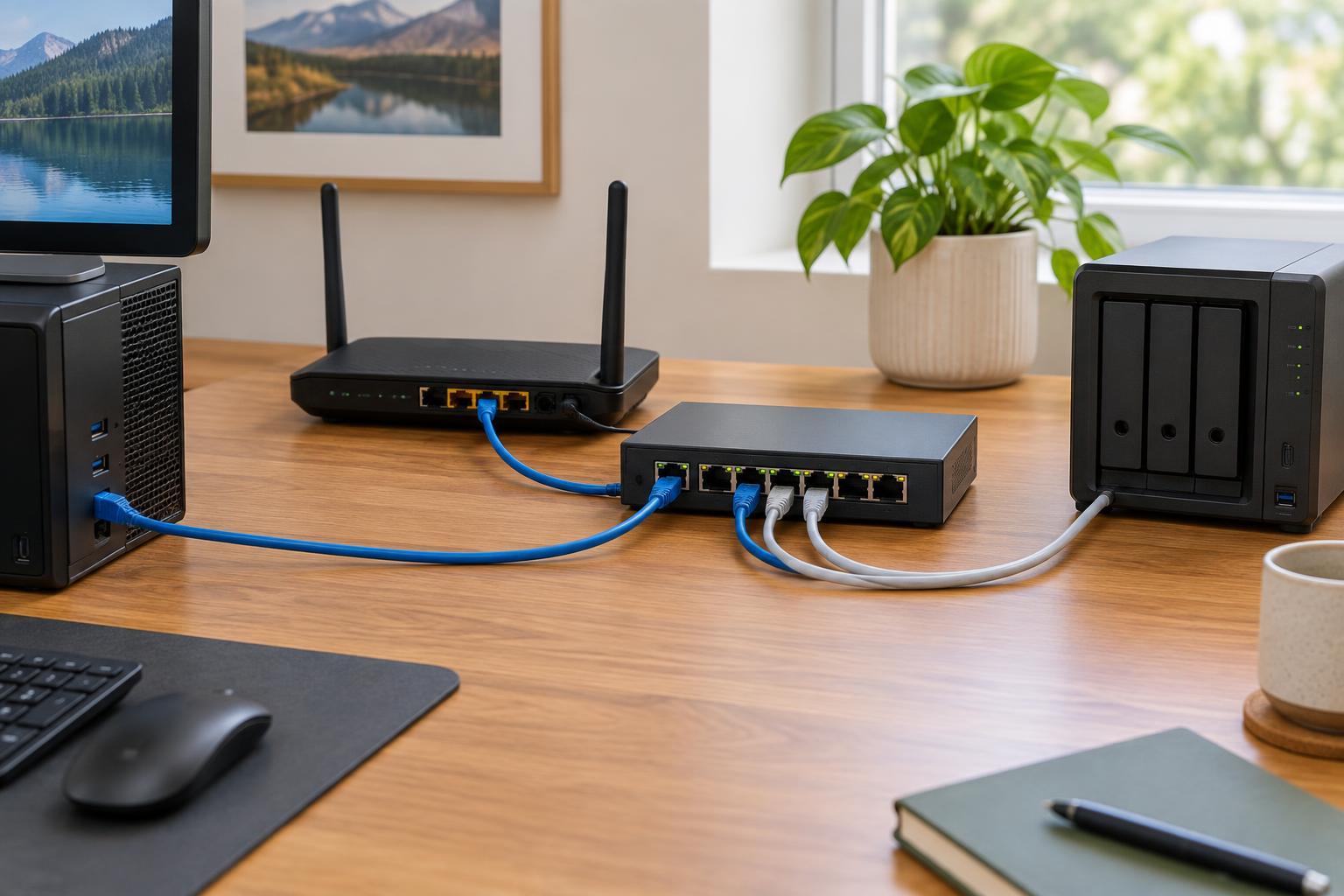
Your router connects your home network to the internet and usually provides a few Ethernet ports for wired devices. An Ethernet switch expands the number of ports available on that same local network. Connect one switch port to a LAN port on the router, then connect devices such as a desktop computer, television, game console, or network printer to the remaining ports.
A basic switch does not replace your router. It does not create a separate internet connection or make your broadband service faster. Instead, it directs traffic between connected devices and passes traffic toward the router when needed. For most homes, an unmanaged switch is sufficient: it works without a setup screen or ongoing configuration.
Signs you could use one
The clearest reason to add a switch is that you have more devices to wire than your router has free LAN ports. A switch is also useful when several devices sit together but the router is elsewhere. For example, one Ethernet run to a desk or entertainment cabinet can feed a switch that serves multiple nearby devices. Count the router connection as one switch port when deciding how many ports to buy, and allow some room for future devices.
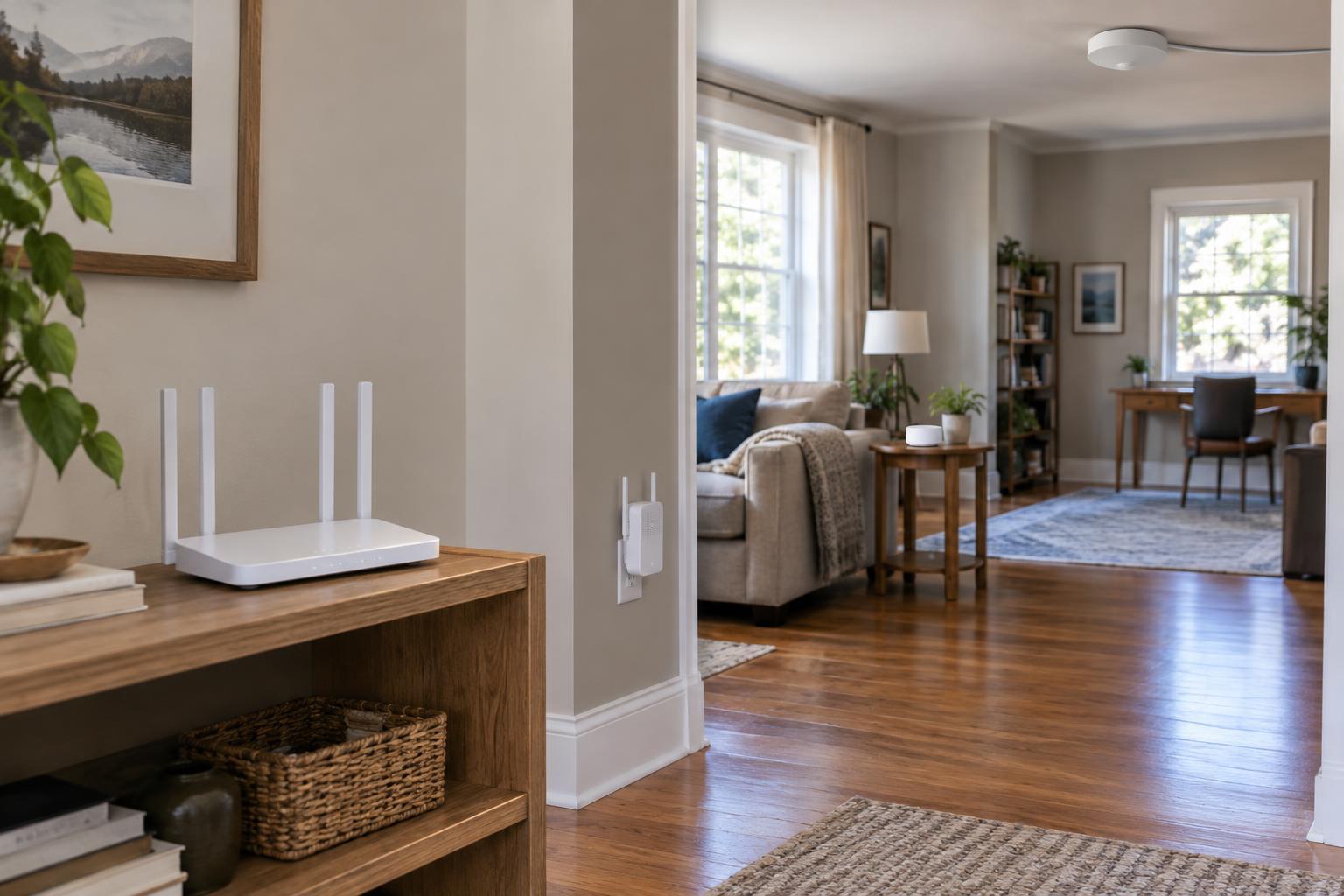
A switch can also help you make better use of existing Ethernet cabling. Devices that remain in one place often benefit from a wired connection, particularly if Wi-Fi is unreliable in that spot. Moving a few devices to Ethernet may reduce their dependence on Wi-Fi, though it will not fix every wireless coverage problem. If the problem is a weak signal on phones or tablets, an appropriately placed access point or another Wi-Fi solution may be more relevant than a switch alone.
Check the connection before buying
A switch needs a working wired path back to your network. If you can run a cable from the router to the area where the devices sit, installation is straightforward. If you plan to use wall Ethernet jacks, first confirm where those cables end and whether they are connected for data. A wall jack is not necessarily ready to use just because it fits an Ethernet plug.
Pay attention to the speed of the ports along the whole path. A gigabit switch is a sensible general-purpose choice for many home devices, but a slower router port, cable connection, or device port can limit a particular link. Devices on the switch also share its connection back to the router when their traffic needs to cross that link. That is rarely a concern for light everyday use, but it matters more if several devices regularly transfer large files to equipment elsewhere on the network.
Most small switches need a nearby power outlet. If you want the switch to power equipment such as a compatible access point or camera over Ethernet, look specifically for a Power over Ethernet (PoE) switch. Check that its supported PoE standard and total power budget meet the devices’ requirements. A regular switch can carry network traffic to those devices but cannot supply PoE power.
How to install it without complicating the network
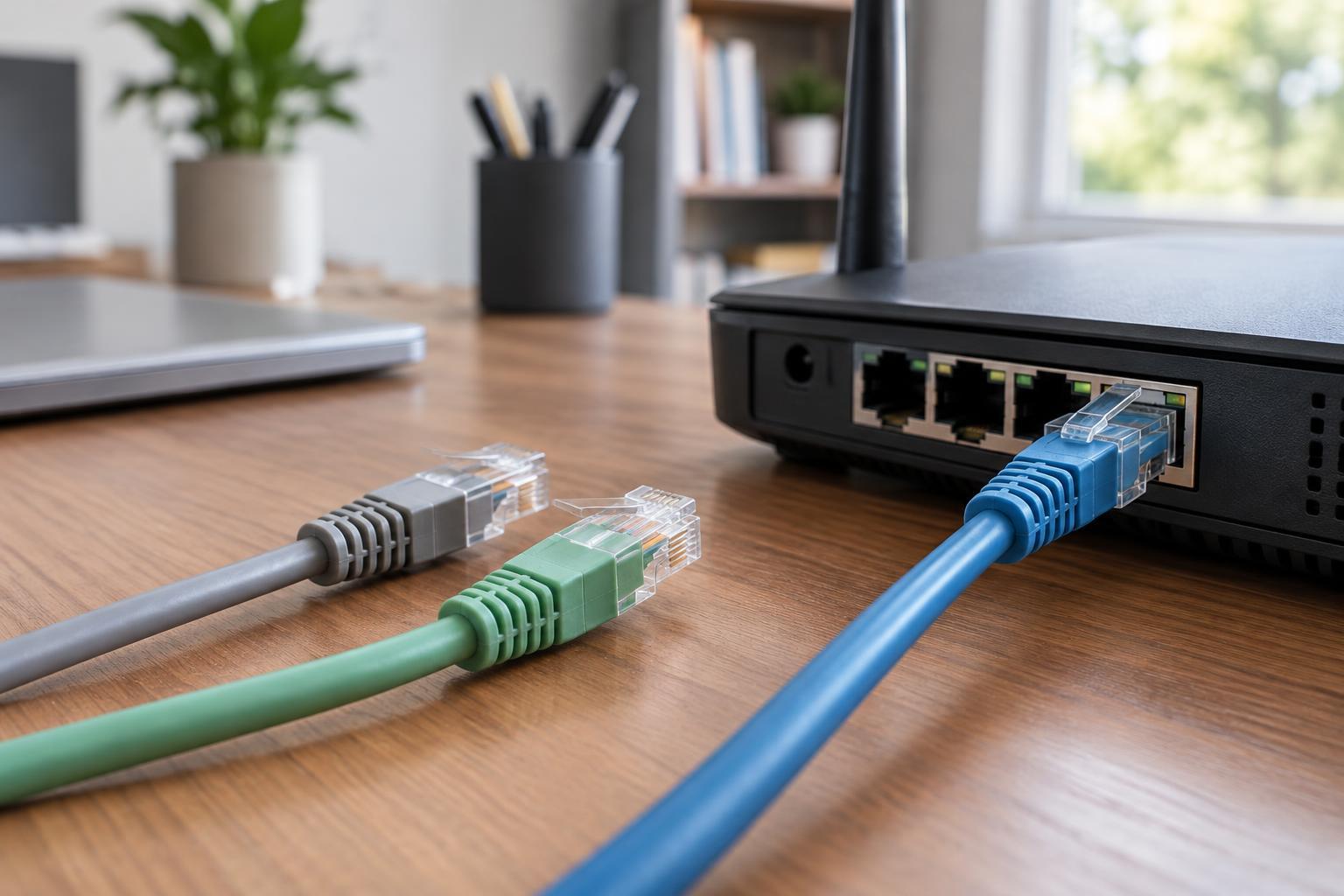
Place the switch where its cables can reach without being pinched or sharply bent, and leave space for ventilation. Connect a LAN port on your router to any standard port on an unmanaged switch, attach your devices, and plug in the switch’s power supply. Most modern switches do not require a special uplink port or a crossover cable. Check the port lights and test a connected device to confirm it can reach the network.
Avoid making two separate cable connections between the same basic switch and router, or between two unmanaged switches. That can create a network loop and disrupt connectivity. If you need more than one switch, connect them in a simple chain or branching layout with only one path between any two switches. Advanced managed switches can handle more complex layouts, but they require deliberate configuration.
If a device does not connect, start with the simple checks: power, cable seating, port lights, and a different known-working cable or port. Make sure the switch is connected to a LAN port rather than an unexpected modem or isolated network connection. For a typical home, adding a small unmanaged switch is a practical way to gain wired ports while leaving the router to manage the network as before.