What an Ethernet cable category tells you
An Ethernet cable’s category describes its tested performance, not the speed it will automatically deliver. Higher categories are designed to carry signals at higher frequencies while meeting limits on interference between wire pairs. The connection still depends on the network ports at both ends, the quality of the cable and connectors, and the length of the run. Replacing a working cable with a higher-category one will not make a gigabit router port run faster.
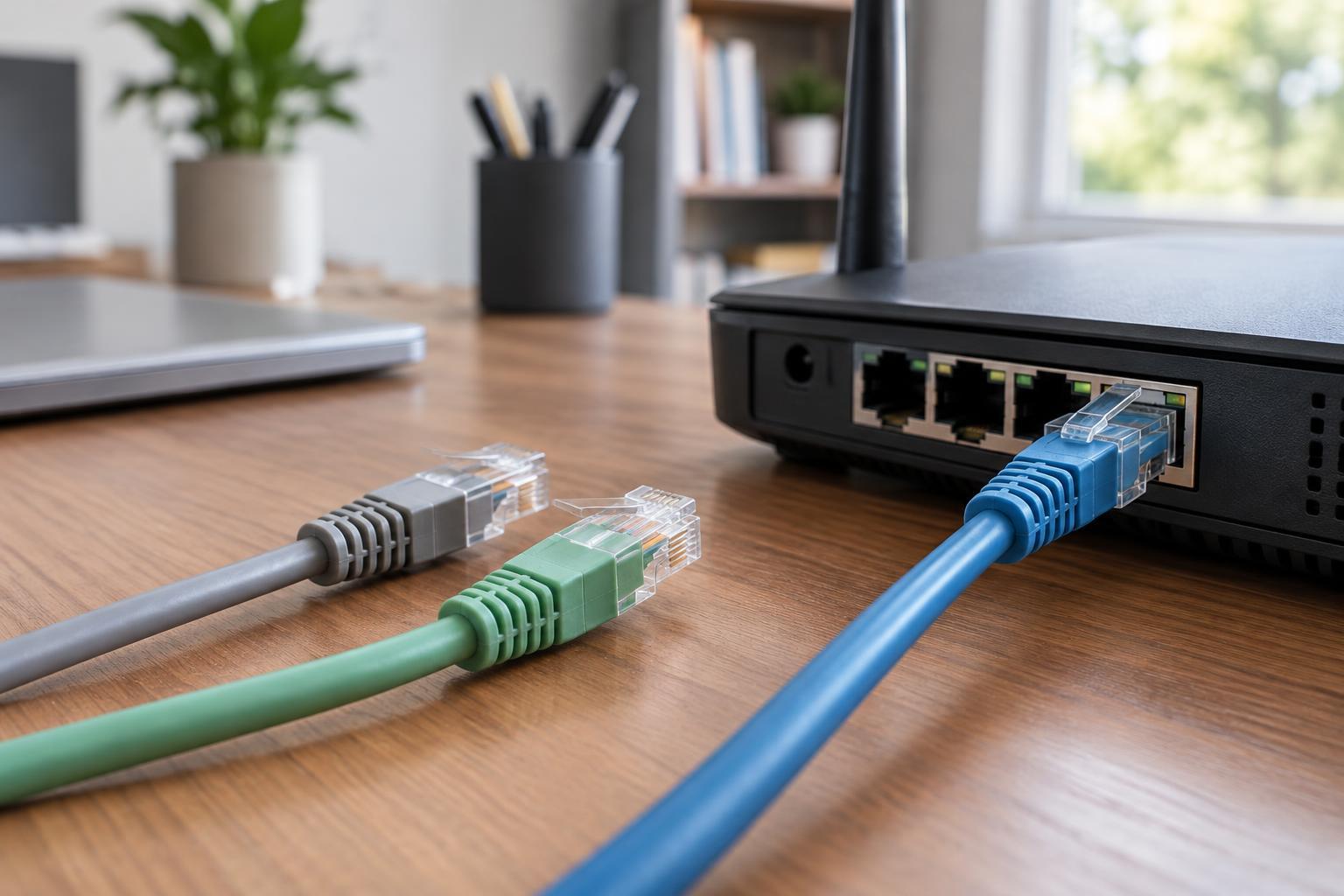
Most home Ethernet cables use the same familiar eight-position modular plug, commonly called RJ45. That similar appearance makes it easy to mix categories, but it also means the label alone is not enough when buying. Check the stated category, cable construction and intended use. A well-made cable of a suitable category is more useful than an impressive category printed on a poorly made cable.
Cat5e, Cat6 and Cat6a: the practical choices
Cat5e is a sensible choice for many ordinary patch cables and existing home runs. It supports gigabit Ethernet over a channel up to 100 meters when the installation meets the relevant specifications. It may also support 2.5-gigabit or 5-gigabit connections in suitable conditions, but that depends on the equipment and the cabling. If your current Cat5e link is stable at the speed you need, there is usually no reason to replace it simply because it is older.
Cat6 provides more headroom against signal interference and is a useful default for new home cabling. It supports gigabit Ethernet over a channel up to 100 meters. It can also support 10-gigabit Ethernet on shorter runs; the usable distance can vary with cable quality and nearby interference, so do not assume every Cat6 run will deliver 10 gigabits over its full length.
Cat6a is designed to support 10-gigabit Ethernet over a channel up to 100 meters. Consider it for a new run when that speed is a clear goal, particularly if replacing the cable later would be difficult. Its greater thickness and stiffness can make routing and terminating it less convenient in a home. For short patch leads or a network built around gigabit ports, that extra capacity may offer no practical benefit.
Do you need Cat7 or Cat8?
Listings for Cat7 and Cat8 can make Cat6a seem inadequate, but neither is a routine upgrade for a home network. Products marketed as Cat7 deserve a careful look: the label does not guarantee that an ordinary RJ45 patch cable will outperform a properly made Cat6 or Cat6a cable. Pay attention to the connectors and the specifications of the complete product rather than treating the category name as a speed promise.
Cat8 is intended for very short, high-speed links in specialized environments, such as data centers. Its performance is not useful unless compatible equipment and an appropriate installation can take advantage of it. For connecting a computer, access point, television or home switch, Cat5e, Cat6 or Cat6a is generally the more relevant choice.
Match the cable to the job
For a flexible lead between a wall jack and a device, buy a finished patch cable from a reputable seller. Patch cables commonly use stranded conductors, which tolerate repeated movement better than solid conductors. For a permanent run through walls or between rooms, solid-conductor cable is generally used and terminated at suitable jacks or patch panels. Choose a jacket rating appropriate to where the cable will be installed, and follow applicable local building requirements.
Look for copper conductors rather than copper-clad aluminum, often abbreviated CCA. CCA is not an equivalent substitute for category-rated copper cabling and is a particularly poor choice where the cable will carry Power over Ethernet to an access point or camera. Keep cable runs away from sources of electrical interference where practical, avoid tight bends and crushing, and use connectors rated for the cable type. Shielded cable is not automatically better: it adds installation considerations and is most useful when the whole link is designed for shielding.
A simple buying rule
Keep sound Cat5e cabling if it meets your needs. Choose good-quality Cat6 for most new home runs and everyday patch leads. Choose Cat6a when you are planning a permanent run for 10-gigabit equipment and want the distance capability it provides. Before spending more, check the speed of your router, switch and device ports: every part of the link must support the speed you expect. A suitable cable, installed and terminated well, matters more than buying the highest category on the shelf.