What a Wi-Fi channel does
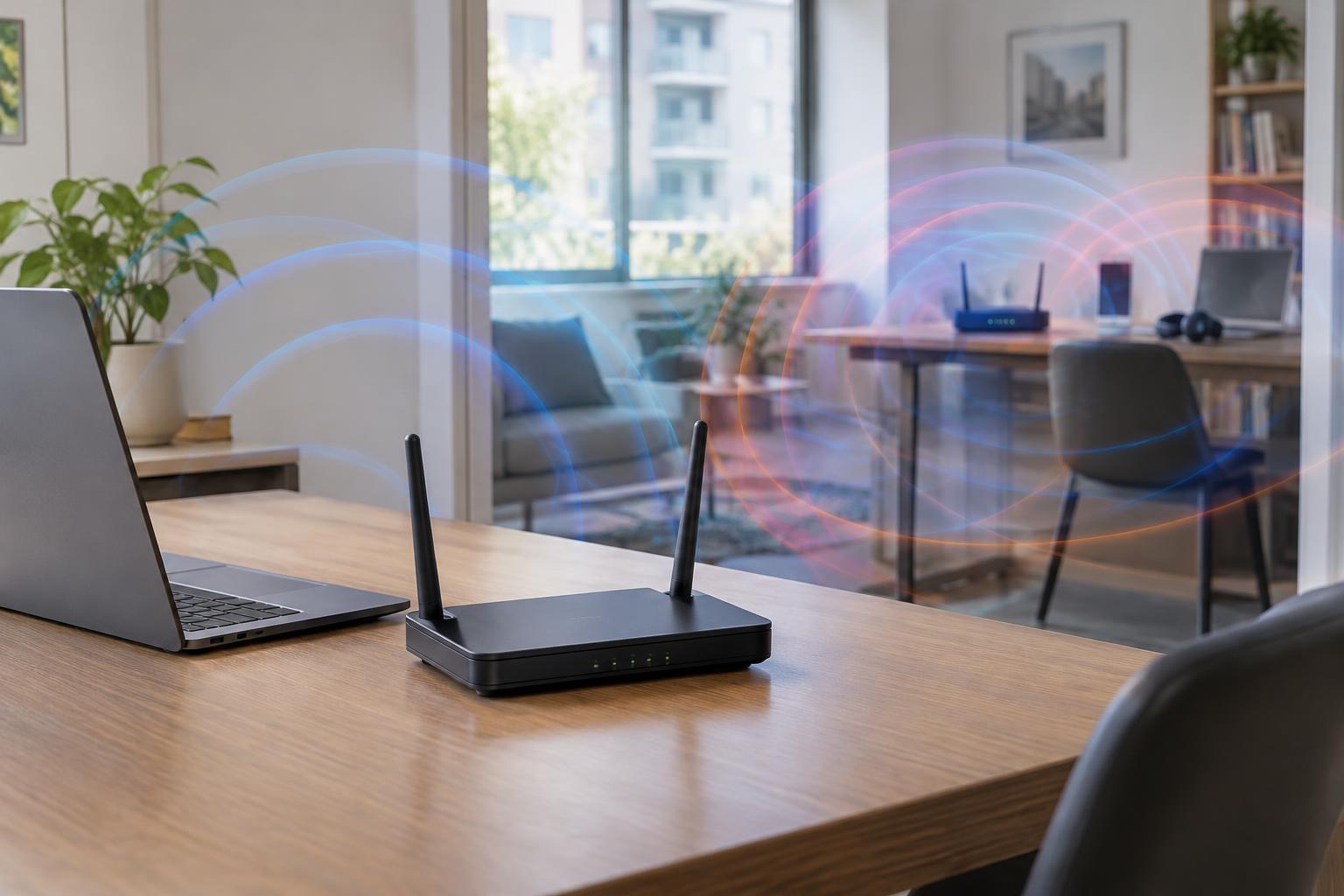
A Wi-Fi channel is a portion of radio spectrum used by your router and connected devices to communicate. Your router usually chooses a channel automatically, but neighboring networks may be using the same or nearby spectrum. When several devices need to transmit in the same space, they must take turns or retry transmissions that did not get through. The result can be lower speeds, higher latency or occasional pauses, even when the Wi-Fi signal indicator looks strong.
Wi-Fi commonly operates on the 2.4 GHz and 5 GHz bands; compatible equipment may also use 6 GHz. The 2.4 GHz band often reaches farther through a home, but it offers less room for separate channels and is shared with some other household devices. The 5 GHz band provides more channel options and can perform well at shorter distances, though walls and floors may weaken its signal. The 6 GHz band offers additional space for compatible devices, but it is not a substitute for good coverage.
Why the channel number is only part of the story
On 2.4 GHz, many channel choices overlap. Moving a router from one channel to an adjacent one may create interference with networks on both sides rather than solve a problem. In many regions, channels 1, 6 and 11 are commonly used as non-overlapping choices when the network uses a 20 MHz channel width. Available channels and permitted settings vary by region, so use the options provided by your equipment.
Channel width matters because a wider channel uses more spectrum. It can carry more data under favorable conditions, but it also has a greater chance of encountering other networks. For a crowded 2.4 GHz environment, a 20 MHz width is usually a sensible starting point. On 5 GHz, a wider channel may help when the airwaves are relatively clear; a narrower setting may be steadier when many nearby networks compete for space. Maximum advertised Wi-Fi speed is therefore not the same as dependable speed in a real room.
Interference is not always another Wi-Fi network
Neighboring Wi-Fi networks are a common source of congestion, especially in apartments and shared buildings. Other equipment using nearby radio frequencies can also disrupt communication. Depending on the device and circumstances, examples include Bluetooth accessories, some cordless devices and microwave ovens. Interference may be intermittent, making it harder to identify than a consistently weak signal.
Distance and obstacles can look like interference from a user’s perspective. A device near the edge of coverage may fall back to slower connection rates and repeat more transmissions. That uses additional airtime, which can affect other devices on the network too. Routers placed behind televisions, inside cabinets or near substantial metal objects may struggle to provide even coverage. Before changing channels, check whether the problem happens only in one room, at certain times or on one device.
A practical way to troubleshoot
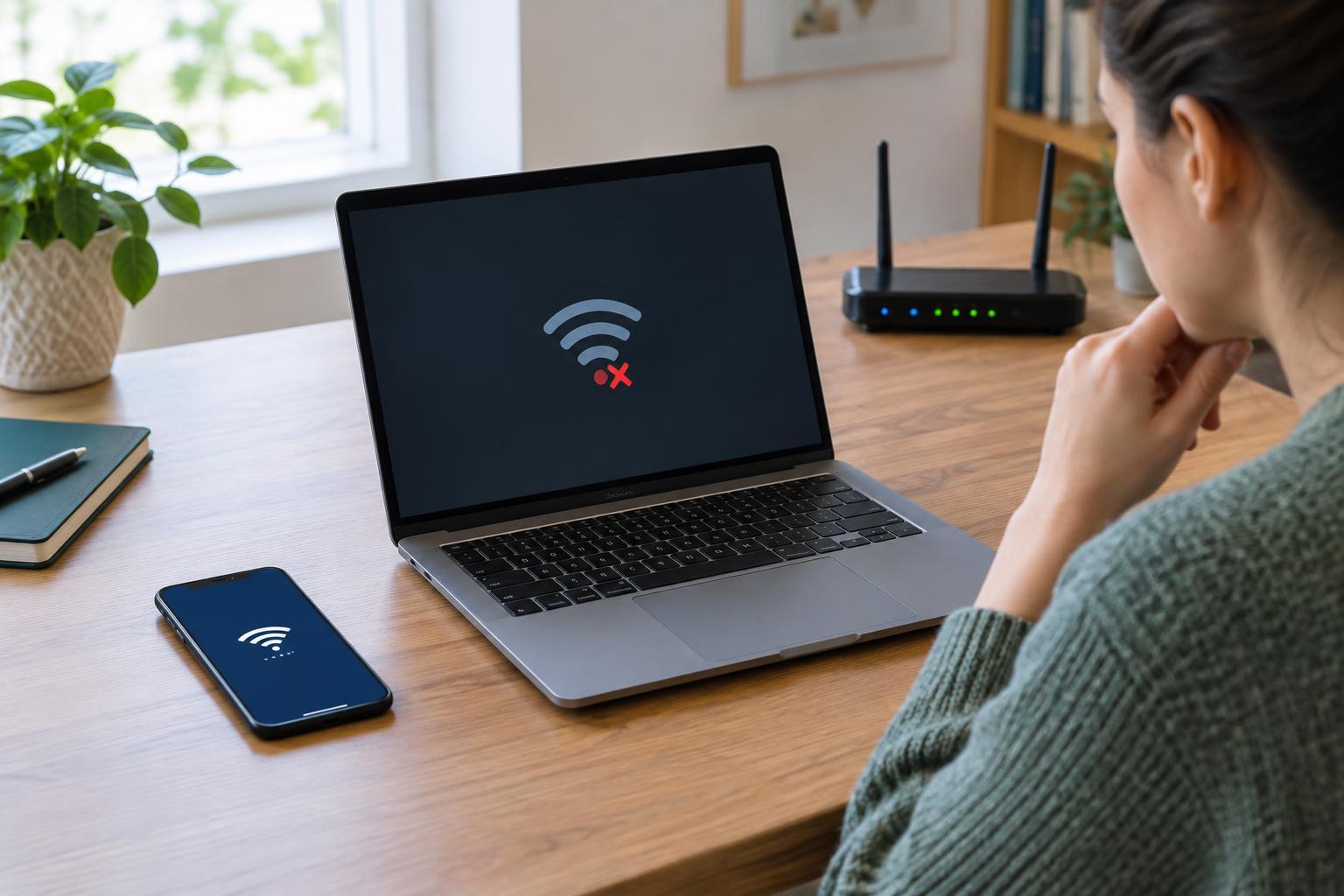
Start by separating a Wi-Fi problem from an internet-service problem. If possible, compare a device connected by Ethernet with one using Wi-Fi in the same period. If both are slow, changing wireless channels is unlikely to fix the underlying issue. If only Wi-Fi is affected, test near the router and then in the troublesome location. Note whether the problem is poor speed, delayed responses or dropped connections; those symptoms can point to different causes.
Next, look at the router’s settings or a reputable Wi-Fi scanning tool to see which nearby networks are visible. A scan is a snapshot, not a complete measure of interference: it may miss non-Wi-Fi devices and cannot tell you how busy every network will be later. If your router’s automatic channel selection works well, there may be no reason to override it. Otherwise, try one supported channel or width change at a time, then test in the places and at the times that matter to you.
Improve coverage without chasing a perfect channel
Channel changes cannot overcome every physical limitation. Moving a router to a more open, central position may help more than repeatedly switching channels. Where the router supports separate band choices, a nearby laptop might benefit from 5 GHz while a distant device may connect more reliably on 2.4 GHz. The best choice depends on the building, the device and the networks around it.
For larger spaces, an additional access point connected by Ethernet can extend coverage without relying on a weak wireless link. Mesh systems can also help, but units still need a good connection to one another; placing a node where the existing signal is already poor can limit its benefit. Treat channel selection as one part of network planning: choose a reasonable setting, check real-world performance and prioritize reliable coverage over the highest theoretical speed.