Start with how people will use the files
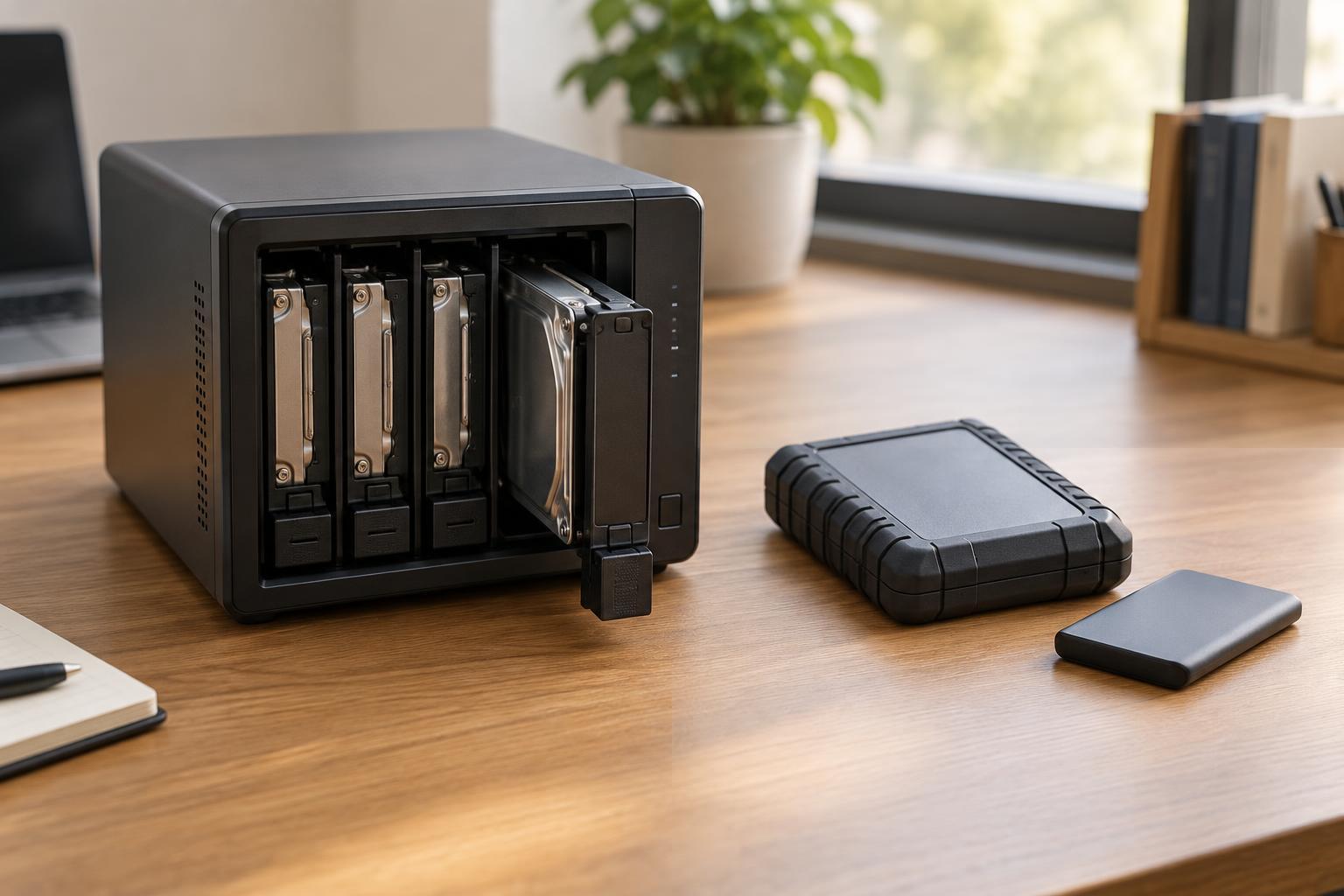
An external drive connects directly to a computer, usually by USB. It is a simple choice when one person needs more space, wants to move files between computers, or needs a backup destination. The drive is normally available only while it is connected to a powered-on computer. You can share it through that computer, but then access depends on the computer staying on and being configured for sharing.
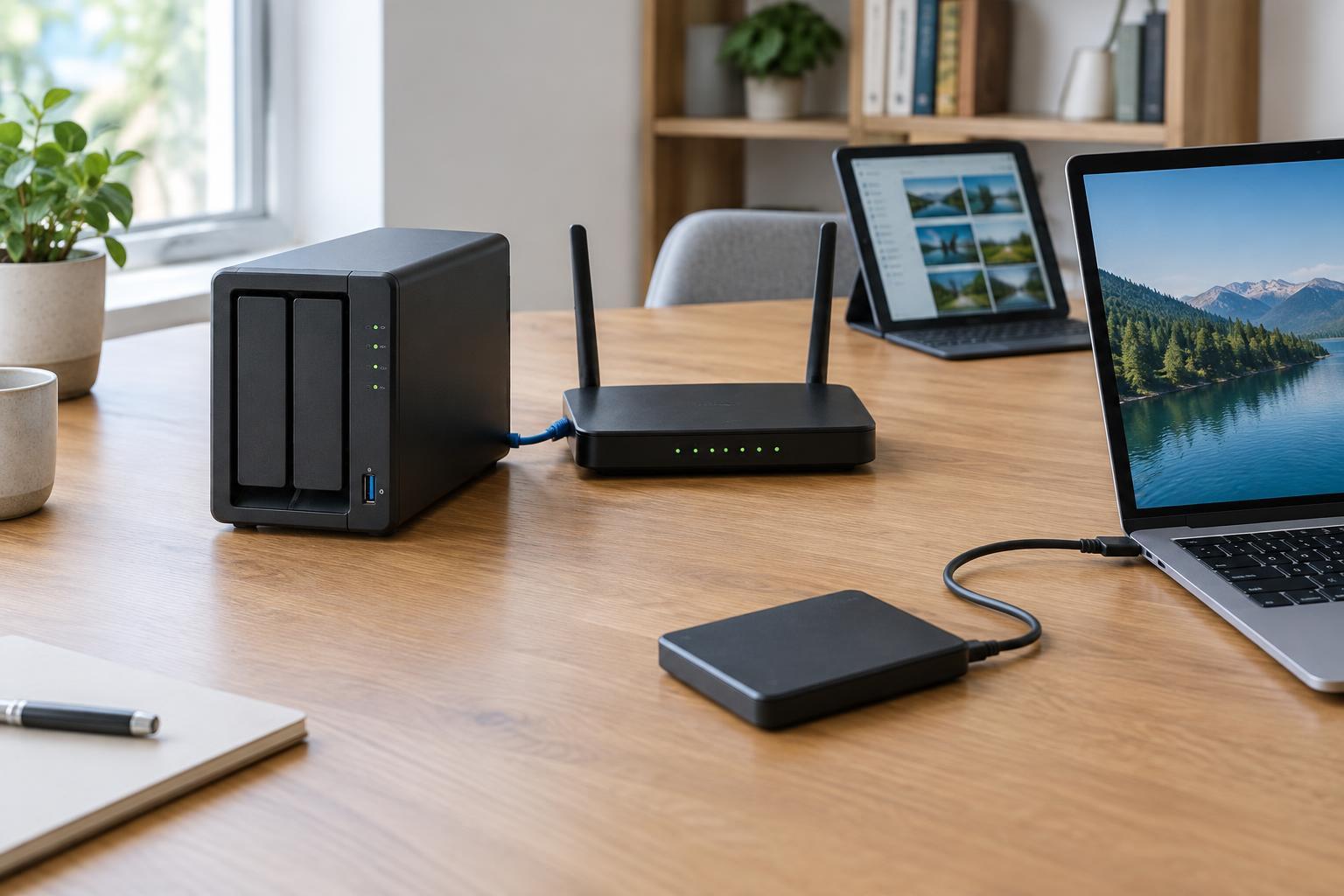
A network-attached storage device, or NAS, connects to the local network instead. It is a small computer built to store and serve files to other devices. That makes it useful when several people need a common place for documents, photos or project files. A NAS can also act as a backup destination for household computers or small-office workstations.
The first question is not how much storage to buy, but who needs access and when. If one laptop needs a monthly backup, an external drive may be enough. If multiple devices need access to the same files without relying on someone’s desktop computer, a NAS is usually a better fit.
Compare cost, speed and everyday convenience
An external drive typically has the lower upfront cost and requires little setup. Plug it in, check that it uses a suitable file system for your computers, and choose where files or backups will go. Its portability is helpful, but also makes it easier to misplace or damage. Remembering to connect it is part of the routine if backups do not run automatically.
A NAS costs more than its enclosure alone suggests: you may need to buy drives separately, and it uses power while running. Setup includes creating user accounts, shared folders and backup schedules. In return, it can provide always-available storage on the local network and may support automatic backups from several devices. Expect occasional software updates, drive checks and account management.
Speed depends on the whole path to the files. A directly connected drive may feel faster for transferring a large folder from one computer. A NAS is limited by its drives, network connection and the device accessing it; Wi-Fi can be a particular bottleneck. For frequent editing of large files, test whether working directly from network storage feels responsive enough. Keeping active files on a computer and using the NAS for sharing or backup may be more comfortable.
Do not confuse storage availability with backup
Some NAS devices hold multiple drives and offer mirroring or other forms of drive redundancy. These features can help keep files available if a drive fails, but they do not replace a backup. An accidental deletion, unwanted change or malicious encryption may affect the files stored across the NAS. A single external drive holding the only copy has a similar problem: if that drive fails or disappears, the files may be gone.
For important files, keep separate copies and make sure at least one is not continuously exposed to the same computer or network. That might mean rotating external drives and disconnecting one after a backup, or backing up a NAS to another destination. A cloud backup can be another option if its privacy settings, capacity and ongoing cost suit your needs. Whichever approach you choose, occasionally restore a sample file. A backup is much more useful when you know you can retrieve it.
Before buying capacity, estimate what you store now and allow room for growth and backups. A two-drive NAS configured to mirror data, for example, does not provide the combined capacity of both drives for files. Check the capacity available under your chosen configuration rather than adding up drive labels.
Plan for security and access
A NAS introduces another device to maintain on the network. Give each person an account where practical, limit access to folders they need, use strong passwords and install software updates. If the NAS supports extra sign-in protection, consider enabling it. Avoid exposing its administration page directly to the internet simply to reach files while away from home. Remote-access features require careful configuration and ongoing attention.
External drives need protection too. A portable drive can be lost, so encryption is worth considering when it holds sensitive files. Keep track of the password or recovery key: encryption protects data from others, but it can also lock you out. For either option, decide who is responsible for checking backup results, replacing a failing drive and removing access when someone no longer needs it.
Choose a setup you can maintain
Choose an external drive if storage is mainly for one computer, portability matters, or you want a low-complexity backup you can disconnect. Choose a NAS if several devices need shared files or scheduled network backups, and someone is willing to maintain it. Neither choice has to be permanent: many households and small offices use a NAS for convenient access and an external drive for a separate backup copy.
A good storage plan should be easy enough to follow after the initial setup. Write down where the primary files live, where their backups go, how often backups run and how to restore them. That simple plan matters more than buying the most elaborate device.