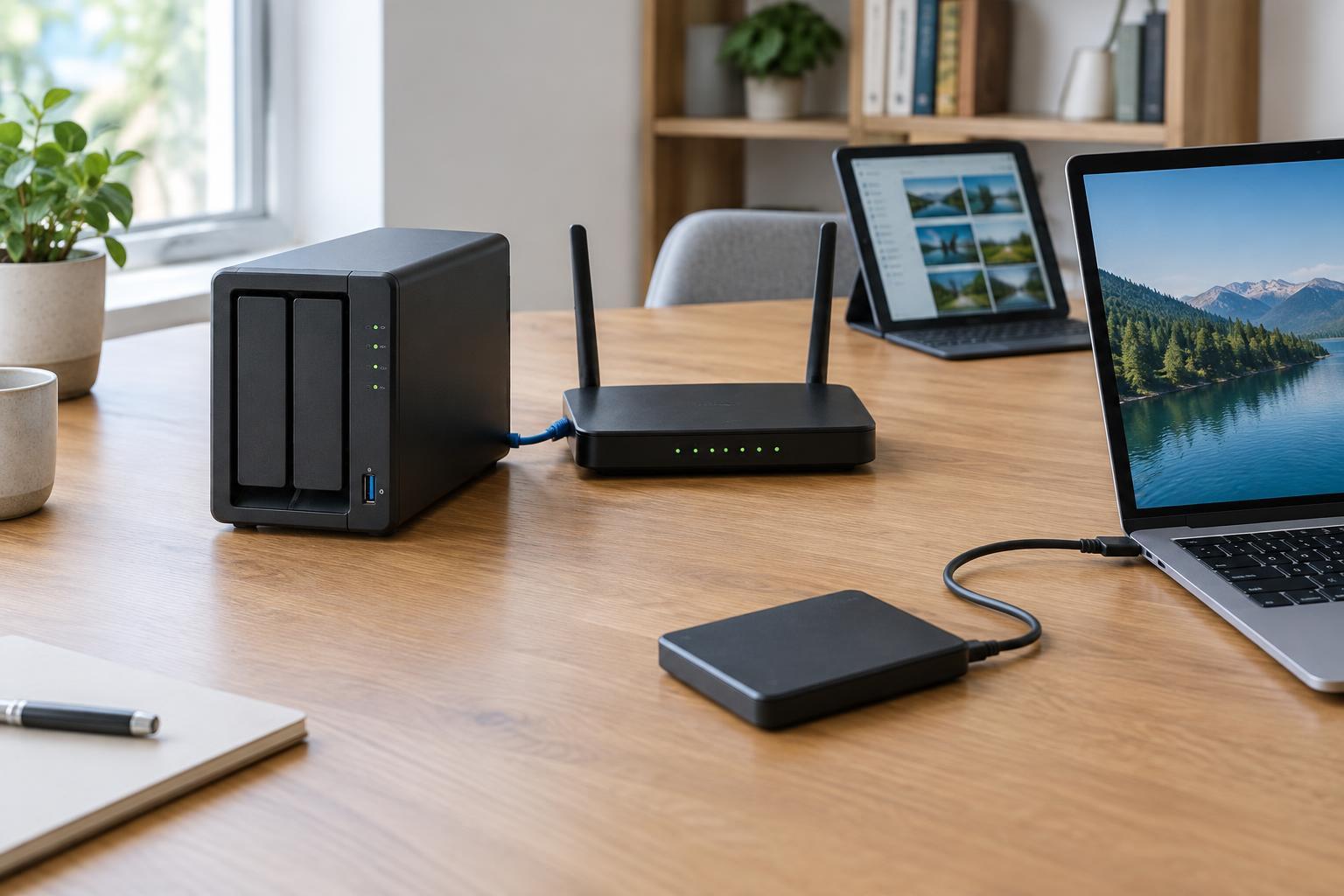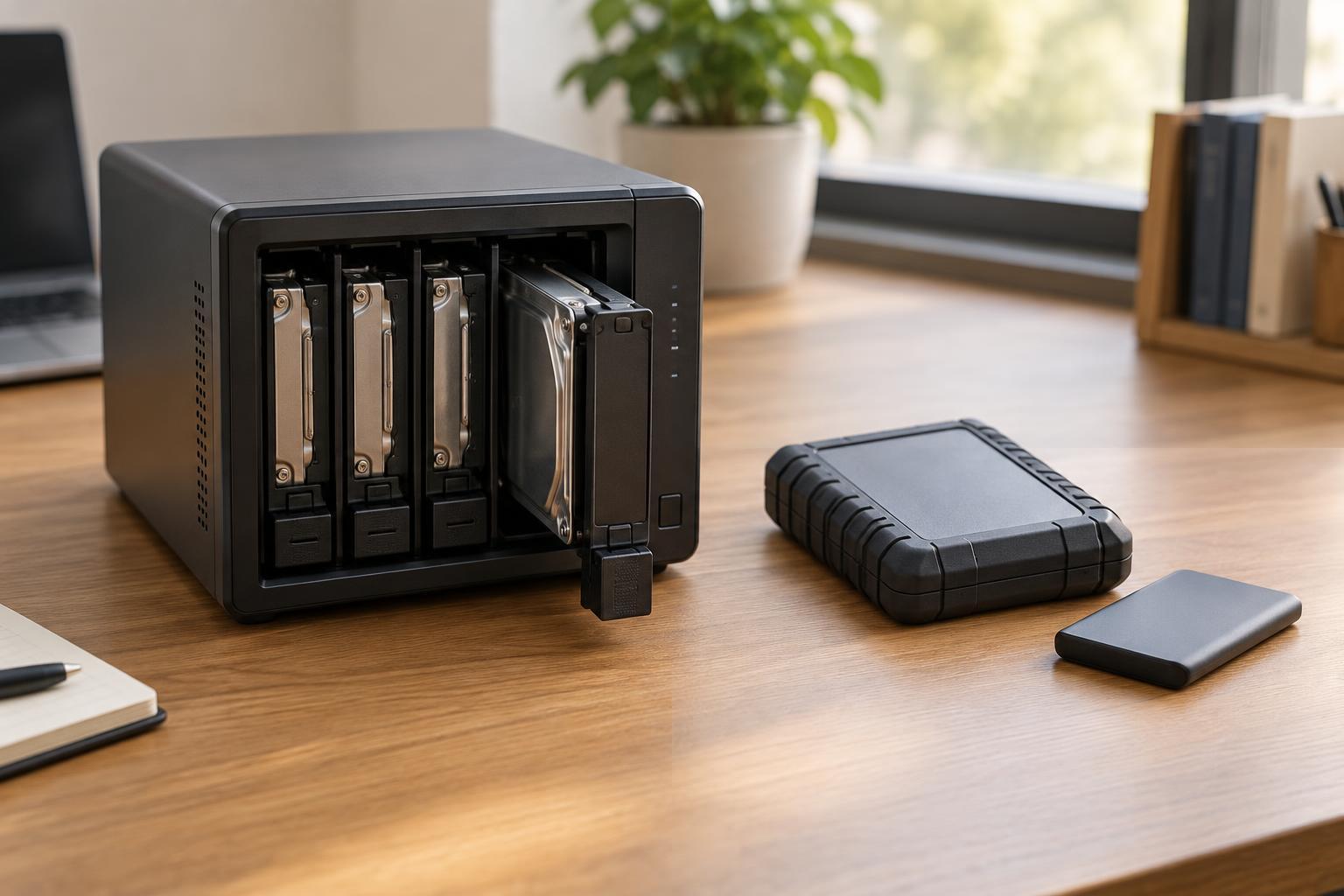
Two tools for two different problems
RAID, short for redundant array of independent disks, combines multiple drives into a storage system. In a redundant RAID setup, the system stores enough information across those drives to continue operating after certain drive failures. RAID 1, for example, mirrors data onto two drives. Other arrangements use parity information to reconstruct data when a drive fails. The number of failures an array can tolerate depends on its configuration.
That resilience is useful, especially for a computer or network-attached storage device that needs to stay available. But RAID answers a narrow question: can this storage system keep working if a drive stops working? A backup answers a different question: can you recover your data after it is lost, damaged, or changed? Drive redundancy is not the same as an independent, recoverable copy.
What RAID does not protect against
A RAID array presents its drives as one storage system. If you accidentally delete a folder, overwrite a document, or save a corrupted file, the array records that change. A mirror does not preserve the old version on its second drive; both drives reflect the current state. Malware or a mistaken command can likewise affect files across the array.
RAID also shares risks that extend beyond an individual disk. A power event, device failure, theft, or physical damage could affect the whole enclosure. Replacing a failed drive and rebuilding an array can restore redundancy, but it cannot bring back files that were already deleted or corrupted. A rebuild may also be unsuccessful if another problem occurs before it finishes.
Not every multi-drive setup provides redundancy. RAID 0, which spreads data across drives for performance or capacity, cannot continue normally after one of its drives fails. Check the configuration of a device rather than assuming that the RAID label means your data is protected.
What makes a backup different
A backup is a separate copy made so you can restore data when the working copy is no longer usable. A useful backup may be stored on an external drive, another device, or a suitable remote service. It should remain available if the original computer or storage enclosure fails. Keeping versions over time also lets you return to a file from before an accidental edit, deletion, or corruption.
A synchronized folder is not automatically a backup. Sync is designed to keep locations in step, which may mean deletions and unwanted changes spread to every connected copy. Some sync services offer version history or recovery features, but those features need to be enabled and understood. The practical test is whether you can retrieve the right older files when the current ones are gone or unusable.
Using RAID and backups together
For a small office or a household storing shared files, RAID can reduce interruption when a drive fails. A backup plan provides a path to recover from other kinds of loss. One reasonable approach is to keep the working files on a computer or redundant storage device, make regular backups to a separate destination, and maintain another copy away from that device. An offline or otherwise isolated copy can help if a problem affects connected storage.
Choose a backup schedule based on how much work you could afford to lose. If files change daily, an occasional manual copy may leave a large gap. Automating backups can make them more consistent, but automation does not remove the need to check them. Protect backup destinations with appropriate access controls, and keep enough older versions to notice and recover from a problem that was not discovered immediately.
Check recovery before you need it
Start by listing the files that matter: documents, photos, project data, and any settings that would be difficult to recreate. Confirm that your backup includes their actual locations. Then periodically restore a sample file to a different folder and open it. For a larger collection, check that you know how to restore an entire folder or device, not just a single document.
Finally, decide who will notice a failed backup and what they will do about it. A backup that stopped running months ago offers little protection, even if the storage drive itself is healthy. RAID can buy time to replace a failed drive; tested, separate backups give you options when the problem is bigger than a drive.