A common language, not a universal remote
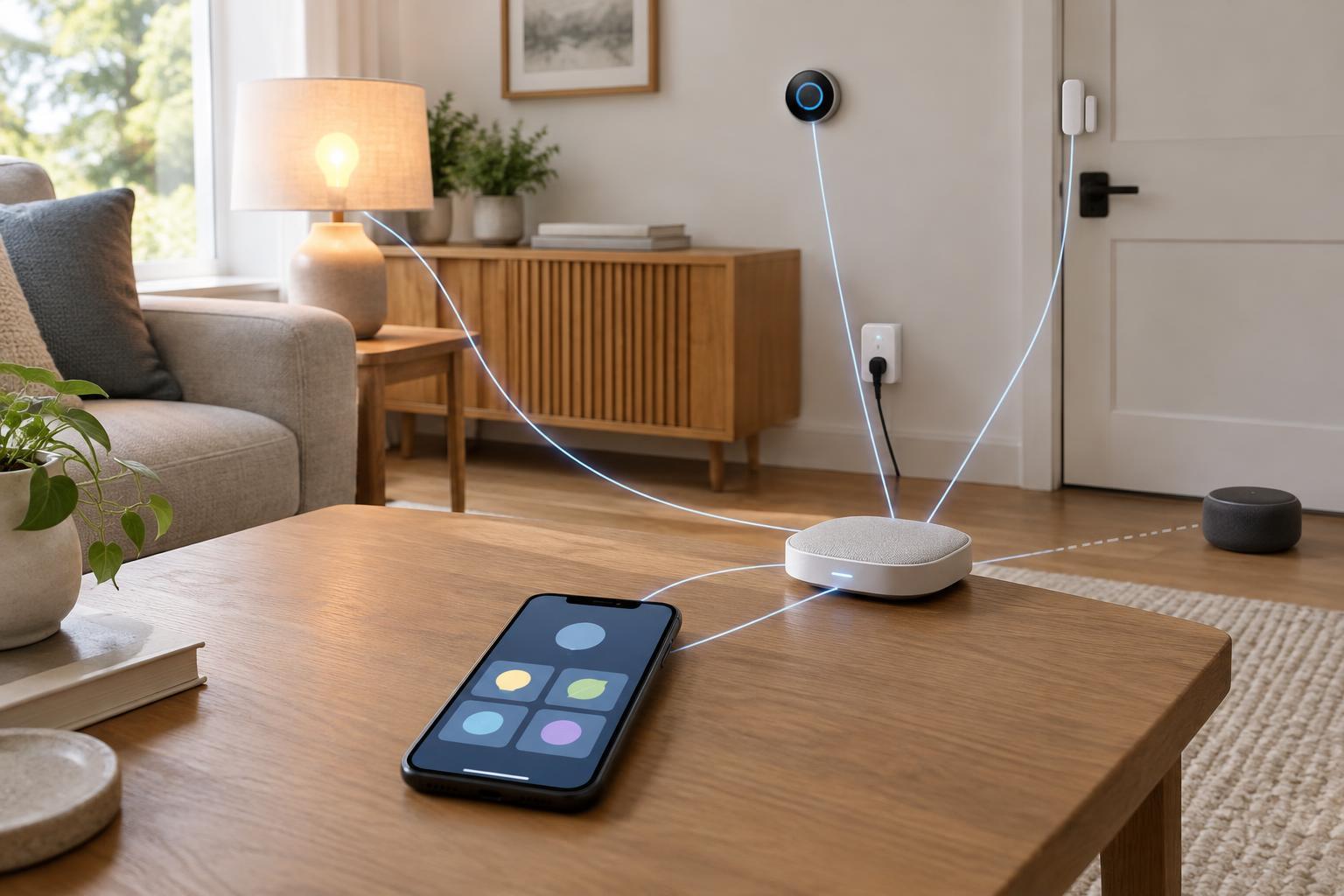
A smart home can become a collection of separate apps, hubs and accounts. Matter aims to make that collection easier to manage by giving supported devices and smart home systems a shared way to communicate. For example, a Matter-compatible light can be set up in a compatible ecosystem without requiring a device-specific integration built just for that ecosystem.
That is a meaningful improvement, but it is narrower than “works with everything.” Both the device and the system you want to use must support Matter, and the device’s functions must be represented in ways that system understands. Compatibility can also depend on the software versions of your devices and controllers. Think of Matter as a common set of rules for participating products, not a promise that every smart home product will behave identically in every app.
What Matter changes during setup and everyday use
Matter provides a standard process for adding a device to a smart home system, often called commissioning. A setup code identifies the device during this process. After setup, a compatible controller—such as a smart home hub or another device running controller software—can send it commands. Depending on the products involved, you may also be able to share one Matter device with more than one ecosystem. This can let household members use different preferred apps or voice assistants without installing separate versions of the device.
Matter is designed to use local IP networks for many device interactions. That can reduce dependence on a manufacturer’s cloud service for basic controls. It does not mean every feature works without internet access, however. Remote access, voice processing, updates, account features or manufacturer-specific functions may still rely on online services. A functioning local network and the necessary controllers still matter, even when the internet connection does not.
Matter is not the same thing as Thread
Matter describes how supported devices communicate at the smart home level; it is not a replacement for Wi-Fi, Ethernet or Thread. A Matter device may use any of those network technologies, depending on its design. Thread is a low-power wireless network often used for smaller devices, such as sensors. Bluetooth may help with initial setup, but it is not the network a Matter device necessarily uses for its normal operation.
A Thread-based Matter device needs a Thread border router to connect its Thread network to the rest of the home network. A Matter controller and a Thread border router serve different roles, though one product can perform both. Before buying a Thread device, check whether your existing equipment supplies the required roles. Likewise, an older device does not become a Matter device simply because it shares your Wi-Fi network. Some manufacturers offer Matter bridges that present supported devices from another system to Matter controllers; what appears through the bridge depends on its implementation.
Where compatibility still has limits
A Matter logo does not guarantee that every function shown in a manufacturer’s app will appear elsewhere. A controller might support a device’s basic on/off or brightness controls but not a specialized mode, detailed setting or automation option. Device types and features supported by Matter also vary, so check the specific product and the ecosystem you plan to use rather than relying on a broad compatibility claim.
Matter does not automatically make a smart home reliable. Wireless coverage, network configuration, power interruptions and software quality can still affect devices. Nor does it settle every privacy question. Matter includes security mechanisms for device setup and communication, but manufacturers and ecosystems may collect or process data through their own apps and services. Review those settings if data handling is important to you.
How to make a useful purchase check
Start with the job you want the device to do: basic control, a particular sensor reading, an automation trigger or access from several ecosystems. Then confirm that the exact model supports Matter and that your preferred controller supports that device type and the functions you need. If it uses Thread, confirm that you have a suitable border router. If it relies on a bridge, check whether that bridge exposes the functions you expect.
Finally, decide what should happen when the internet is unavailable. If local control is a priority, look for clear product documentation about which functions remain available and keep in mind that your home network must still be working. Matter can make it easier to choose devices without committing every purchase to one brand, but checking the complete path—from device to network to controller—is still the best way to avoid compatibility surprises.