Start with the behavior you want to detect
A room automation needs a clear answer to a simple question: what should happen when someone enters, remains in, or leaves the space? Motion sensors and presence sensors can both help, but they answer different parts of that question. Motion sensing is usually best at noticing activity. Presence sensing aims to tell whether someone is still there, even when they are not moving much.
For a hallway light, detecting a person walking through may be enough. For a desk lamp, turning off because someone stopped moving to read would be frustrating. Before choosing a device, write down the desired behavior: when the automation should turn on, how long it should wait before turning off, and whether a person needs a way to override it.
What each sensor tends to do well
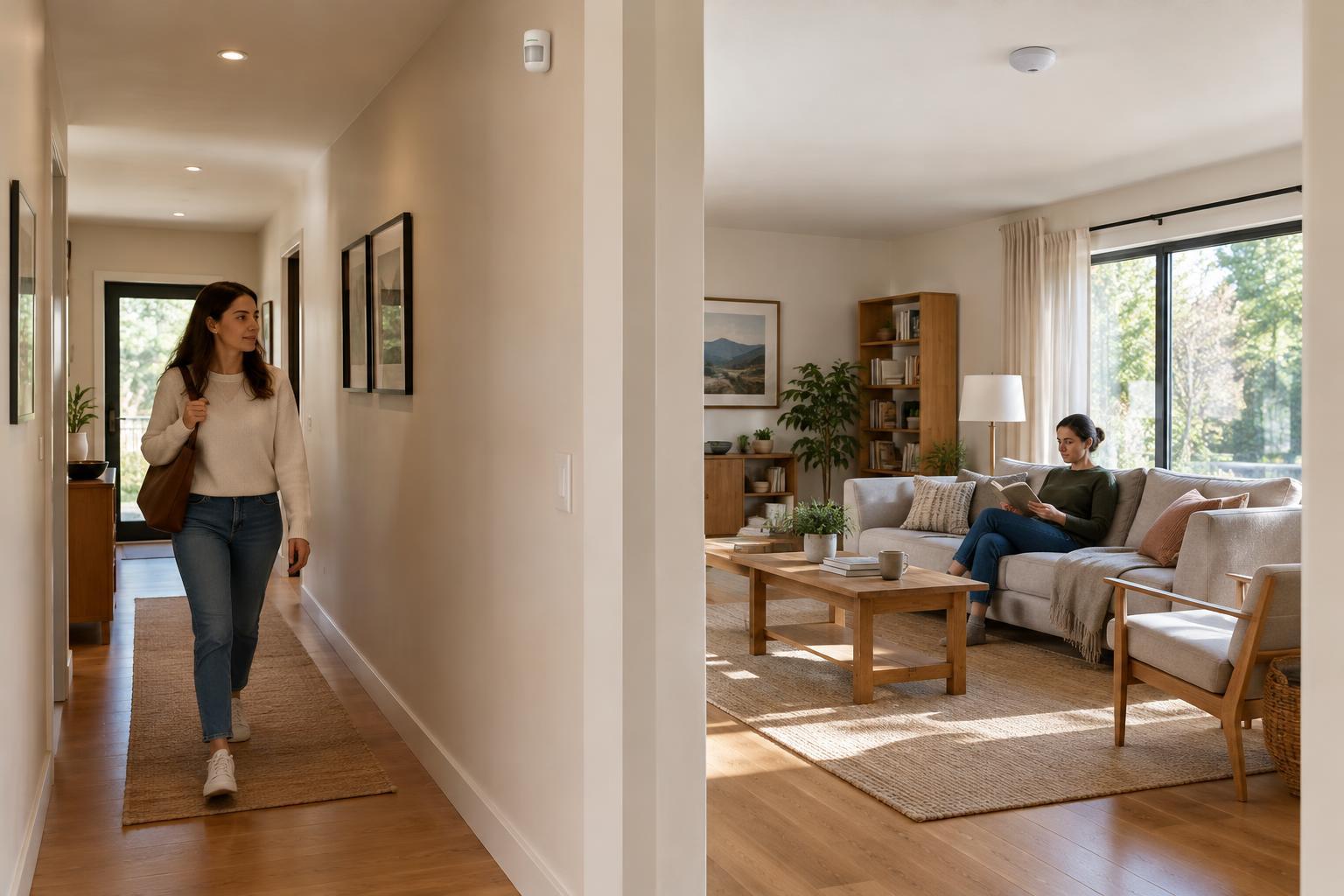
Many common motion sensors use passive infrared, or PIR, sensing. They react to changes in heat patterns across their field of view, so a person walking past is generally easier to detect than someone sitting nearly still. PIR sensors are a practical choice for pass-through areas such as hallways, stairs, and storage rooms. They can also work in bathrooms or kitchens if the off-delay is long enough for the way the room is used.
Presence sensors may use technologies such as mmWave radar to detect smaller movements, including movements made while seated. This can make them useful in offices, living rooms, and other spaces where people stay in one place. Greater sensitivity also brings a setup challenge: a sensor might respond to movement beyond the intended area or to something moving when the room is empty. Detection range, mounting position, and sensitivity settings matter as much as the sensor label.
Product names are not always precise. A device marketed as an occupancy or presence sensor may behave more like a conventional motion sensor, and some devices combine methods. Check what the device actually detects and which settings it exposes, rather than choosing by its name alone.
Match the trigger to the room
Choose motion sensing when the task depends mainly on someone passing through or becoming active. A pantry light, for example, can turn on when the door area sees movement and turn off after a reasonable delay. A presence sensor may add little value there. In a home office, by contrast, a presence sensor may be a better trigger for keeping lights on while someone types, reads, or joins a call.
Some rooms benefit from both. Motion can provide a prompt turn-on when someone enters, while presence can help decide when the room is truly empty. If multiple people use the space, consider what happens when one person leaves and another remains seated. An automation based only on the last motion event may turn the lights off too soon.
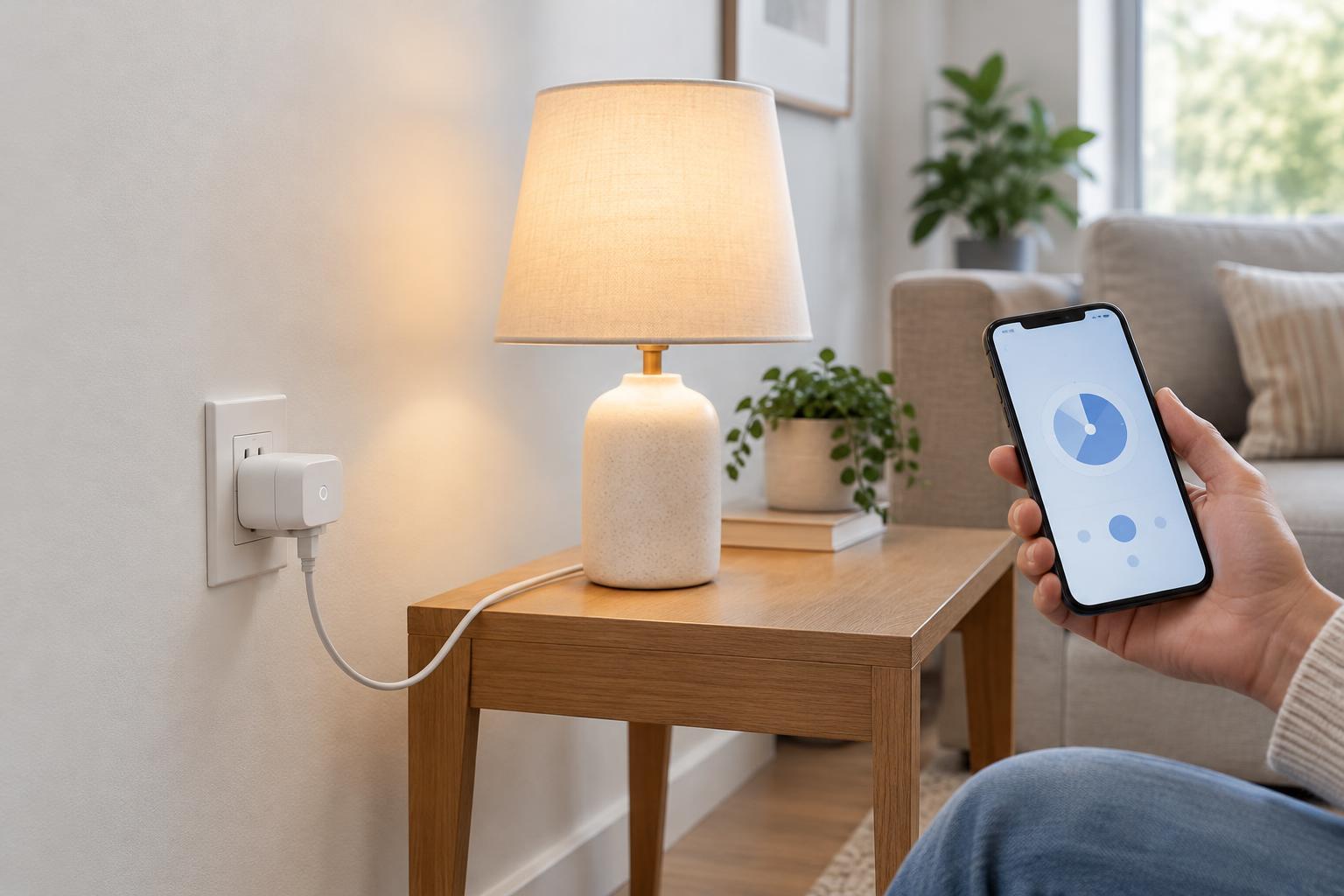
Not every device needs to follow occupancy. Automatically switching a desk fan or background lighting may be convenient; cutting power to equipment that must finish a task may not be. Pick actions that are easy to reverse, and keep a physical switch or app control available for exceptions.
Placement and timing make the difference
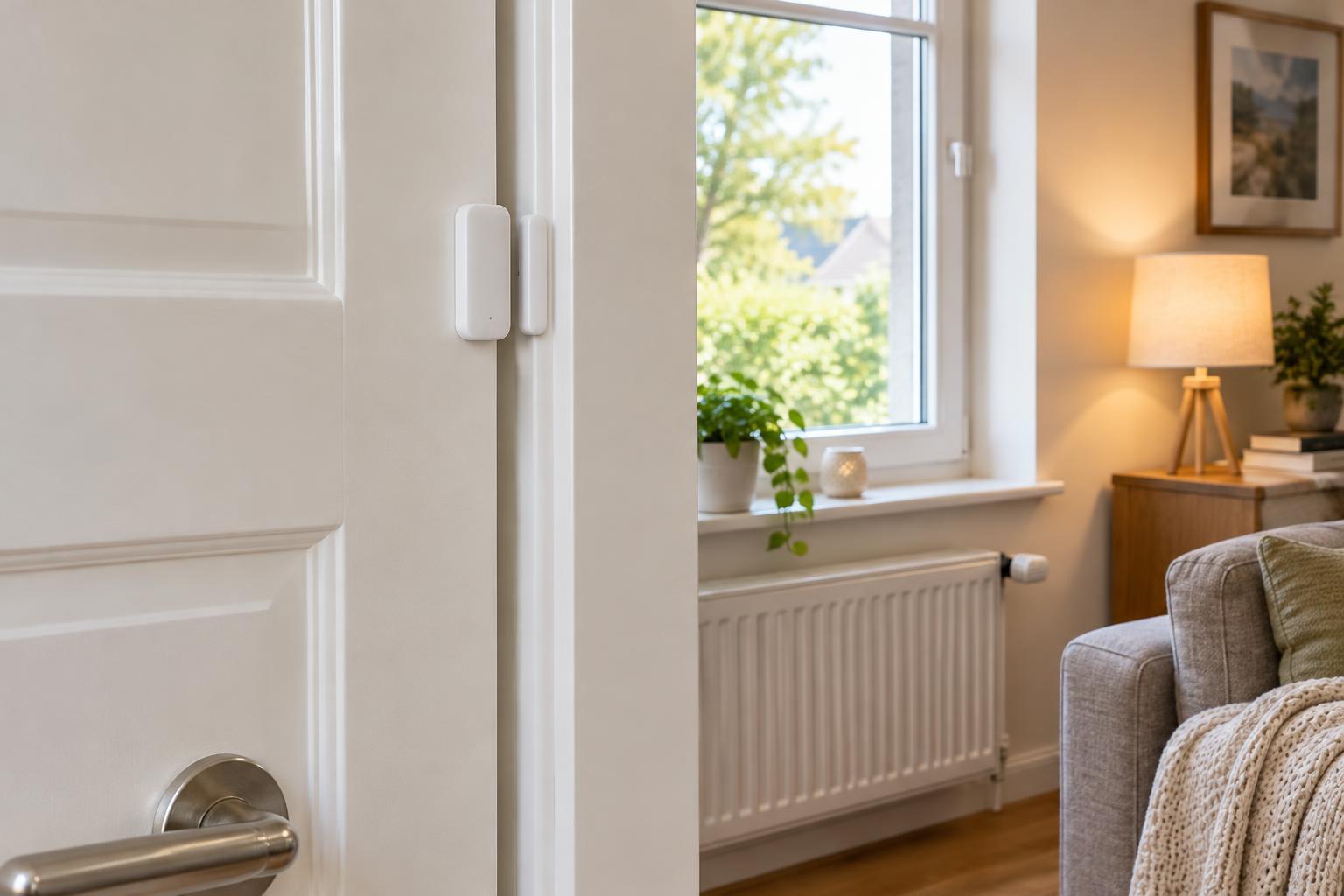
Install a motion sensor where people cross its detection area as they enter, while avoiding positions blocked by doors, shelves, or furniture. For presence sensing, aim the detection area at the places people actually occupy, such as a desk or sofa. If the device supports zones, use them to exclude an adjacent hallway or another area that should not count as occupied. Follow the manufacturer's mounting guidance, then test from normal sitting and standing positions.
Treat the off-delay as part of the design, not a setting to minimize. A short delay may save some runtime but cause distracting shutoffs. Start with a forgiving delay, use the room normally, and shorten it only if the automation remains dependable. If supported, separate the rule that turns a light on from the rule that turns it off; those decisions may need different sensor signals or timing.
Test at different times and with typical room activity. Note false triggers, missed entries, and shutoffs while someone is present. Change one setting at a time so you can tell whether placement, sensitivity, or timing solved the problem.
Plan for reliability and privacy
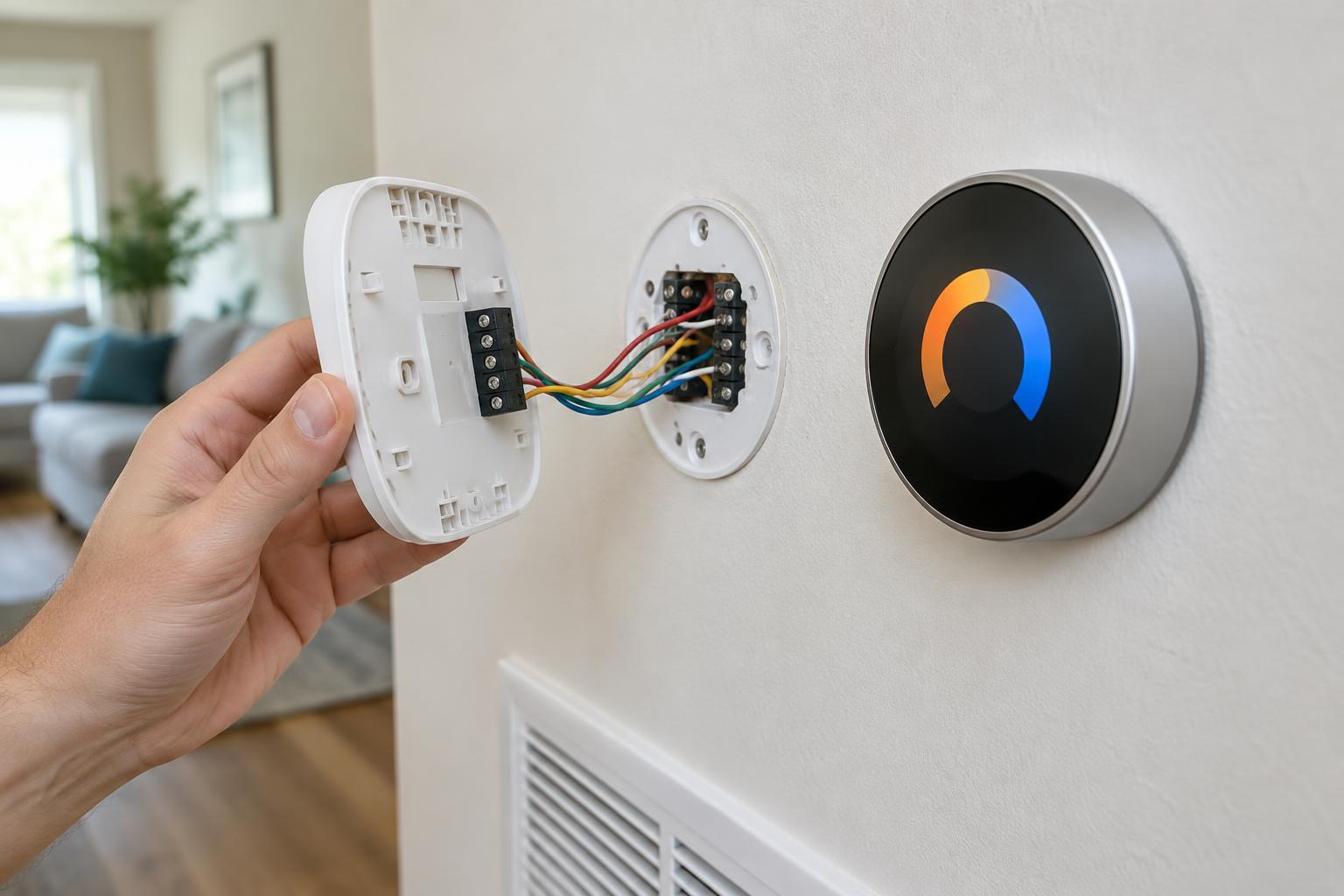
Check how a candidate sensor connects to your automation system and what happens if that connection fails. A smart light that can still be controlled at the wall is easier to live with than one that depends entirely on a working automation. Also consider whether the device needs a nearby power outlet or can run on batteries in the position you need.
Presence does not have to mean identity. For many room automations, an occupied-or-empty signal is sufficient. Review what information the device and its companion service collect, and choose settings that fit the household or workplace. The best trigger is not the most sensitive one; it is the one that produces the right behavior in that particular room without making the space harder to use.