Cybersecurity protects more than passwords
Cybersecurity is the practice of reducing the risk that someone or something will misuse a digital system. For a household, that system might include phones, laptops, a home router, and online accounts. For a small organization, it may also include shared files, business software, and devices used by staff. The goal is not to make every threat impossible. It is to make unauthorized access less likely, limit the damage if something goes wrong, and make recovery easier.
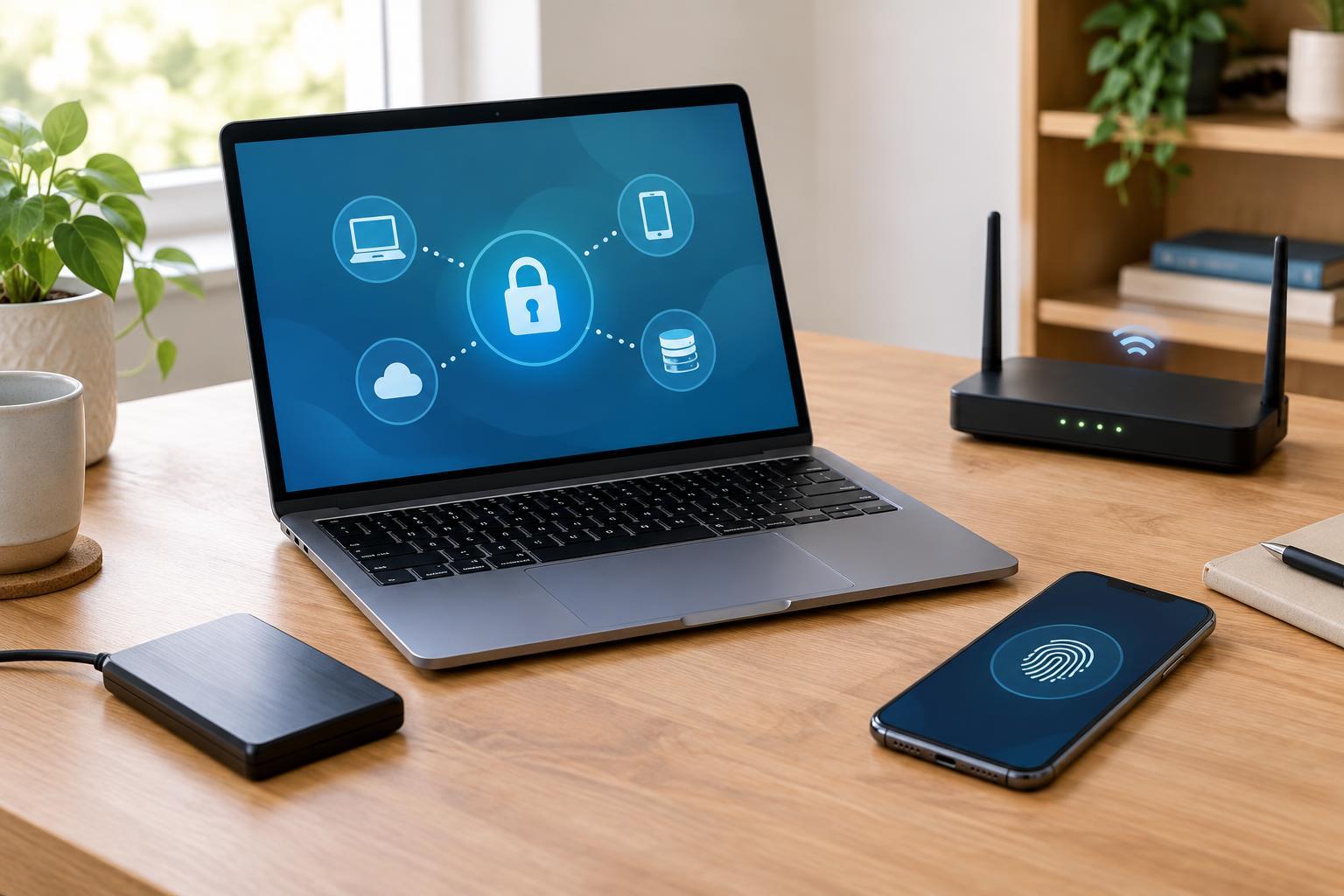
Three useful questions frame the subject: Who can get in? What can they change or take? What happens if a device or service becomes unavailable? These questions cover accounts, devices, and data without requiring you to know every technical term. They also show why a security measure should match the thing it protects: a strong password helps with account access, while a backup helps when files are lost or damaged.
Accounts are keys to other parts of your digital life
An online account can hold personal information, messages, purchases, or access to other services. Email deserves particular attention because it is often used to reset passwords elsewhere. If someone takes over an email account, they may be able to request password resets, read private correspondence, or impersonate its owner. Shared workplace accounts can create a different problem: when several people use one login, it becomes harder to control access or understand who made a change.
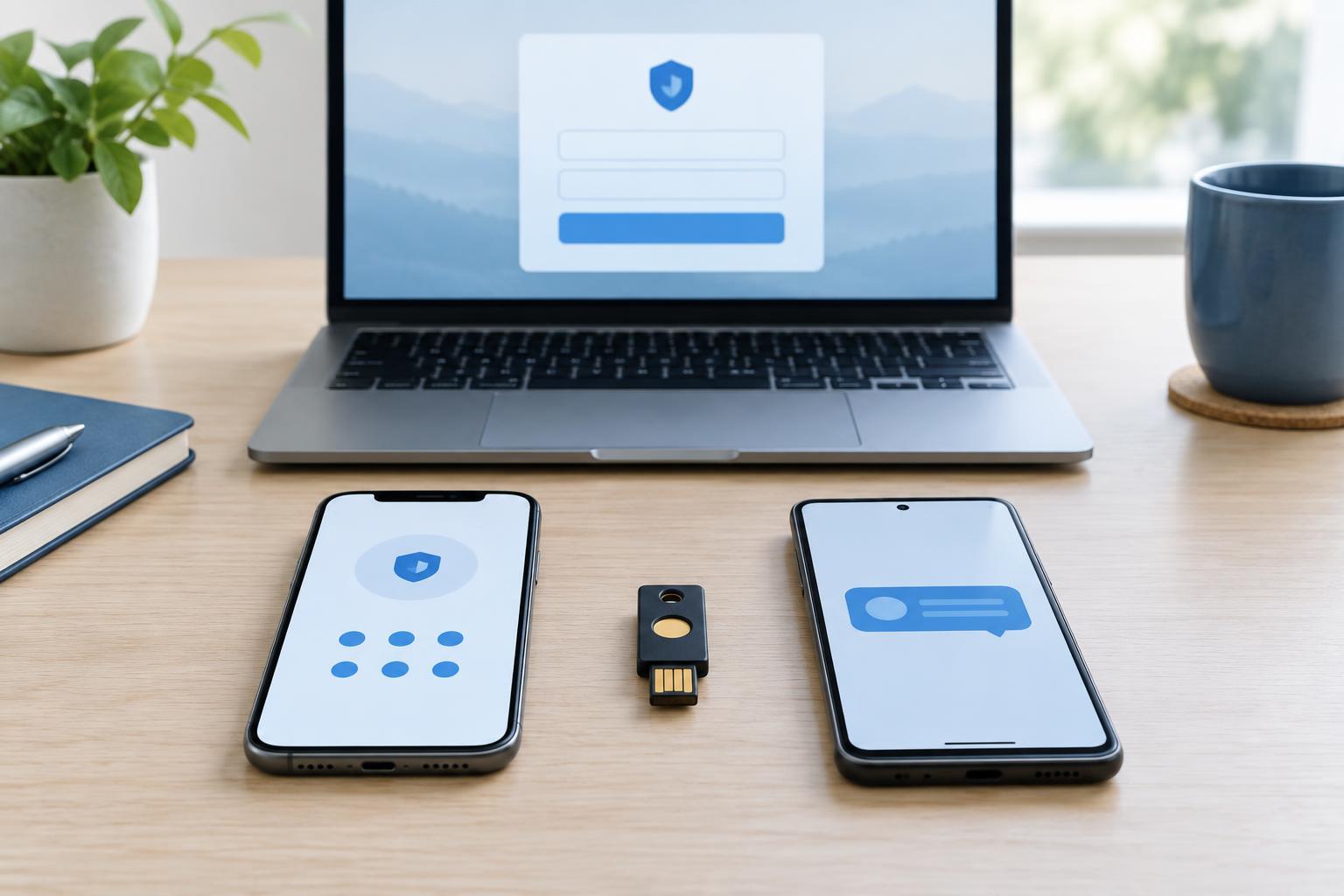
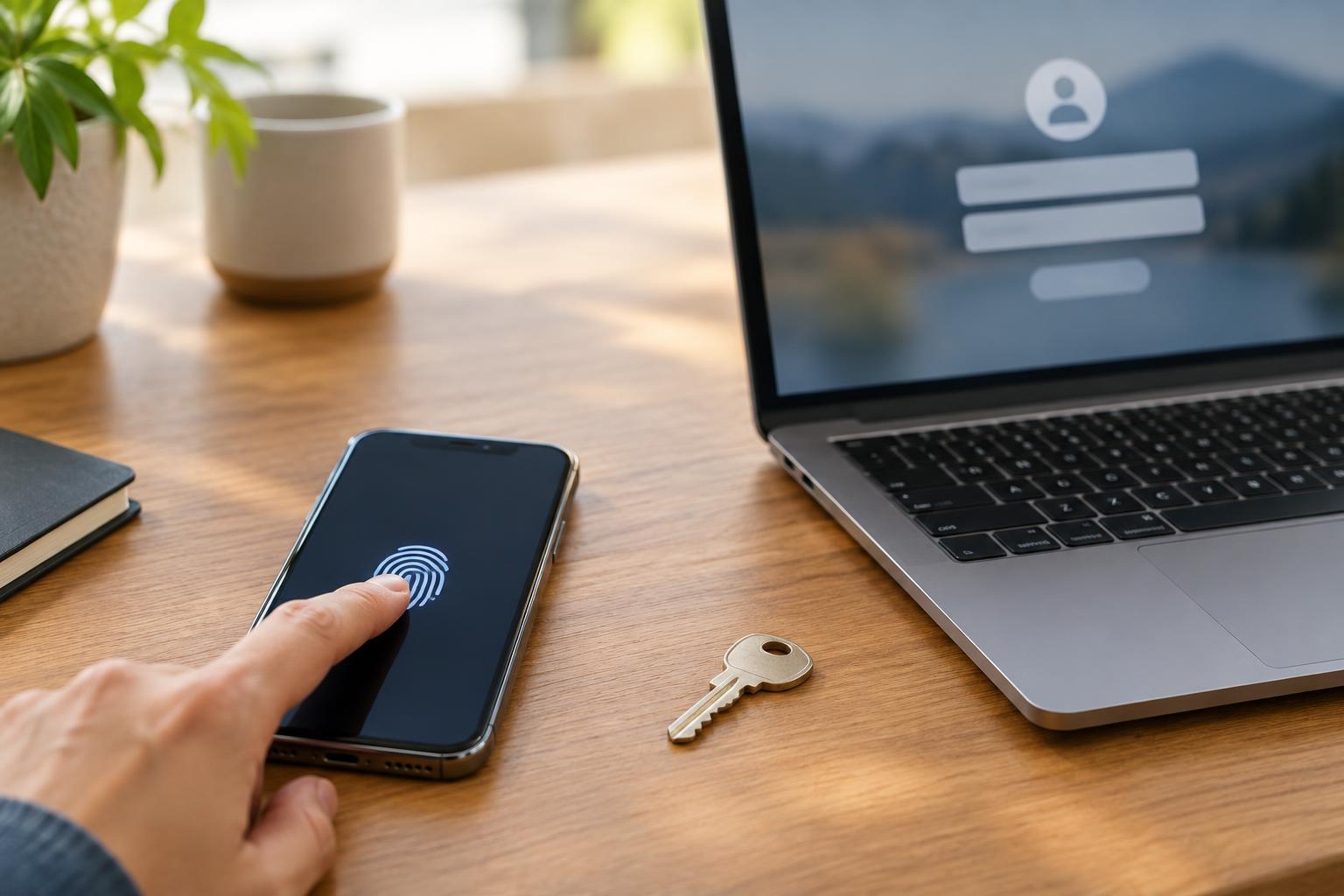
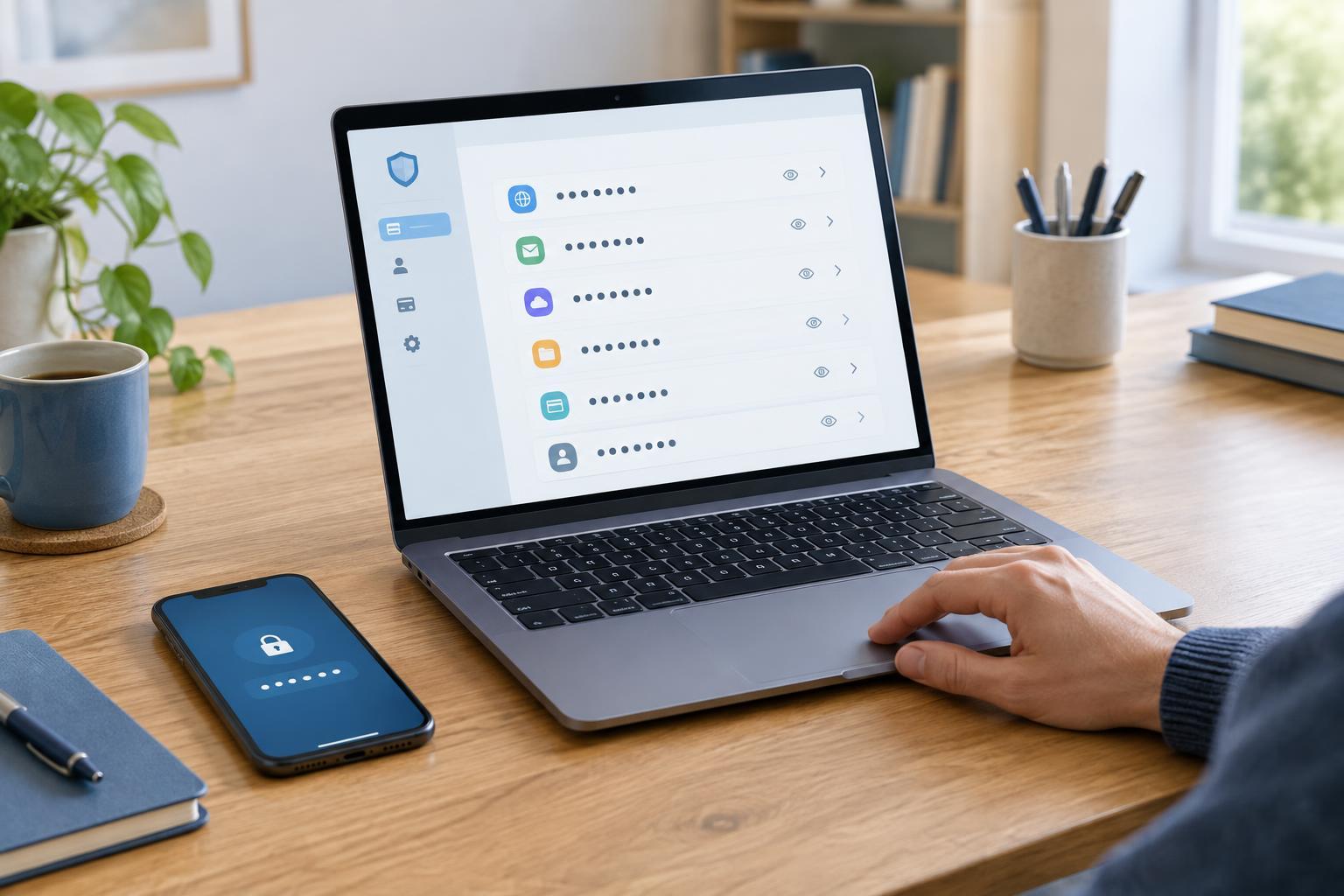
Use a unique, strong password for each important account so that one exposed password does not unlock several services. A password manager can help create and store those passwords. Turn on multifactor authentication where available, especially for email, financial services, and accounts that administer other users or devices. Keep account recovery options, such as a backup email address, up to date. If a service offers a way to review active sessions or connected apps, checking it occasionally can reveal access you no longer need or recognize.
Devices and networks need protection too
A phone or computer is both a tool and a gateway to accounts and files. A lost unlocked phone may expose messages and saved sessions; an infected computer may allow unwanted software to read files or interfere with normal use. Home routers and connected devices matter because they help move data between local devices and the internet. Their risks vary by product and configuration, but neglected settings and outdated software can leave avoidable openings.
Start with automatic updates for operating systems, browsers, apps, and device firmware when that option is available. Use a screen lock, and do not remove built-in security protections without a clear reason. Change default administrator passwords on routers and other devices, use modern Wi-Fi security settings supported by your equipment, and avoid giving guests or rarely used devices more access than they need. These steps will not prevent every incident, but they reduce common opportunities for misuse.
Data needs privacy, integrity, and a way back
Protecting data means more than keeping it secret. Privacy concerns who can see it. Integrity concerns whether it remains accurate and unchanged. Availability concerns whether you can still reach it when needed. A leaked customer list is a privacy problem; a modified invoice is an integrity problem; a failed drive containing the only copy of family photos is an availability problem. One event can affect all three.
Decide which information would be difficult to replace, then make regular backups that are separate from the device holding the original files. A backup is most useful when you know how to restore from it, so test the process with a noncritical file. Limit access to sensitive folders and accounts to people who need it, and think before sharing a link that anyone with the link can open. When retiring a device, use an appropriate reset or data-erasure process rather than assuming that deleting visible files is enough.
Understand common threats and build a response habit
Many attacks rely on ordinary moments of distraction. Phishing messages may imitate a trusted service and urge you to sign in through a supplied link. Malicious downloads may appear to be useful software or attachments. Credential stuffing uses passwords exposed elsewhere to try to enter other accounts, which is one reason password reuse is risky. Ransomware can block access to files, while simple mistakes—such as sending a document to the wrong person—can also expose information.
Treat unexpected requests for passwords, codes, payments, or urgent action as a reason to pause. Open a familiar app or type a known address yourself instead of following a message link, and verify unusual requests through a separate contact method. If you suspect an account or device has been compromised, act from a device you trust: change affected passwords, revoke unfamiliar sessions where possible, update software, and check your backups. Cybersecurity works best as a set of repeatable habits, not a one-time setup.