Start with the action, not the interface
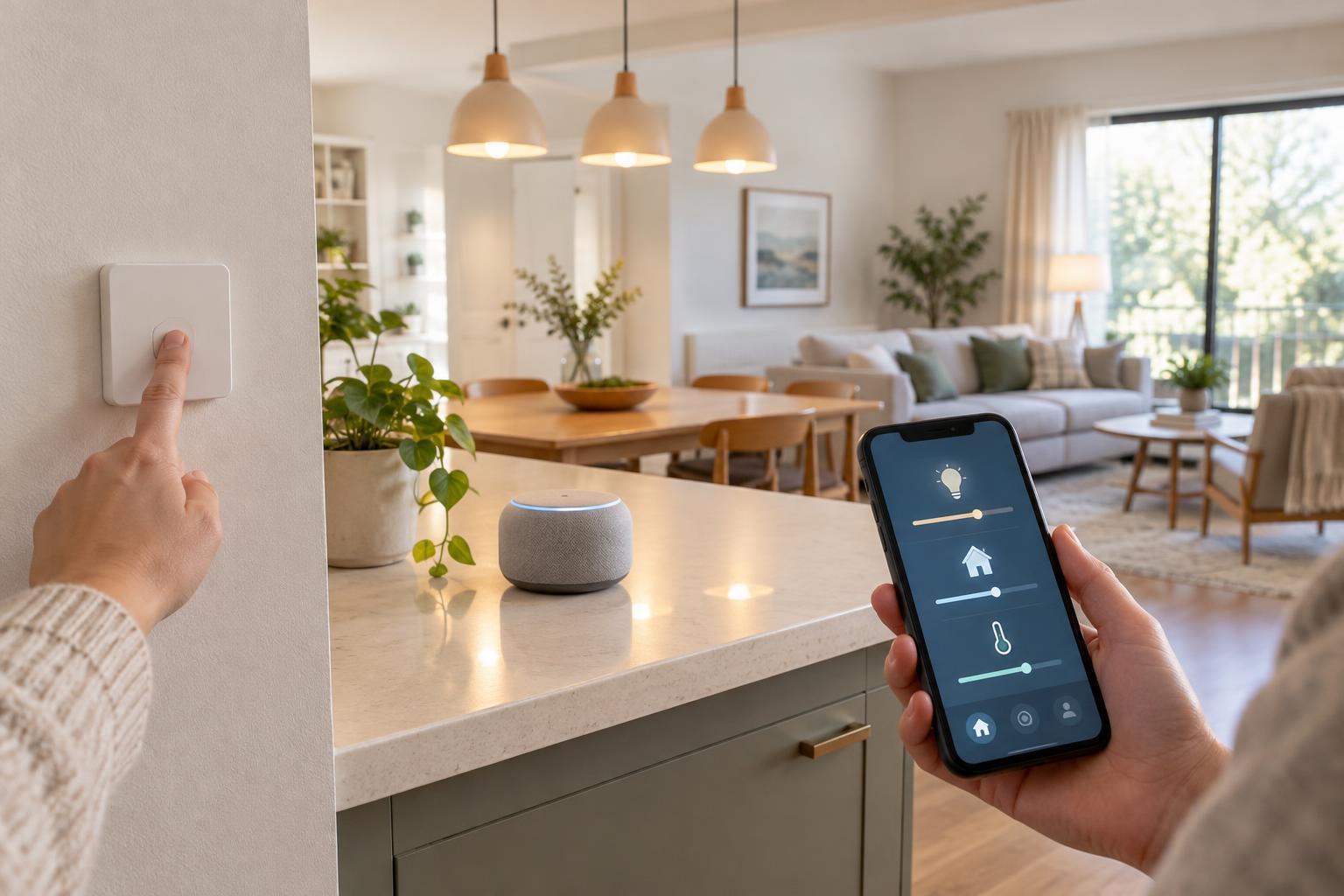
A smart light can often be controlled by voice, a wall-mounted button, or an app. Those options may look interchangeable, but they solve different problems. The best control method depends on who needs to use the device, where they will be standing, and whether the action is routine or occasional. Turning on a hallway light should be quick for anyone in the house. Adjusting a thermostat schedule may be better suited to an app.
Think through a normal day before choosing controls. Which actions happen while your hands are full? Which need to work for guests or children? Which settings should only an administrator change? It is usually more useful to give an important device two sensible ways to operate than to make every device available through every interface.
Voice assistants: convenient when your hands are busy
Voice control is helpful for actions such as turning off several lights, starting a familiar scene, or checking whether a device is on. It can be especially useful when you are cooking, carrying something, or unable to reach a switch. Short, distinct device and room names make commands easier to remember. A scene named for an activity, such as “movie time,” can be simpler than issuing several separate commands.
Voice is less dependable when a room is noisy, a command is ambiguous, or several devices have similar names. It may also be uncomfortable for people who do not want to speak commands aloud. Check how your chosen assistant handles voice recordings and account settings if privacy matters to your household. Some voice features depend on an internet service, so do not make voice the only way to operate a light, lock, or other device you need to use reliably.
Buttons and switches: visible, shared controls
A physical button is easy to find and does not require a phone, account, or memorized phrase. Place one near the point of use: by a doorway for lights, beside a bed for a nighttime scene, or near an exit for an “all lights off” routine. Labels help when a button has more than one function. For frequently used lighting, an obvious wall control is often the most welcoming option for visitors.
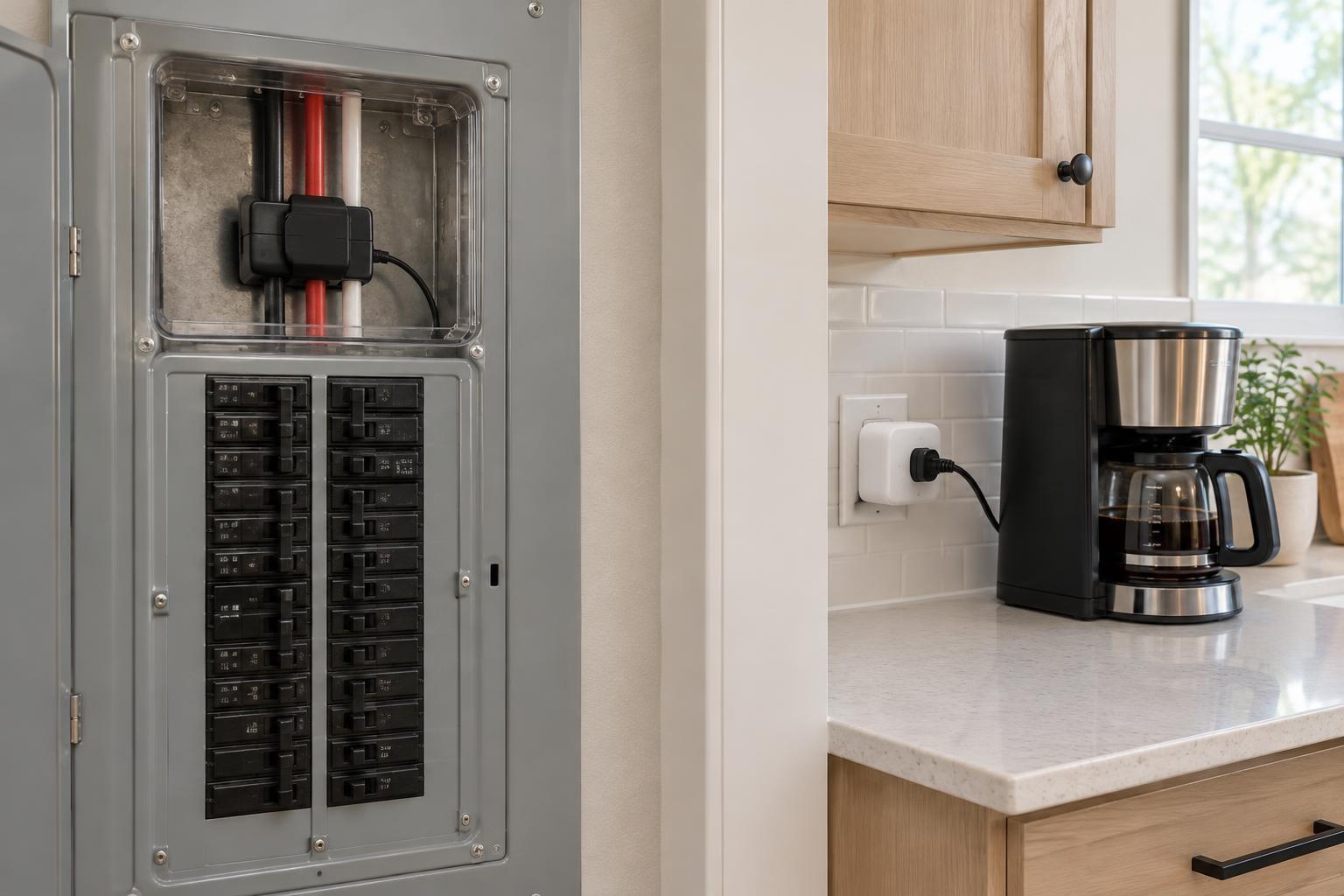
A smart button is not necessarily the same as a conventional wired switch. Depending on the system, it may rely on a battery, a wireless connection, or a hub to send its command. Before relying on one, learn what happens if the battery runs down or the hub is unavailable. Be careful with existing wall switches, too: cutting power to a smart bulb can prevent it from responding to an app or voice assistant until power is restored.
Apps: best for setup, detail, and occasional changes
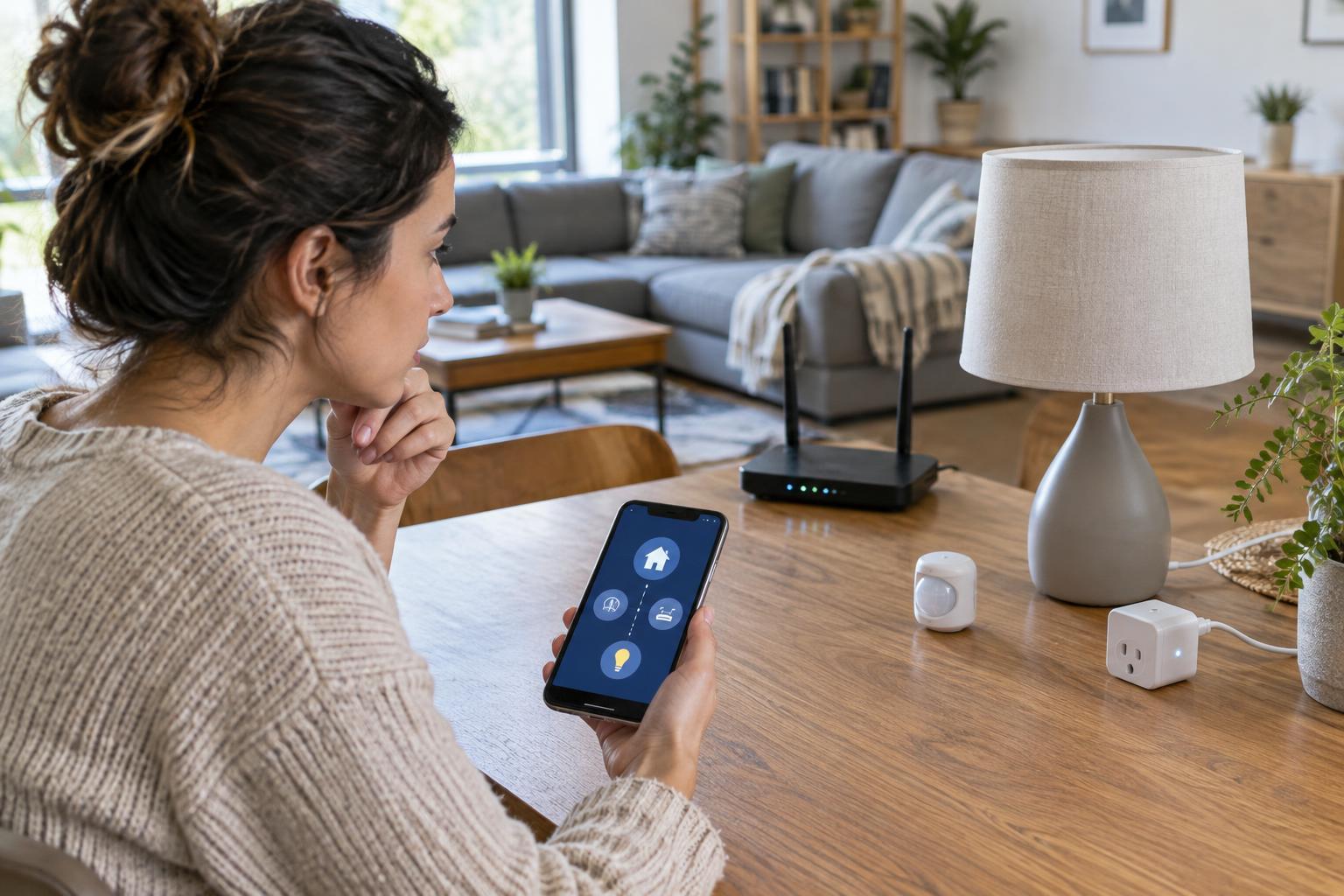
An app is useful when an action needs more than a quick on-or-off choice. It may let you adjust brightness and color, review device status, create schedules, or change who has access. It is also where many systems handle initial setup and troubleshooting. Group devices by room and give them clear names so the controls remain manageable as the home grows.
Apps are less convenient for urgent or frequent actions. Unlocking a phone, finding the right app, and locating a device can take longer than pressing a switch. Household members may have different phones or permissions, and a guest may have no app access at all. If an app offers remote control, review the account security options, use a unique password, and enable multifactor authentication when available. Avoid sharing one administrator login simply to let everyone turn on a lamp.
Build a layered setup that still makes sense
Use the simplest interface for each job, then add a fallback. A living-room light might have a wall control for everyday use, voice control for hands-free convenience, and an app for changing scenes. An automated schedule can handle predictable tasks, but people should still know how to override it. For entry points and safety-related equipment, follow the device maker’s guidance and keep an appropriate manual method available.
Test your setup under ordinary disruptions: put a phone aside, turn off the internet connection briefly if it is safe to do so, and check whether household members can still perform essential actions. Results vary by device and system; some commands may work locally while others need a cloud service. A good smart home does not require everyone to choose the same interface. It gives each person a clear way to do common tasks without making the home harder to use when technology fails.