Two devices, two kinds of protection
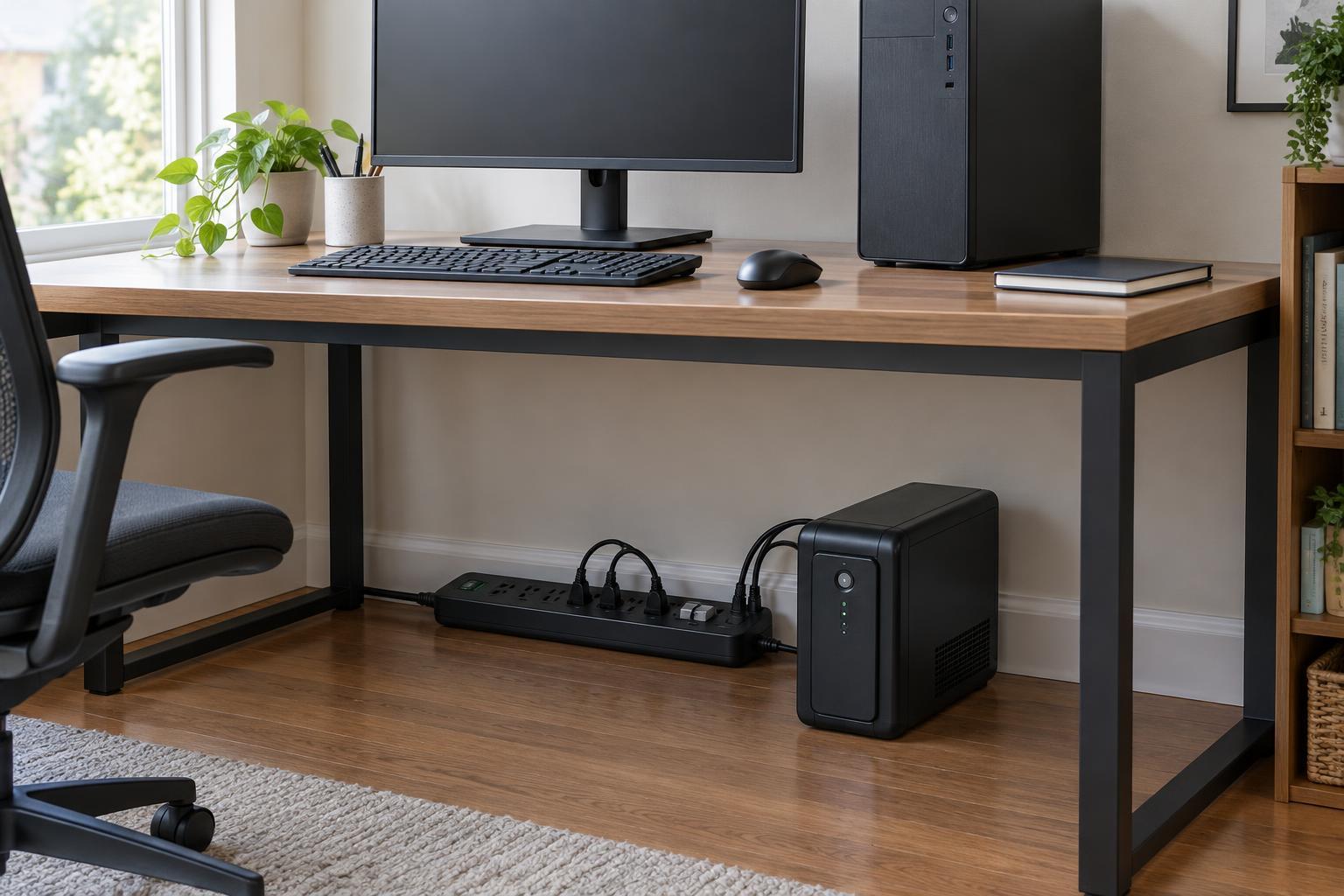
A surge protector is designed to limit brief voltage spikes that can reach equipment through a power outlet. It looks much like a power strip, but an ordinary power strip may offer no surge protection at all. A surge protector does not keep a computer running when the power goes out. It also cannot guarantee protection from every surge, especially a severe nearby lightning event.
An uninterruptible power supply, or UPS, contains a battery that provides temporary power when incoming power fails or falls outside its operating range. Most consumer UPS units also provide some surge protection. Their main advantage for a desktop computer is time: enough to save work and shut down cleanly, rather than losing power without warning. A UPS is not a substitute for a generator or a source of unlimited runtime.
Match the device to the problem
If your main concern is an occasional voltage spike and you can tolerate an abrupt shutdown, a suitable surge protector may be enough. This is often a reasonable choice for monitors, speakers and other equipment that does not need battery backup. Check that the product is identified as a surge protector rather than assuming every multi-outlet strip provides the same function.
A UPS is more useful when an unexpected shutdown could interrupt important work, disrupt a file transfer or leave a desktop, network device or storage system unavailable. Battery power gives you a window to finish a task or perform an orderly shutdown. If you want that shutdown to happen while you are away, look for a UPS that can communicate with the computer or storage device and confirm that its shutdown software supports your setup.
Neither product fixes faulty wiring or poor grounding. If outlets appear damaged, breakers trip repeatedly or power problems are persistent, treat that as an electrical issue rather than a reason to keep adding accessories.
What to check when choosing a UPS
Start with the equipment that truly needs to stay on. A desktop computer and its primary monitor may need battery-backed outlets; a printer or desk lamp usually does not. In particular, check the UPS instructions before connecting a laser printer, which can draw a large burst of power. Many UPS models have both battery-backed outlets and surge-only outlets, so read the labels before plugging anything in.
UPS capacity is commonly listed in volt-amperes (VA) and watts. Check both ratings, and make sure the combined power draw of your connected equipment stays below the UPS watt rating. Leave some headroom rather than choosing a unit that will run near its limit. A larger rating does not translate into a predictable number of minutes: runtime also depends on the load and the battery's condition. If shutdown time matters, consult the manufacturer's runtime estimates for a load close to yours.
For most home setups, a line-interactive UPS can provide a useful balance of battery backup and handling for modest voltage fluctuations. Other designs exist for different needs. If your computer's power supply or connected equipment has specific requirements, check compatibility, including whether the UPS provides a simulated or pure sine-wave output on battery.
Placement and upkeep matter
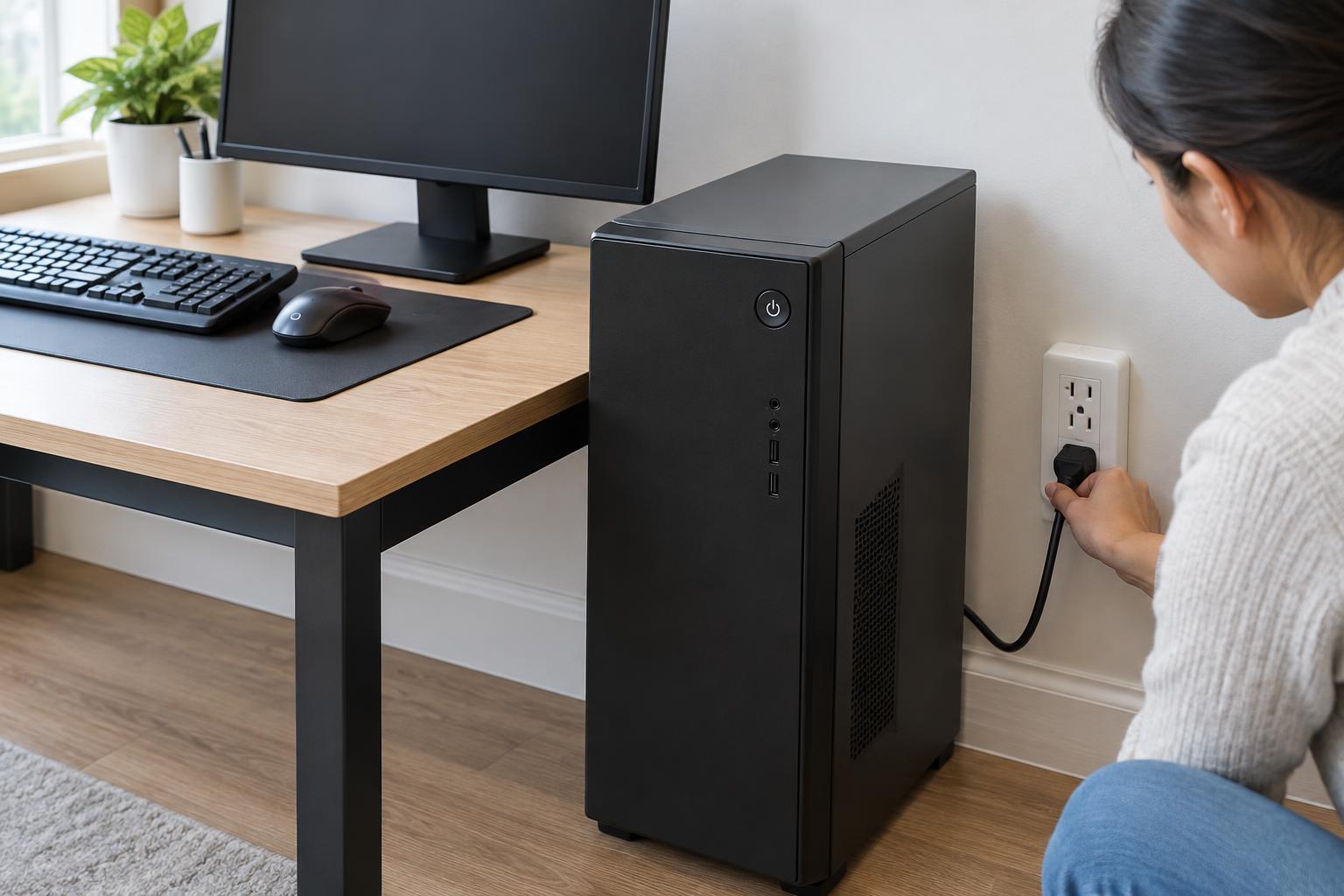
Plug a surge protector or UPS into an appropriate wall outlet and follow its manufacturer's installation instructions. Avoid daisy-chaining power strips or connecting a UPS through another surge protector unless the manufacturers explicitly permit that arrangement. Keep the unit ventilated, and do not overload its outlets.
Surge-protection components can wear after absorbing spikes, and UPS batteries age even if the unit rarely switches to battery power. Check status indicators and alarms, replace a unit or battery when its instructions call for it, and test your shutdown setup before relying on it. Do not assume an illuminated power switch means surge protection or battery backup is still healthy.
A simple decision for your desk
Choose a surge protector when you need outlets with protection against brief spikes but do not need the computer to stay on during an outage. Choose a UPS when a few minutes of power would let you save work, shut down safely or keep essential network equipment running through a short interruption. You do not usually need a separate surge strip for devices plugged into a UPS that already provides surge protection.
Whichever you choose, keep backups of important files. Surge protection reduces one type of electrical risk, and a UPS reduces the disruption of short power losses. Neither protects against accidental deletion, drive failure or every possible power event.