What a smart lock changes
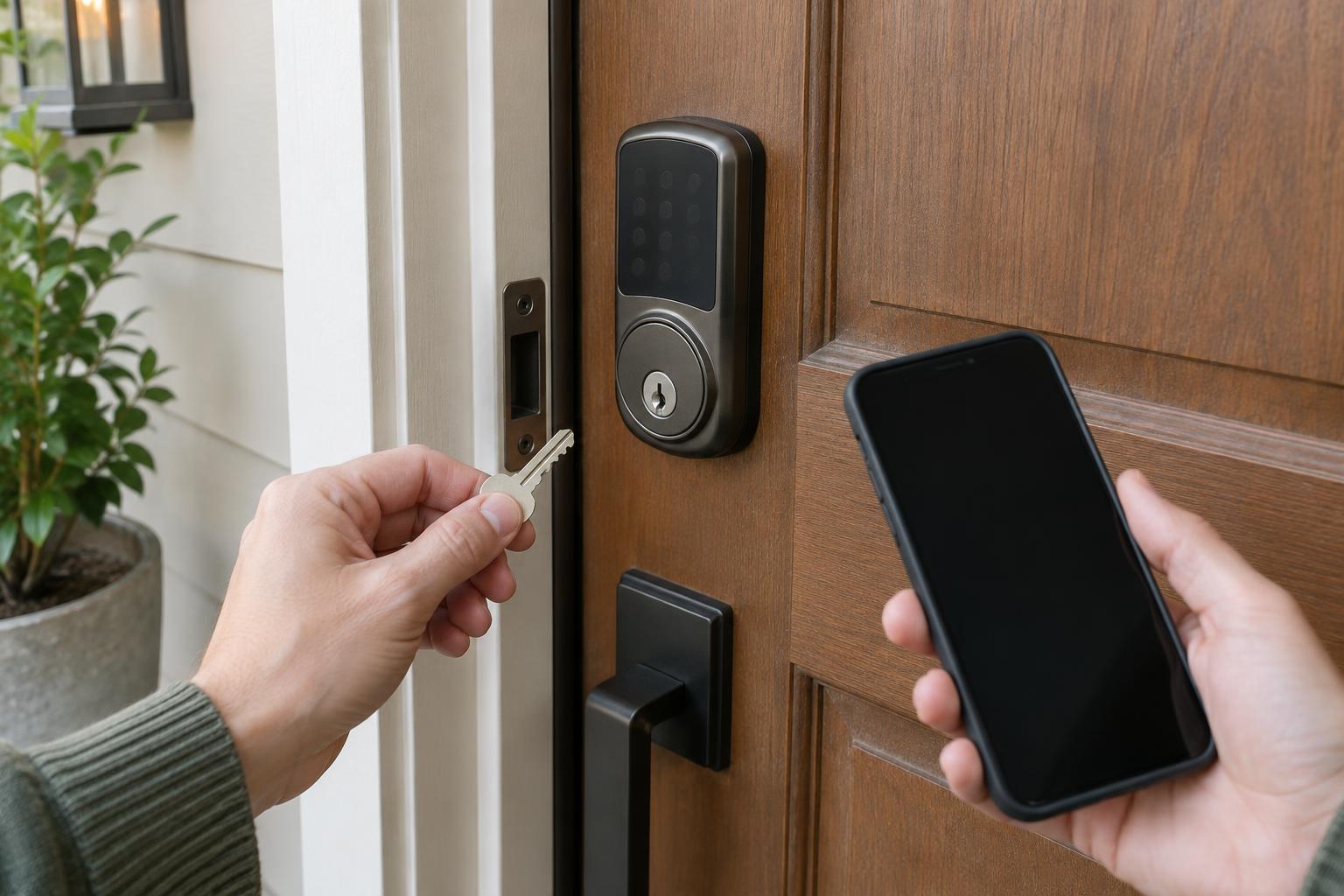
A smart lock adds electronic control to a door lock. Depending on the model, it may replace an existing deadbolt or attach to the inside of one. Instead of relying only on a metal key, you might unlock with a code, phone, fingerprint, or compatible access card. Some locks also record lock activity or let you issue temporary credentials to guests.
Those conveniences do not fix a poorly fitting door. The motor still has to move a bolt into a strike plate, and the door still needs to close properly. Before comparing apps and features, decide which door you want to equip, who needs access, and whether they can comfortably use the proposed entry method.
Choose entry methods for everyday use
A keypad is useful when people should be able to enter without carrying a key or phone. Separate codes can make it simpler to remove one person’s access without changing everyone else’s. Choose codes that are not easy to guess, and remove guest codes when they are no longer needed. Check whether the lock allows you to set schedules if access should be limited to particular times.
Phone-based entry can use a nearby wireless connection; some systems also support remote control through a compatible hub or network connection. Remote access is convenient for checking status or admitting a visitor, but it depends on the lock’s connection and account setup. Fingerprints and access cards can be quick at the door, though you should consider how each person will enter if a sensor fails or a card goes missing.
A physical key remains a familiar option on models that include a keyway. Other models have no key cylinder at all. Neither design is automatically the better choice: the important question is whether every regular user has a workable primary method and a separate way in when that method is unavailable.
Check the door before buying
Start by identifying the lock already installed. A smart deadbolt generally needs a compatible deadbolt opening, while an interior retrofit lock must match the existing lock mechanism. Check the manufacturer’s measurements for door thickness, hole size, backset, and available space around the inside and outside hardware. Handles, trim, glass, and nearby door frames can obstruct a keypad or interior motor even when the main hole fits.
Test the current bolt with the door open and then closed. It should extend and retract smoothly without needing you to pull, lift, or push the door. If it binds only when the door is closed, the door or strike plate may need adjustment before a motorized lock will operate reliably. Also confirm the door’s handing and whether the product supports the direction in which your door opens.
For a rented property or a shared entrance, confirm what changes you are permitted to make before removing hardware. If you want to keep existing keys, look specifically for a retrofit design that leaves the exterior cylinder in place, and verify compatibility rather than assuming it will fit.
Plan for power and connection failures
Most smart locks need batteries for electronic entry. Learn how the model reports low power, what batteries it uses, and how they are replaced. Some locks offer exterior contacts for temporary power when the internal batteries are depleted; others rely on a physical key or another specified recovery method. An exterior power contact is not a substitute for reading the lock’s instructions and testing the recovery process.
Connection loss is a separate issue from battery loss. A lock may still accept a stored keypad code or operate locally when home internet is down, while remote commands and notifications may stop working. Check which features work offline on the model you are considering. Keep any physical backup key somewhere accessible to an authorized person, but not hidden beside the door. If the smart lock is your only entrance, think through how you would get in after losing your phone, forgetting a code, or encountering a mechanical failure.
Set up access that stays manageable
After installation, test locking and unlocking several times with the door open, then closed. Try each entry method and confirm that the bolt moves freely. If the lock supports automatic locking, choose a delay that suits how people use the door, and check that it does not repeatedly drive the bolt against a misaligned strike plate.
Give household members their own credentials where the system permits it, protect the account with a strong unique password, and enable additional account verification if available. Review guest access periodically, install manufacturer-provided updates, and replace batteries when the lock warns they are low. A useful smart lock setup is one that works on an ordinary day and has a clear, tested plan for the day something does not.