Start with the job each tool does
A scene is a saved set of device settings. A “Movie Night” scene might dim the living-room lights, change their color, and close smart shades. Running the scene puts those devices into their chosen states, but the scene alone does not decide when to run. Think of it as an answer to “what should happen?”
Schedules and sensor triggers answer “when?” in different ways. A schedule runs at a specified time or according to a recurring pattern. A sensor trigger runs when a device reports an event, such as motion, a door opening, or a temperature crossing a threshold. One automation can combine these pieces: a motion trigger starts a lighting scene, but only during the evening.
Choose between predictable timing and responsive behavior
Use a schedule when the desired action is tied to time rather than immediate activity. Turning off decorative lights late at night is a straightforward example. If the timing needs to follow daylight, some systems offer sunrise or sunset as scheduling options. Check how your system handles time zones and power interruptions before relying on a schedule for anything important.
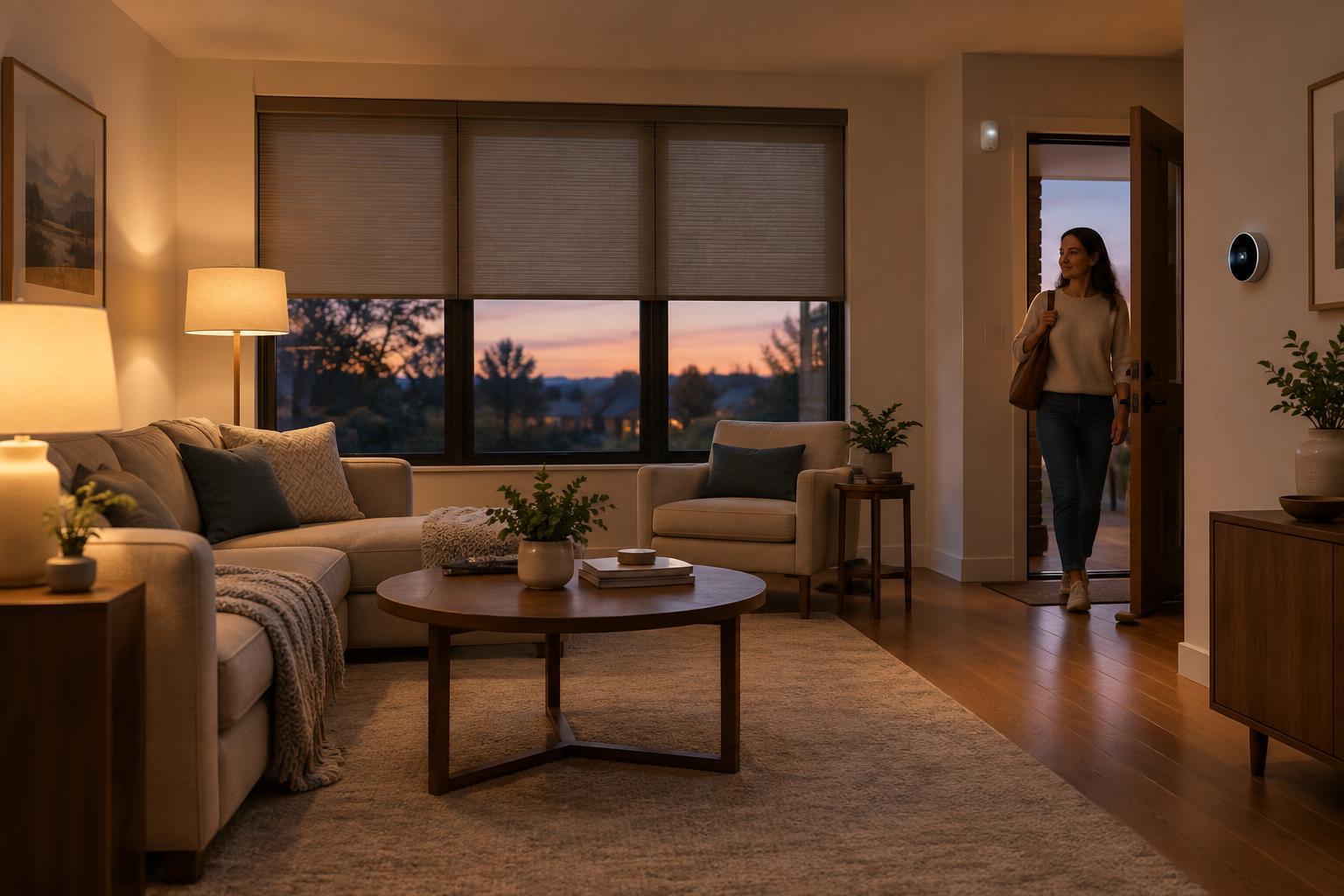
Use a sensor trigger when timing depends on what is happening in the home. A door sensor can turn on an entry light when someone arrives; a motion sensor can keep a hallway lit while it is in use. Sensors are less predictable than clocks, however. Placement, battery level, wireless connectivity, and the sensor’s detection behavior all affect the result. A motion sensor may miss someone sitting still, while a poorly placed one may detect activity you did not intend.
Add conditions so automations make sense
A trigger tells an automation to check whether it should run; a condition narrows the circumstances. For example: when hallway motion is detected, turn on the light if it is after sunset. Without the condition, the light might switch on throughout the day. You can also limit an automation to particular days, occupancy modes, or device states if your platform supports them.
Keep conditions understandable. A routine that depends on several sensors, a phone’s location, and a particular mode can be difficult to troubleshoot when it fails. Begin with the fewest conditions that achieve the goal. Add another only after you can explain what unwanted behavior it prevents. Give each automation a descriptive name, such as “Hallway motion lighting after dark,” so its purpose remains clear later.
Prevent routines from fighting each other
Reliability often depends less on adding features than on deciding which action takes priority. Suppose a scheduled evening scene dims the living room, while a motion automation sets the same lights to full brightness. Both may work correctly on their own, yet the room may seem to change unpredictably when they overlap. Identify every routine that controls a device and decide what should happen when two routines apply.
One approach is to give a manual scene temporary priority: after someone selects Movie Night, pause or limit motion-based brightness changes until the scene ends. Another is to use timeouts deliberately. A motion-triggered light might turn off after a period without detected movement, but that rule may not suit a room where people sit quietly. Where the platform permits it, check whether the light was turned on by the automation before having that automation turn it off.
Test the ordinary case and the failure case
Build one routine at a time and test both its trigger and its conditions. For a door-triggered entry light, check what happens when the door opens in daylight, after dark, and while the light is already on. Then test what happens if someone turns the light off manually. These checks reveal surprises that a single successful test may miss.
Plan for the system not to respond. A sensor can lose power, a hub can go offline, or a cloud-dependent service can become unavailable. Keep ordinary wall controls usable where possible, and avoid making essential access or safety depend on one automation. Review routines after moving devices, changing schedules, or replacing sensors. A small set of well-understood automations is usually easier to maintain than a large collection of overlapping rules.