What a hub actually does
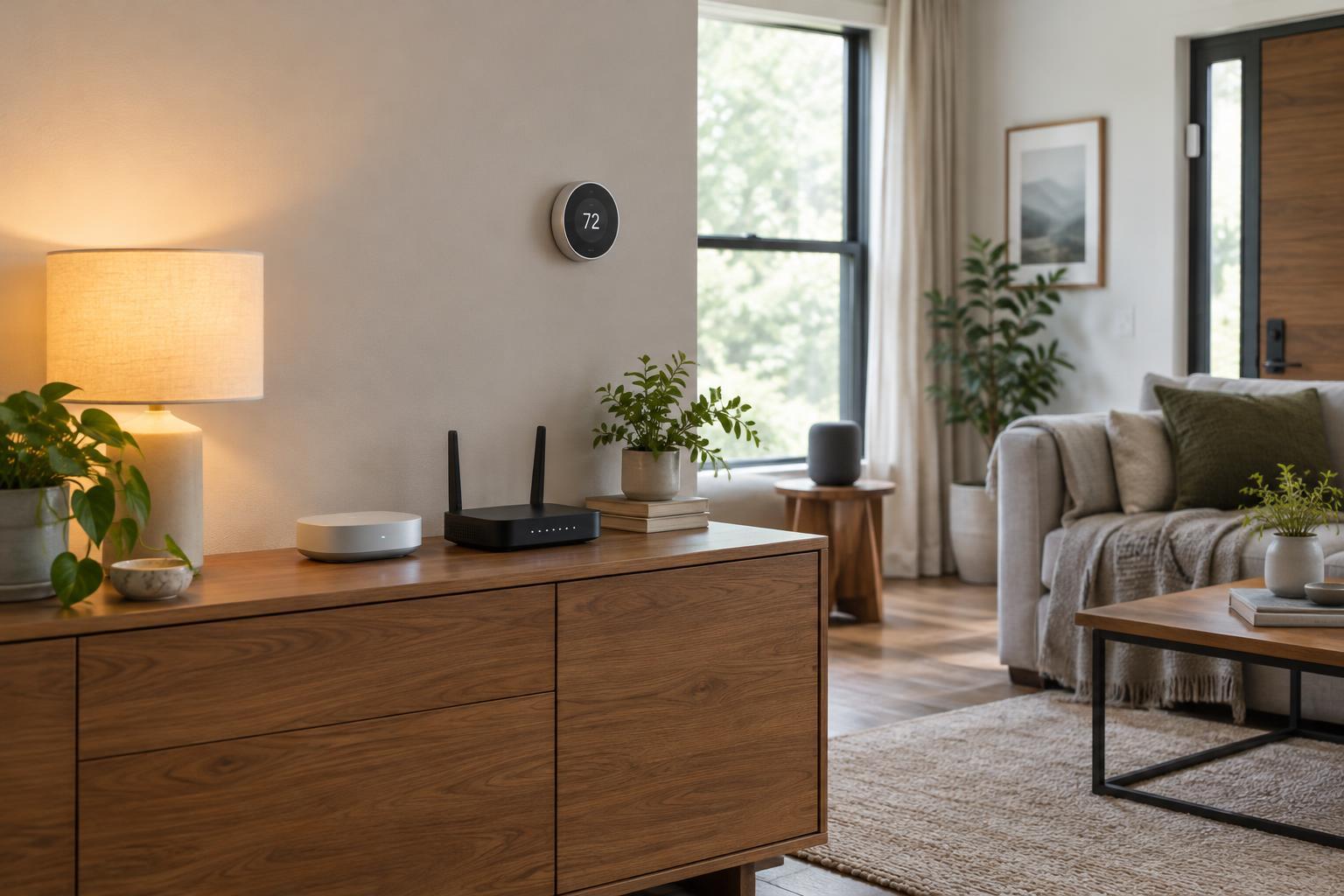
A smart home hub is a central controller that connects devices and coordinates what they do. Depending on the product, it may communicate with devices directly, run automations, or provide one interface for several brands. A hubless setup usually connects devices to your home Wi-Fi and controls them through their own apps or a shared smart home platform. “Hubless” does not necessarily mean there is no central service: a voice assistant, app platform, or manufacturer’s cloud may still coordinate commands.
It helps to separate three jobs that are often bundled together. A controller manages devices and routines. A radio bridge connects devices that use a protocol your phone or router cannot speak, such as Zigbee or Z-Wave. A Thread border router connects a Thread network to your home network. One piece of hardware may perform more than one job, but owning a controller does not automatically give it every radio a device might require.
When a hubless setup makes sense
If you want a few smart plugs, bulbs, or switches that work independently, starting without a dedicated hub is reasonable. Look for devices that support the control app or platform you already use. Check each device’s setup requirements before buying: some Wi-Fi products need only an app and network connection, while others depend on a manufacturer account or online service for certain features.
A smaller setup is often easier to understand and maintain. There is less hardware to place, power, and update. The trade-off appears when devices from different brands need to act together. Each app may offer different schedules and controls, and a routine spanning several services may depend on all of them being available. A hubless home can still be capable; its limits depend on the devices and platform you choose, not simply on the absence of a box labeled “hub.”
When a central controller earns its place
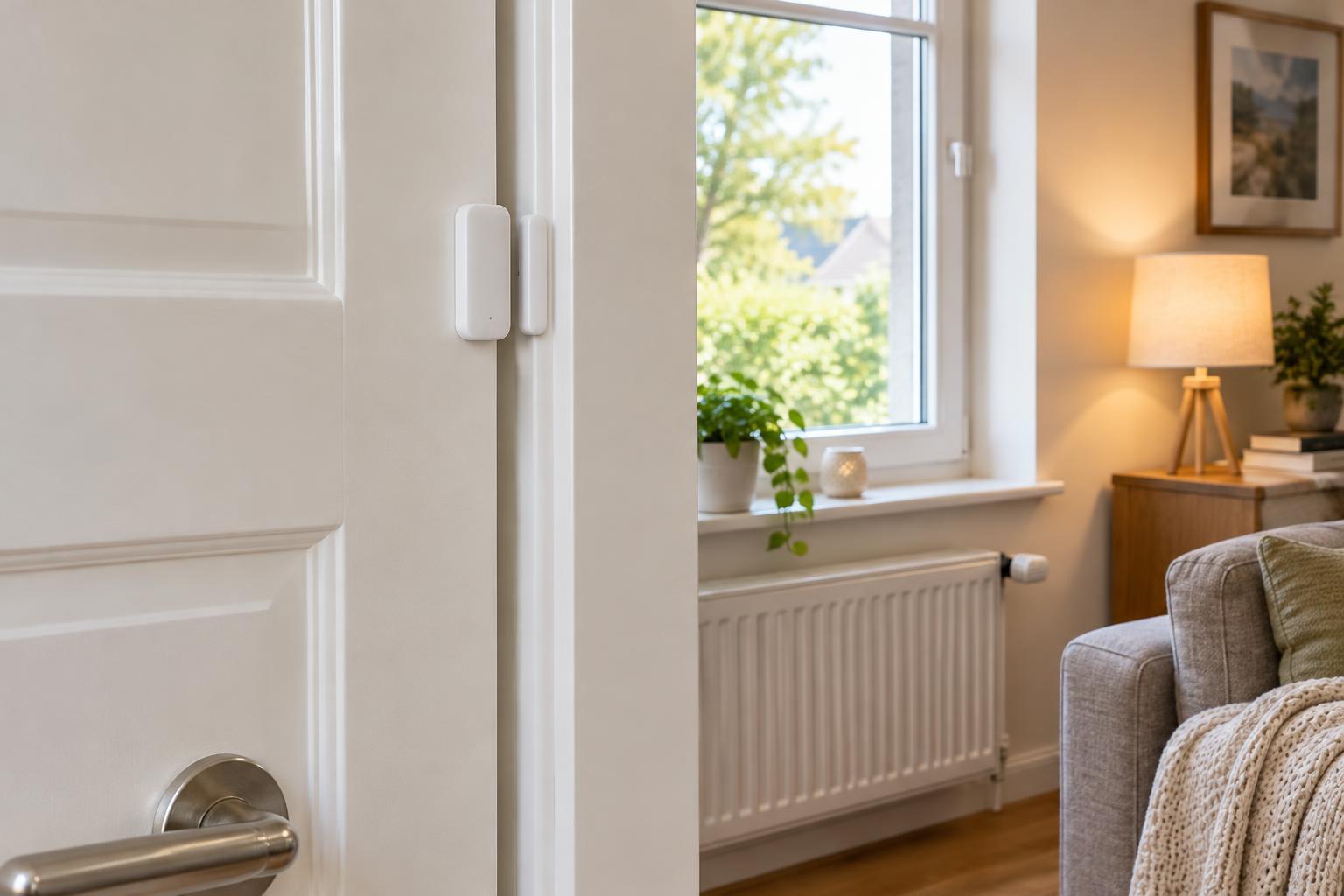
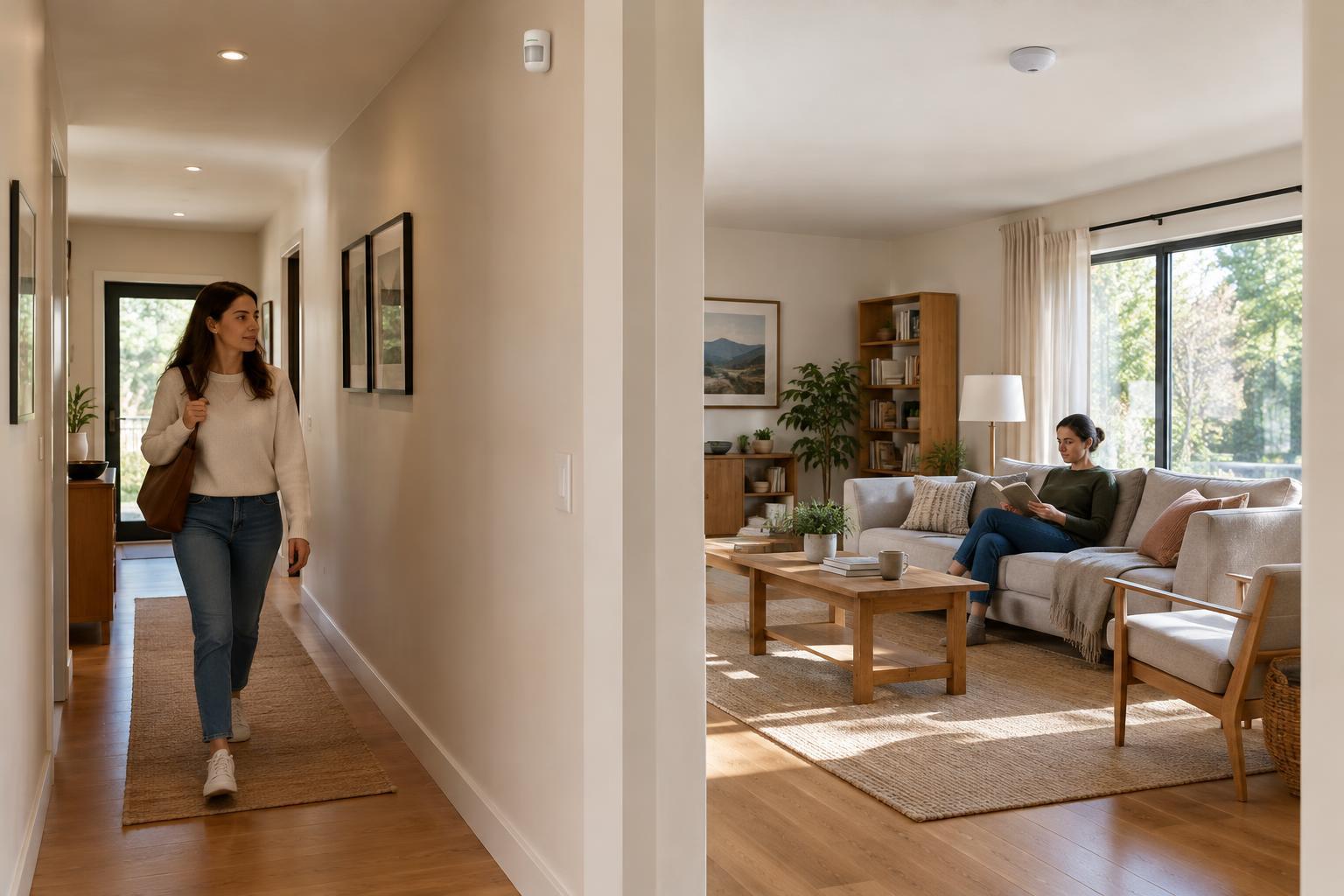
A controller becomes more useful when you want coordinated behavior across many devices. For example, a motion sensor might turn on lights only after sunset, then turn them off after a period without motion. A shared controller can make it easier to see that routine in one place, adjust it, and avoid building separate rules in several apps. It can also be helpful when multiple people need consistent control of the same home.
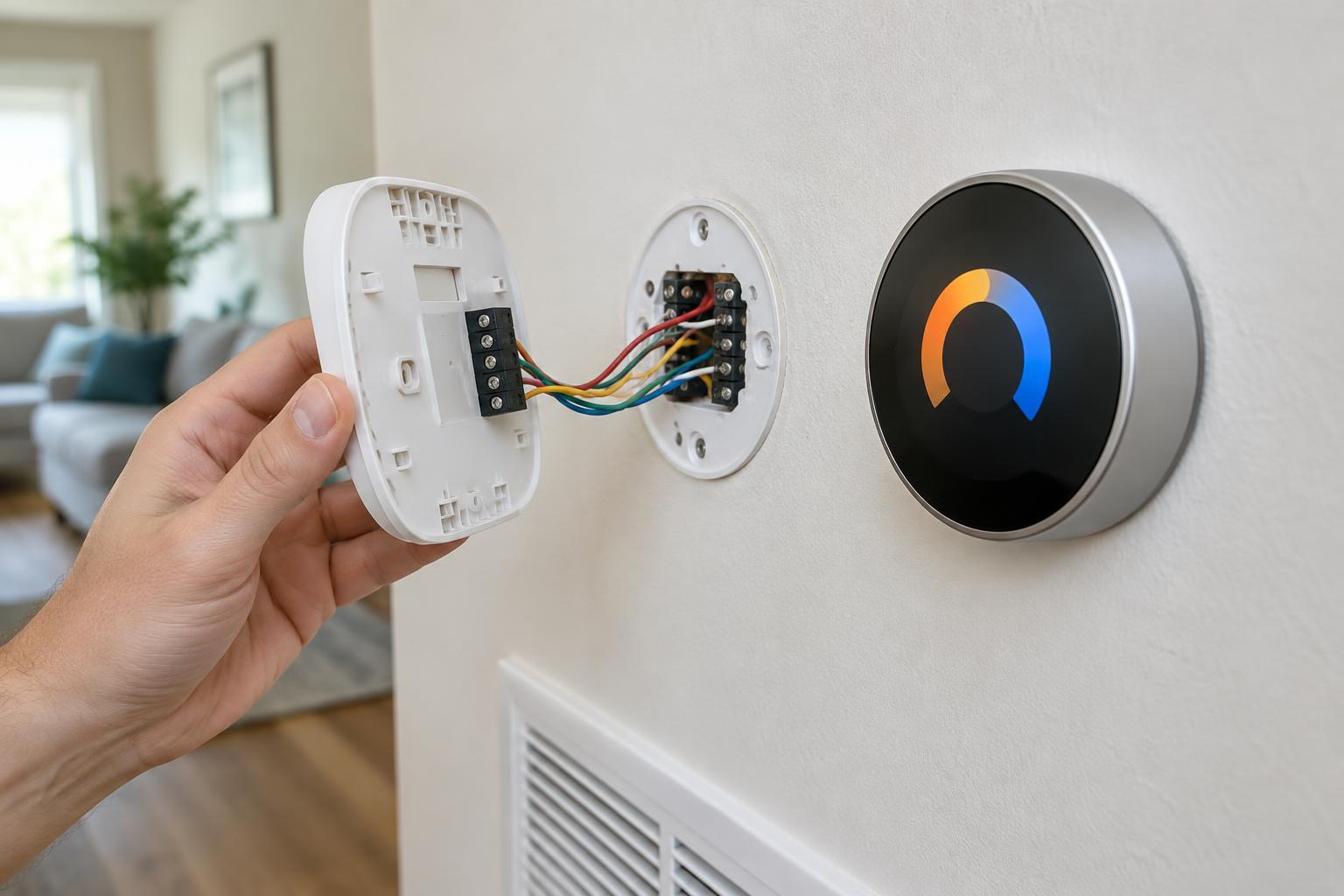
A hub may also be necessary to use particular devices. Before purchasing a sensor, lock, or switch, check its exact model and required protocol. Zigbee and Z-Wave devices generally need compatible radio hardware. Thread devices need access to a Thread border router, and their setup also depends on platform compatibility. Matter can help compatible products work across supported ecosystems, but it does not remove every hardware requirement or guarantee that every feature will appear in every app.
Local control is another possible benefit, not a promise attached to every hub. Some controllers can run certain automations within the home, so those routines may continue during an internet outage. Others rely on cloud services for commands, integrations, or remote access. Check which functions work locally, and remember that a local controller still needs power and functioning network equipment.
Compare the costs beyond the purchase price
A hub adds a device to configure, update, and troubleshoot. It may simplify everyday control, but it can also become a point of failure for devices and routines that depend on it. Before committing, check the controller’s supported devices, automation options, account requirements, and backup or migration process. Compatibility lists can be specific to a model or product generation, so a shared protocol name alone is not enough.
For a hubless setup, consider the less visible costs of separate apps and services. You may need to manage several accounts, permissions, firmware updates, and notification settings. Neither approach is automatically more private or secure. Use unique passwords, enable multifactor authentication where available, install updates, and remove devices or integrations you no longer use. Choose products with clear settings for account access and data sharing, whichever architecture you prefer.
A simple way to decide
List the devices you want and the actions you expect them to perform together. If each device can do its job in an app you already use, try that setup first. If your plans involve mixed brands, battery-powered sensors that require a particular radio, or routines you want to keep running locally, compare controllers against those specific requirements. Confirm the exact device models and the features supported by your chosen platform before you buy.
You do not have to design the entire home at once. Begin with one useful routine, test how it behaves when the internet is unavailable, and note which app or controller owns it. That small test will reveal more than a “hub required” label alone. Add a central controller when it solves a real compatibility or coordination problem—not merely because a larger smart home seems as though it should have one.