Start with what you want the room to do
Smart bulbs and smart switches solve different problems. A smart bulb replaces a conventional bulb and gives that light its own controls, often including dimming, schedules, and adjustable color or white tone. A smart switch replaces or supplements a wall control and manages the lights on that circuit. It can make ordinary compatible bulbs respond to schedules or remote commands without replacing every bulb.
Think about how the room is used before choosing hardware. Do you want warm, dim light for evenings or different colors for a desk or entertainment area? Bulbs are the more direct route to those effects. Do you mainly want ceiling lights to turn on automatically and still work naturally from the wall? A switch may fit better. Count the bulbs and fixtures, and note whether any lamps plug into outlets rather than being controlled by a wall switch.
Consider what happens at the wall
A smart bulb generally needs continuous power to receive commands. If someone turns off its existing wall switch, the bulb loses power and cannot respond through an app, voice assistant, or automation until the switch is turned back on. That is manageable in a room used by one person, but it can be frustrating in a shared space where visitors expect the wall switch to work as usual.
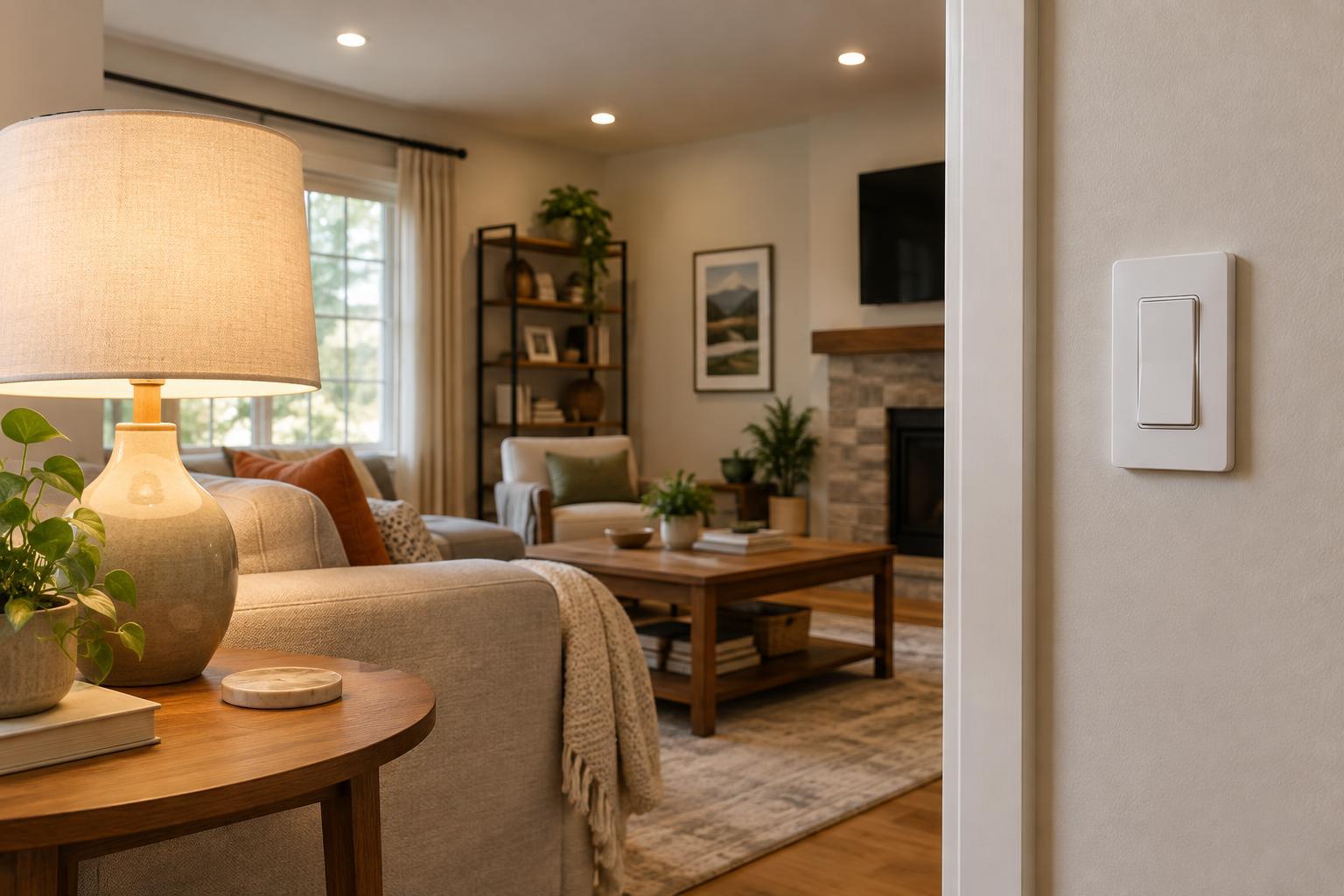
A smart switch keeps the familiar wall-control habit. People can turn the room lights on and off without opening an app, while the switch can also participate in automations. Some models offer dimming, but the bulbs and fixture must be compatible with the switch’s dimming method. A switch also treats the connected lights as a group unless the setup includes other controls. If you want two ceiling bulbs to show different colors, a conventional smart switch alone will not do that.
For smart bulbs, a compatible wireless button or scene controller can provide a physical control without cutting power to the bulbs. Check that the controller works with your chosen system and decide where it should go. A control that everyone can find is more useful than an elaborate automation that only one person understands.
Check fixtures, wiring, and installation
Bulbs are usually simpler to try: match the bulb base and shape to the fixture, check any enclosure or dimmer restrictions, then set up the bulb in its app or hub. A bulb in a table lamp is especially easy to change without affecting other lights. In a fixture with several bulbs, however, getting even illumination may mean replacing all of them. Smart bulbs may also be a poor fit for fixtures with nonreplaceable light sources.
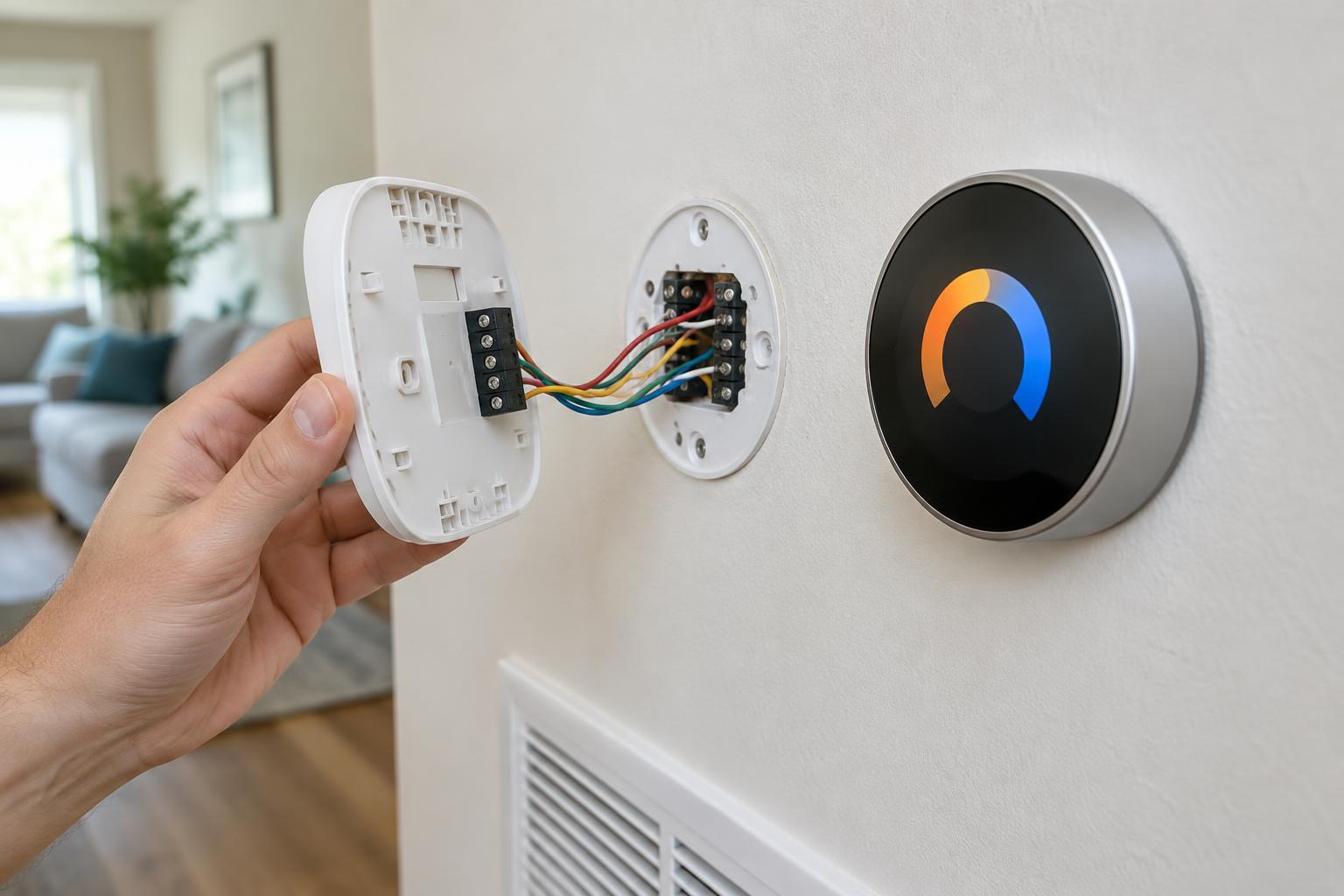
A wall switch affects the circuit rather than a particular bulb. That can be economical for a room with many suitable ceiling bulbs, but installation is more involved. Smart switches differ in their requirements for neutral wires, switch-box space, multiway circuits, bulb types, and supported electrical loads. Do not assume a switch will fit because an ordinary switch is already there. Follow the manufacturer’s specifications and local electrical requirements; if you are unsure about the wiring, use a qualified electrician.
Renters should consider whether they are allowed to change a wall switch. A smart bulb or plug-in lamp control may be easier to install and remove. Whatever you choose, check that the proposed device works with the room’s actual fixture and controls before buying enough for the whole space.
Plan for everyday reliability
Either approach may use Wi-Fi or another wireless system that connects through a hub, depending on the product. Before buying, check whether the devices you want can work together, how they are controlled when the internet is unavailable, and whether their physical controls still provide useful basic lighting. Some automations and remote features may depend on a hub or online service, while basic wall-switch operation may remain available.
Think about failure in ordinary terms: can someone enter the room and turn on a light? A smart switch typically retains a clear control at the door. With smart bulbs, that answer depends on how the wall switch and any wireless controls are set up. Keeping a simple way to turn on essential room lighting matters more than having the longest list of features.
For connected lighting, use unique account passwords, enable available account protections, and keep device and hub software updated. These steps do not decide between bulbs and switches, but they are part of maintaining either setup.
Choose by room, not by product category
Choose smart bulbs when you want individual lights, color, or tunable white light, particularly in lamps or rooms where leaving power on is easy. Choose a smart switch when the goal is to automate existing overhead lighting while preserving an obvious wall control for everyone. For a multi-bulb room, compare the cost and upkeep of replacing each bulb with the cost and installation needs of one suitable switch.
A mixed approach can work well: use a smart switch for ceiling lights and smart bulbs in separate table lamps for accent lighting. Be cautious about putting smart bulbs on a smart dimmer or a switch that cuts their power; use a combination the manufacturers explicitly support. The best choice is the one that meets the room’s lighting needs and still feels straightforward when someone simply wants to turn the lights on.