Why device organization matters
A smart home can become confusing long before it becomes large. A few plugs named “Smart Plug 1,” “Outlet,” and “Lamp” may look manageable in an app, but those names offer little help when you are choosing a device for a schedule or asking a voice assistant to turn it on. Clear names reduce guesswork for everyone who uses the home, not just the person who set it up.
Organization also helps when something stops working. If an automation refers to “Hall Light,” you should be able to identify the physical device without testing every switch. The aim is not to create a complicated inventory. It is to make the name, location, and purpose of each device obvious enough that you can act on them.
Choose names that identify one device
Start with a pattern you can apply consistently, such as room plus function: “Kitchen Counter Lights,” “Bedroom Fan Plug,” or “Hall Motion Sensor.” Use the name people naturally give the room, and distinguish devices that serve different parts of it. If there are two similar lamps, “Living Room Sofa Lamp” and “Living Room Reading Lamp” are more useful than “Living Room Lamp 1” and “Living Room Lamp 2.”
Keep names short enough to say and recognize at a glance. Avoid model numbers or technical identifiers as everyday names unless they are necessary to tell devices apart. Before settling on a name, try using it in a spoken request and in an automation rule. Two names that sound alike may be easy to confuse even if they look different on a screen. Where an app allows a separate note or description, use it for details such as the device model or what a smart plug powers.
Use rooms and groups for different jobs
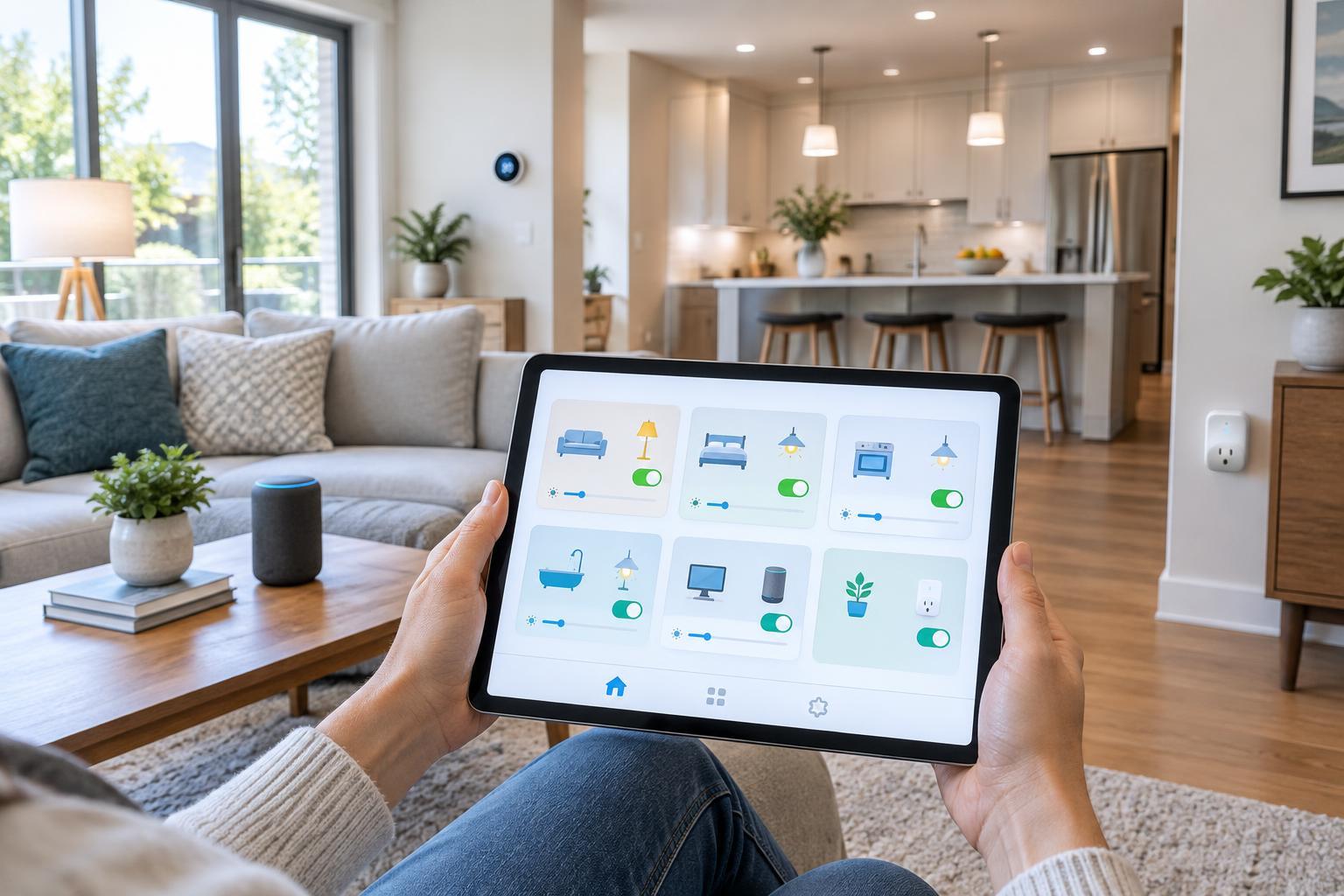
Assign each device to the room where people expect to use it. Room assignments can make app navigation simpler and may affect how a platform interprets commands such as “turn off the lights.” Check how your particular app handles room commands before relying on them: a plug assigned to a room may or may not be treated as a light, depending on its settings and the platform.
Groups are better for devices you want to control together, such as several bulbs in one fixture or lights along a stairway. Give a group a name that describes the combined result, then check whether its member devices still have clear individual names. Avoid creating several overlapping groups with nearly identical names. Otherwise, it may be difficult to predict which devices a command or automation will affect.
Make automations readable to future you
Device names are only part of the picture. Give scenes and automations names that describe what they do, such as “Evening Hall Lights” or “Turn Off Downstairs at Bedtime.” A vague name like “Night” does not reveal whether it controls lights, locks, or heating. If your app offers descriptions, note the trigger and the intended result, especially for automations that run without anyone pressing a button.
When you rename a device, inspect the scenes, schedules, and voice routines that use it. Some platforms update references automatically, while others may retain an old label or require a routine to be edited. Run a quick test after a change. If a device is replaced, remove the retired entry only after confirming that the replacement appears in the right room and works in the automations that matter.
Keep a small record and review it occasionally
For a growing setup, a simple private list can save time. Record the device name, physical location, what it controls, and which app or hub manages it. For a plug hidden behind furniture, note the appliance connected to it. This record is useful when a device goes offline or someone else needs to understand the setup. Keep account credentials and recovery codes out of a casual household inventory.
Review names when you move furniture, repurpose a plug, or add devices to an existing room. Remove unused groups and old device entries so they do not appear as choices in new routines. A useful final check is to ask someone else in the household to find and control a device using only its displayed name. If they have to guess, a clearer name or room assignment will probably help more than another layer of automation.