What a motherboard form factor tells you
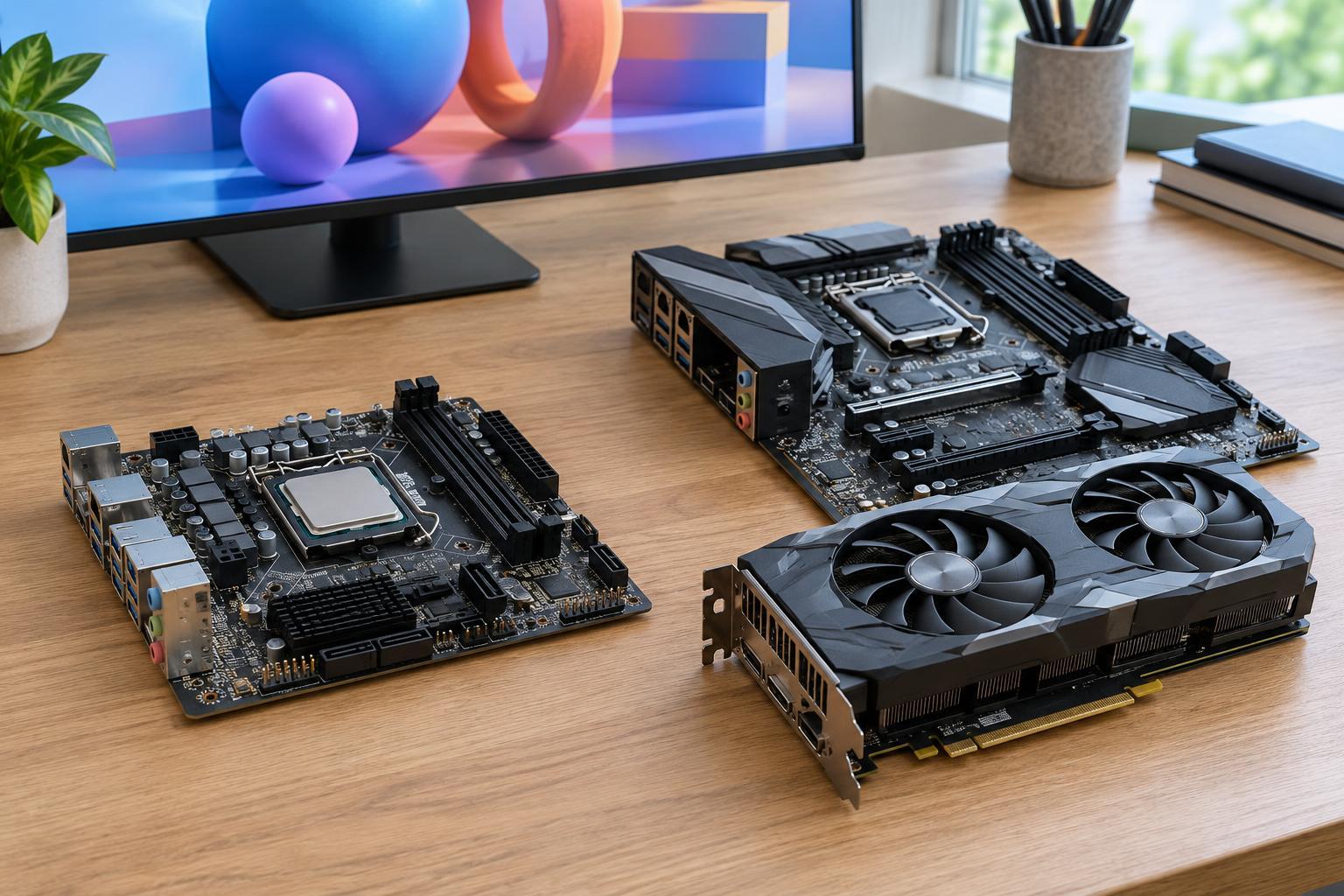
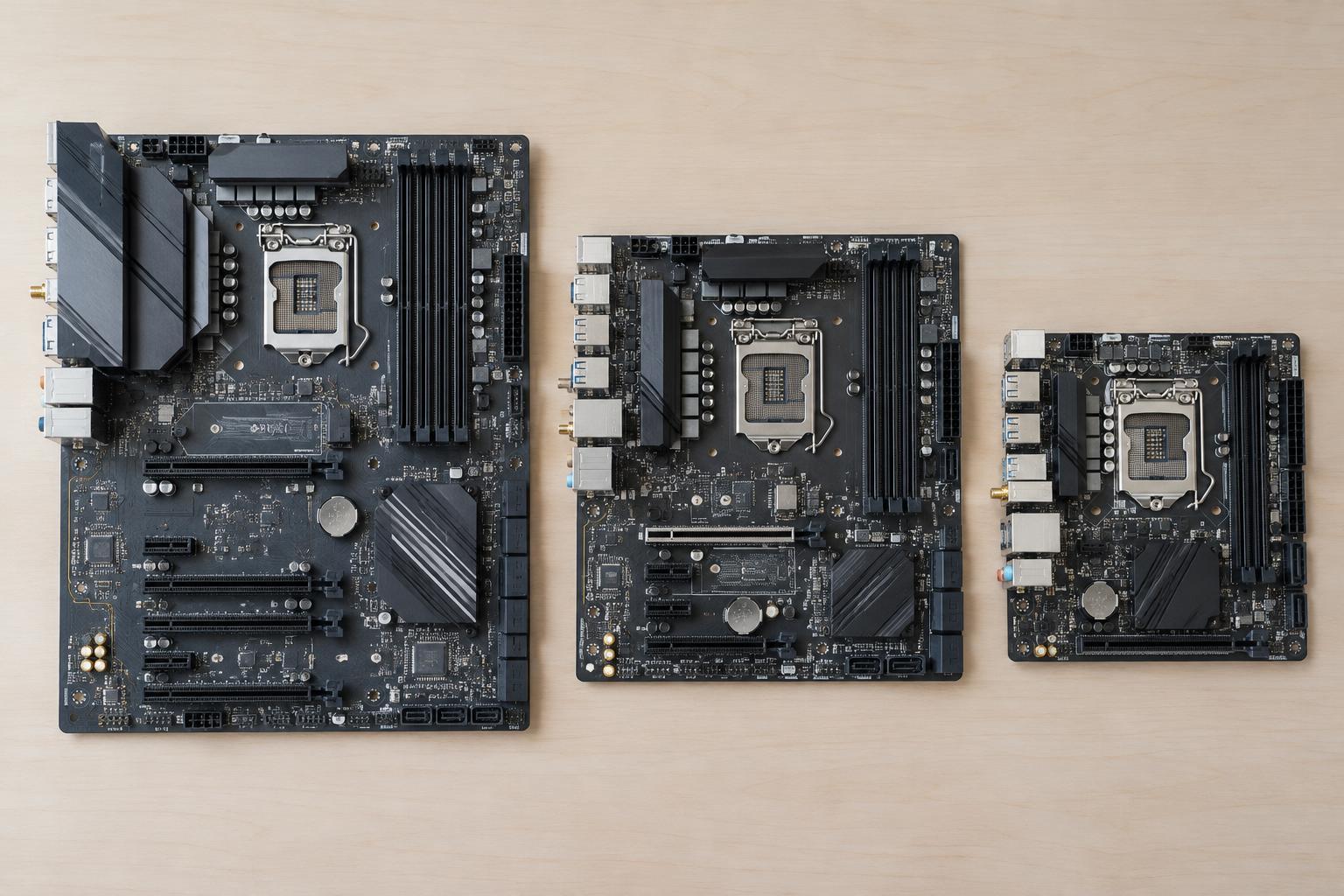
A motherboard’s form factor describes its physical dimensions and mounting arrangement. The three common choices for desktop PCs are ATX, microATX, and Mini-ITX. Size matters most when matching a board to a case, but it also influences how much room the board has for expansion slots, memory sockets, storage connectors, and other components.
Form factor does not tell you which processor a board supports or how well it performs. Those details depend on the socket, chipset, and specific model. A small motherboard can support a capable PC, while a large one may offer features you do not need. Start by deciding what the computer must hold, then choose a board and case that provide enough space.
ATX: Room for expansion
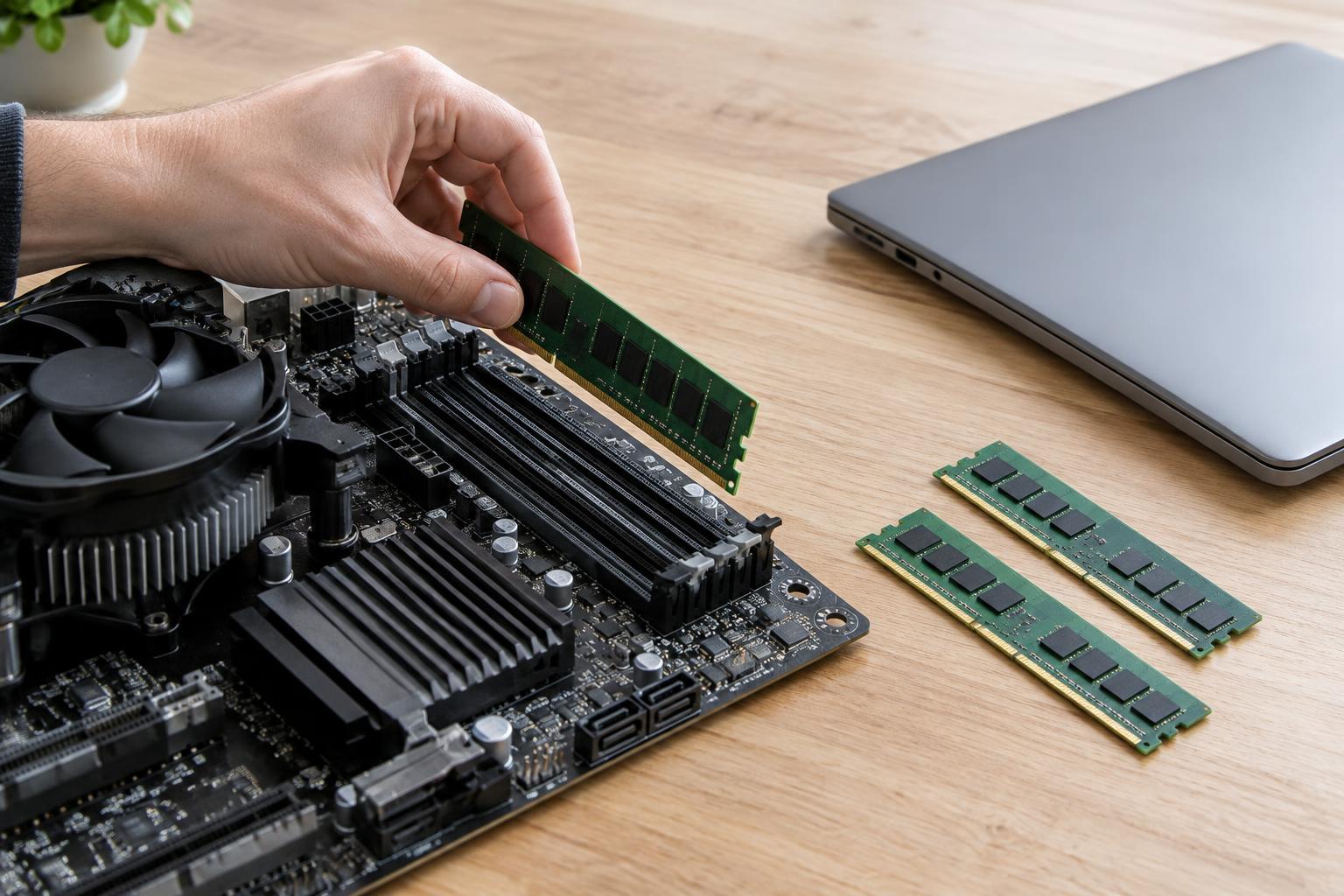
A standard ATX motherboard measures about 305 × 244 mm. It is the largest of these three formats and typically provides the most physical space for connectors and add-in cards. An ATX board can have up to seven expansion-slot positions, although the number and type of slots vary by model. It commonly has four memory sockets and may offer several M.2 sockets and ports for SATA drives.
ATX is useful if you expect to add cards beyond a graphics card, such as a capture card or a specialized network adapter. The extra board area can also make some connectors easier to reach during a build. The trade-off is that you need a case that accepts ATX, which is generally larger than a case built solely for smaller boards. Even in an ATX case, a thick graphics card may cover neighboring slots, so count usable slots rather than just visible ones.
microATX: A compact middle ground
microATX boards can measure up to about 244 × 244 mm, though some models are narrower. They typically have fewer expansion-slot positions than ATX boards, with room for up to four. Many have four memory sockets, but some have two. Storage connections and rear USB ports also depend on the particular board rather than its size alone.
For a PC with one graphics card and no plans for several additional cards, microATX often provides enough room while allowing a smaller case. It can also fit in many ATX cases, provided the case lists microATX support. That does not mean every smaller case is suitable: check graphics-card length, CPU-cooler height, radiator space if needed, and the number of drives you intend to install.
Mini-ITX: Small footprint, tighter planning
Mini-ITX measures about 170 × 170 mm. Its compact layout usually includes two memory sockets and one expansion slot, commonly used for a graphics card. Individual boards may still include M.2 storage and modern connectivity, but there is less physical room for extra cards and connectors. Small cases can also make component access and cable routing more demanding.
Mini-ITX is a good option when a small desk footprint or portable build matters more than expansion. Before buying parts, check whether the case accepts the power-supply size you want, how much space it allows for a graphics card and cooler, and where storage drives will fit. Cooling deserves particular attention: a powerful system can work in a compact enclosure, but fans need clear paths for air to enter and leave.
How to choose the right size
List the parts you want now and the upgrades you might reasonably make later. If you need multiple add-in cards, ATX gives you the most flexibility. If you want a conventional desktop with one graphics card, microATX is worth considering. If minimizing size is a priority and you can work within tighter limits, Mini-ITX may be the better fit. Choosing a larger board solely in case you someday need an unspecified feature is not always useful; choose space for upgrades you can actually name.
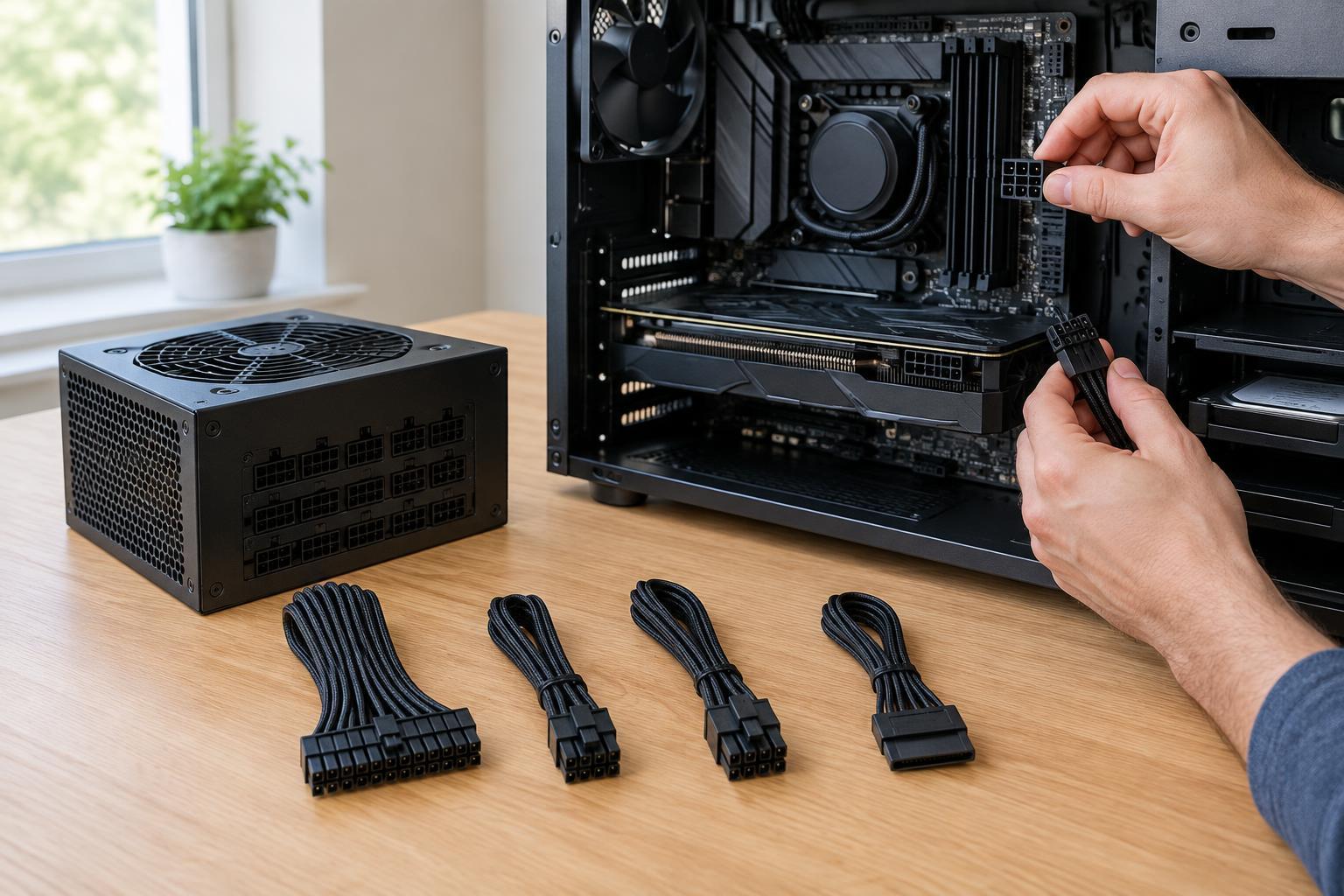
Confirm compatibility using the specifications for both the case and motherboard. The case should explicitly support the chosen form factor and provide the necessary mounting points. Check the board’s processor socket, memory support, storage connectors, fan headers, and rear connections separately. Also verify that the case fits the graphics card, cooler, power supply, and drives. Motherboard size is an important first filter, but a successful build depends on the complete set of parts fitting and connecting as planned.