What the two terms mean
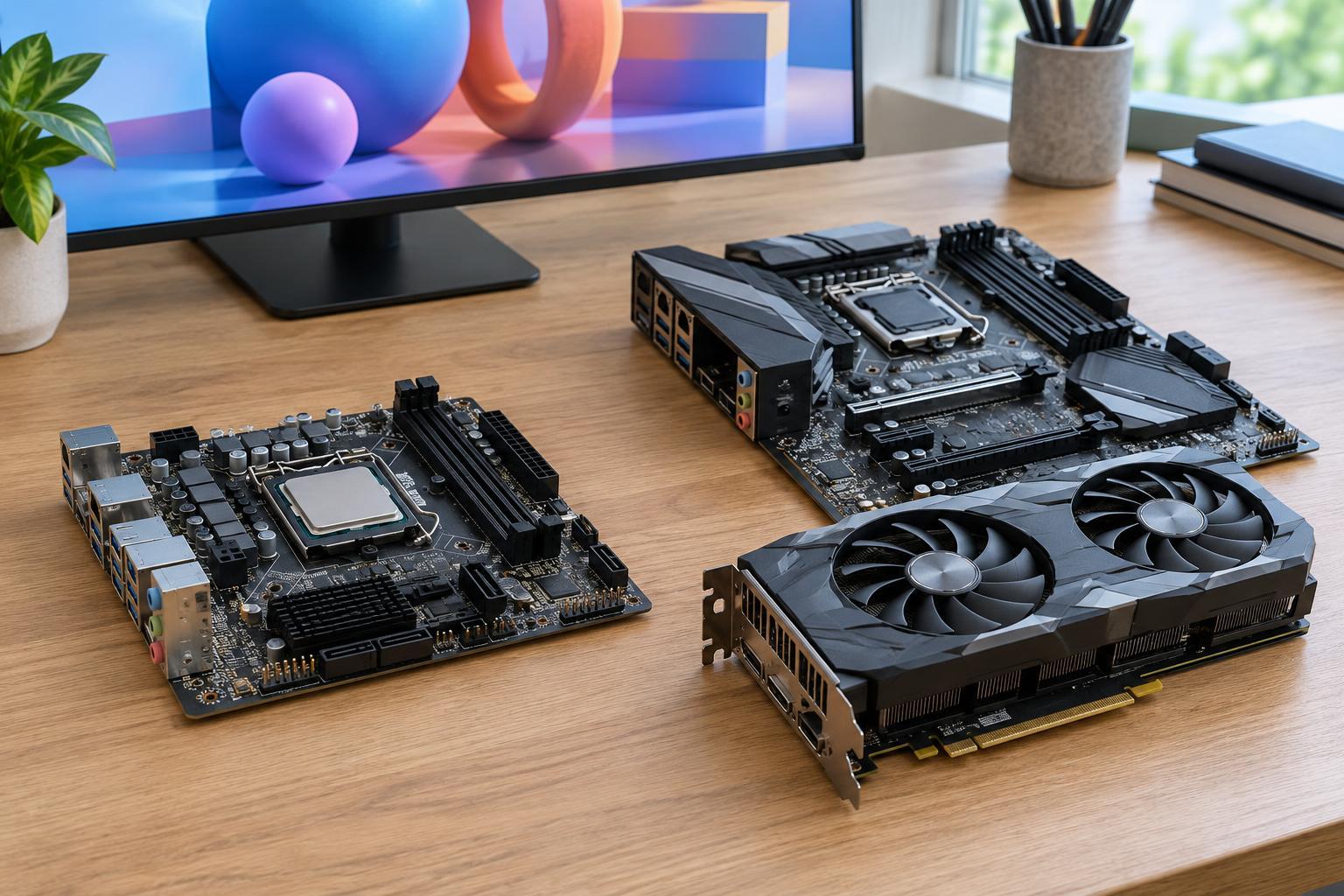
A graphics processor, or GPU, creates the images sent to your display. Integrated graphics are built into a computer’s main processor or processor package and generally share the system’s memory. Dedicated graphics use a separate GPU, usually with their own video memory. In a desktop, that often means an add-in graphics card; in a laptop, the dedicated GPU is typically built into the machine and cannot be replaced.
Both types can run an operating system, play video and drive displays. The difference is how much graphics work they can comfortably handle. A dedicated GPU typically has more capacity for complex 3D scenes and other supported workloads, but it also adds cost, power use and heat. Integrated graphics avoid those trade-offs and may be all a computer needs.
When integrated graphics are enough
For web browsing, documents, video calls, streaming and ordinary photo organization, integrated graphics are usually a sensible choice. They can also suit light image editing and less demanding games, although results depend on the particular processor, memory configuration, game settings and display resolution. “Integrated” describes the design, not a single performance level: capabilities vary considerably between computers.
Integrated graphics are especially attractive in compact desktops and laptops where low power use, less heat and a simpler system matter. If you are buying a laptop primarily for travel, office tasks or study, paying for a dedicated GPU may bring little benefit. It is still worth checking that the exact computer supports your intended number of external monitors, their resolutions and refresh rates. Those limits depend on the device’s ports and design, not just its GPU label.
Because integrated graphics typically use system memory, the amount and configuration of that memory can affect performance. A machine with too little RAM may feel constrained when applications and graphics compete for it. If light gaming is part of your plan, compare the complete computer specifications rather than assuming every model with the same processor will behave identically.
When dedicated graphics earn their keep
Consider dedicated graphics if you regularly play demanding 3D games, want higher frame rates at higher resolutions, or work with complex 3D models. Some video-editing, rendering and other creative applications can also benefit. The size of that benefit depends on whether the software supports GPU acceleration and on the particular task; a faster GPU will not speed up every part of a project.
A dedicated GPU’s own video memory can help when a workload uses large textures, detailed scenes or demanding visual effects. More video memory is not automatically better, though: processing capability, software support and the rest of the computer also matter. Before buying, look at the requirements and recommended specifications for the applications or games you actually use. If you need a particular GPU feature, check the exact model rather than relying on the words “dedicated graphics.”
The trade-offs in laptops and desktops
In a laptop, dedicated graphics usually mean a higher purchase price and potentially shorter battery life under graphics-heavy use. Many laptops can switch between integrated and dedicated graphics to conserve power, but how smoothly that works depends on the model and its settings. Extra heat may also lead to more fan noise during demanding tasks. Since laptop GPUs are generally not upgradeable, choose for the work you expect the laptop to do over its useful life.
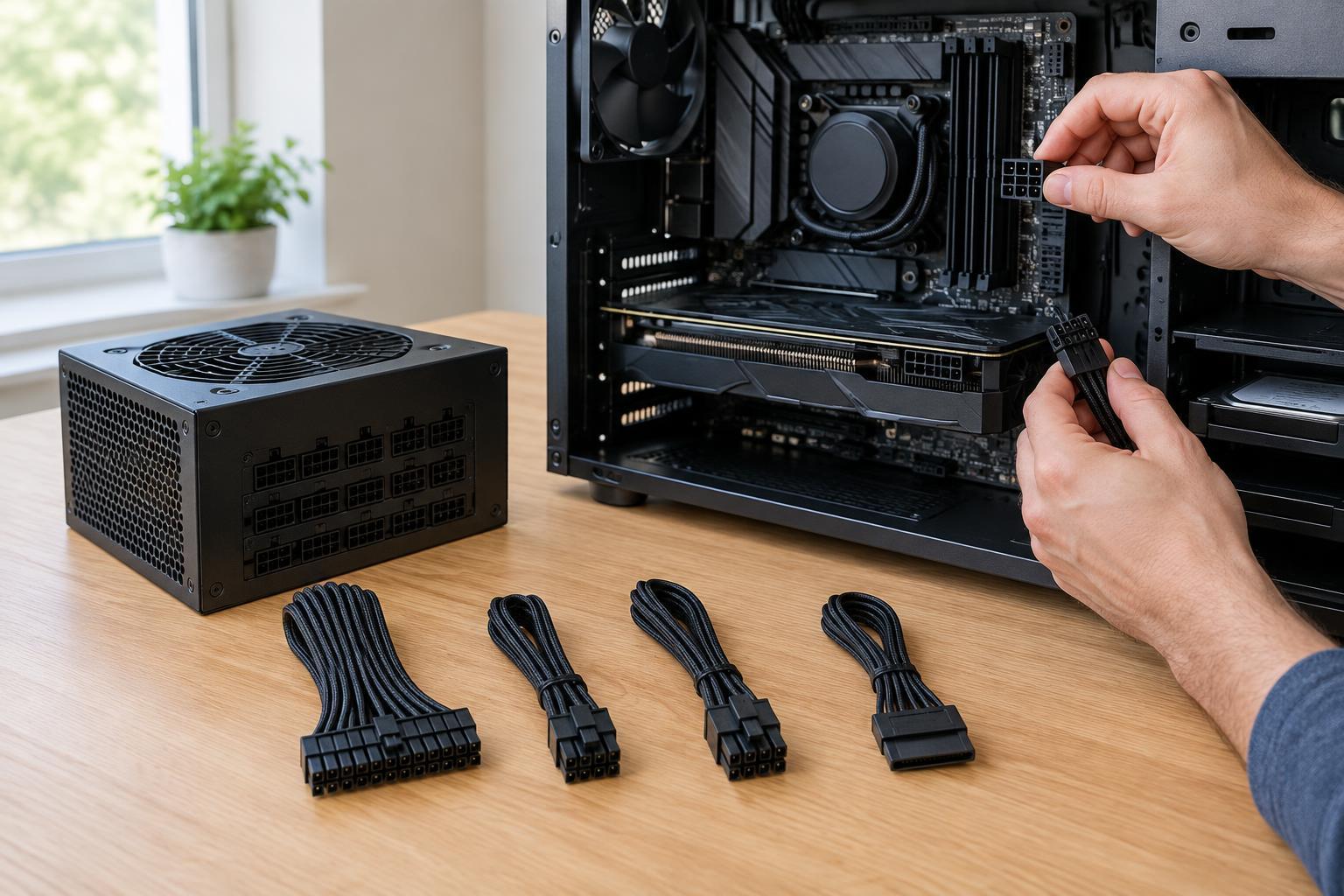
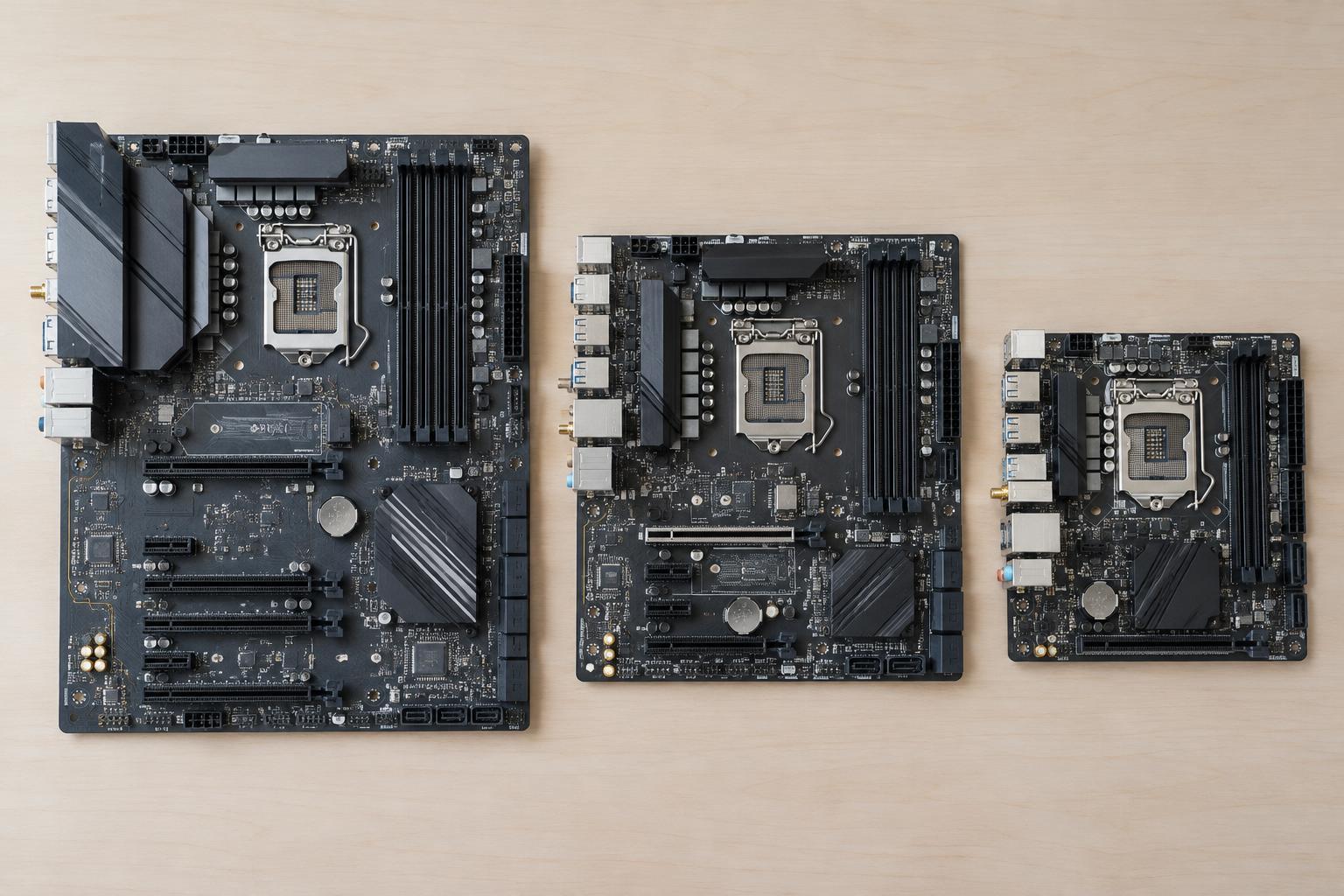
A desktop can offer more flexibility. You may be able to start with integrated graphics and add a graphics card later, provided the case has room and the power supply and motherboard can support it. Do not assume every processor includes usable integrated graphics, however. If you plan to run a desktop without a graphics card, verify that the processor has integrated graphics and that the motherboard provides the display connections you need.
A practical way to decide
Start with your most demanding regular task, not an occasional possibility. If your work is mainly browser tabs, office software, calls and video playback, choose a well-balanced computer with integrated graphics and enough memory for your applications. If you play demanding games or use visual software that recommends a dedicated GPU, compare specific GPU models against your target resolution and the software’s requirements.
Then weigh the whole machine. Money spent on a dedicated GPU might be more useful elsewhere if limited memory, slow storage or an unsuitable display would affect you every day. Conversely, buying a computer without enough graphics capacity for a known workload can be frustrating to remedy, especially in a laptop. The right choice is the least complicated configuration that comfortably supports what you actually intend to do.