An internet outage is not the same as a home network outage
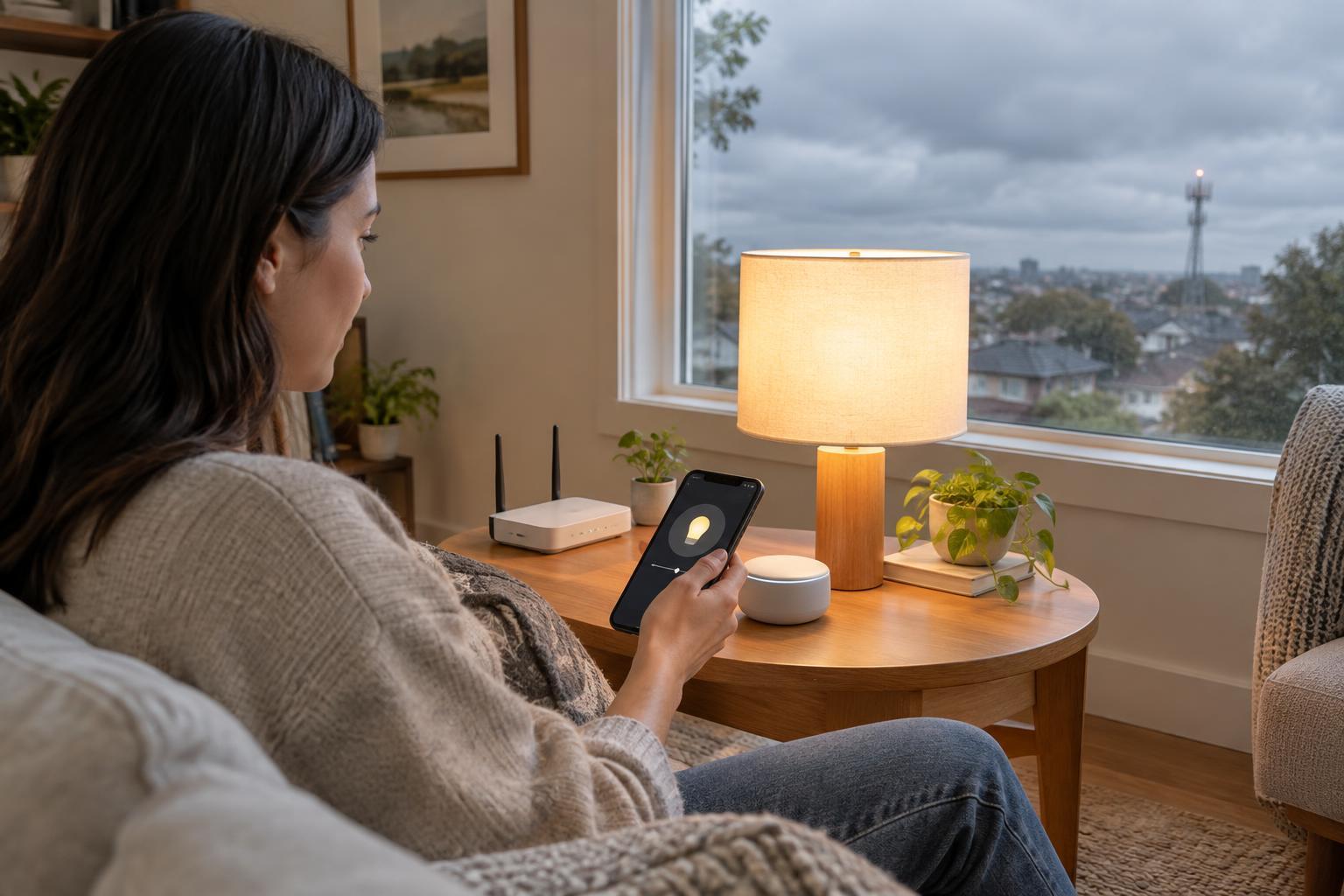
When your internet connection goes down, your router may still provide Wi-Fi and connect devices inside your home. A phone, hub and smart bulb can potentially communicate over that local network even though none of them can reach an online service. If the router loses power or stops working, that local path may disappear too. The distinction matters: “works without internet” does not necessarily mean “works without Wi-Fi, a hub or electricity.”
Smart home control can also take several forms. A wall switch might control a light directly, an app might send a command across your home network, or a voice assistant might send your request to a cloud service before anything happens. Two controls for the same device can therefore behave differently during the same outage.
What local and cloud control actually mean
With local control, the command and the device’s response stay within the home. A hub might receive a button press over Zigbee or Thread and tell a light to turn on. An app might connect directly to a device over the local network. These paths can keep working during an internet outage if the equipment they depend on remains powered and the devices have already been set up.
With cloud control, the command travels to an online service that relays it or decides what should happen. This can make remote access and integrations convenient, but it creates a dependency on internet access and the service’s availability. Some products use both approaches: basic on/off control may be local, while voice commands, notifications or advanced settings require the cloud.
The radio a device uses does not, by itself, settle the question. A Wi-Fi device can support local commands or require a cloud connection. Zigbee and Thread devices can communicate locally, but an app or automation controlling them may still depend on an online account. A Thread border router connects Thread devices to the home network; it does not guarantee that every feature of the controlling app works offline.
Which features are most likely to change?
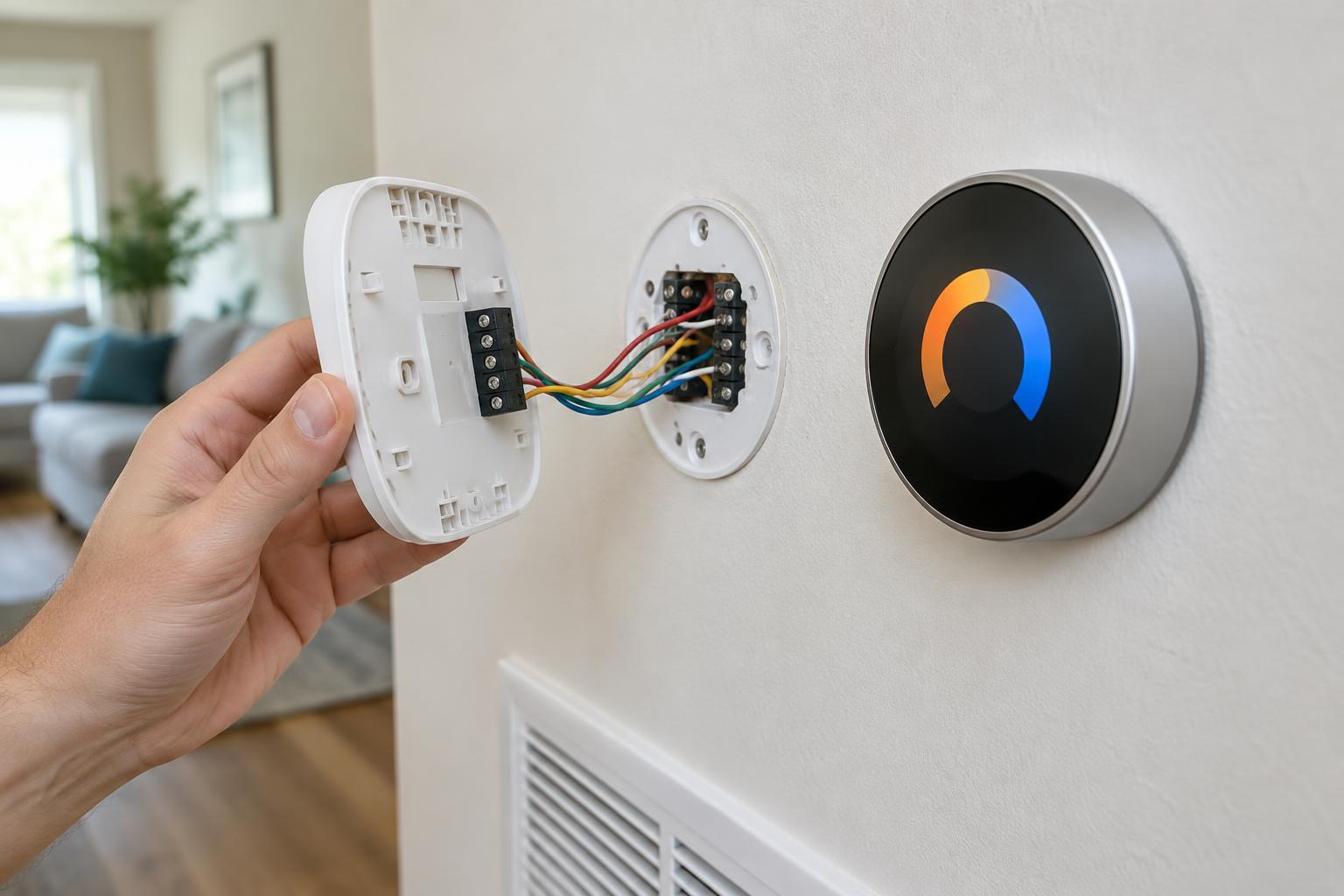
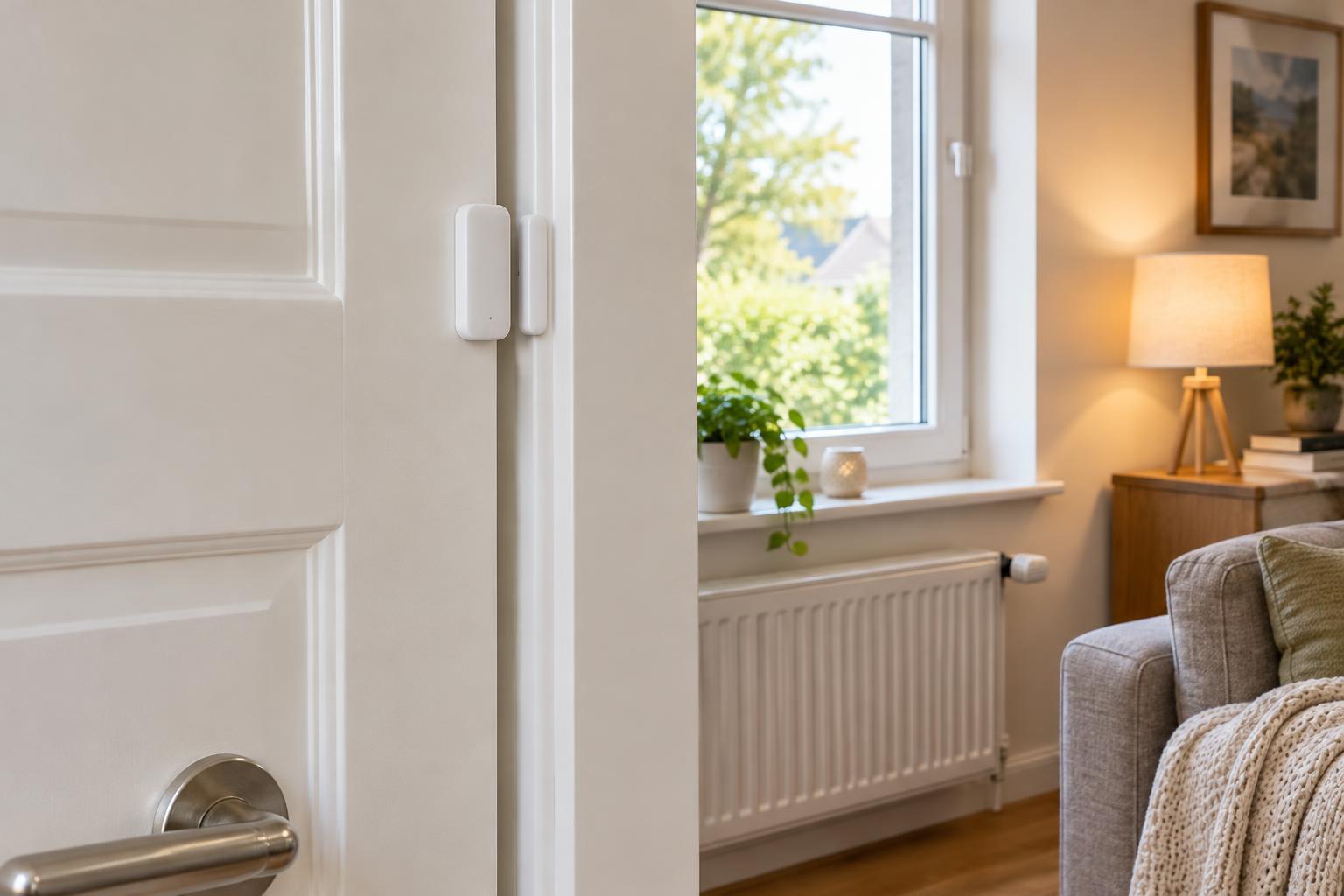
Physical controls are usually the most straightforward fallback, provided they are designed to operate the device without an online request. A conventional light switch may still work normally. A smart button, sensor-triggered light or scheduled routine may also work if its automation runs on a powered local hub or controller. If the routine is processed online, it may pause until connectivity returns.
App control is less predictable. Being connected to your home Wi-Fi does not prove that an app can reach a device locally; some apps require a cloud sign-in or send every command through an online service. Voice control may have the same limitation, even when the speaker and device are in the same room. Remote control from outside the home generally needs a working internet path, unless you have arranged another method of access.
Cameras illustrate why features should be checked separately. A camera might continue recording to a local storage device while remote viewing and phone alerts stop. Another might rely on the cloud for recording. Smart locks may retain keypad or key operation while app-based access changes. For entry, alarms and other important functions, keep a dependable manual option and check the product’s documented offline behavior.
How to find out what your setup can do
Make a short list of the controls you rely on: switches, buttons, app commands, schedules, motion routines, voice commands, recordings and alerts. Note what runs each one—a device, hub, local controller or online service—where that information is available. Product documentation can help, but test the actual behavior of your installed system rather than assuming that every feature follows the same path.
To simulate an internet outage, disconnect the router’s internet connection while leaving the router, hubs and devices powered. Then try each control from inside the home and note what works. Reconnect afterward and check that devices recover. Avoid testing in a way that interrupts equipment you rely on for safety or security. A separate power-loss test would answer a different question and needs more care.
If a frequently used function fails offline, consider whether its automation can run on a local hub, whether a physical control can provide a fallback, or whether you can choose devices with documented local operation when replacing equipment. The aim is not to eliminate every cloud feature. It is to know which conveniences need the internet and which essential actions remain available without it.