Start with where you will use it
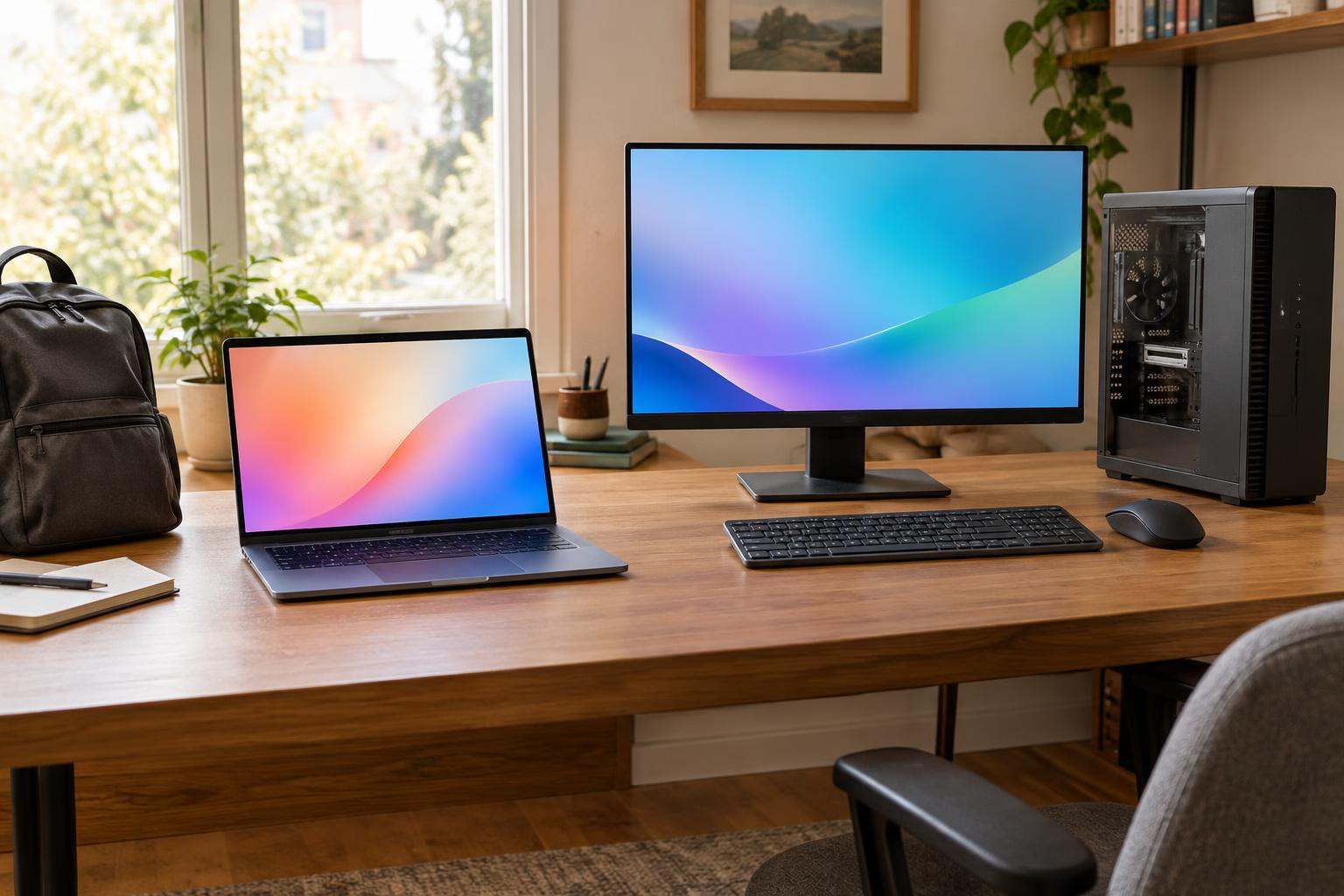
The clearest difference is where the computer can go. A laptop combines a screen, keyboard, trackpad, battery, and computer in one device. It makes sense if you move between rooms, work away from your desk, or need to take the same files and applications with you. A desktop is better suited to a fixed workspace where you can leave a monitor, keyboard, and other equipment set up.
Portability has limits. A laptop is convenient to carry, but its screen and keyboard may feel cramped during long sessions. You can connect an external monitor and keyboard at home, though that adds cost and desk clutter. A desktop needs a dedicated space and cannot keep running through a power outage unless you add backup power. Consider how often you actually move your computer, not just how appealing the option sounds.
Match performance to your real workload
Either type can handle web browsing, documents, video calls, and everyday photo management when it has suitable specifications. For demanding work, compare the components and their sustained performance rather than assuming that every desktop beats every laptop. Two computers with similarly named processors or graphics chips may perform differently because their power limits and cooling systems differ.
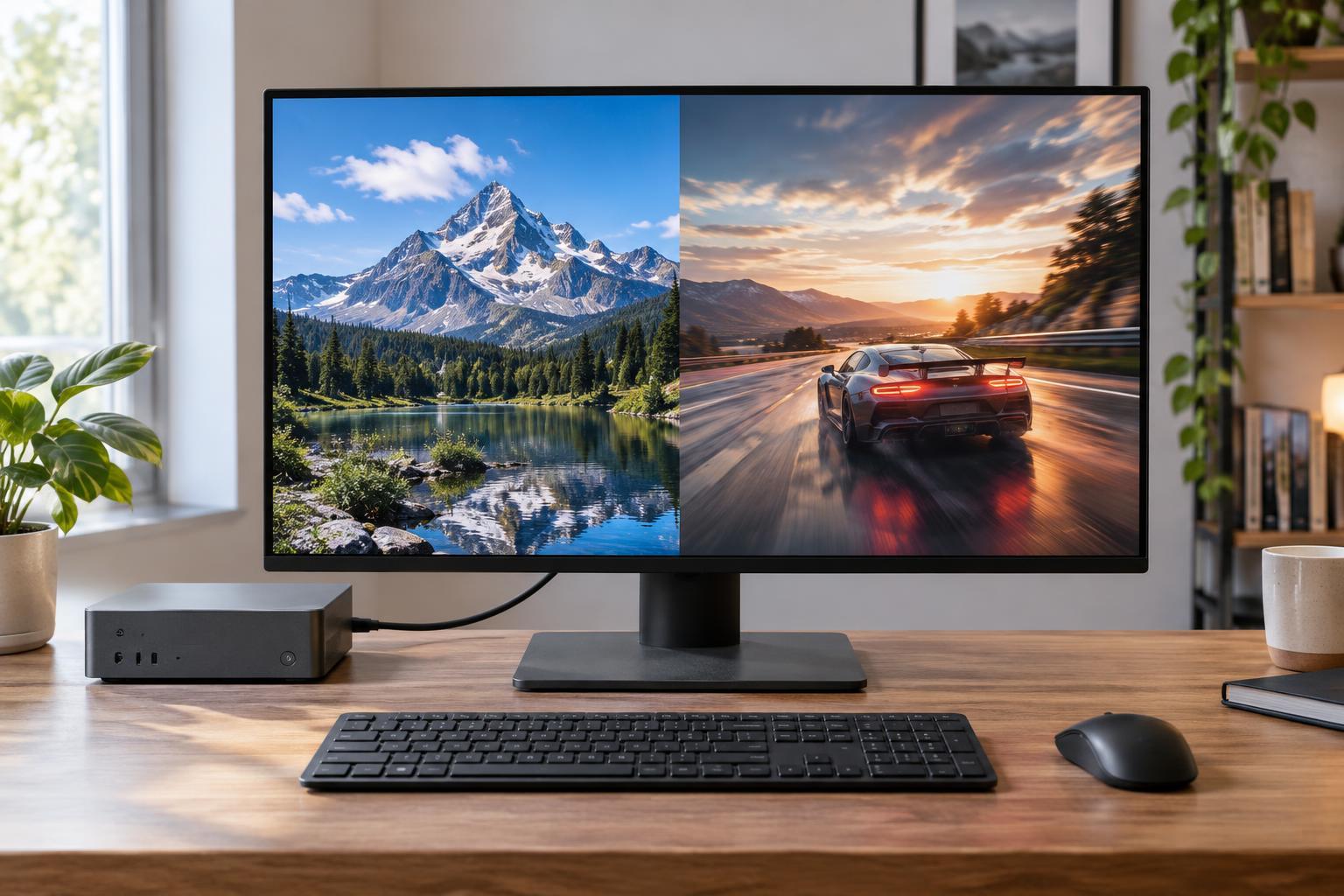
Desktops generally have more space for cooling and can be configured with larger, more powerful components. That can matter for long video exports, complex design projects, demanding games, or other tasks that keep the computer busy for extended periods. Laptops can also be capable machines, but thinner models may trade some sustained performance for lower weight and quieter operation. If your main tasks are light, paying for extra performance may bring little practical benefit.
Think about upgrades and repairs
A conventional desktop tower usually offers the most flexibility. Depending on its case and motherboard, you may be able to add memory or storage, replace a graphics card, or swap other parts over time. It is still worth checking compatibility: power supply capacity, physical space, connectors, and supported components can all limit an upgrade. Compact desktops and all-in-one computers may offer far fewer options than a tower.
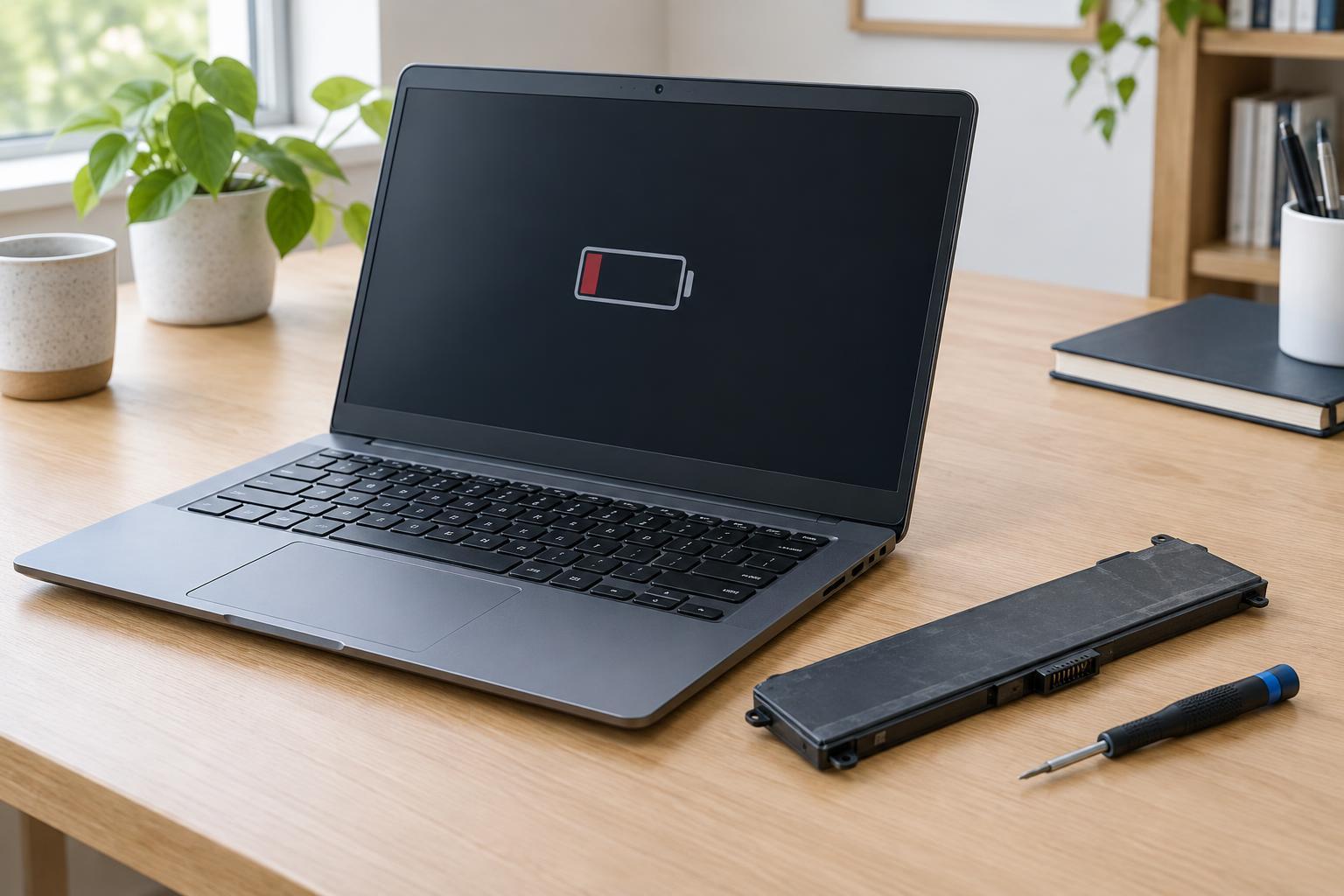
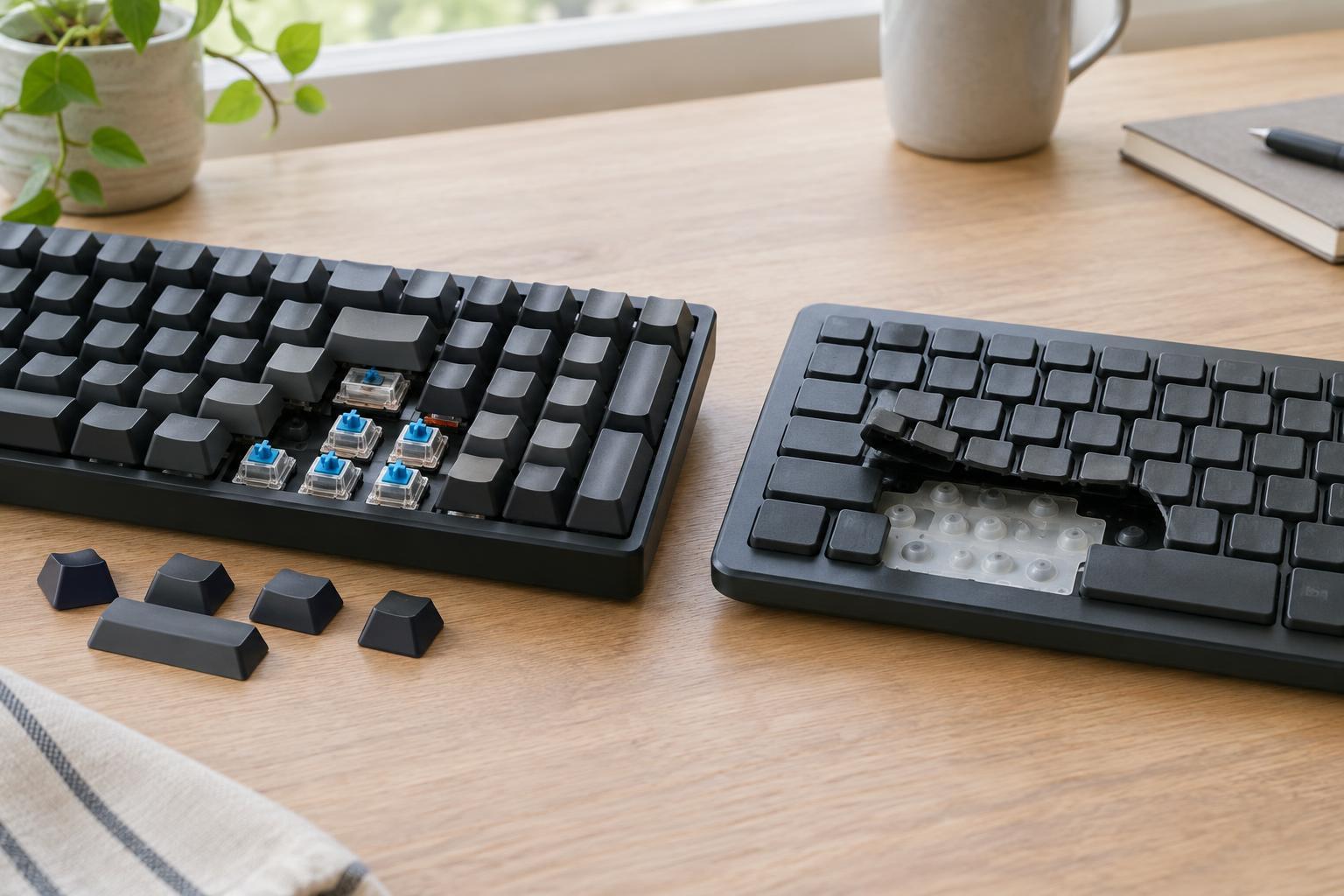
Laptop upgrades vary widely by model. Some allow a storage drive or memory to be replaced; others have those parts fixed in place. Batteries, keyboards, and screens may be replaceable, but the difficulty and cost can differ considerably. Before buying, check the specific model’s specifications and repair documentation if future changes matter to you. If an essential component cannot be upgraded, choose enough memory and storage for your expected needs at the outset.
Compare the full cost, not just the computer
A laptop price normally includes a display, keyboard, pointing device, speakers, and battery. A desktop tower may require you to buy several of those separately, so comparing only the prices of the computers can be misleading. On the other hand, an existing monitor and accessories may reduce the cost of a desktop setup, and you can often keep them when replacing the tower.
Look beyond the initial purchase as well. A laptop used at a desk may need a dock, external screen, or spare charger to be comfortable. A desktop may use more electricity under a heavy workload, although actual consumption depends on its components and use. Repairs and replacement costs also deserve attention: a failed accessory is easy to replace separately, while damage to an integrated laptop component can be more disruptive. Set a budget for the complete setup you intend to use.
Make a choice you can live with
Choose a laptop if you regularly need one computer in multiple places, have limited room, or value an all-in-one setup. Check its weight, battery expectations, ports, screen size, and keyboard comfort alongside its processor and memory. Choose a desktop if you mostly work at one desk, want a larger or more flexible workspace, or expect to replace individual parts later. A tower is the strongest fit when upgrades are a priority.
If you are still undecided, write down your three most common tasks and the places you do them. Then price a complete laptop setup and a complete desktop setup that can both handle those tasks. This keeps the decision grounded in your routine rather than in a single specification. The better computer is not necessarily the fastest or smallest one; it is the one whose compromises you will notice least.