What the panel type tells you
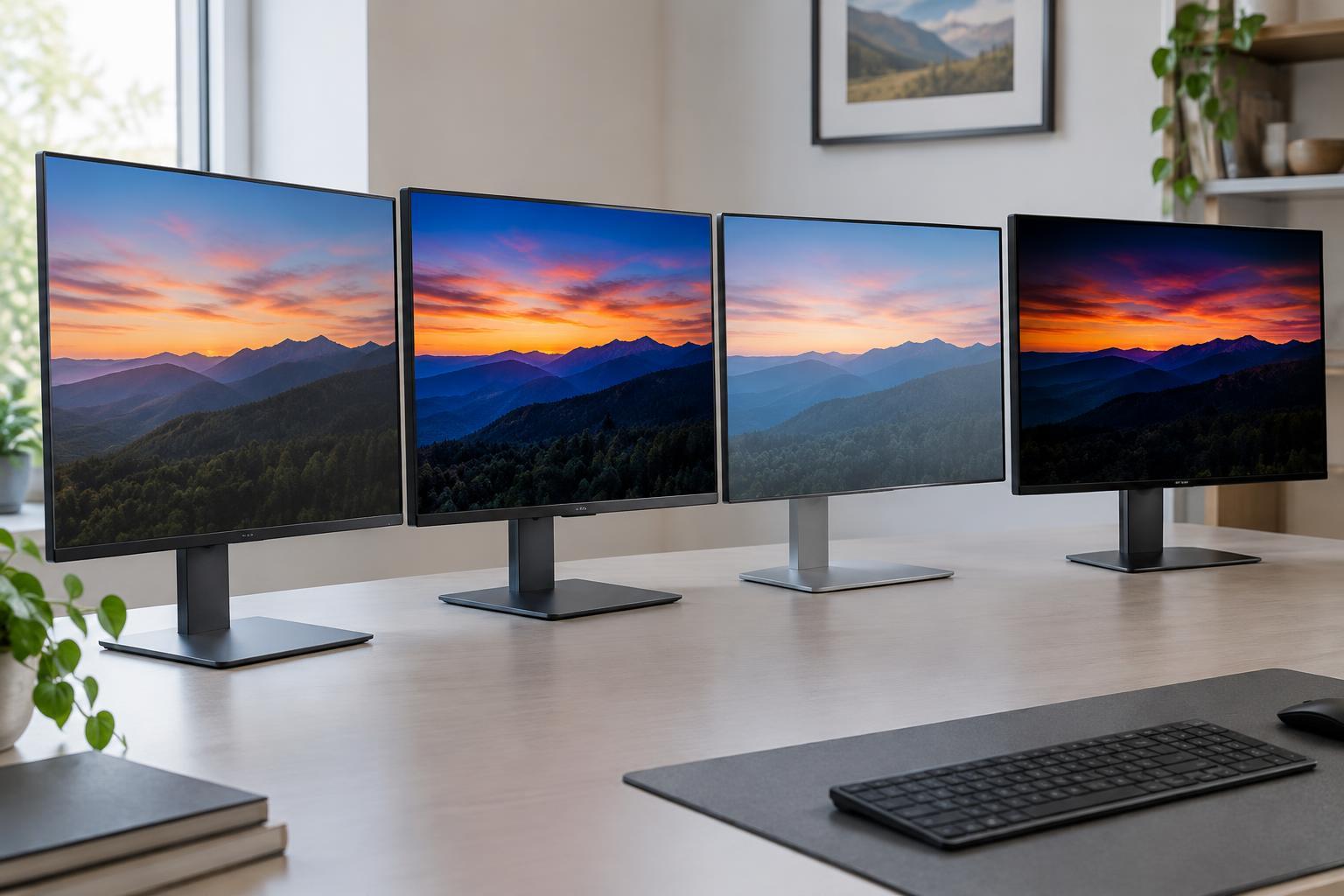
A monitor’s panel type describes how it produces and controls the image. IPS, VA, and TN are types of LCD panel. Their pixels regulate light from a separate backlight. OLED works differently: each pixel emits its own light and can switch off individually. That distinction helps explain many of the differences you may notice, but it does not tell you everything about a particular monitor.
Panel type is a useful starting point, not a complete quality rating. Two IPS monitors, for example, can differ in color accuracy, brightness, response times, and screen uniformity. Resolution, refresh rate, screen coating, and the monitor’s settings also affect the experience. Compare specific models after deciding which panel characteristics matter most to you.
IPS: flexible viewing for mixed use
IPS panels generally maintain a more consistent image when viewed from the side than VA or TN panels. That makes them convenient for shared screens, wide desks, and work where colors should look reasonably consistent across the display. IPS monitors are available across a broad range of resolutions and refresh rates, so they suit many combinations of office work, creative tasks, and gaming.
The main compromise is usually contrast. On a typical IPS LCD, dark scenes may look grayish in a dim room because the backlight cannot be blocked perfectly. Some screens also show a pale glow near the edges when viewed at an angle; its visibility varies by monitor and viewing conditions. A well-designed backlight can improve the result, so do not assume every IPS display will look alike.
VA and TN: different LCD trade-offs
VA panels are often chosen for their stronger native contrast. In a dark room, blacks may look deeper than on a typical IPS display, which can make films and games with shadowy scenes more satisfying. Viewing angles are generally narrower than IPS, though the difference depends on the model. On some VA monitors, dark pixels change slowly enough to leave visible trails behind moving objects, sometimes called dark smearing. If fast-paced gaming matters to you, look beyond the advertised response-time number for evidence of how the monitor handles dark transitions.
TN panels tend to prioritize speed and can be found in monitors aimed at competitive play. Their drawbacks are usually more noticeable shifts in color and brightness as your viewing angle changes, particularly when looking from above or below. A TN screen can still be useful if motion clarity and price matter more to you than image consistency. Even so, panel technology alone does not guarantee that one gaming monitor is faster than another; refresh rate, pixel response, and display processing all contribute to what you see.
OLED: deep blacks with different ownership considerations
Because OLED pixels light themselves, an OLED monitor can show very deep blacks beside bright details without relying on a shared backlight. Pixel transitions can also be very quick, helping moving images look clear. These traits make OLED appealing for games and video, especially in a room where LCD backlight glow is distracting.
OLED has different limitations. Leaving the same bright interface elements on screen for long periods can contribute to uneven pixel wear, often called burn-in. Built-in care features may reduce the risk, but they do not make it impossible. Brightness can also vary with how much of the screen is lit, so a small highlight and a full white document may not appear equally bright. Some OLED pixel layouts can make fine text look less crisp to certain viewers, particularly at lower pixel densities. If your day is mostly spent with static toolbars and documents, consider those factors alongside OLED’s image-quality strengths.
How to choose beyond the label
Start with your main activity and viewing environment. For varied desktop work, an IPS monitor is a straightforward option. If you watch dark content in a dim room, compare VA and OLED. For fast games, assess the motion performance of specific IPS, VA, TN, or OLED models rather than choosing by label alone. Your budget, desk space, and distance from the screen may make resolution and size more important than a small difference in panel behavior.
Read specifications with care. Refresh rate describes how often the screen can update; pixel response describes how quickly pixels change, and input lag describes delay before an update appears. They are not interchangeable. Likewise, “mini-LED” describes a backlight approach used with LCD panels, not a fifth panel type; the number and behavior of its dimming zones can affect contrast. If possible, check a display in conditions like your own and review its return policy. The best panel is the one whose compromises you notice least during the work and entertainment you actually do.