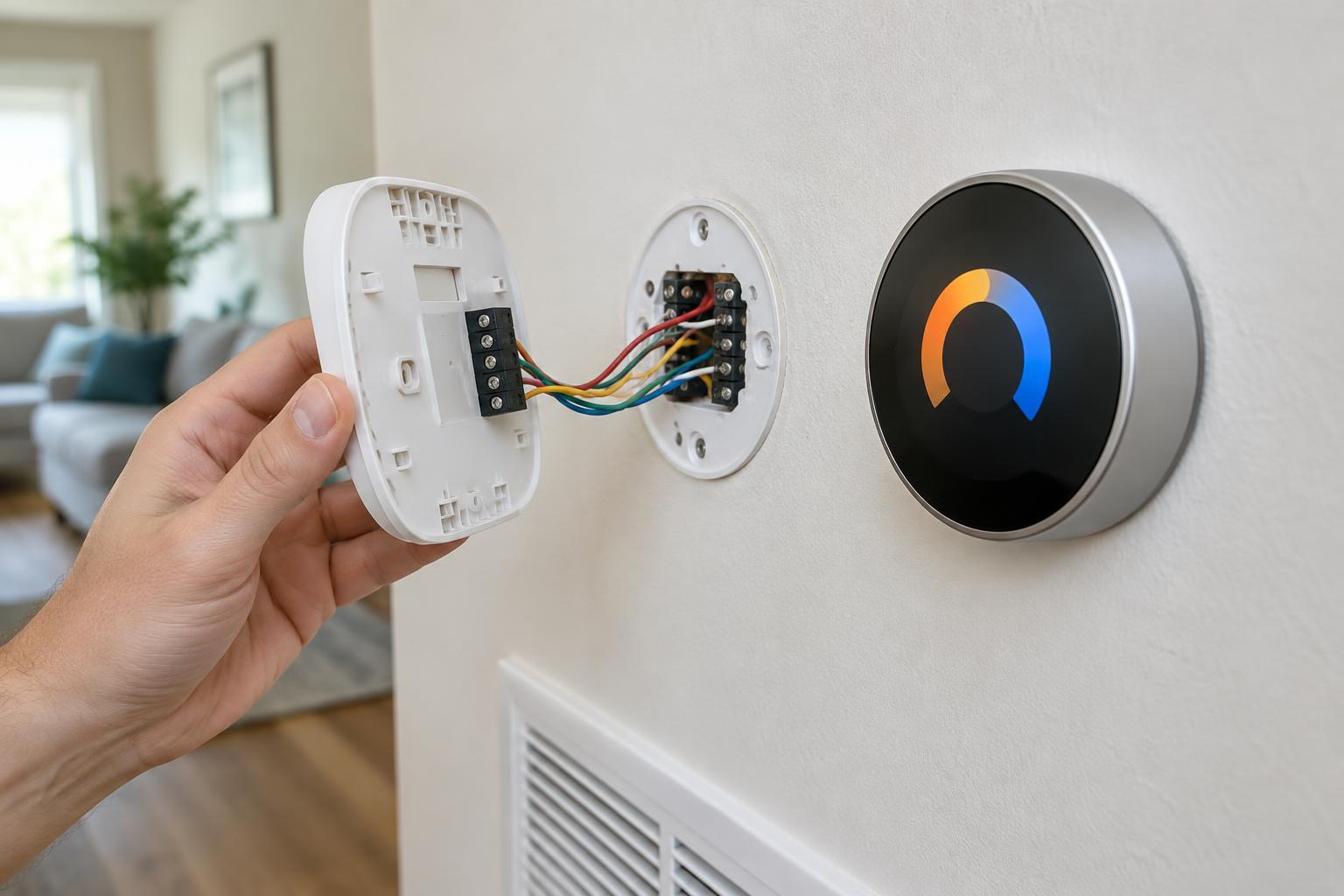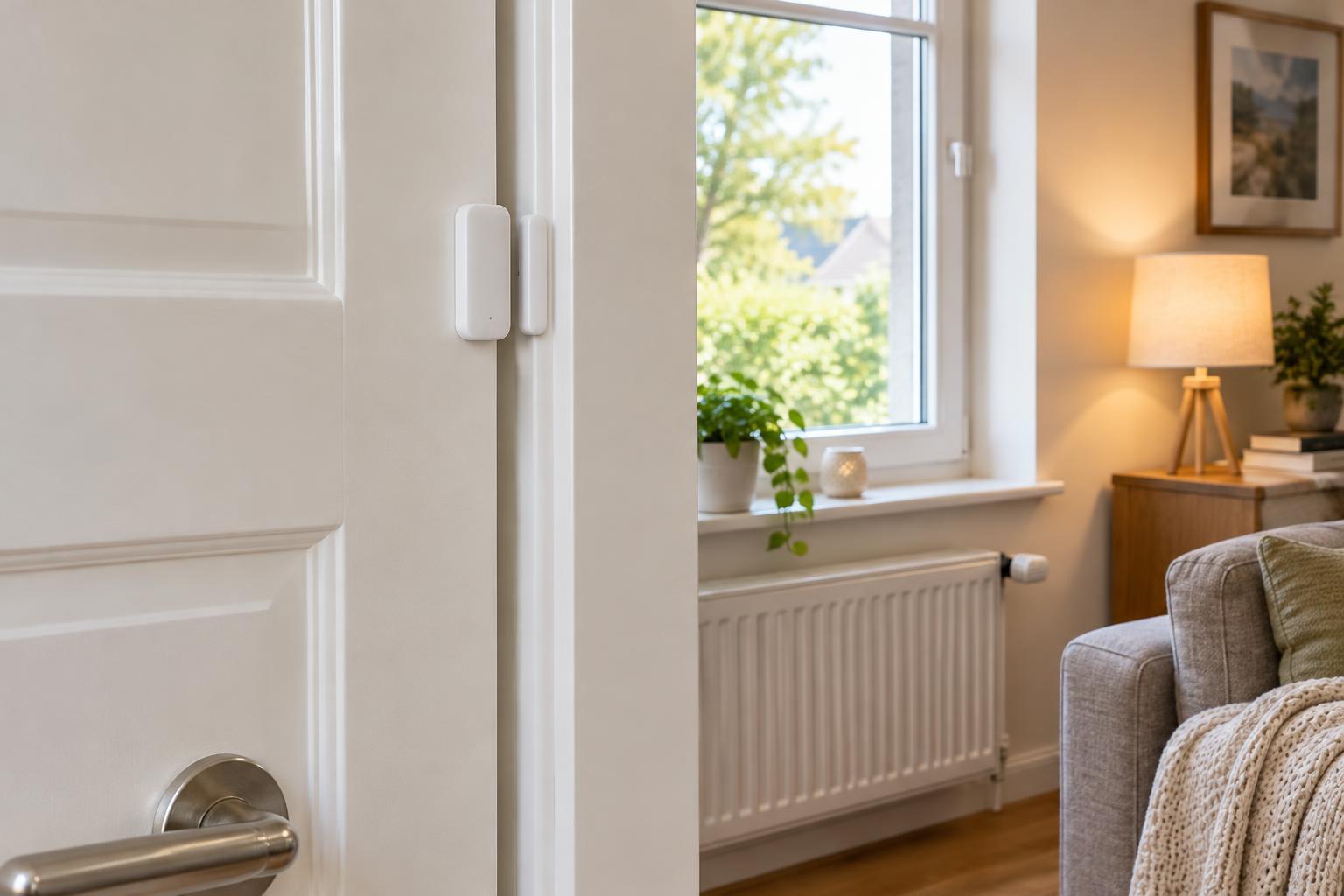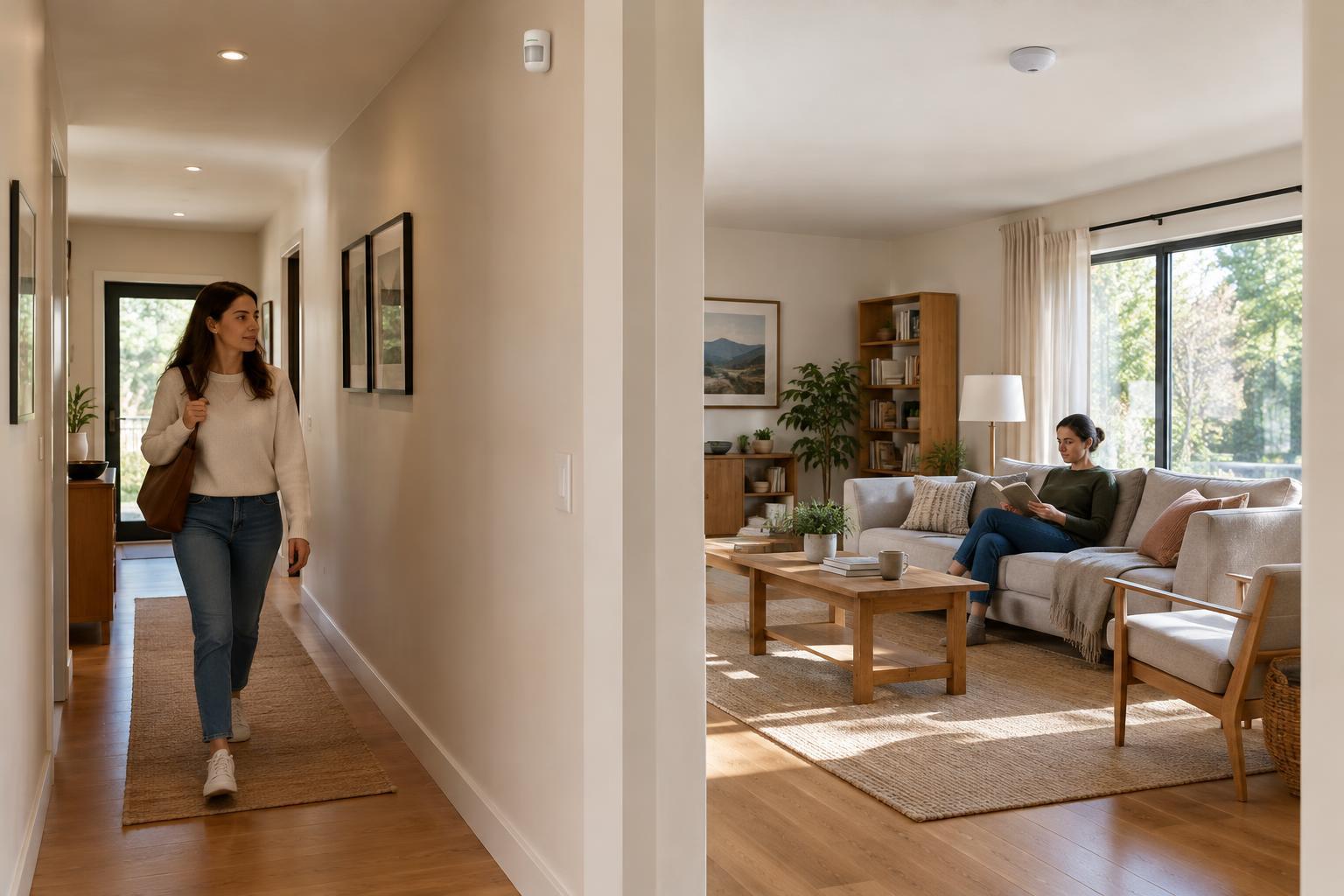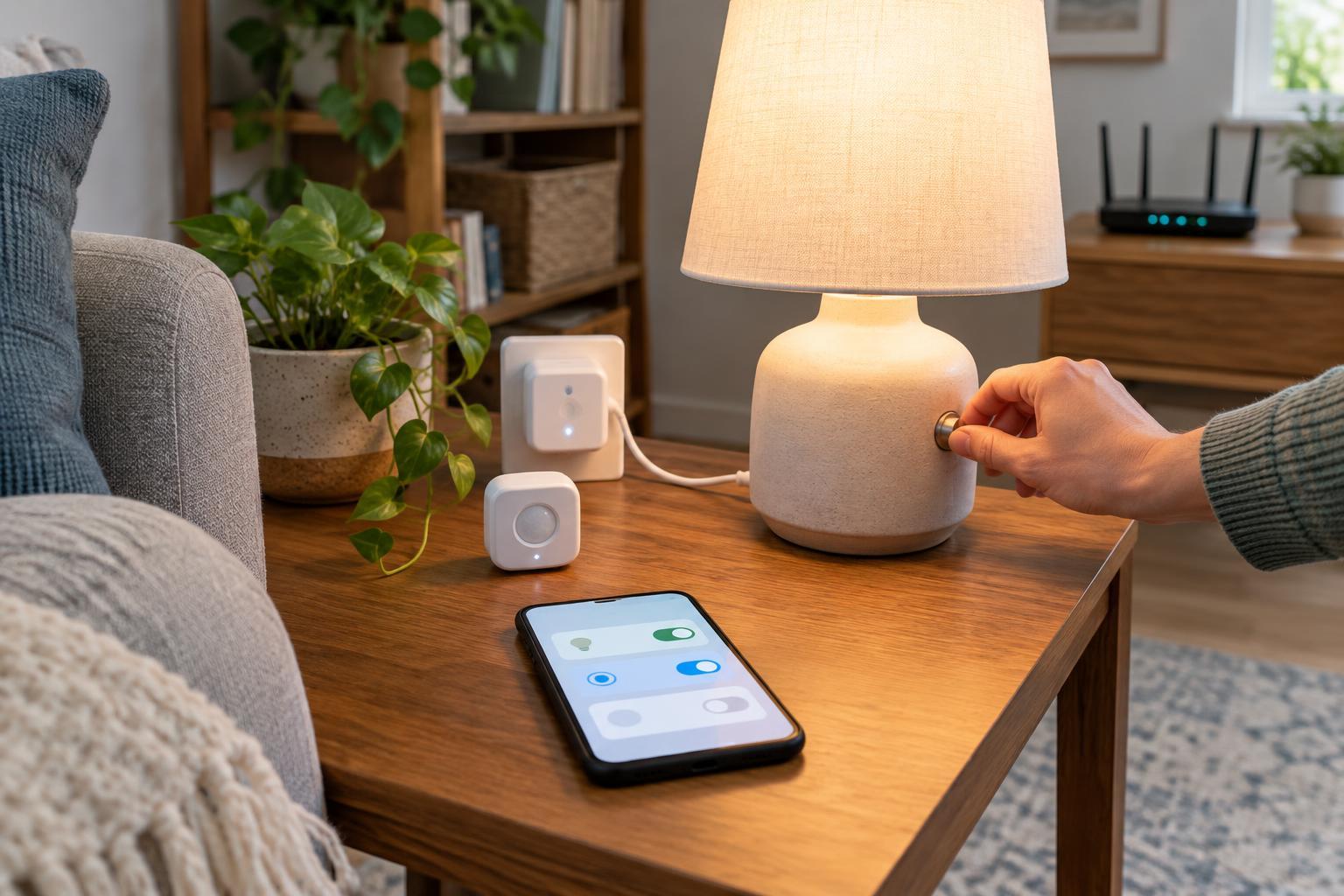
Pick one job you want the home to do
Start with a repeated inconvenience rather than a device you want to buy. Perhaps you regularly walk into a dark hallway with your hands full, or you forget to turn off a desk lamp before bed. Write the goal as a simple outcome: “The hallway light turns on when someone enters after dark.” That sentence gives you something specific to build and test.
Define where and when the automation should operate. A hallway light might need to turn on only after sunset and switch off after a short period without motion. Decide whether it should behave differently when someone is sleeping or when guests are visiting. Keep the first project narrow; combining lighting, heating, and security alerts in one routine makes it harder to tell which part went wrong.
Before buying anything, ask whether a basic timer, a motion-sensing bulb, or a manual switch would solve the problem well enough. Automation is most valuable when it removes a recurring step without creating a new one, such as repeatedly opening an app to correct its behavior.
Map the parts the routine needs
Most routines have a trigger, a condition, and an action. In the hallway example, motion is the trigger, darkness is a condition, and turning on the light is the action. An optional second action turns the light off after a delay. Writing these parts down helps prevent a common mistake: purchasing a device that can perform the action but cannot detect the event that should start it.
Make a short inventory of what you already own, including smart speakers, hubs, bulbs, plugs, and your Wi-Fi router. Check the devices’ stated compatibility with the platform you intend to use. A device working in its own app does not necessarily mean every feature is available in another app or hub. Also check whether the proposed placement has dependable wireless coverage and whether a sensor has a convenient way to replace or recharge its battery.
For a first project, prefer a small number of devices that work together in one control system. A smart plug may suit a simple lamp, but it is not appropriate for every appliance; follow the plug and appliance specifications. For a ceiling fixture, consider how its existing wall switch will affect power to a smart bulb. If the switch cuts power, the bulb cannot respond until power is restored.
Build in manual control and sensible boundaries
People should still be able to use the room when the automation is unavailable or inconvenient. Keep an accessible way to turn the light on and off, and choose a routine that does not leave anyone stranded in the dark. If other household members use the space, explain what will change and ask what behavior would annoy them. A technically successful routine can still be a poor fit for daily life.
Set boundaries around the action. For example, a motion-triggered light might use a dim setting at night rather than full brightness. If a routine uses presence or location information, think about whose devices it depends on and whether the result still makes sense when someone leaves their phone at home. Avoid making an important household function depend entirely on one person’s account or device.
During setup, use unique passwords for accounts, enable multifactor authentication where available, and keep device software updated. Give household members only the access they need. A camera or microphone is rarely necessary for a basic lighting project, so do not add one merely because it offers more features.
Run a test routine before trusting it
Test the automation in ordinary conditions before treating it as finished. Trigger it from different positions in the room, including the doorway, and check that it does not activate from movement outside the intended area. Wait long enough to confirm the off action works. Repeat the test at the times or light levels relevant to your rule; an after-dark condition cannot be fully checked by watching it run at midday.
Then test exceptions. Turn the light off manually while you are in the room and see whether the routine immediately turns it back on. Briefly disconnect a nonessential device from the network, then restore it and check whether it resumes normal operation. If you use a hub, find out what the routine does when its internet connection is unavailable. Behavior varies by system, so observe your own setup rather than assuming it will keep working or stop.
Keep a brief note of any unwanted activations, missed triggers, or confusing controls. Change one setting at a time, such as sensor placement or the off delay, and test again. This makes it easier to identify what improved the result.
Expand only after the first routine feels dependable
Give the routine time to prove useful in daily life. If household members regularly override it, ask why before adding more rules. The fix might be a longer delay, a better sensor position, or simply returning to manual control. A reliable, understandable automation is better than a complex one that surprises people.
When you are ready for another project, reuse the same planning process: state the goal, list the trigger and action, check compatibility, preserve manual control, and test failure cases. Add one routine at a time so you can tell whether each change makes the home easier to use.