What a geofence actually detects
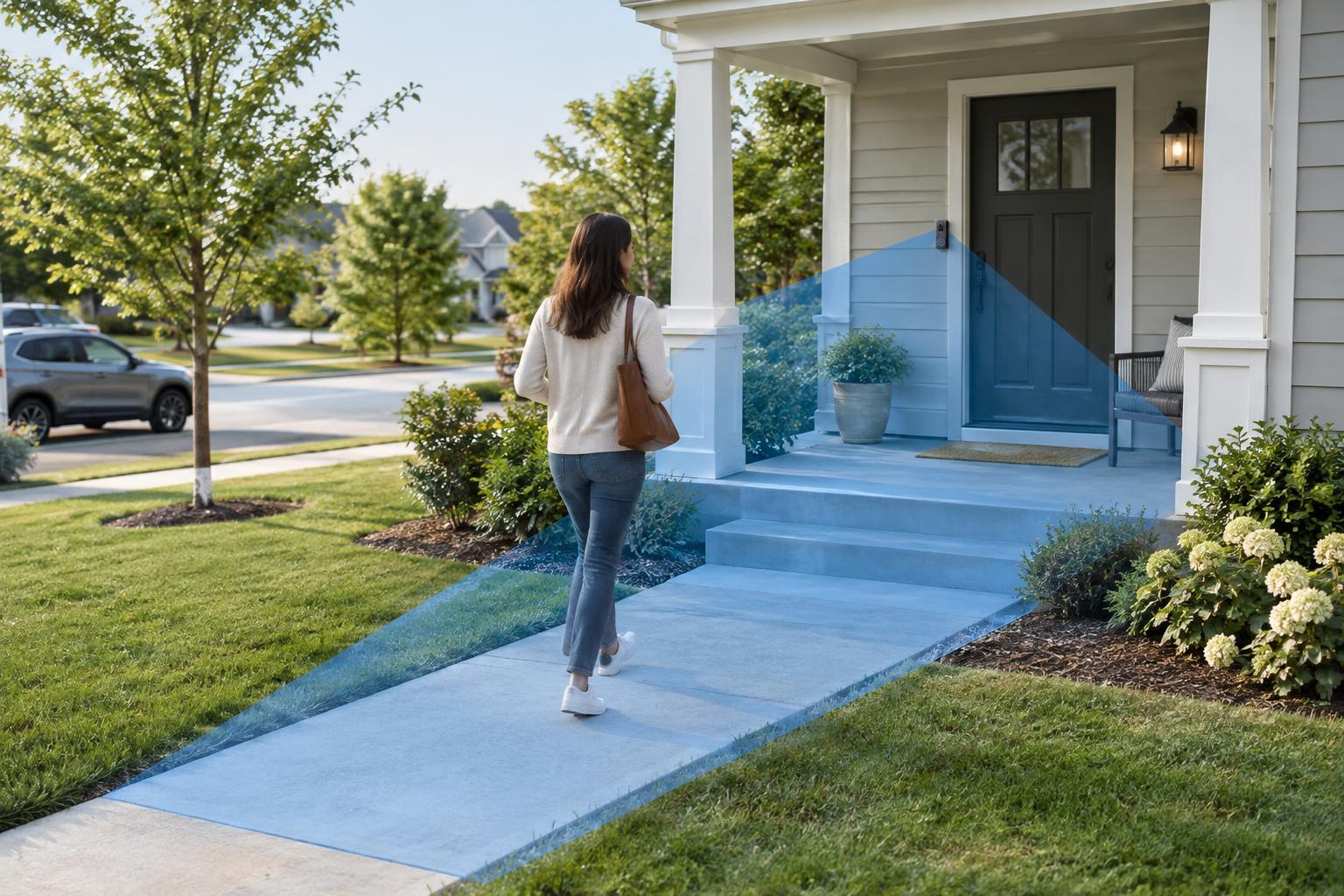
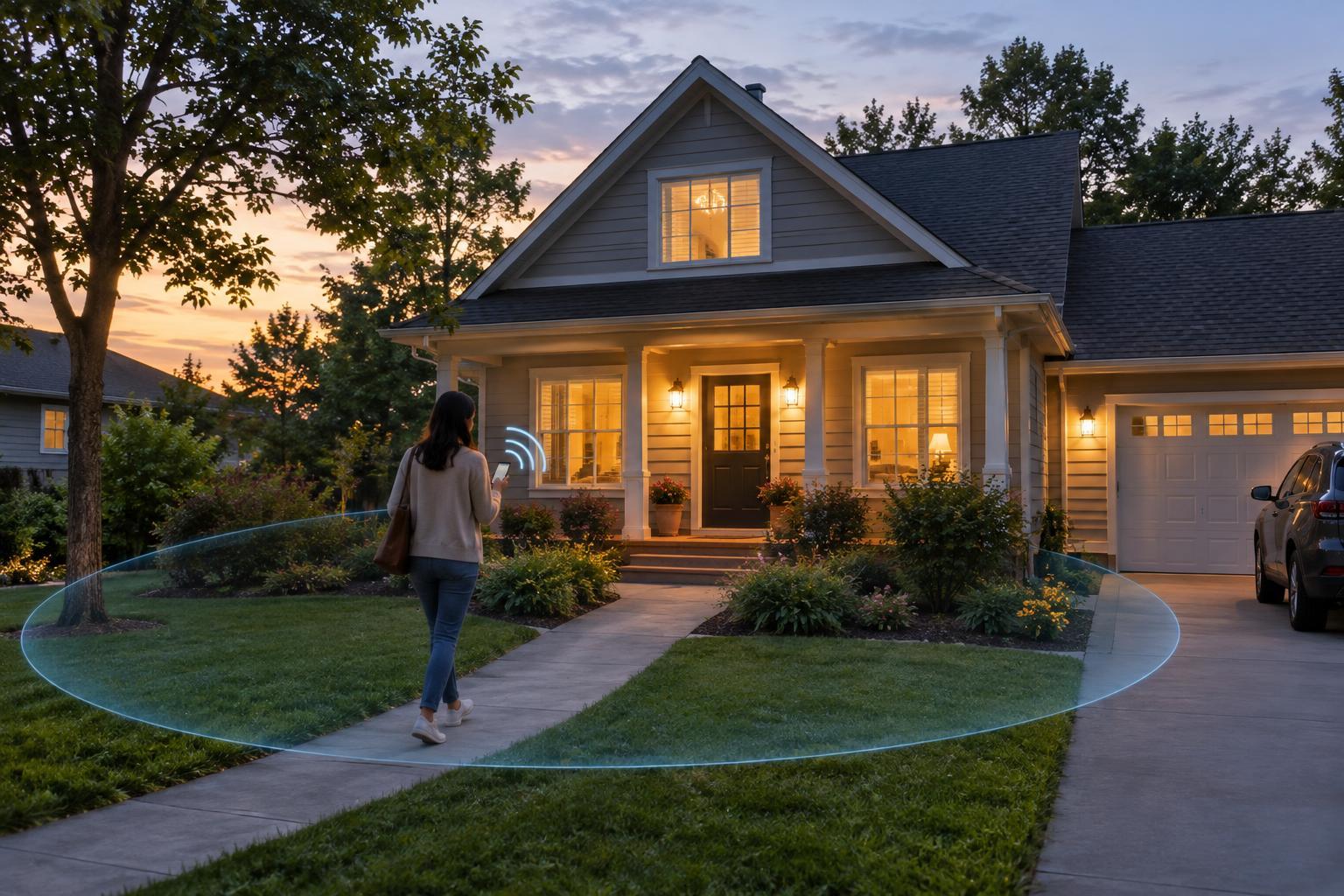
A geofence is a virtual boundary around a place, such as your home. In a home automation app, you usually set the home location and choose what should happen when your phone enters or leaves the surrounding area. An arrival might turn on an entryway light; a departure might switch off selected lights. The phone is acting as a clue about where you are, not as a sensor that can see whether someone is inside the house.
Phones estimate location using a combination of signals, which may include satellite positioning, nearby Wi-Fi networks and cellular networks. The operating system can notify an app when the phone appears to cross a geofence. The app or its connected service then checks the automation rules and sends commands to the relevant devices. Each step takes time, so a routine may run before you reach the door or several minutes after you leave.
The boundary is an area, not a precise line. If it is too small, normal location variation may make the phone appear to move in and out while you are still at home. If it is too large, an arrival routine may run while you are still some distance away. A useful radius depends on the surroundings, how you travel and what the routine controls.
How arrival and departure rules become actions
A basic automation has three parts: a trigger, any conditions, and an action. The trigger might be “this phone arrives home.” A condition could limit the routine to evenings. The action could set a few lights to a comfortable level. Some platforms let you combine people’s locations, so an “everyone has left” routine waits until all participating phones are marked away.
That distinction matters in a shared household. If one person leaves but another remains, turning off every light or changing the heating may be unwelcome. Decide whether a routine should follow one person, the first person to arrive, or the last person to leave. Also consider people who do not carry a participating phone, such as guests or household members without the app.
Start with low-impact actions, such as turning on a hallway light. Before using location to control locks, alarms or other security-sensitive devices, check exactly what your platform permits and how it confirms the action. Location estimates alone are not a reliable way to establish that a home is empty or that an arriving phone belongs to the person holding it.
Why a routine may run late—or not at all
Geofencing depends on permissions and background activity. If location access is denied, limited to use while the app is open, or turned off for the phone, an arrival or departure may never reach the automation app. Power-saving settings can also restrict background work. A phone that is switched off, out of battery or left at home cannot report its owner’s movements accurately.
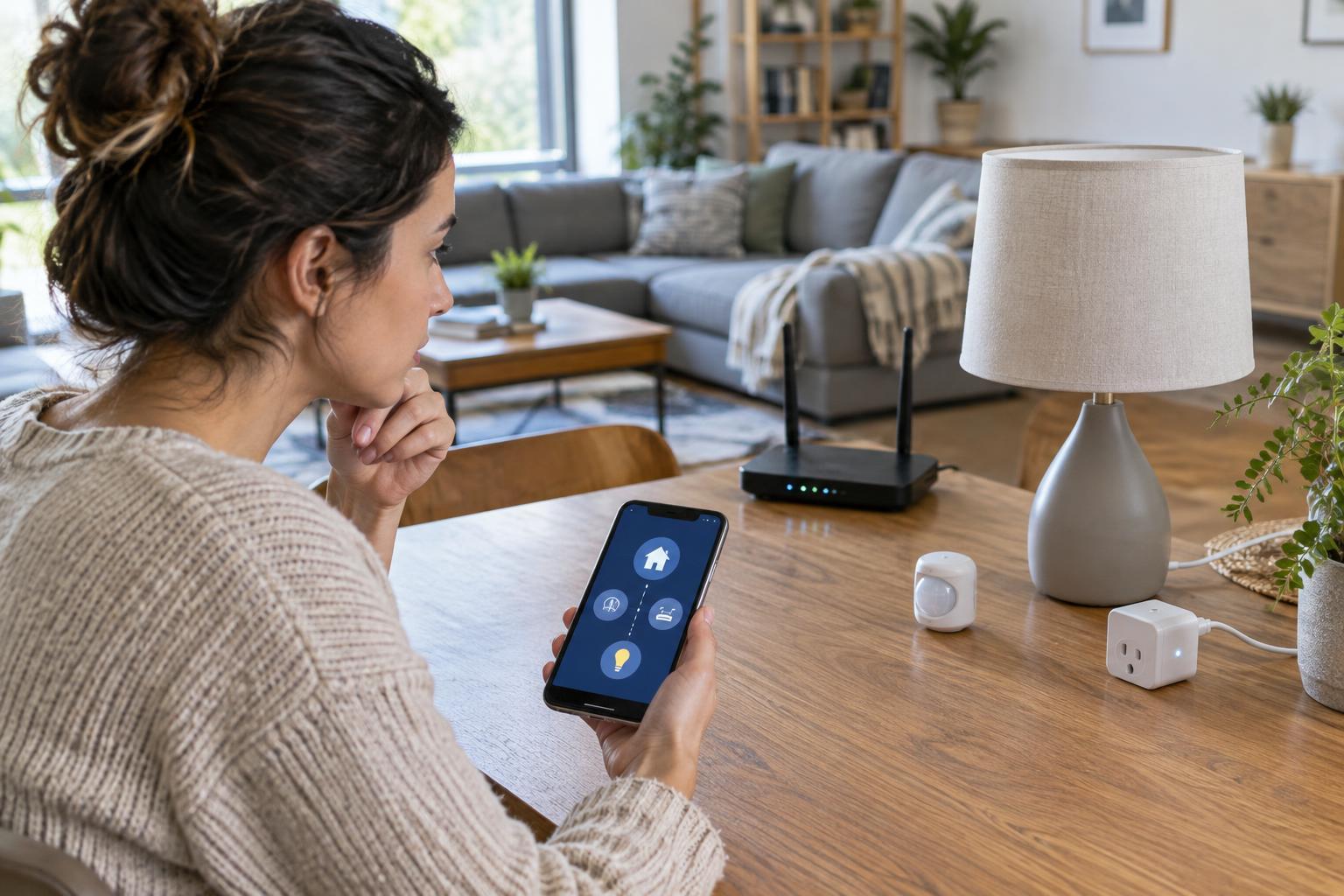
Connectivity is another weak point. Depending on the system, the phone may need internet access to report a location change, and the smart-home hub or devices may need a working network to receive commands. A temporary outage can leave the app showing the right location while the action fails. Some systems also delay or suppress repeated location events to conserve power, so crossing a boundary is not guaranteed to produce an immediate trigger.
Finally, apparent failures can be rule problems. An evening-only condition will prevent a daytime test from running. A shared-home rule may wait for another phone that still appears to be home. If you live or work close to the boundary, normal location variation may cause unexpected arrivals and departures. Check the trigger, conditions and device status separately rather than assuming the location estimate is always at fault.
A practical way to improve reliability
First, verify the home address or map pin in the automation app. Place the boundary around the property rather than relying on an inaccurate address marker, and choose a radius large enough to tolerate ordinary location variation. Then check the app’s location permission and any background or battery settings that might limit it. Device menus differ, so use the phone’s permission controls and the automation app’s own setup guidance.
Test arrival and departure separately with an action you can easily observe, such as a notification or a single light. Note whether the app registers the location change and whether the device completes the command. If the trigger appears but the device does nothing, investigate the device connection and the rule’s conditions. If the trigger never appears, focus on the boundary, phone settings and connectivity.
For important routines, consider a second signal. A motion sensor, door sensor, smart button or scheduled fallback can make an automation more useful when the phone’s location is delayed. These signals have limitations too: motion does not identify a person, and a door opening does not prove someone has arrived home. Combining clues is often better than treating any one of them as certain.
Keep location-based routines proportionate
Geofencing works best when the consequence of an occasional missed or early trigger is minor. Lighting and convenience settings are forgiving; actions affecting security, access or essential comfort deserve more safeguards and a manual override. Make sure everyone affected understands which phones participate and what happens when someone leaves a phone behind.
Location automation also involves sharing location information with a phone platform, an app or a connected service. Review who can see household presence, remove phones that no longer belong to participants, and disable rules you no longer use. A small set of well-tested routines is usually easier to trust and troubleshoot than a large collection of overlapping arrival and departure rules.