Recognize the signs and use a trusted route in
An unexpected password-reset message, an unfamiliar login alert, messages you did not send or account settings you did not change can all suggest unauthorized access. A single alert does not always mean someone got in: an attacker may have tried and failed. Treat it as a reason to check the account rather than proof that every connected service is affected.
Avoid signing in through a link in a suspicious email or text, even if the message looks urgent. Open the service’s app or type its known address yourself. If you are unsure whether your phone or computer is safe, use another device you trust. Keep any genuine security notices and take note of unfamiliar activity; they may help you work out what happened later.
Secure the accounts that control recovery
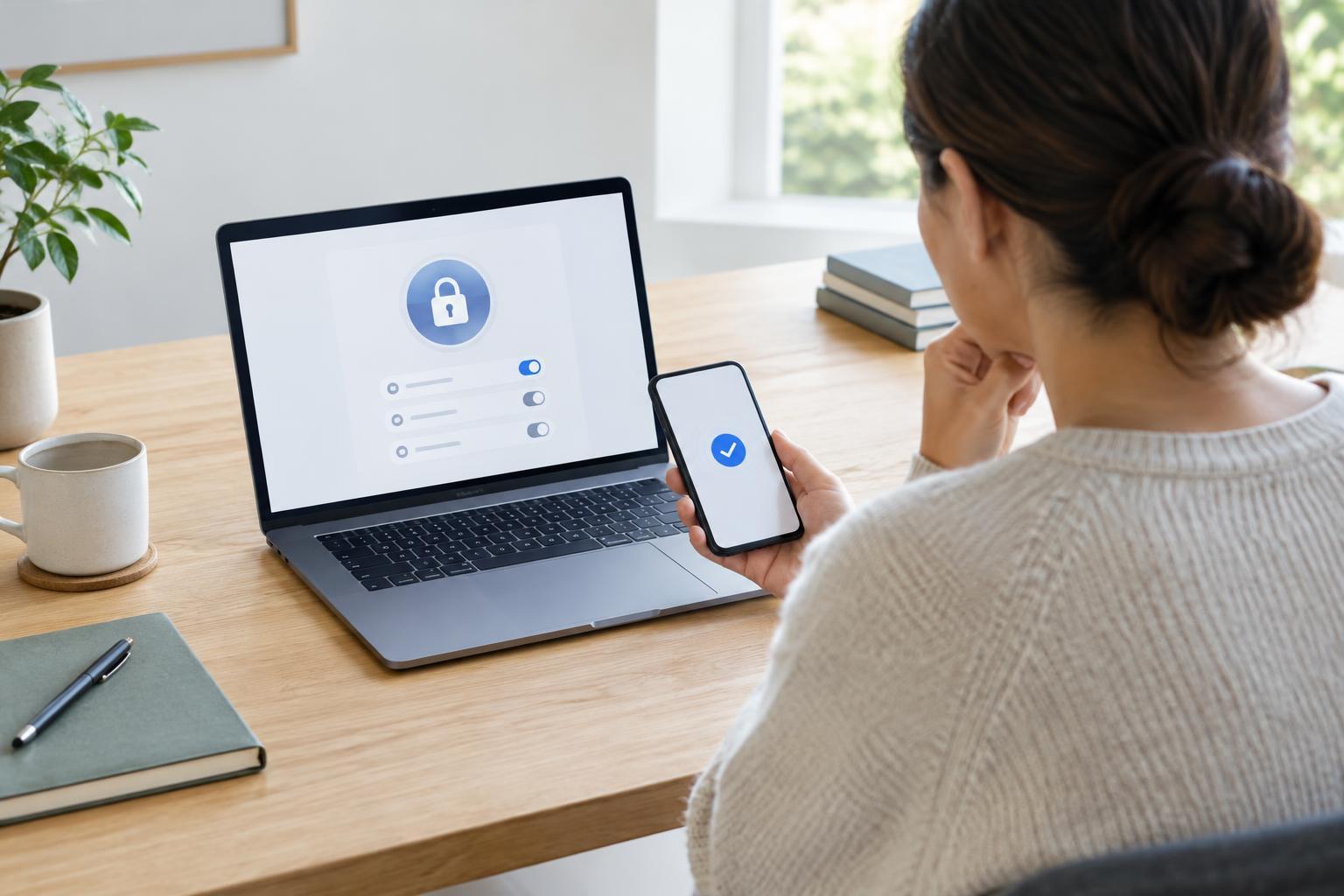
If you can still sign in, change the affected account’s password to a new, unique one. A password manager can generate and store it. Do not reuse a password from another site or make a small variation of the old one. Look for an option to sign out of other sessions or devices, and remove any device you do not recognize. If the service offers multi-factor authentication, turn it on and save its recovery codes somewhere secure.
Pay particular attention to your email account. It often receives password-reset links for other services, so someone who controls it may be able to regain access after you change a password elsewhere. Check its password, multi-factor settings, recovery email and phone number, signed-in devices, forwarding rules and filters. Remove changes you did not make. If you reused the compromised password on other accounts, change those passwords too, starting with email and other important accounts.
If you cannot sign in, use the service’s official account-recovery process from its app or website. Follow its instructions carefully, and do not give verification codes or recovery codes to someone who contacts you claiming they can help. An attacker may have changed recovery details, so recovery can take time.
Check what the intruder may have changed
Regaining access is not the end of the check. Review recent sign-ins and security notifications where the service provides them. Inspect your profile, recovery options and account permissions for changes. Some services let third-party apps access account data or act on your behalf; revoke access for apps you do not recognize or no longer use. Check for newly created app passwords, connected devices or passkeys if those settings are available.
Then examine the activity the account is used for. In email, look through sent mail, deleted items, forwarding settings and rules that hide or redirect messages. In social or messaging accounts, check recent posts and conversations. In shopping or subscription accounts, review orders, saved addresses and payment settings. Make a note of unauthorized changes before correcting them, especially if you may need to explain the issue to the service’s support team.
Limit the damage beyond the account
If the account sent suspicious messages, tell affected contacts through a separate trusted channel. A brief warning that they should not open recent links or share codes may prevent the compromise from spreading. If the account belongs to a small organization, alert the person responsible for its systems so they can check shared access and connected tools.
For unauthorized purchases or changes to payment details, contact the service and your payment provider through their official channels. If sensitive documents were accessible, consider what information they contained and which other accounts might rely on it. You do not need to assume everything was viewed, but it is sensible to secure related accounts and watch for follow-up phishing that refers to information from the compromised account.
Make the next takeover harder
Consider how access may have been gained. A reused password, a convincing fake sign-in page, an approved login prompt you did not initiate or a compromised device are different problems. Run your device’s available security updates and a reputable security scan if you suspect malware. Remove unfamiliar browser extensions or apps, and avoid entering new passwords on a device you still believe is unsafe.
Going forward, use a different password for each important account and enable multi-factor authentication where available. Keep recovery details current, store recovery codes safely and occasionally review signed-in devices and connected apps. If unfamiliar activity continues after you have changed credentials and ended sessions, return to the service’s official support or recovery process rather than repeatedly changing the password and hoping the problem stops.