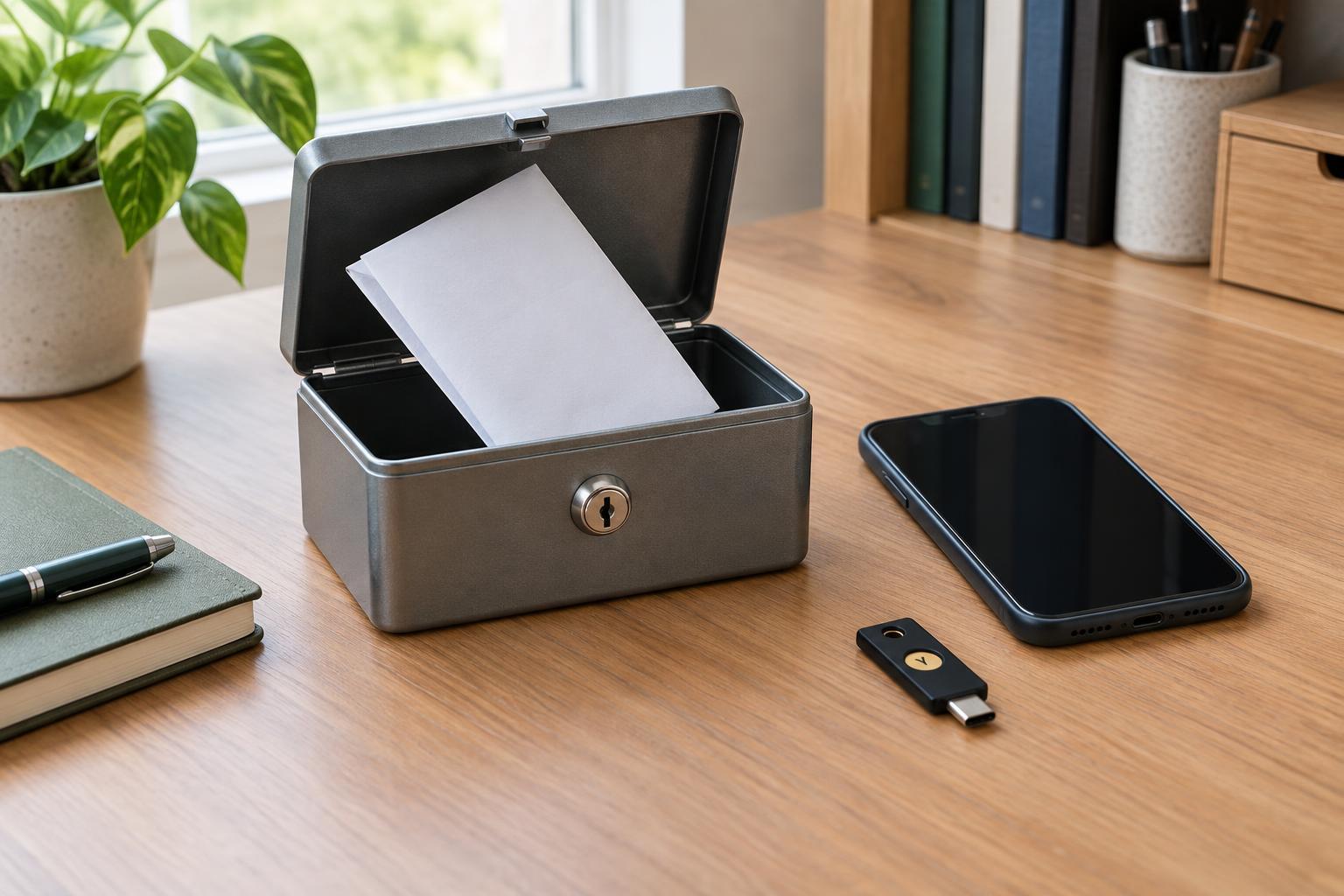
What recovery codes are for
Many accounts offer recovery codes when you turn on two-factor authentication. A code can let you sign in when you cannot use your usual second factor, such as an authenticator app or security key. Codes are typically intended for limited or one-time use, but the rules vary by service. Treat each one as a spare key: anyone who has both a code and whatever other credentials the service requires may be able to access your account.
Save the codes when the service first provides them. Do not assume you can view the same set later; some services display them only once. If you generate a replacement set, check whether the previous set has been invalidated and replace your stored copy. Label the codes with the account they belong to, but avoid adding unnecessary details, such as the account password, to a printed copy.
Choose storage that survives the problem you expect
A useful backup must still be available when your usual sign-in device is not. If your only copy is a screenshot on the phone that holds your authenticator app, losing that phone may cost you both methods at once. A paper copy stored in a secure place at home is independent of your devices and internet connection. Keep it somewhere you can find it but visitors cannot casually see it, and protect it from ordinary damage such as spills.
An encrypted password manager is another practical option, especially if you need access while away from home. Before relying on it, consider how you would unlock the manager after losing a device. You may need its master password, its own recovery material, and a way to complete any additional sign-in step. A second, separate backup can help if either paper or digital storage becomes unavailable. Avoid leaving codes in an unprotected notes file, email draft, or photo library simply because those locations are convenient.
Build more than one route back in
Recovery codes work best as one part of a small recovery plan. Review the backup options offered by each important account. These may include a second security key, another authenticator device, a recovery email address, or a phone number. Each option has trade-offs: for example, a recovery email is less useful if you cannot access that inbox during the same lockout. Keep contact details current, and think through whether each backup depends on the device or account you are trying to recover.
Start with accounts that unlock other parts of your digital life: your primary email, password manager, and the accounts used to manage your devices or small organization. For each one, note where its recovery codes are stored and which backup sign-in methods you have set up. This can be a short inventory rather than a document full of secrets. If an account is shared for organizational work, establish who is responsible for its recovery information and use the service’s supported access controls rather than passing codes around informally.
Make a lockout checklist before you need it
Write down the first steps you would take if a phone were lost or an authenticator stopped working. From a device you trust, visit the service through its usual app or a known address, choose the appropriate backup sign-in option, and use a recovery code only when the genuine service asks for it. Do not give codes to someone who contacts you claiming to be support. A request for a code in an unexpected message or call is a reason to stop and verify the situation independently.
After regaining access, check the account’s security settings. Remove a lost device or obsolete sign-in method, add a working replacement, and review whether the service issued new recovery codes or lets you regenerate them. Store the current set and dispose of an outdated printed copy securely. If you cannot sign in, follow the service’s official recovery process; the steps and available proof of ownership differ between providers.
Check the plan without using up a code
A brief review is more useful than discovering a missing backup during an emergency. Confirm that you can find your stored codes, read them, and identify the right account. Check that a backup device works and that your recovery email is accessible. You can usually inspect your account’s security settings without redeeming a code; avoid consuming one merely to test your filing system unless you understand how that service replaces used codes.
Revisit the plan when you change phones, replace a security key, move, or change who manages an organizational account. The goal is not to create a complicated archive. It is to keep a small number of well-protected, independent ways to regain access when the method you normally use is unavailable.