Start with an inventory
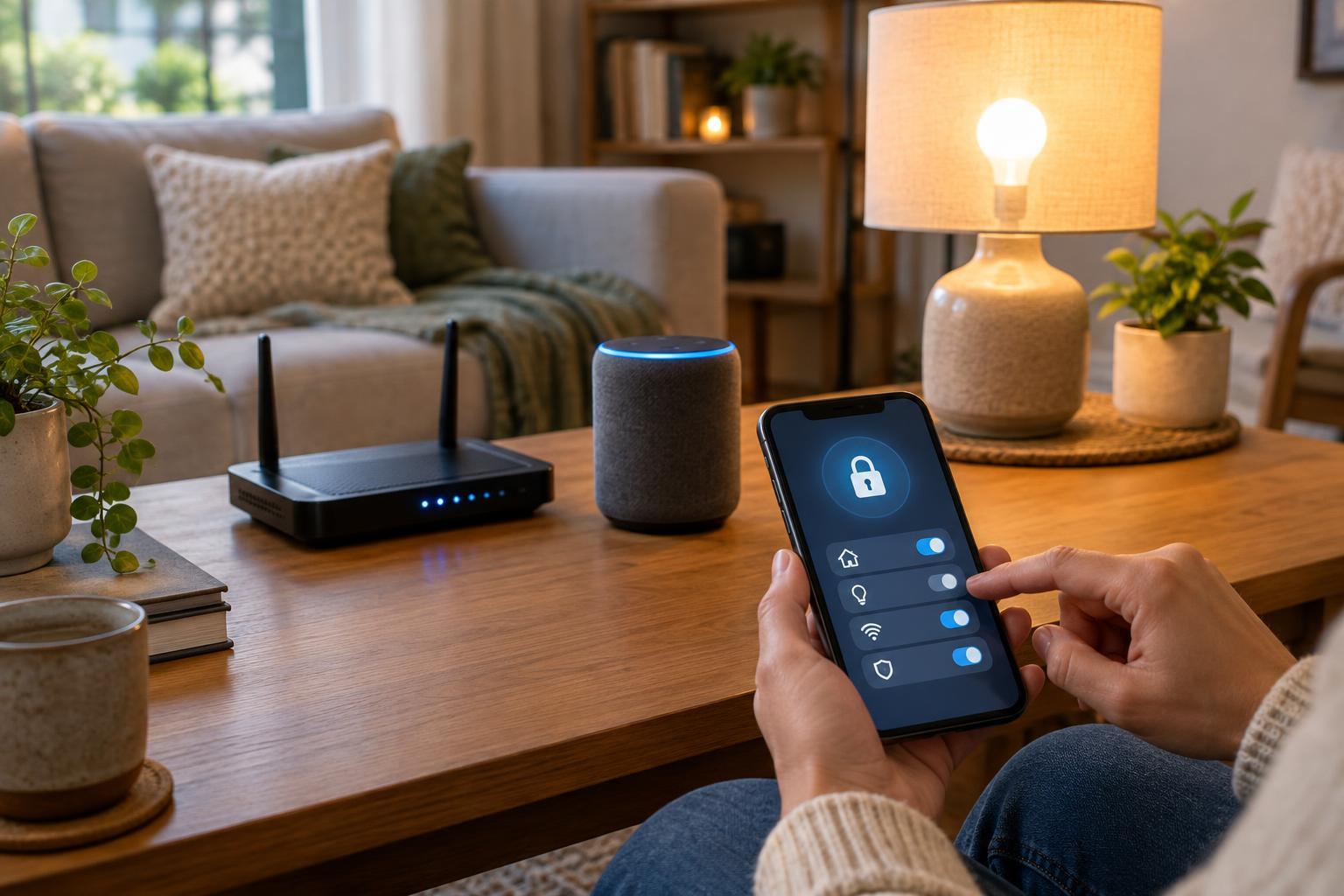
A smart home may include cameras, speakers, lights, plugs, thermostats, doorbells, and the hubs that connect them. Each device can also depend on a phone app, an online account, or a router setting. Before changing anything, list the devices you use, their brands and models, the apps that manage them, and who has access. Include devices that are easy to forget, such as a plug behind furniture or a camera used only while traveling.
This inventory helps you spot accounts shared by several people, devices you no longer use, and products you cannot identify. Check whether each device still has a clear purpose. If it does not, disconnect it and remove it from its managing app or account. For devices you plan to keep, work through the same three questions: who can sign in, how does the software get updated, and what else can the device reach?
Give accounts and devices strong, separate passwords
Change any default or reused password on the device, its app account, and its hub if those settings are available. Use a long, unique password for each account rather than variations of one familiar phrase. A password manager can generate and store them, making it easier to avoid reuse. Secure the email account used for smart home sign-ins as well: it may be the route for resetting those passwords.
Turn on multifactor authentication for smart home accounts when offered. It adds a second step to sign-in, though it does not replace a strong password. Store recovery codes somewhere you can find them if you lose your phone. Avoid sharing one administrator login with everyone in the household. If an app supports separate users, give each person their own access so you can remove one person's access without changing everyone else's credentials.
Your Wi-Fi password matters too. Set a strong password for the home network and change the router's administrator password if it still uses a default. These protect different things: the Wi-Fi password controls who joins the network, while the administrator password controls who can change router settings.
Keep firmware, apps, and the router updated
Smart devices run software, often called firmware. Updates may fix faults and security weaknesses as well as add features. In each device's app, check whether automatic updates are available and enable them when appropriate. Keep the controlling apps and your phone's operating system updated too. Some devices update quietly; others require you to approve an update or leave the device powered on.
Include the router in your routine. It connects your smart home to the rest of your network and may have its own update setting. Once a month, or whenever you add a device, look for pending updates and check that devices are still responding normally afterward. If a product no longer receives updates, consider replacing it, especially if it handles sensitive functions such as video, locks, or remote entry. Disconnecting an unused, unsupported device is better than leaving it online indefinitely.
Limit network and remote access
Not every smart device needs access to every computer or storage device in your home. If your router supports a separate guest or device network, you can place smart home products there. Before moving everything, check whether phones, hubs, and devices can still communicate as needed; some local controls may stop working across separate networks. The useful goal is to reduce unnecessary access without breaking the functions you rely on.
Review remote access settings in device apps and on your router. Remote control is convenient, but leave it enabled only where you use it. Avoid exposing device management pages directly to the internet, and turn off router features you do not need, such as remote administration. If a device asks you to change router settings, confirm what the change does before accepting it.
Review permissions as your home changes
Access controls extend beyond passwords. Check who can view camera feeds, unlock doors, change automations, or invite other users. Give people only the access they need, and remove access when a guest, housemate, or service provider no longer needs it. Review links to voice assistants and other apps as well; disconnect integrations you have stopped using. For cameras and microphones, consider whether their placement and recording settings match your household's expectations.
Make a brief review part of adding or retiring any device: change defaults, update it, set permissions, and test that it works. Before giving away or recycling a device, follow its reset instructions and remove it from your account. A smart home does not need to be complicated to manage securely. A current inventory and regular checks of passwords, updates, and access can help you catch overlooked settings before they become lasting problems.